What you can actually do
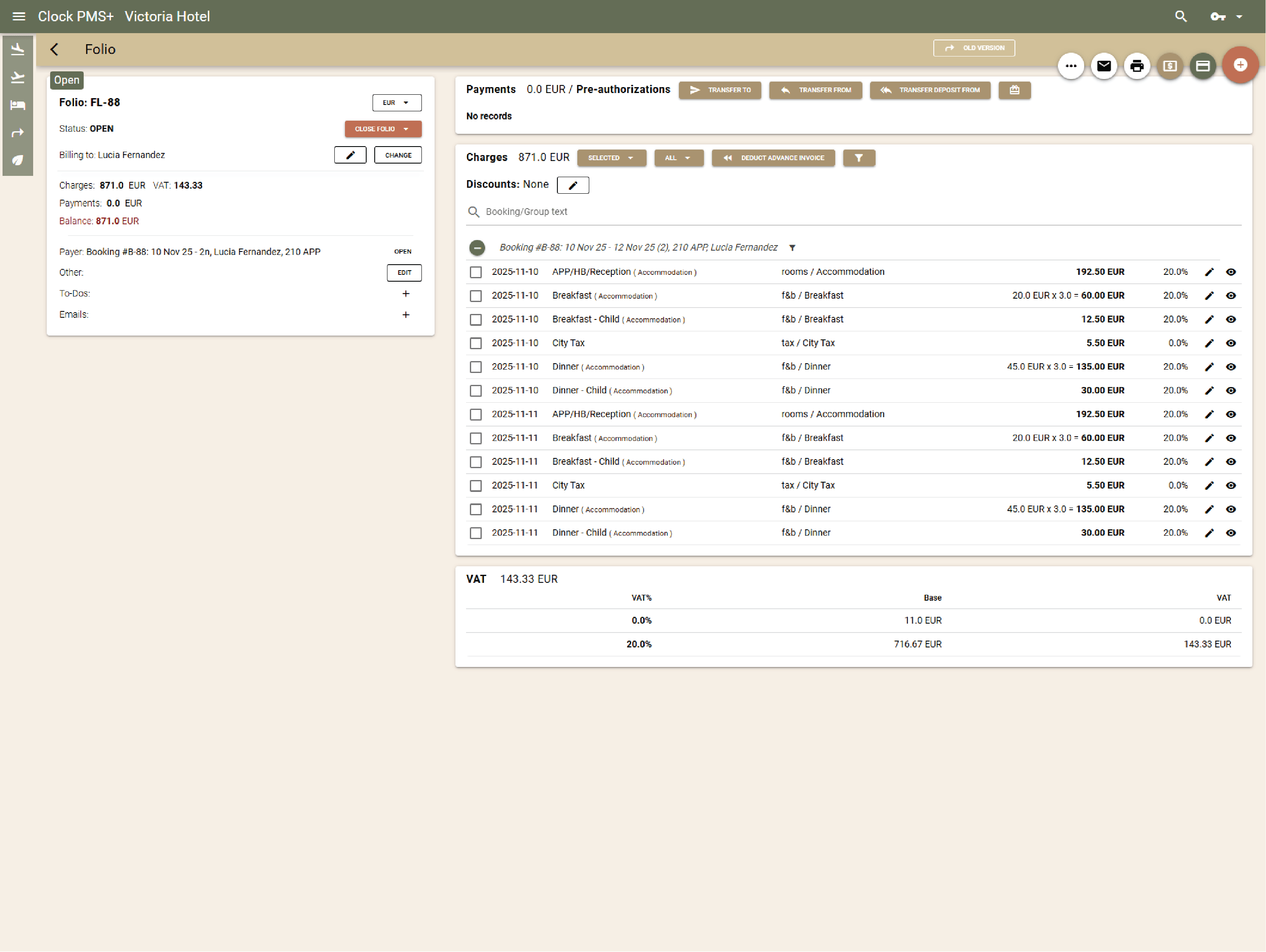
Save hours with automatic charging
Get room charges and payments handled without manual steps. Clock posts room and package charges automatically, applies even the most complex rate rules, and updates folios in real time — so your team focuses on guests, not numbers.
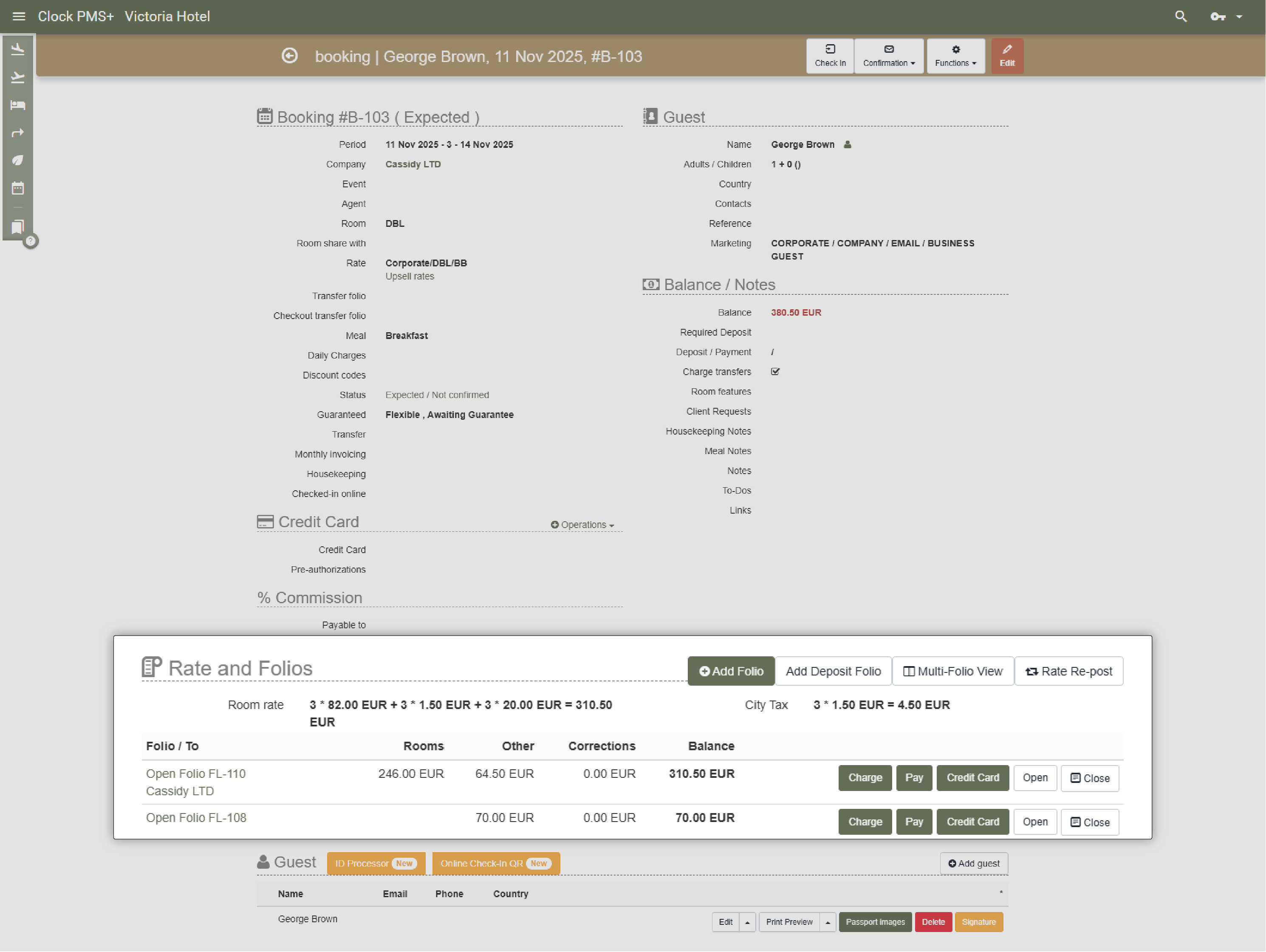
Keep every folio organised and accurate
Manage unlimited folios per booking or event and route charges where they belong. Smart tools let you split, merge, or transfer charges easily between guests, organisers, or companies.
.jpg?width=1024&height=768&name=Frame%20161%20(1).jpg)
Bill companies and organisers precisely (coming soon)
Avoid confusion between guest and organiser invoices. Pre-set routing and group billing rules ensure each charge lands in the right folio. Perfect for corporate clients, conferences, and long stays.
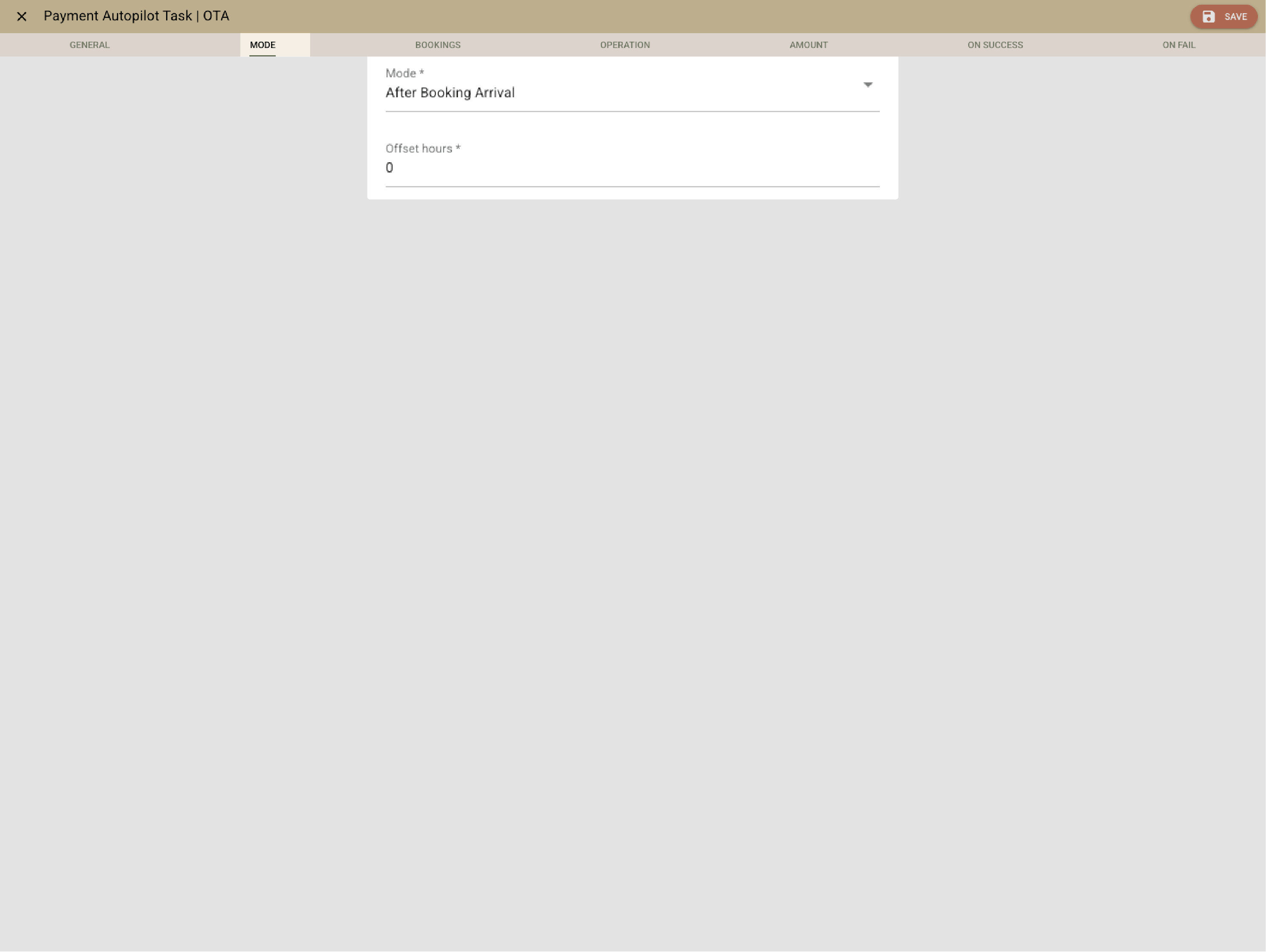
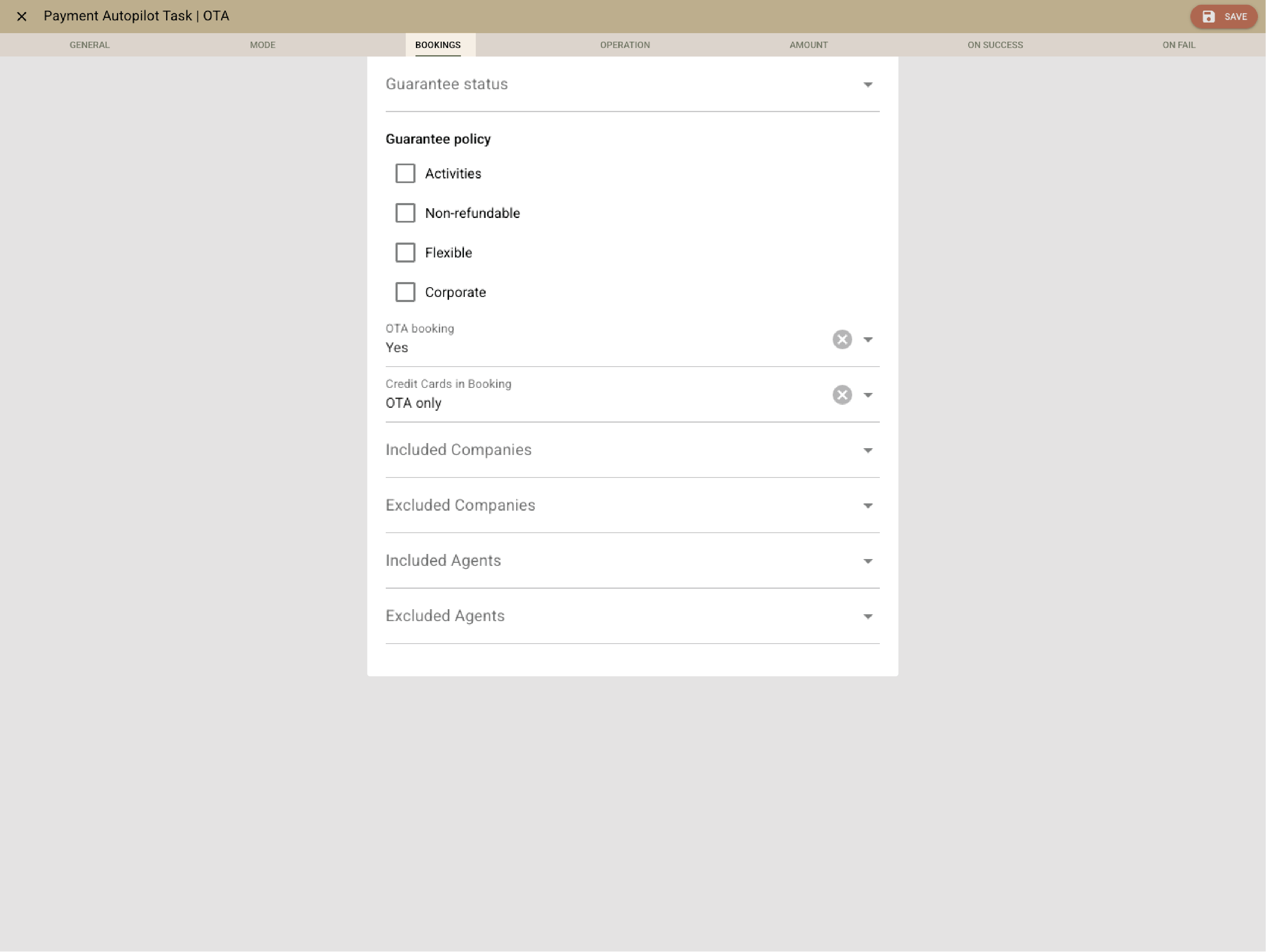
Get paid automatically and securely
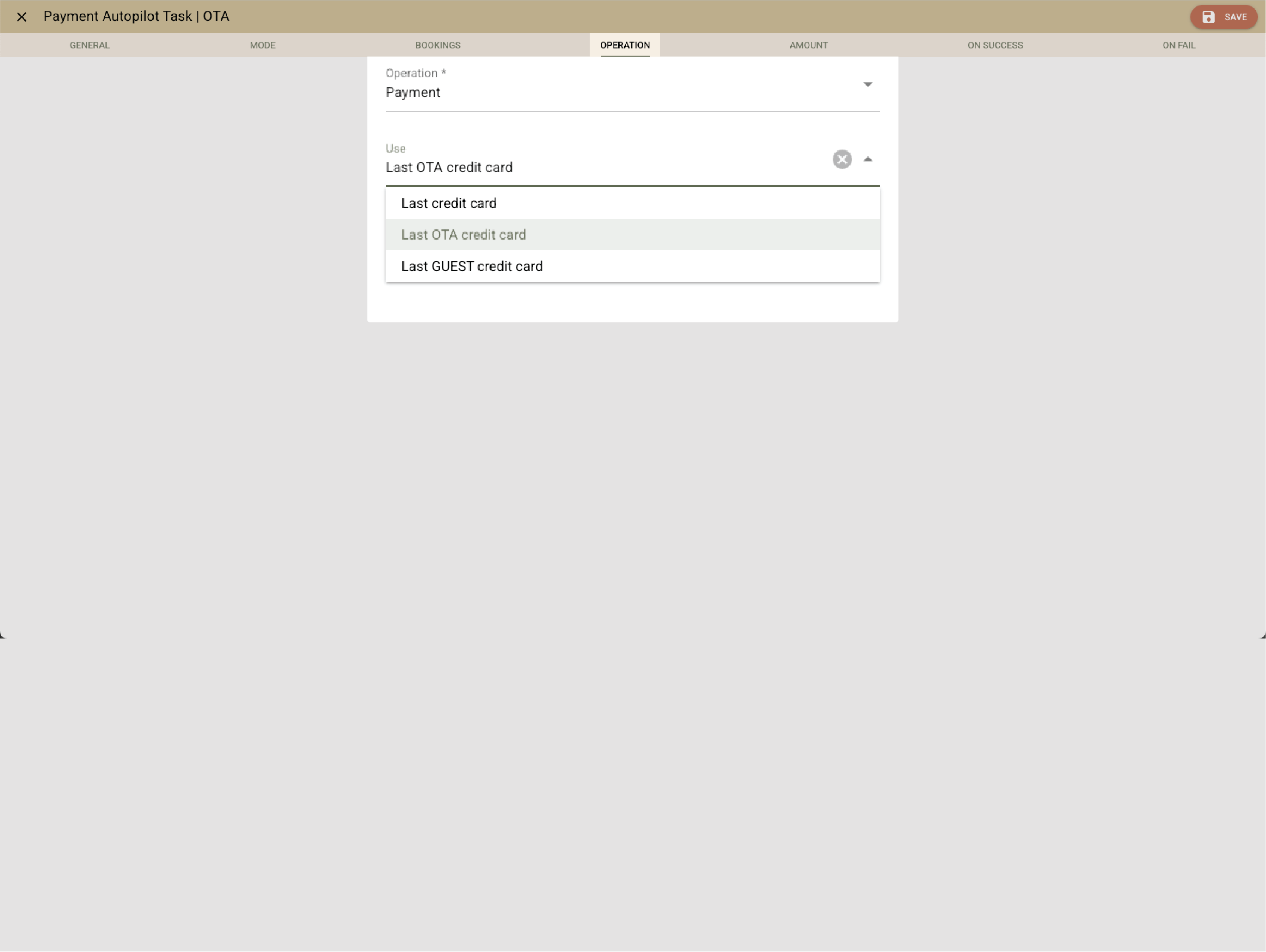
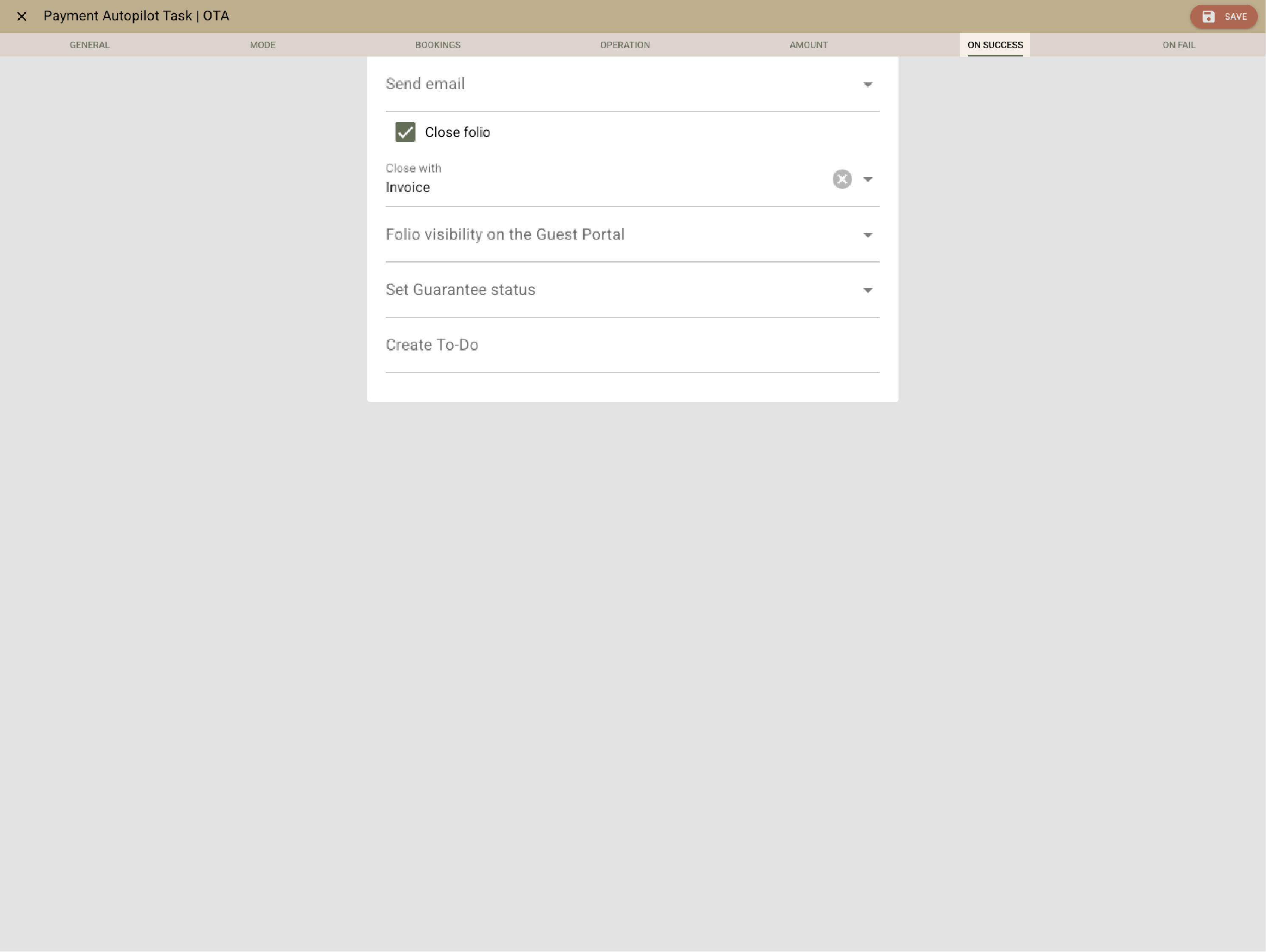
Clock’s Payment autopilot takes care of advance payments, cancellations, and refunds exactly when they’re due — according to your booking rules. Cards are stored securely, terminals connect directly, and deposits can be blocked or released automatically.
Send professional invoices in seconds
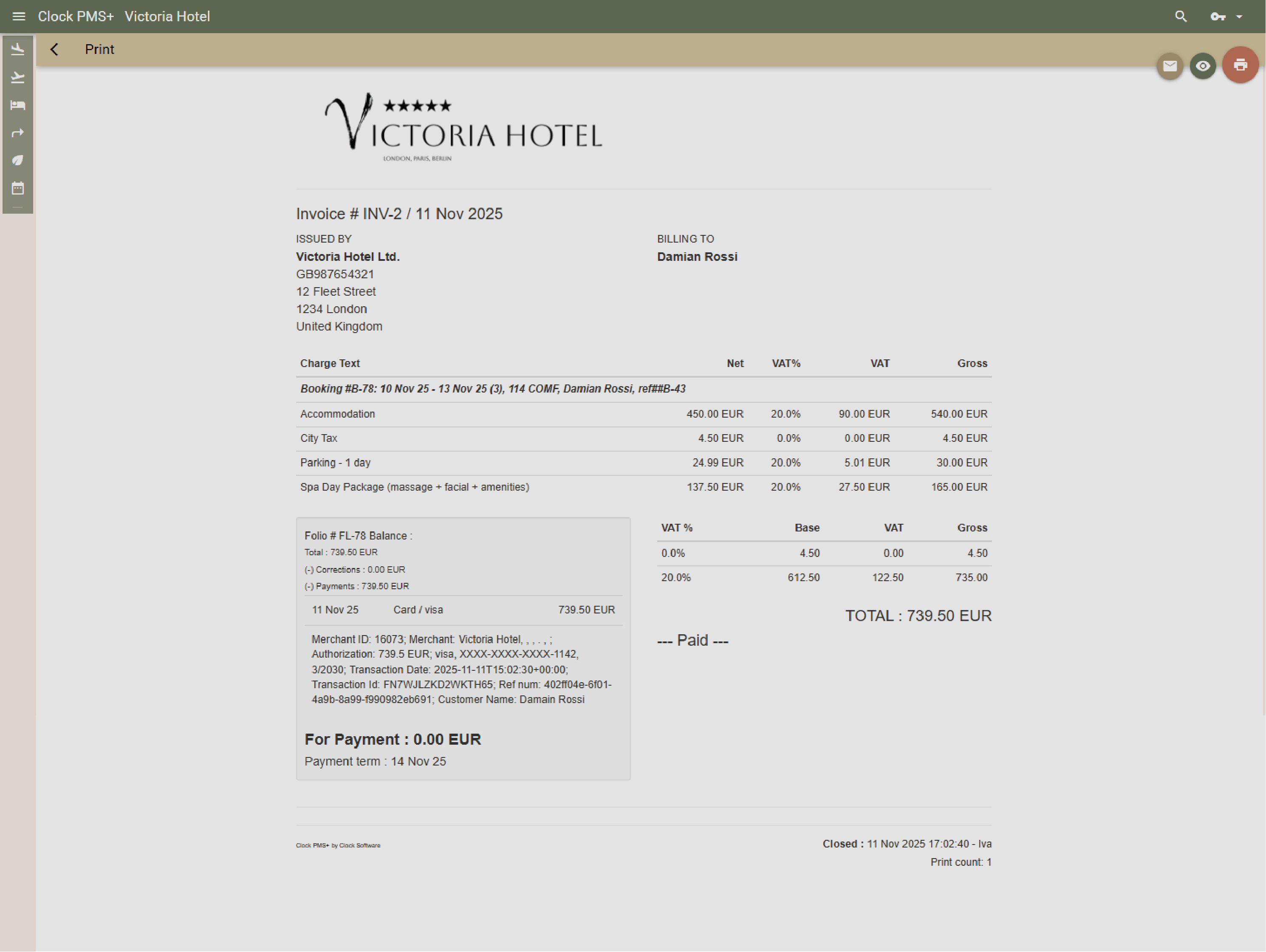
Email or print invoices instantly with your brand and layout. Templates and view modes meet fiscal and e-invoicing rules automatically, so you always stay compliant.
Correct mistakes without chaos
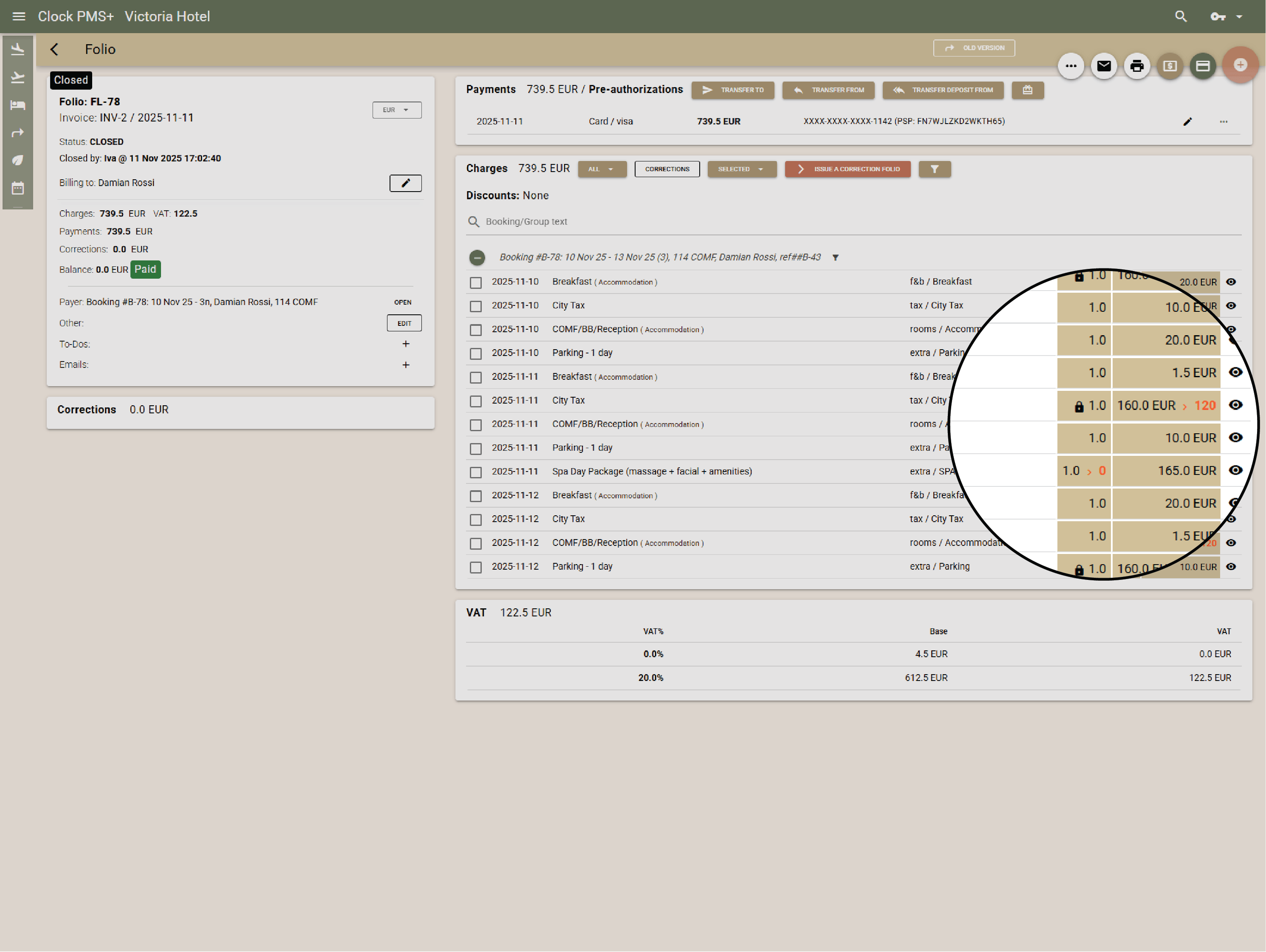
Issue corrections, debit notes, or reopens safely without breaking your audit trail. User rights let you control who can do what.
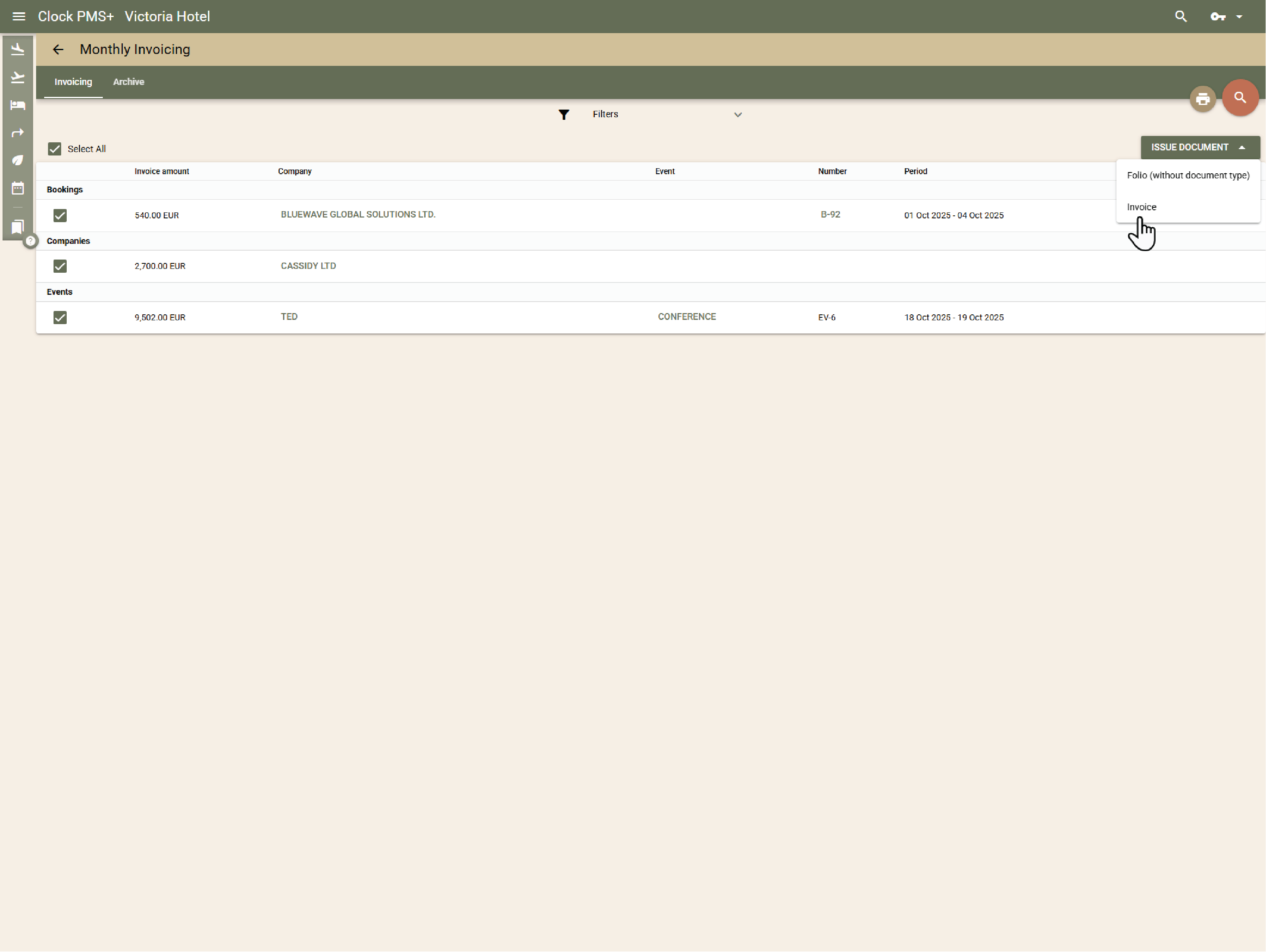
Simplify monthly billing
Bill companies, agencies, or long-stay guests monthly. Clock consolidates all charges, issues invoices, and collects card payments automatically for all parties on monthly billing.
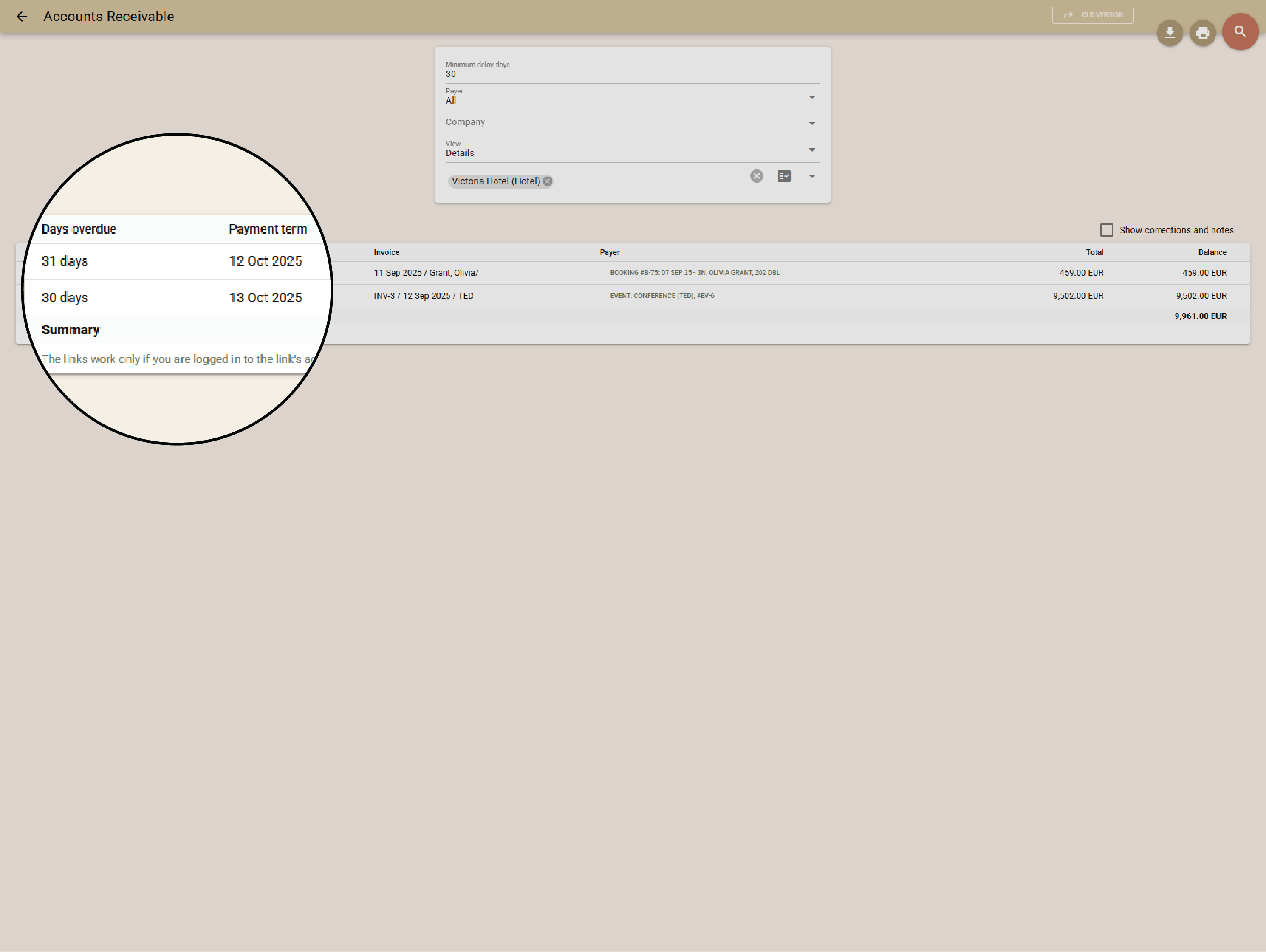
Always know who owes what
Monitor outstanding balances in real time. Aging reports, reminders, and receivables tracking help you stay on top — or sync directly with your accounting software.
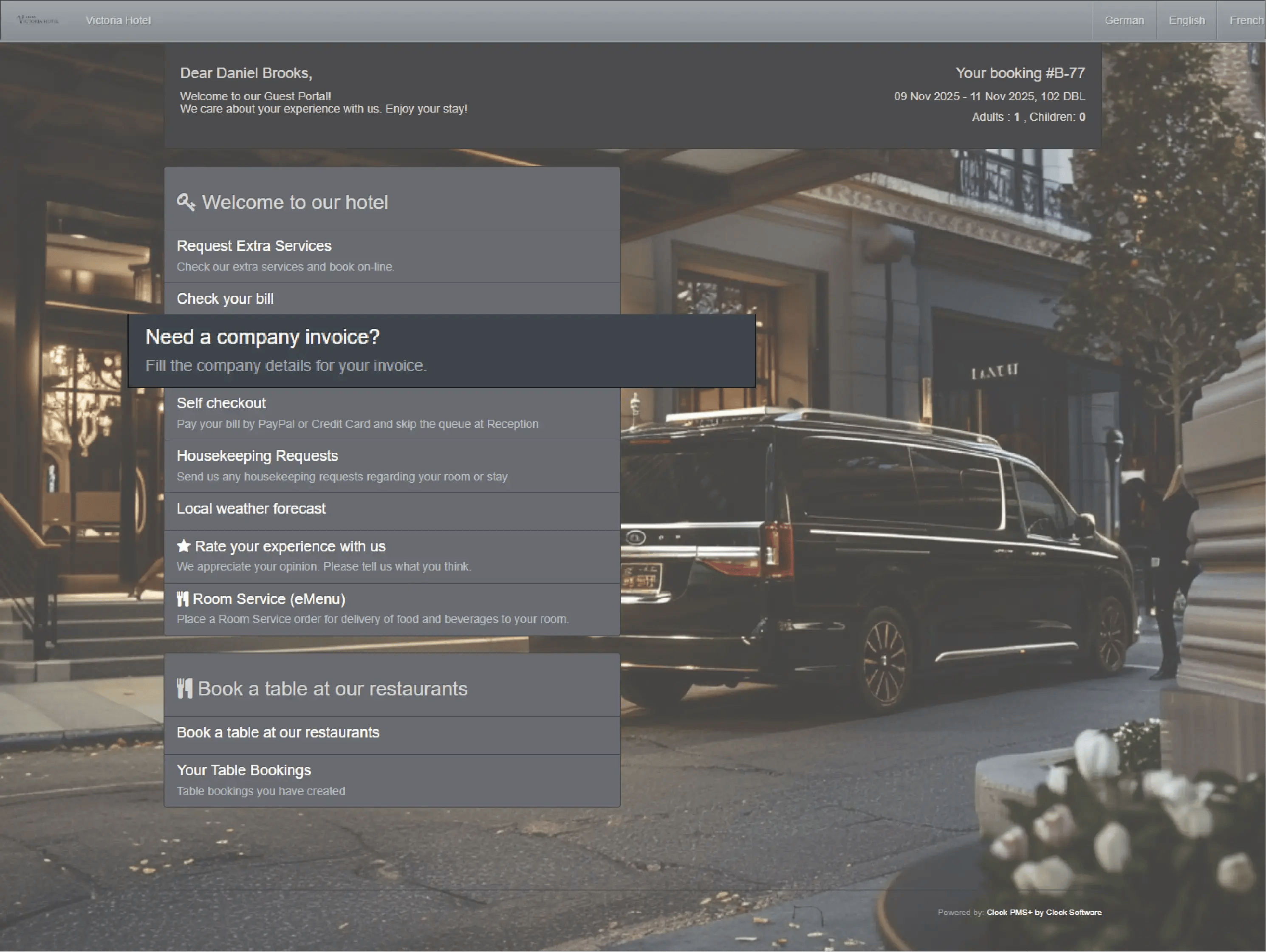
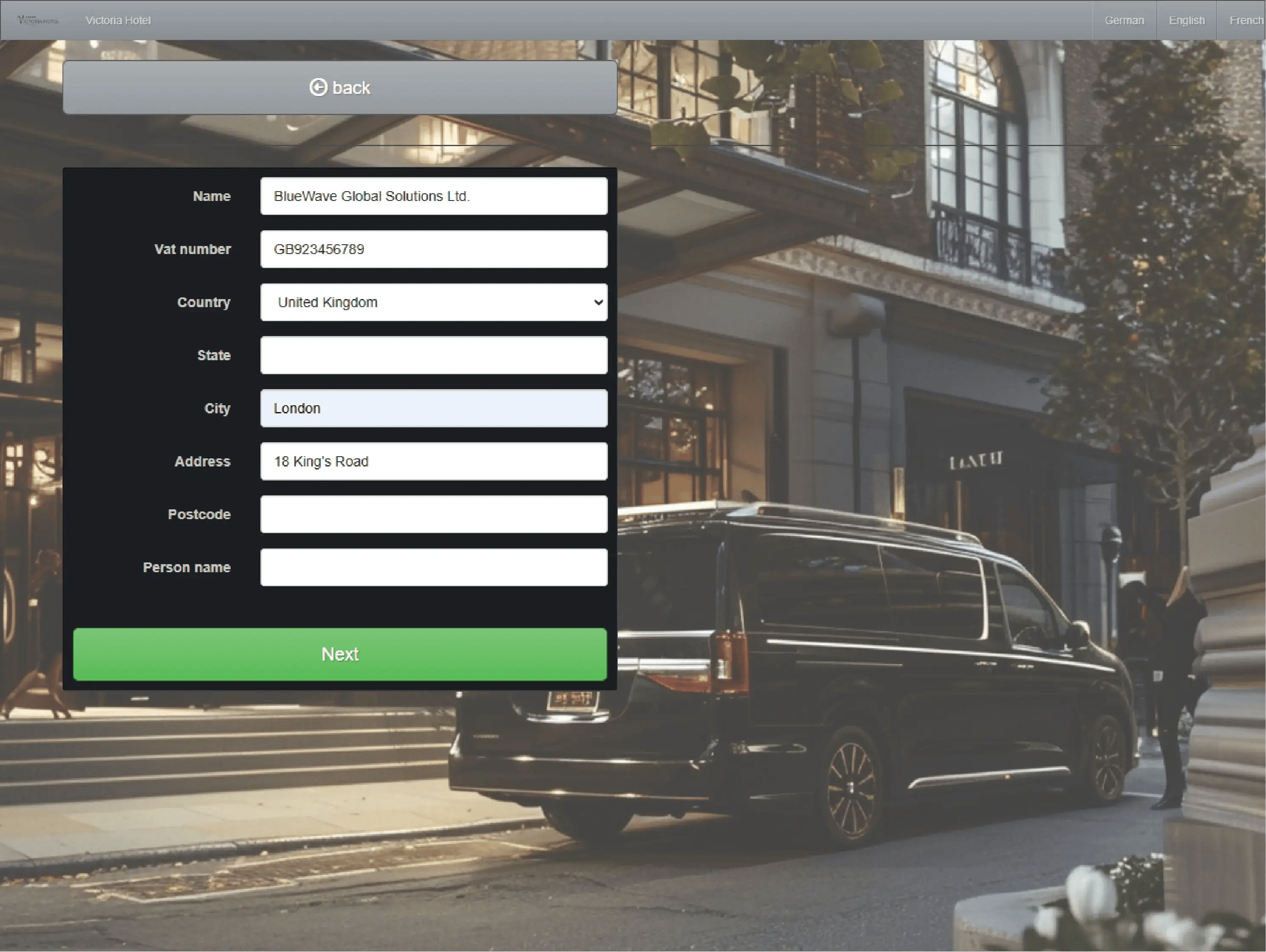
Let guests handle their billing
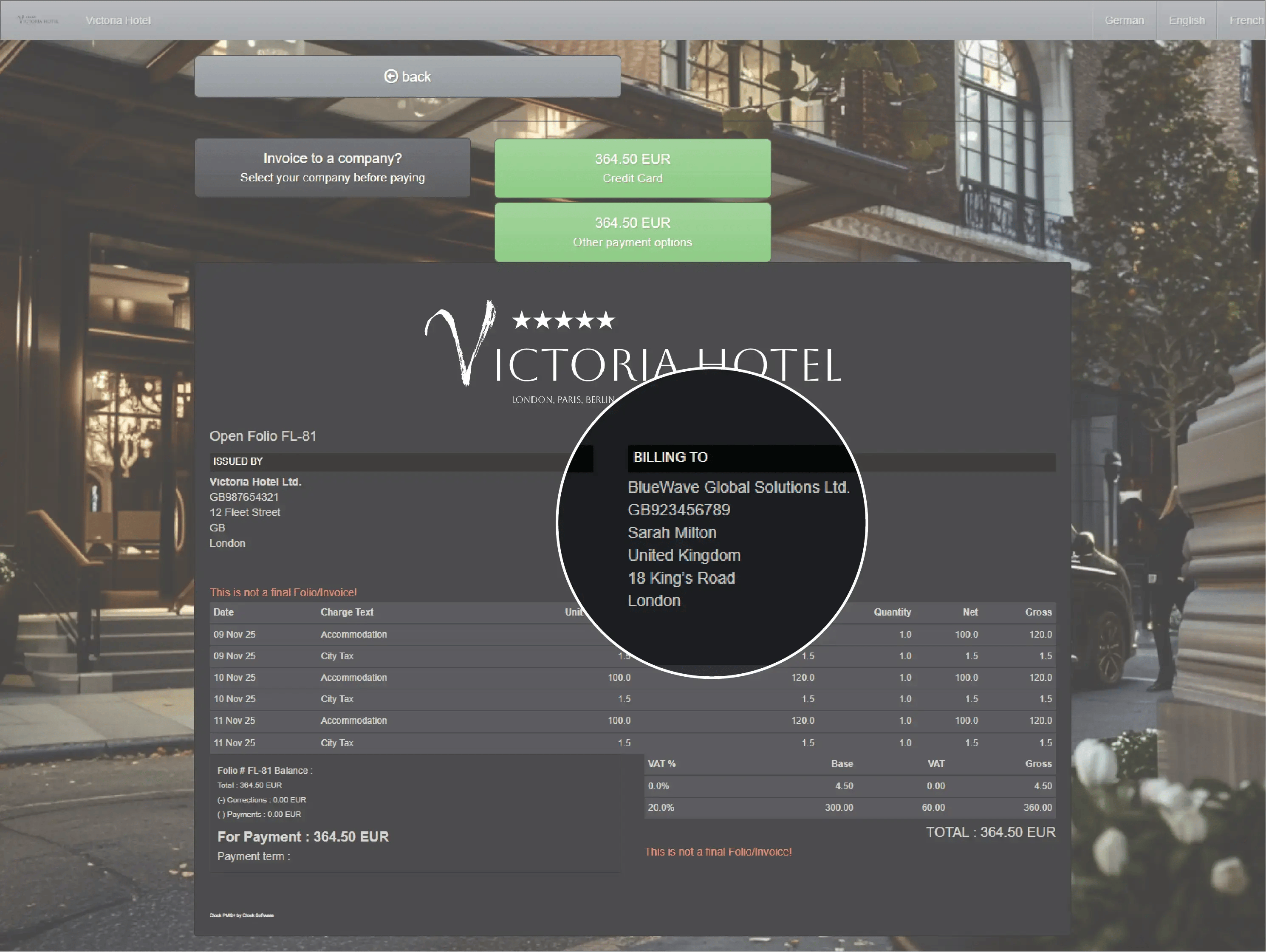
Guests can view folios, edit billing details, or pay online through the Guest Portal. Hidden folios protect confidential rates or agency payments.
Monitor front desk cash activity beyond guest payments
The Petty Cash feature lets your team log internal cash movements — such as adding float at the start of a shift or withdrawing cash for incidentals. Each entry is traceable and locked against edits, and the system provides a combined report of guest payments and internal cash operations.
Keep revenue and ledgers always right
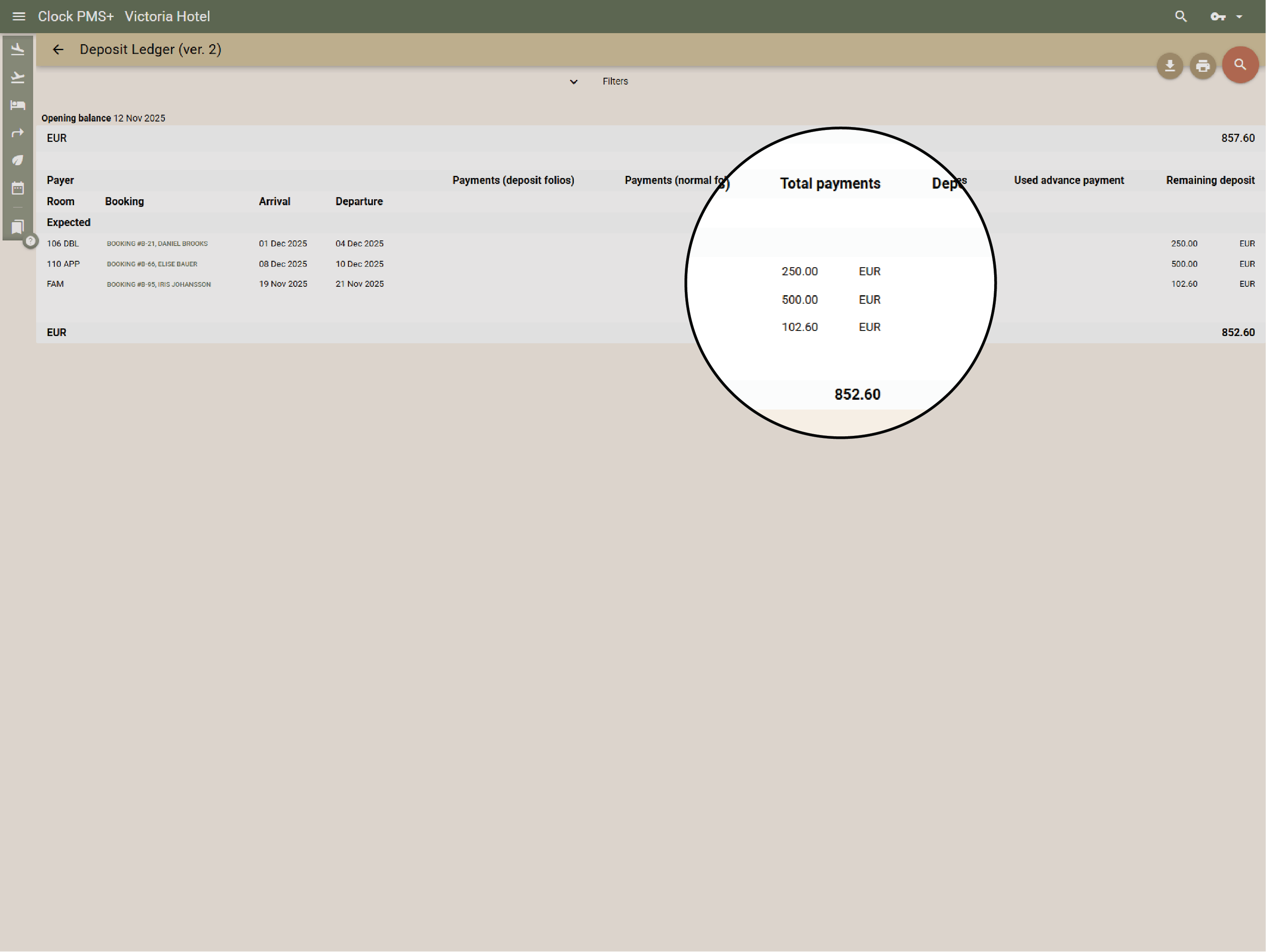
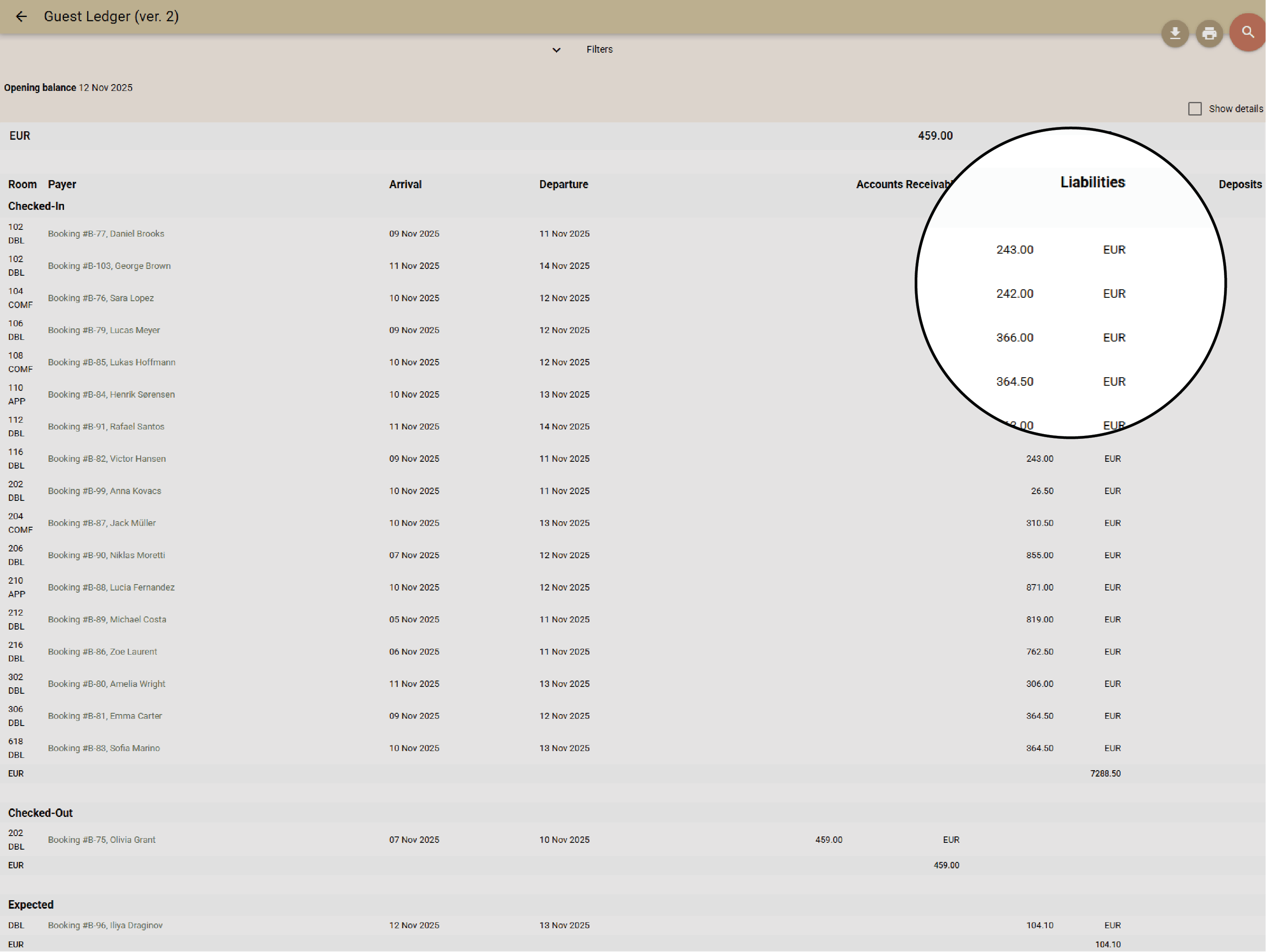
Clock recognises revenue at the right time — on stay or delivery — while deposits move between ledgers automatically. No night audit needed; everything stays balanced and export-ready.
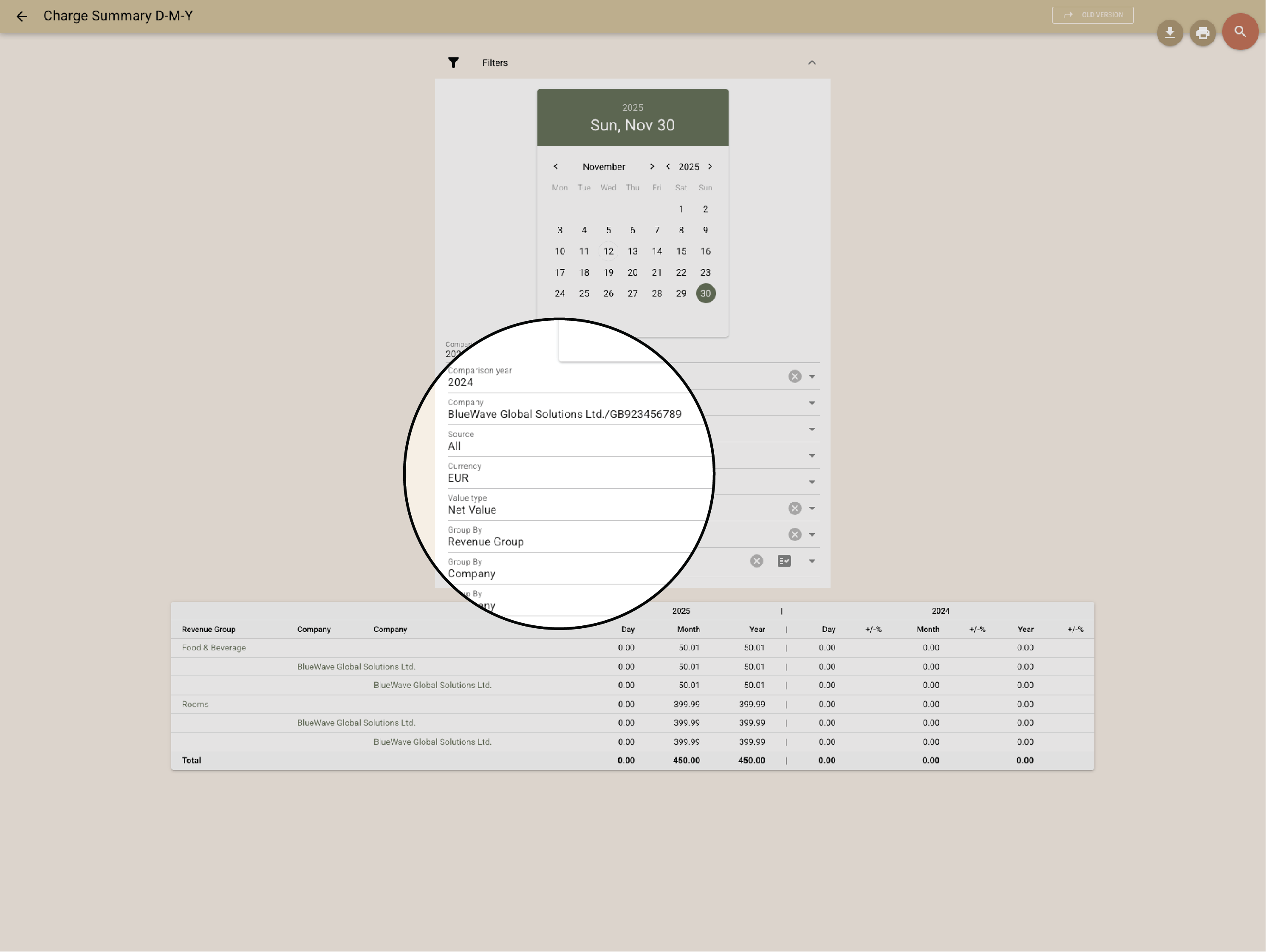
Control and reporting that builds confidence
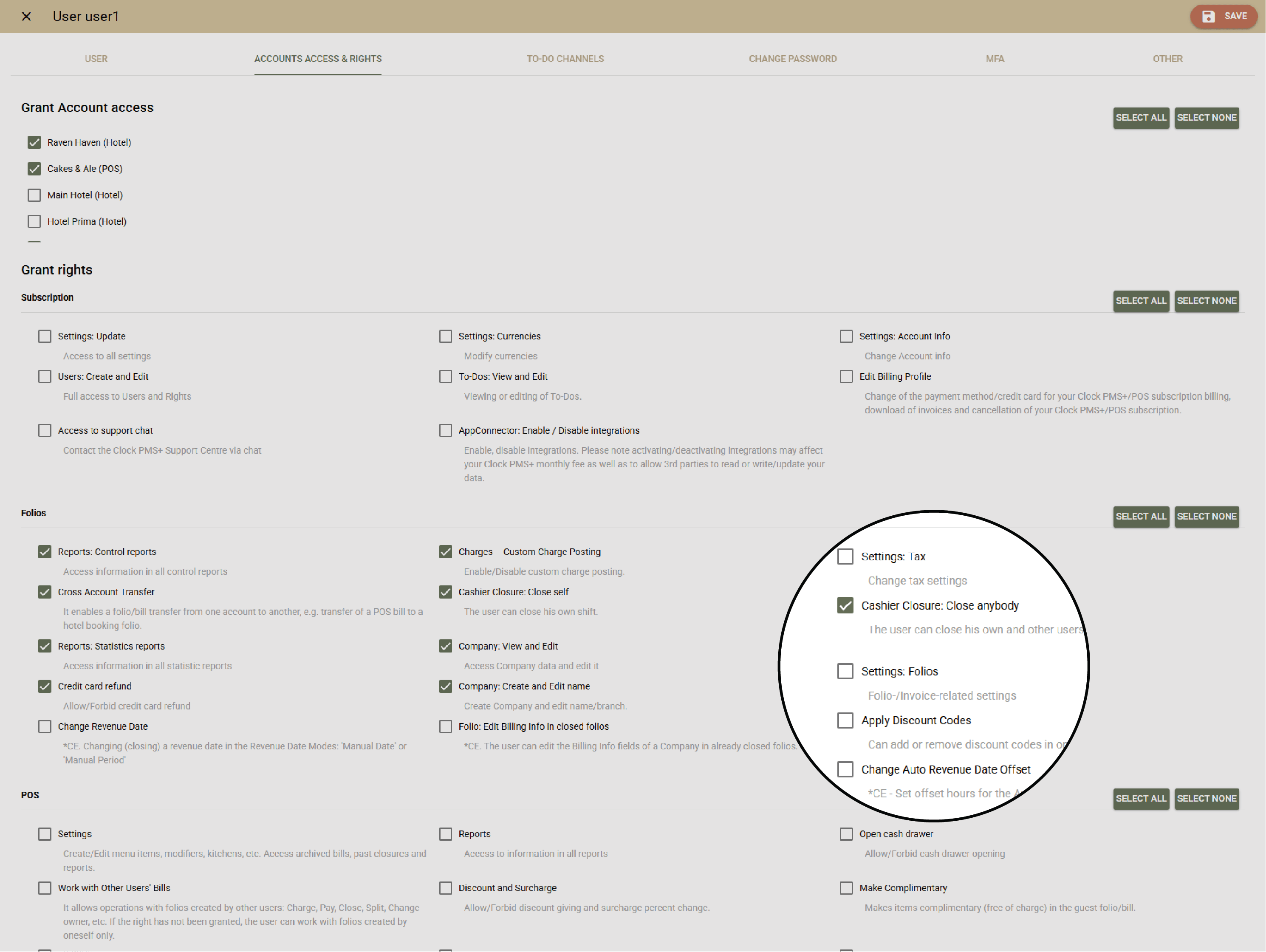
Granular user rights, detailed transaction logs, and audit reports make control effortless. See who voided, corrected, or checked out with open balances — instantly.
Say hi on social
P.S. Our page admin counts every like, share, and follow. You’ll make her day.


Need help?
If you need help right now, open a ticket, browse our support portal, or watch a quick video in the Academy.