What you can actually do
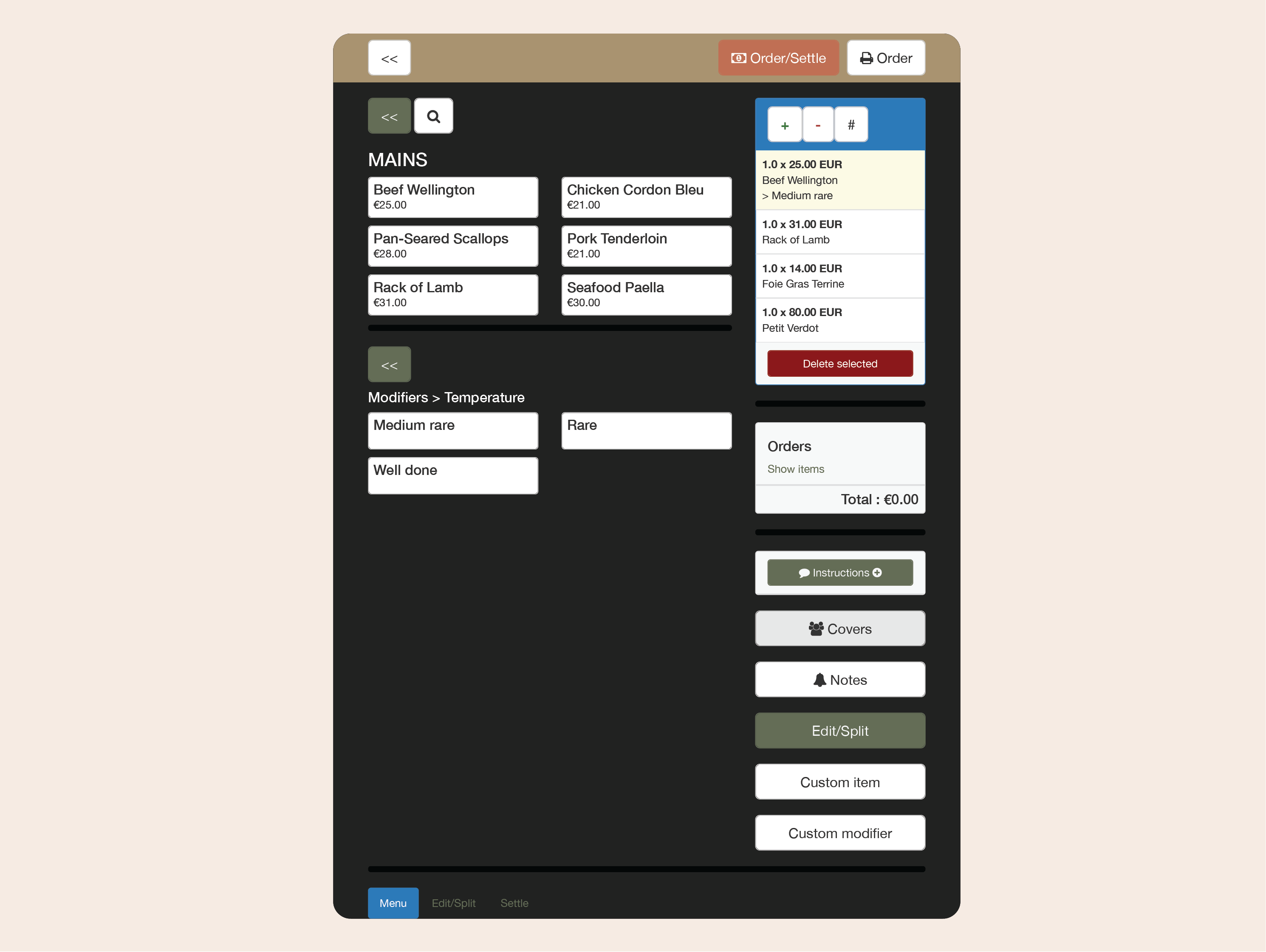

Serve faster — anywhere
Take orders right at the table, on the terrace, or by the pool. With Clock’s mobile-first POS, staff can use every tablet or phone to record and send orders instantly — speeding up service, cutting errors, and keeping operations fluid during peak hours.
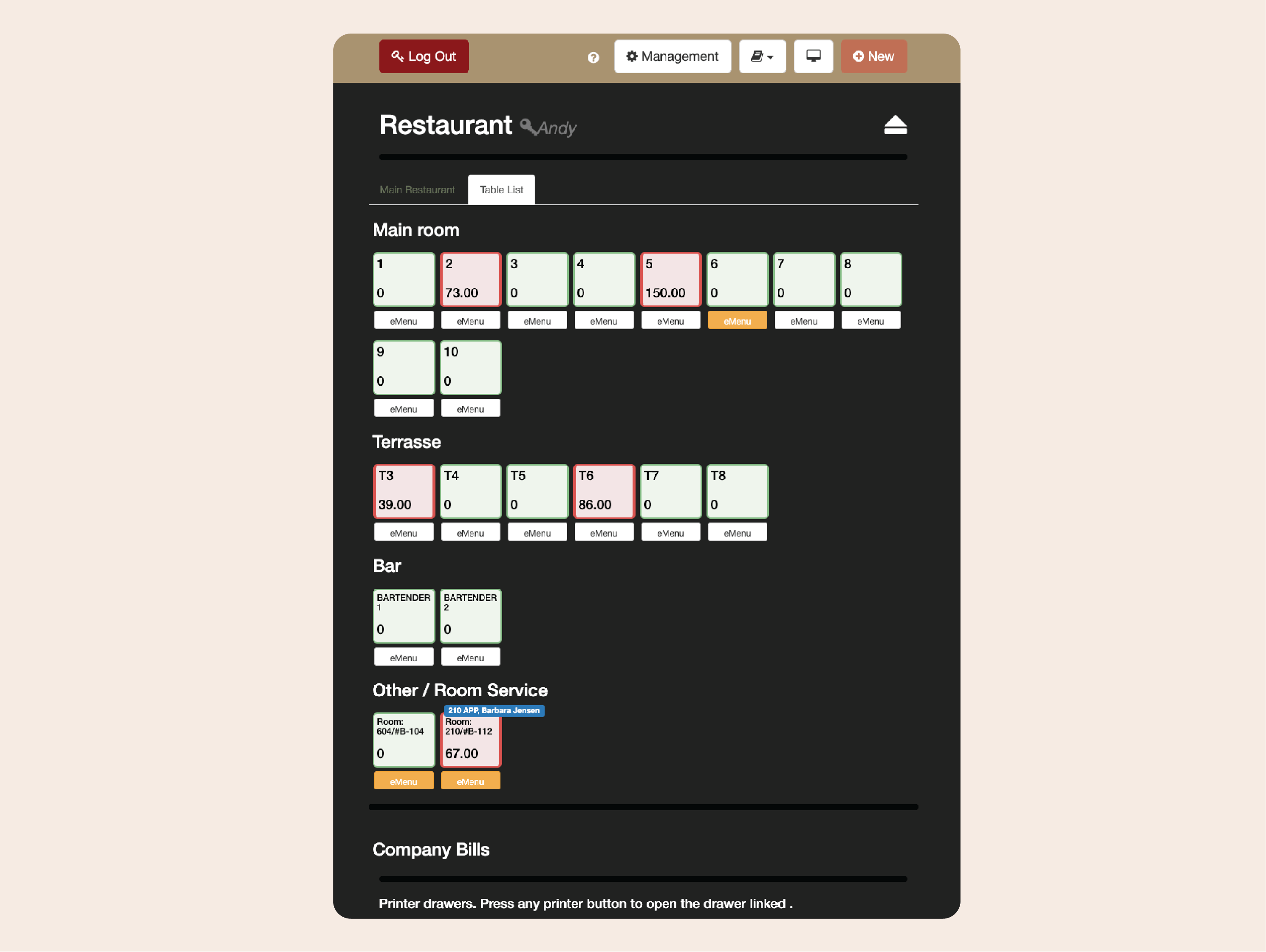
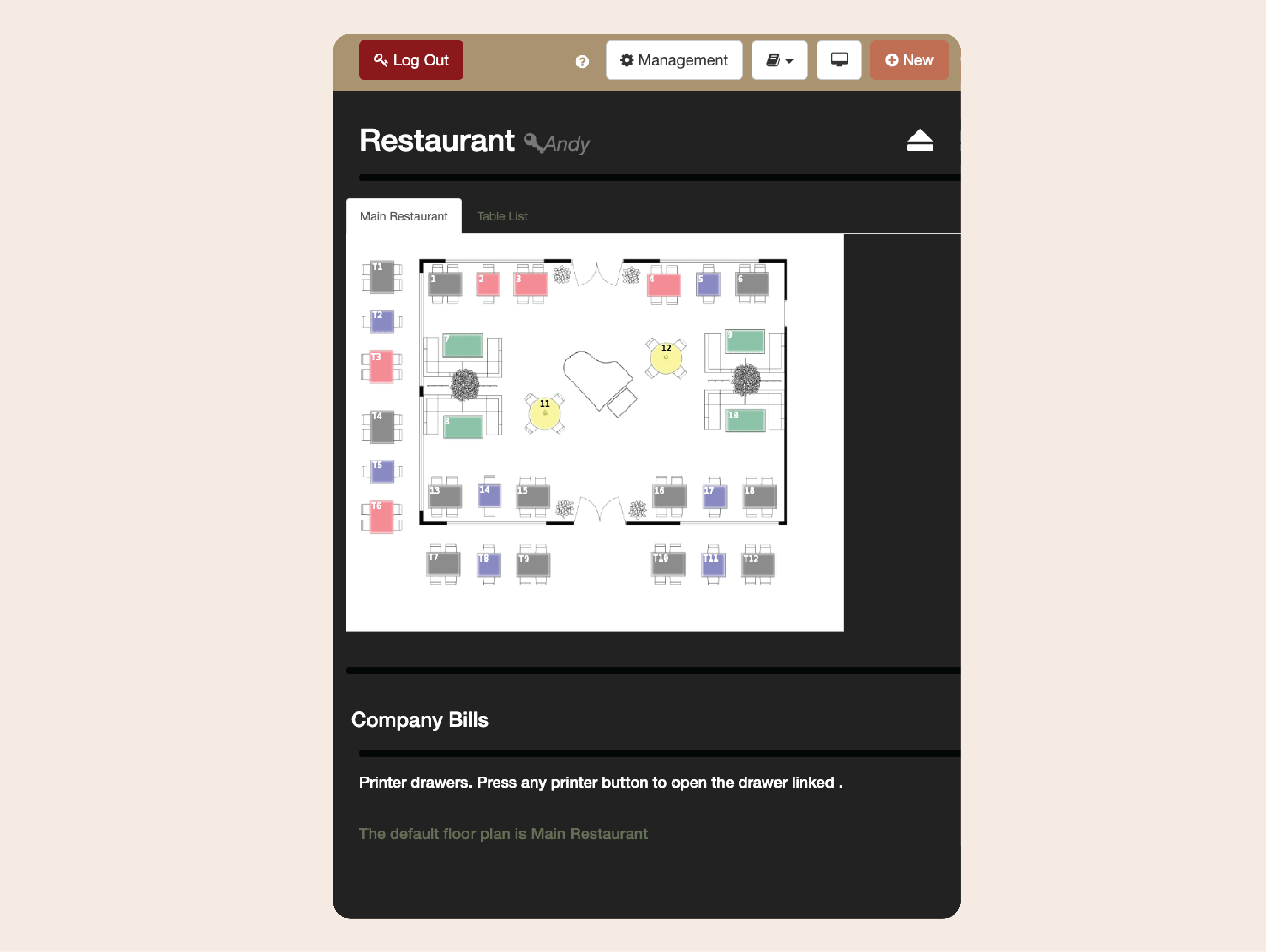
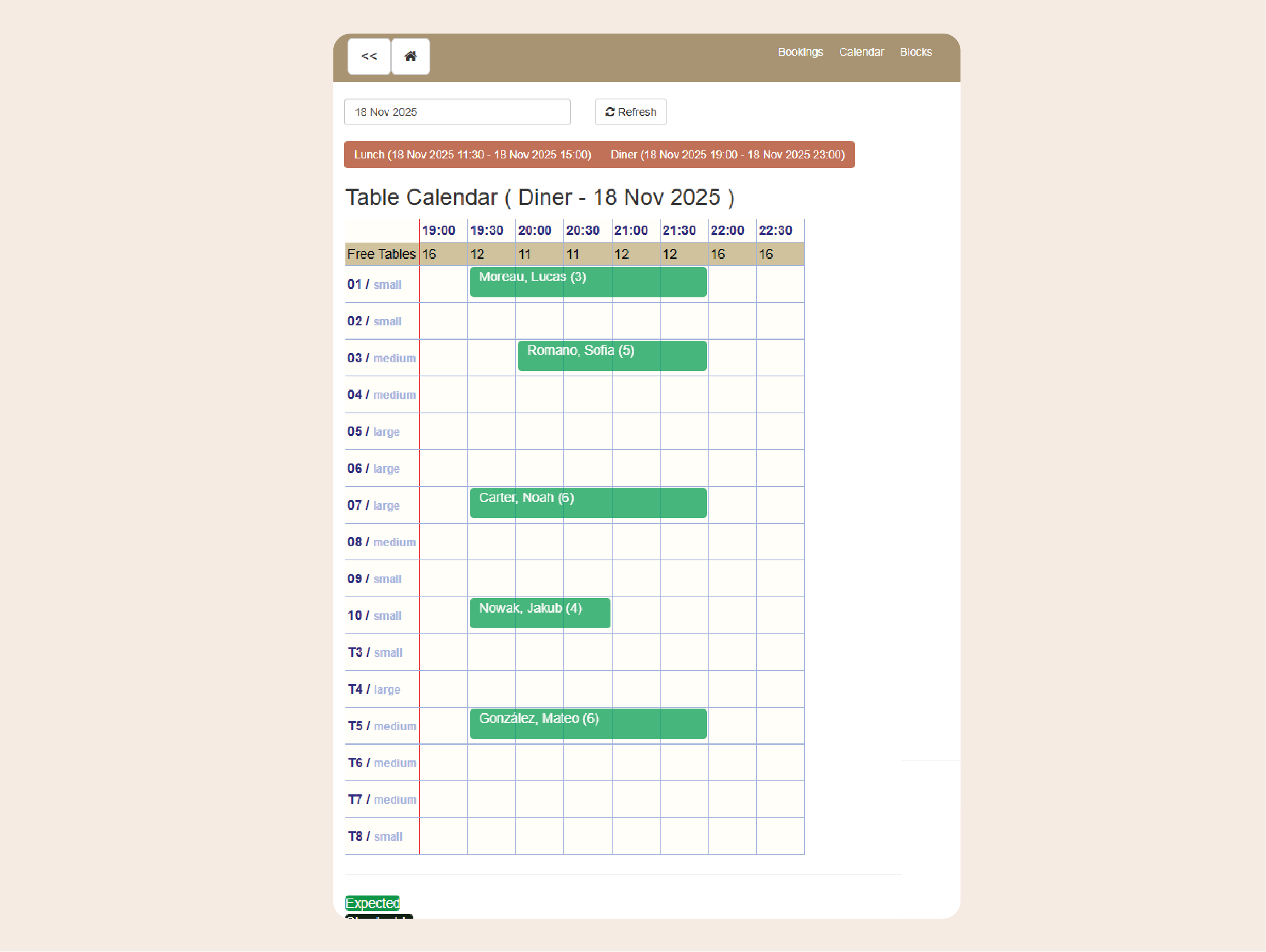
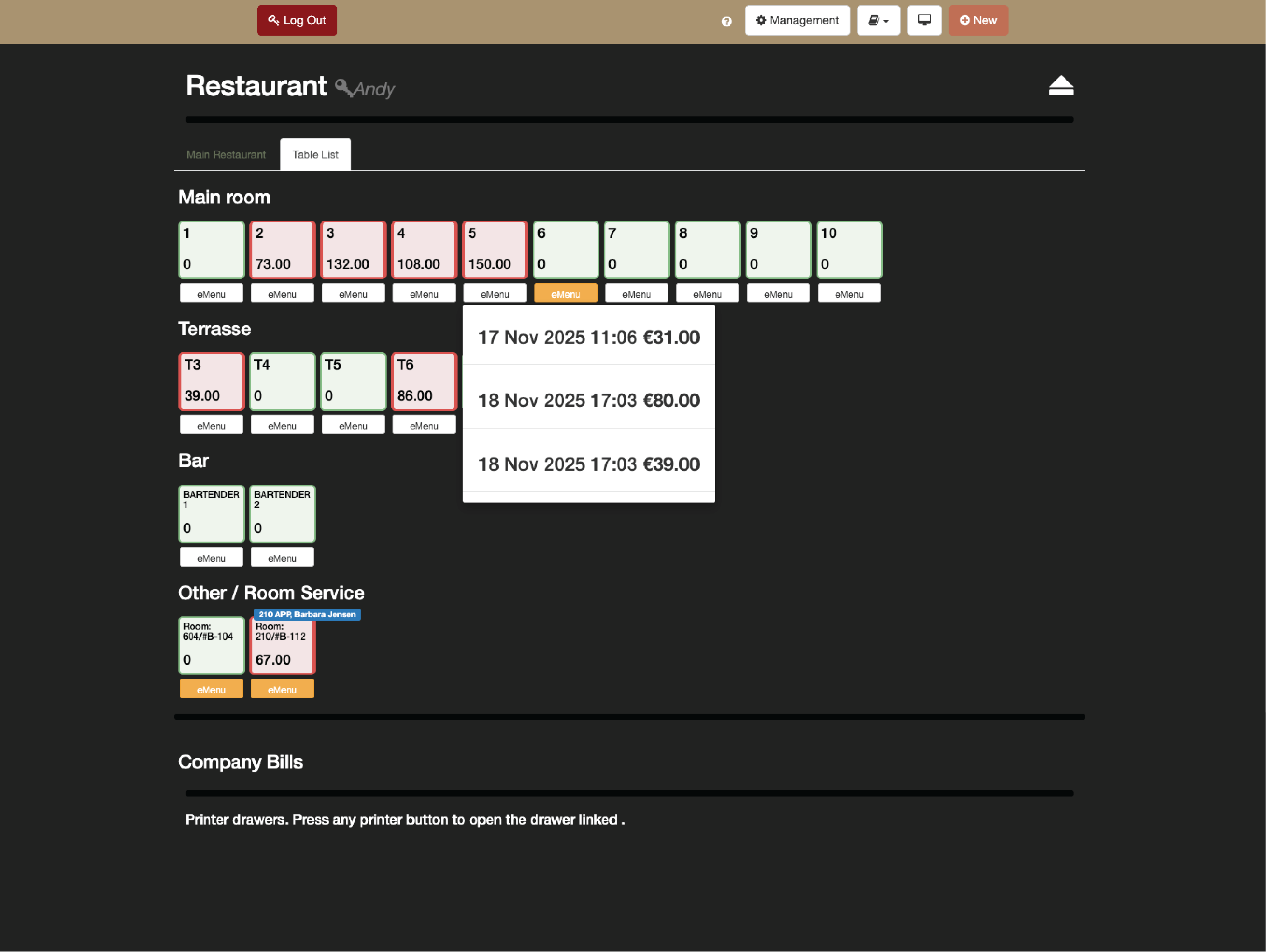
Manage tables and bookings with ease
Create custom table layouts with simplicity and manage reservations directly from the POS by Clock. Hosts can see what’s available, what’s booked, and what’s coming next, ensuring smooth seating and no double bookings.
.jpg?width=1024&height=768&name=Frame%20161%20(1).jpg)
Adapt to any outlet — restaurant or bar mode
The POS by Clock adjusts to how your team works. In restaurant mode, servers can keep multiple tables open with running bills, while in bar mode every order closes automatically after posting.
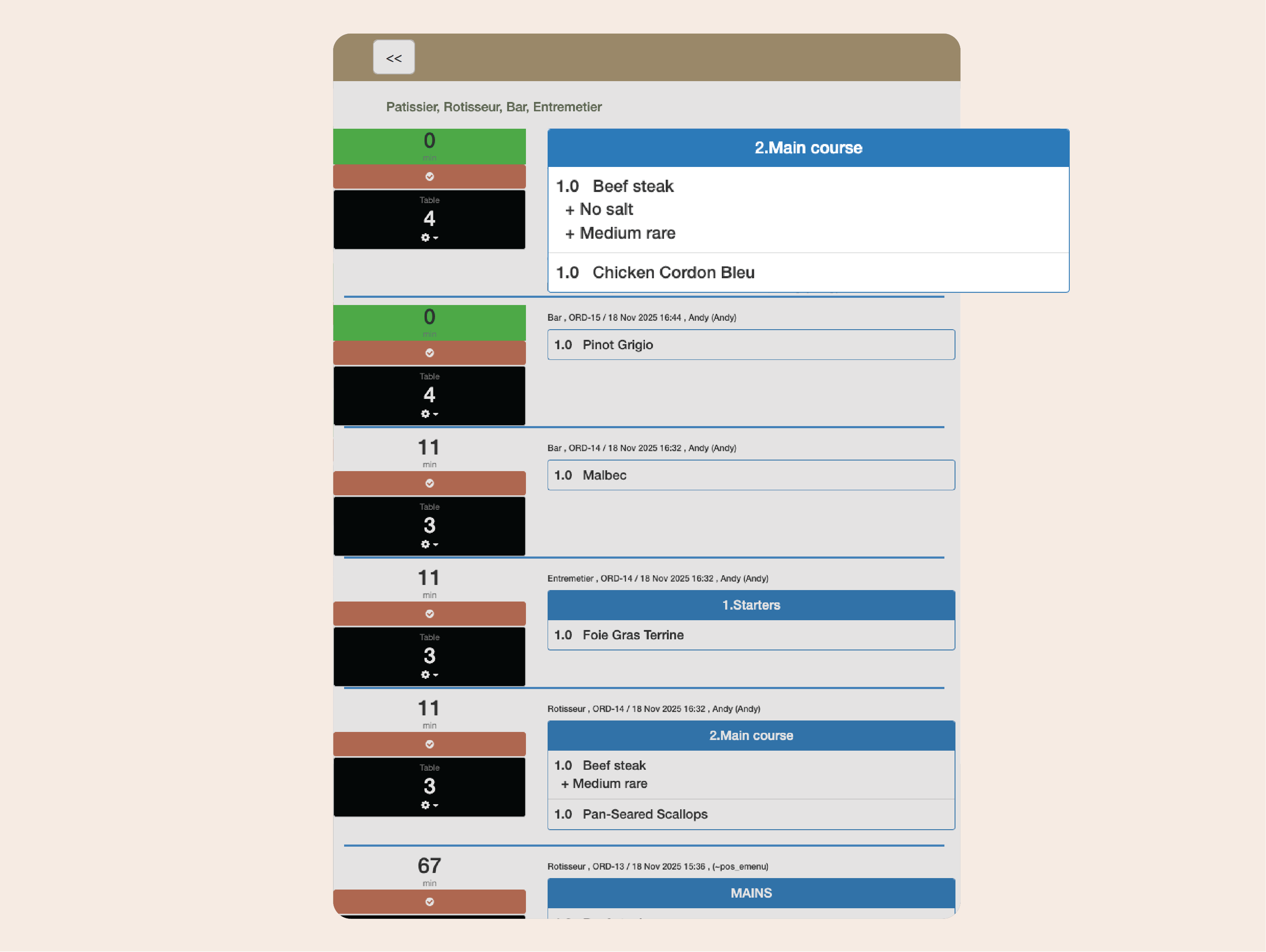
Keep the kitchen in sync
Send orders straight to kitchen printers or digital monitors, complete with modifiers, notes, and timing instructions. No more shouting across the pass — chefs see every detail exactly as entered, reducing mistakes and wait times.
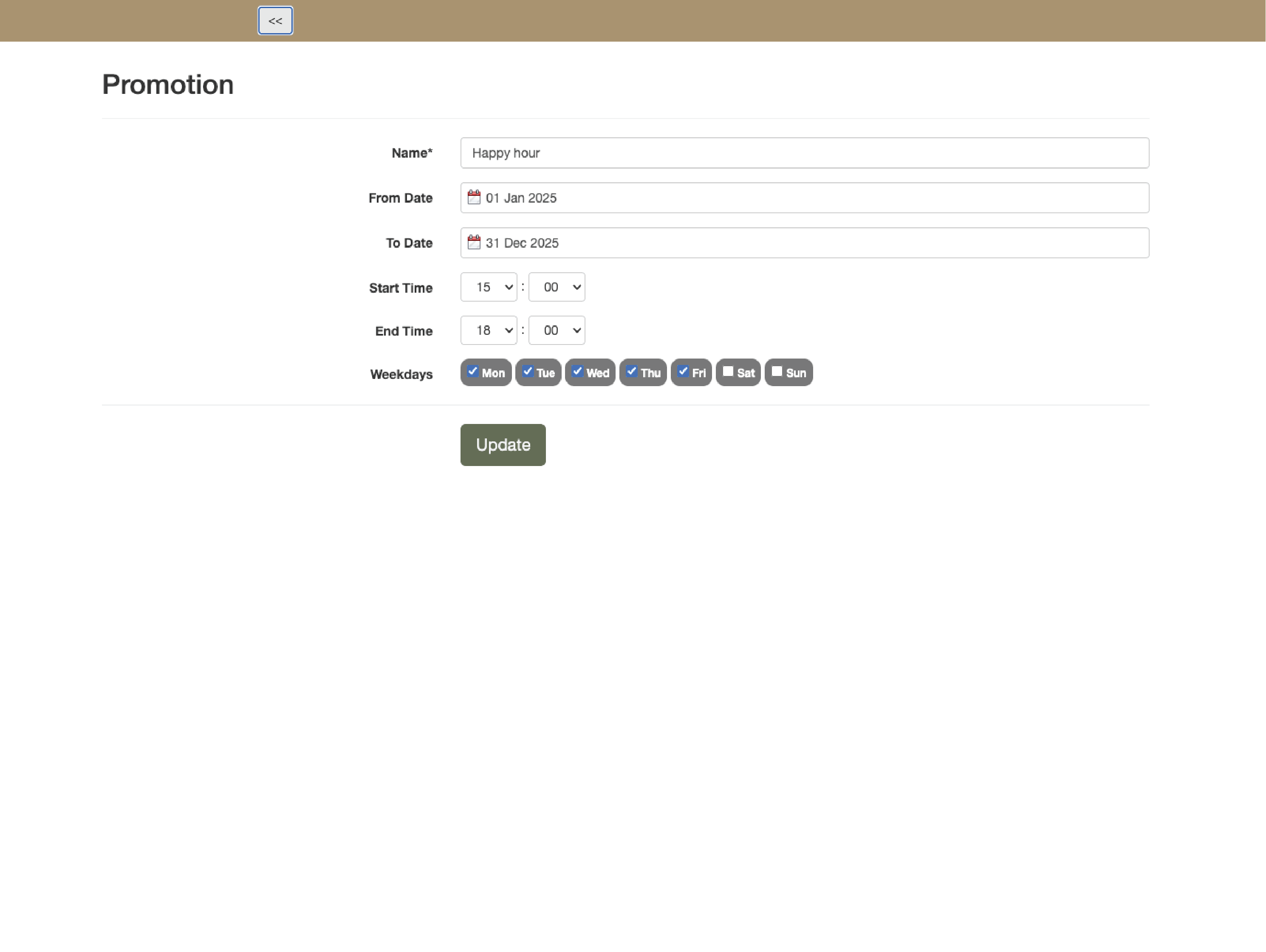
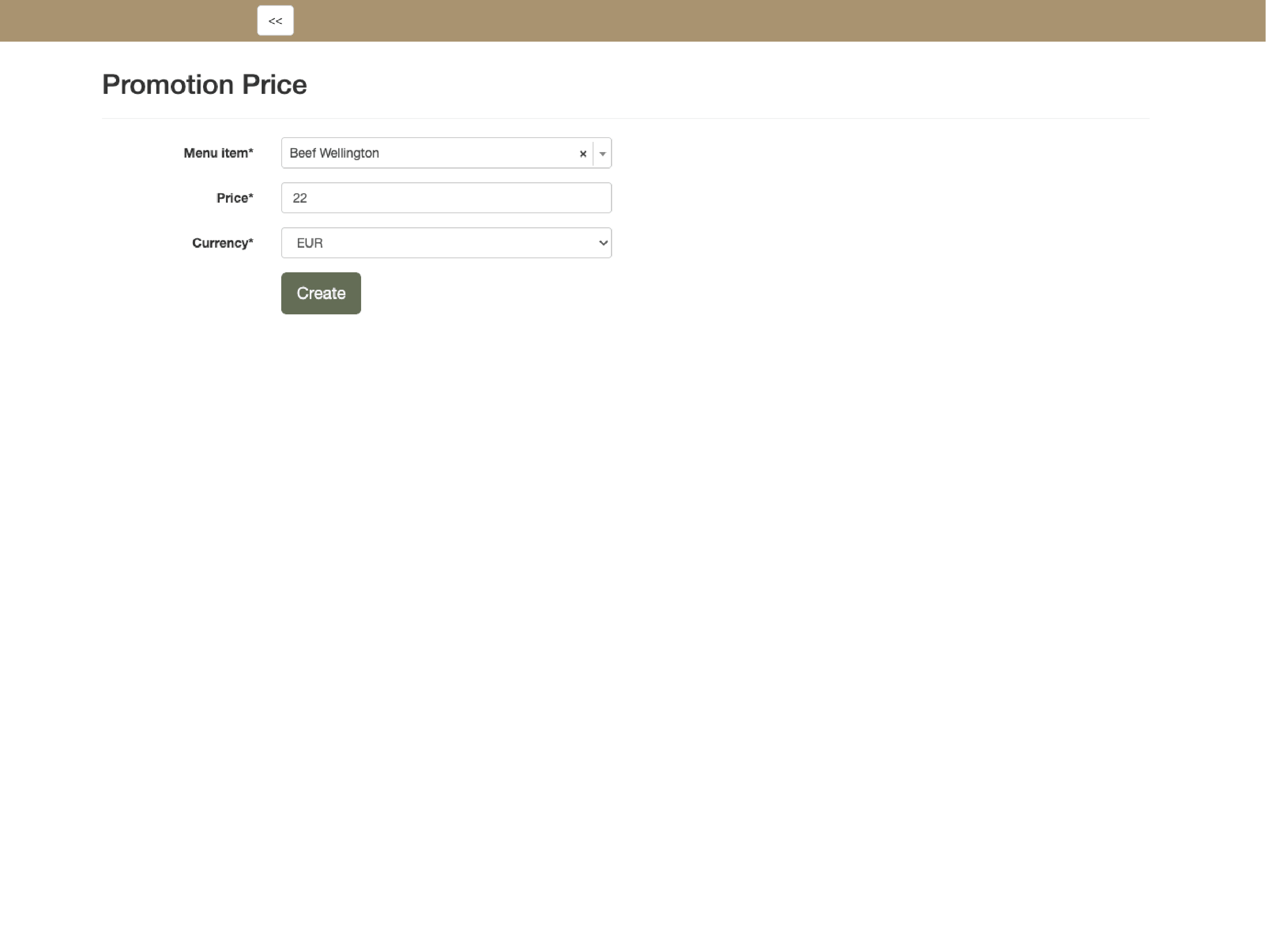
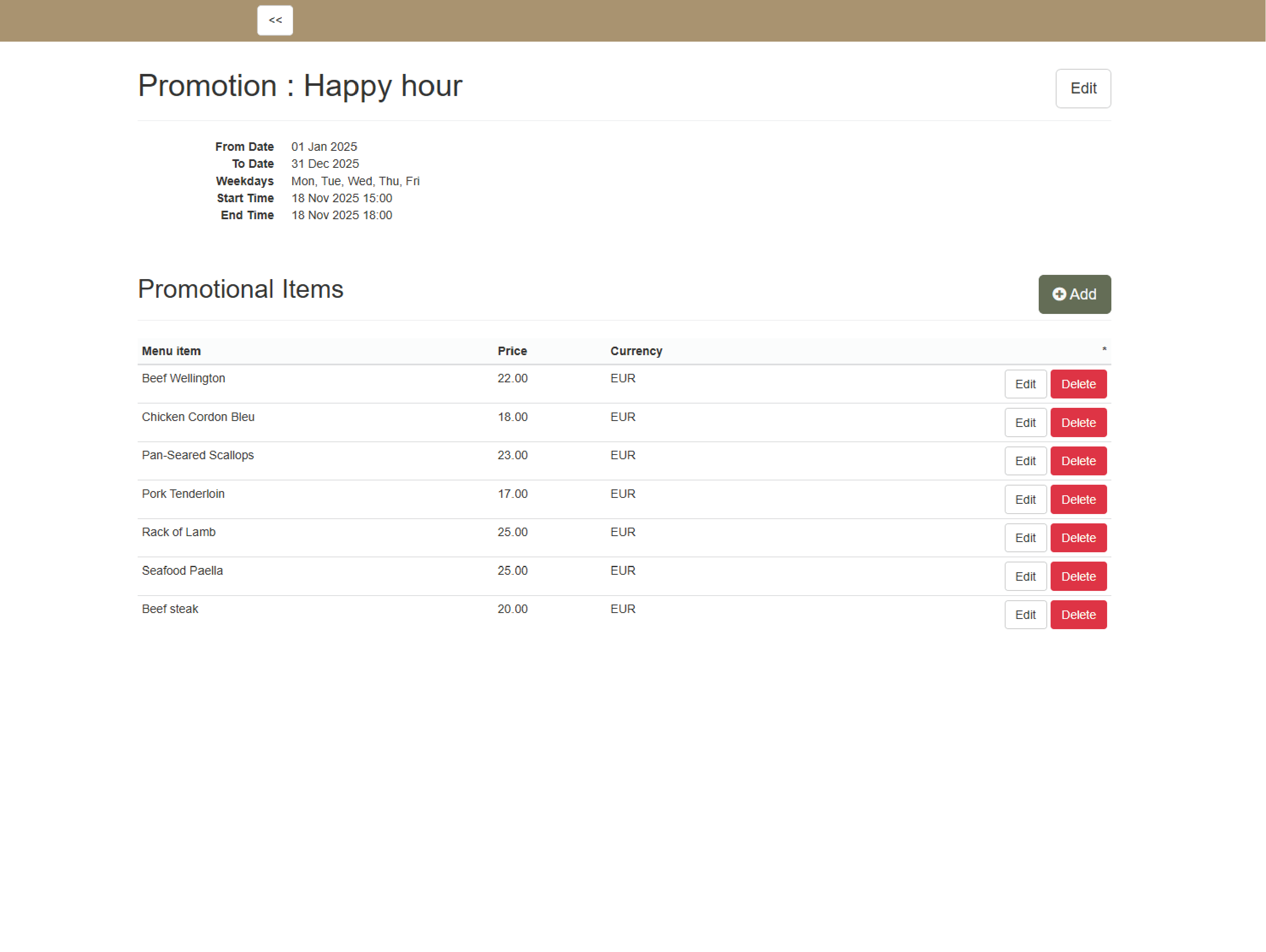
Adapt menus and prices in real time
Create custom menus per outlet or time slot price modifications — happy hour— and adjust prices to automatically apply discounts. offer complimentary items, or manage service fees without manual changes.


Bill any way guests prefer
Split bills by guest or item, move charges between tables, and combine payments across methods — cash, card, voucher, or room charge. Generate invoices instantly and handle tips or surcharges with full transparency.
Post directly to rooms and events
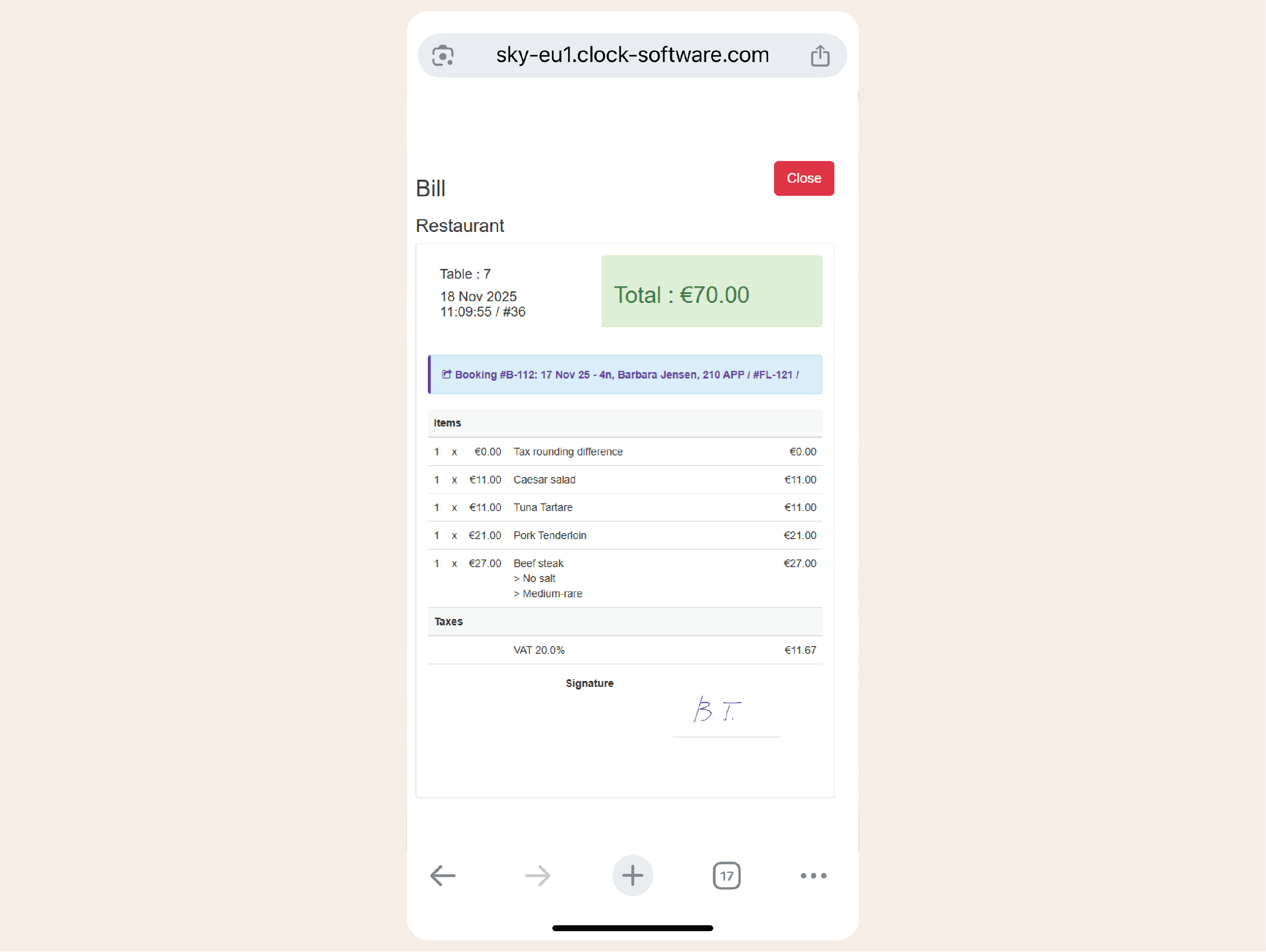
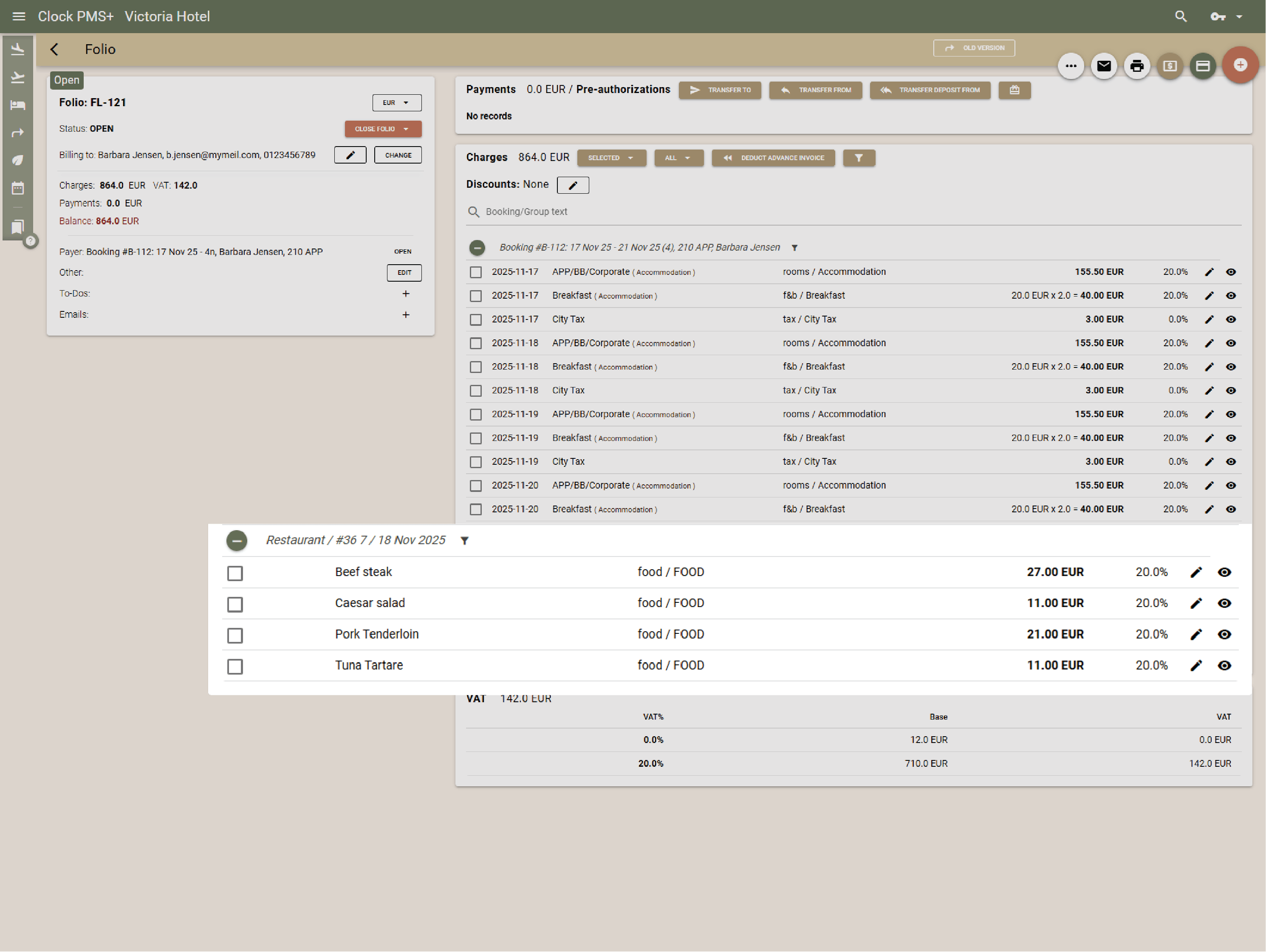
Link every charge securely to a room, company, or event folio. Room and event charges appear instantly in the PMS with digital signature capture for approvals — fewer disputes, no delays.


Let guests order room service digitally
Offer digital menus and ordering via QR codes* or Guest Portal. Guests browse, order in-room dining from their mobile—charges auto-link to folios for precise billing. Waiter comes and brings the bill ready for digital signing on their device.
Stay in control of your stock
Connect 3rd party apps to track ingredient use per dish, monitor real-time stock levels, and get alerts before you run out.

See what’s selling and shining
Analyze outlet performance and item sales. View trends, track top sellers, and adjust menus to maximize profit and efficiency.
Keep everything at one
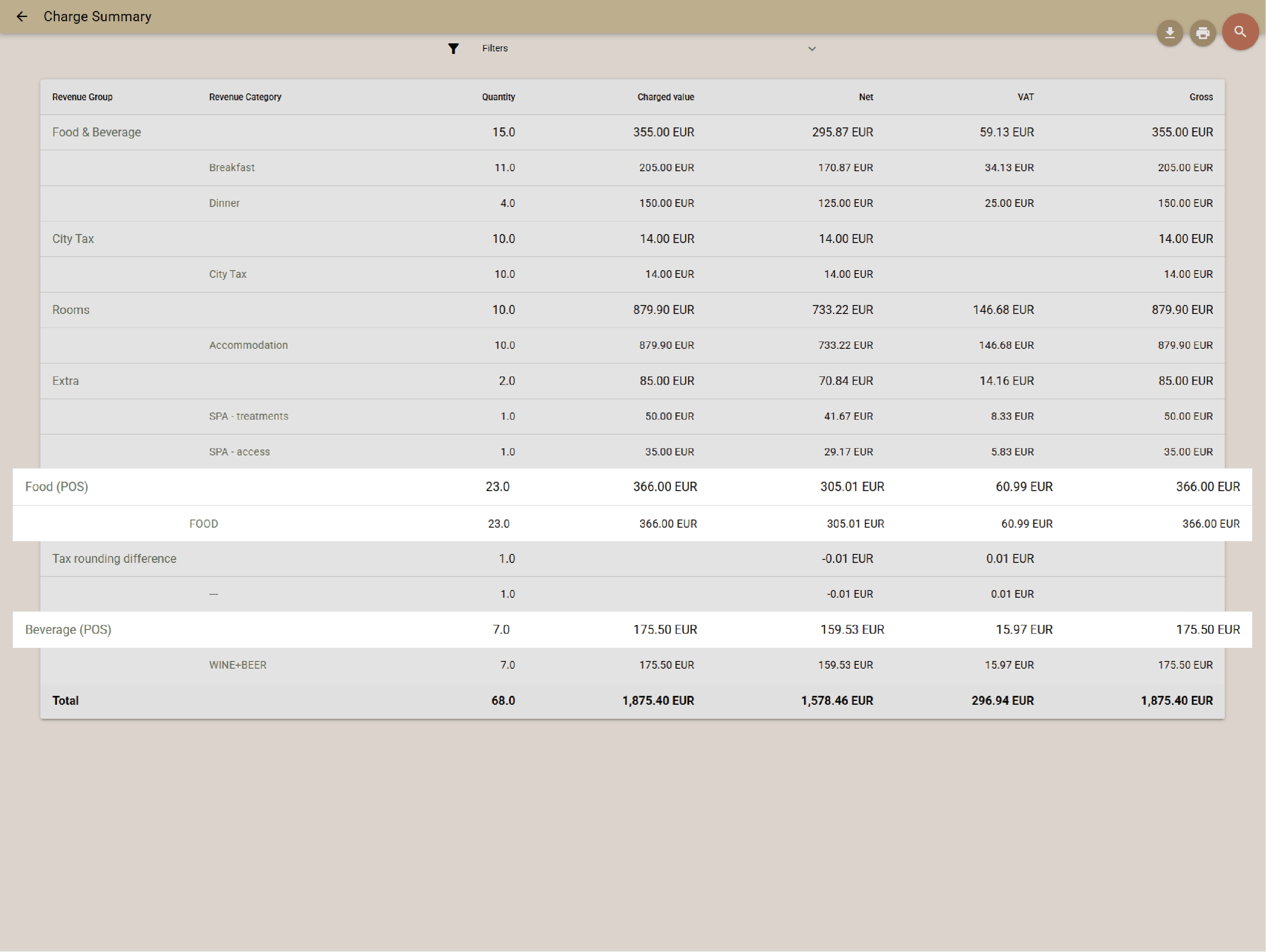
Fully unified with the rest of the Clock platform, the POS transfers natively to rooms, companies, and events, — no syncs to fail, no data gaps. Charges post instantly, updates flow in real time, and you get aggregated revenue and payments reports across PMS and POS in one view.
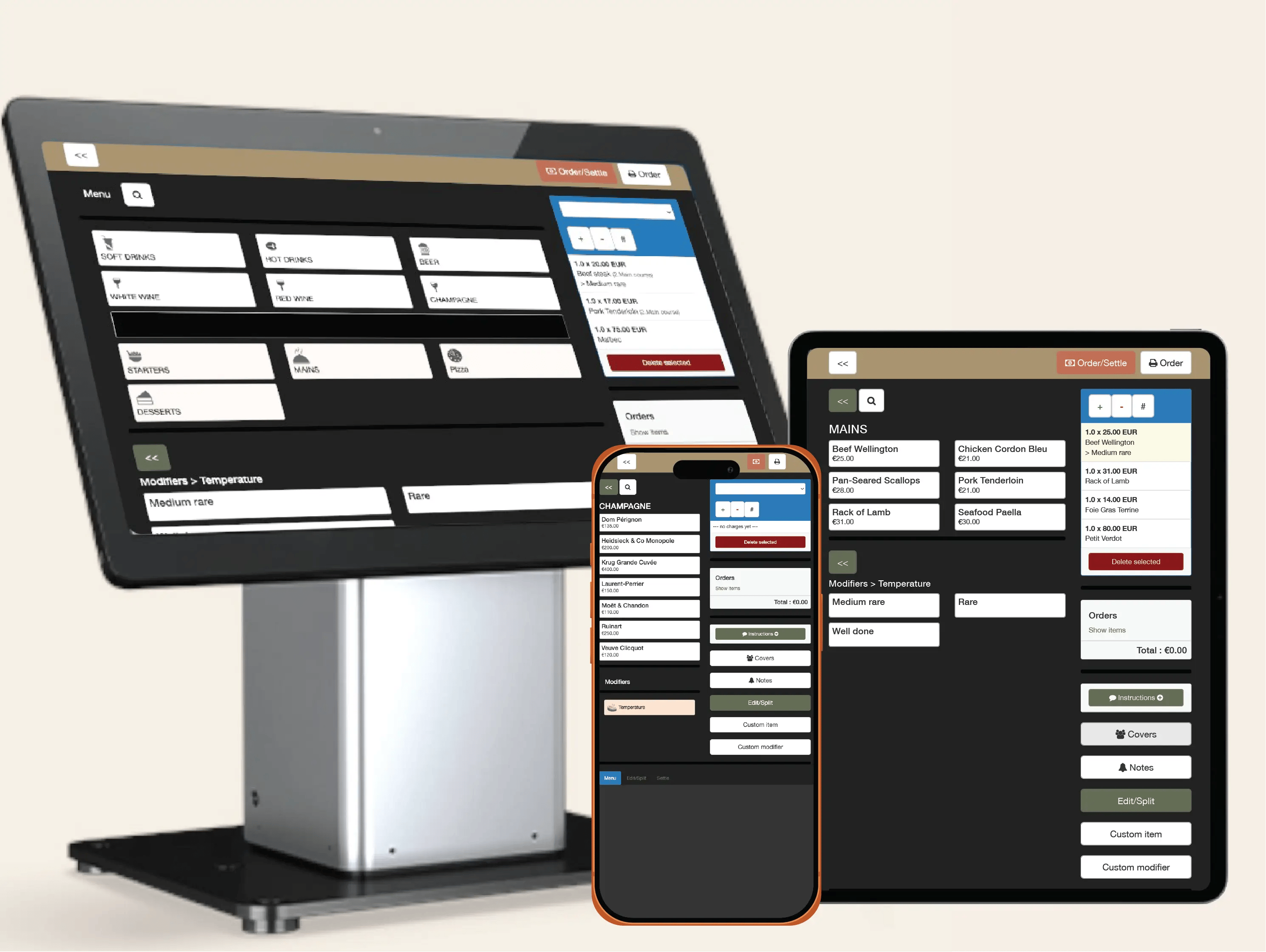
Run without expensive hardware, licenses or lock-ins
Clock’s POS runs on any mobile or desktop device—no expensive proprietary hardware required. License covers unlimited devices (countertop or mobile), so staff can use tablets, phones, or touchscreens they already own—even personal ones. Clock's all-inclusive pricing saves you on 3rd-party POS licenses/subscriptions.
Say hi on social
P.S. Our page admin counts every like, share, and follow. You’ll make her day.


Need help?
If you need help right now, open a ticket, browse our support portal, or watch a quick video in the Academy.