











Analytics

Too many reports — and still not the one you need?

Clock already covers reporting on bookings, blocks, occupancy forecasts, charges, revenue, invoices, accounts receivable, segmentation, housekeeping, and KPIs. But sometimes you need a view that’s truly yours — shaped by how you work. Or you want to combine PMS data with costs, marketing performance, website traffic, or other sources to see the full picture.

That’s where BI Analytics comes in. A custom reporting layer for €50/month, including 8 hours of tailored development per year — with no fragile exports, no manual fixes, and no endless report compilation. Just the exact insight you always wanted.

What you can actually do

Frame 161 (1)

Build any report you imagine

We generate a flattened, analysis‑ready copy of your booking, revenue, profile, payment, folio, charge, invoice, segment, and availability data — refreshed daily and ready for deeper cuts than any standard PMS dashboard. Your in‑house analyst (or a commissioned one) can create any custom report or dashboard in Looker Studio, Power BI, Tableau, or similar tools.
Example:
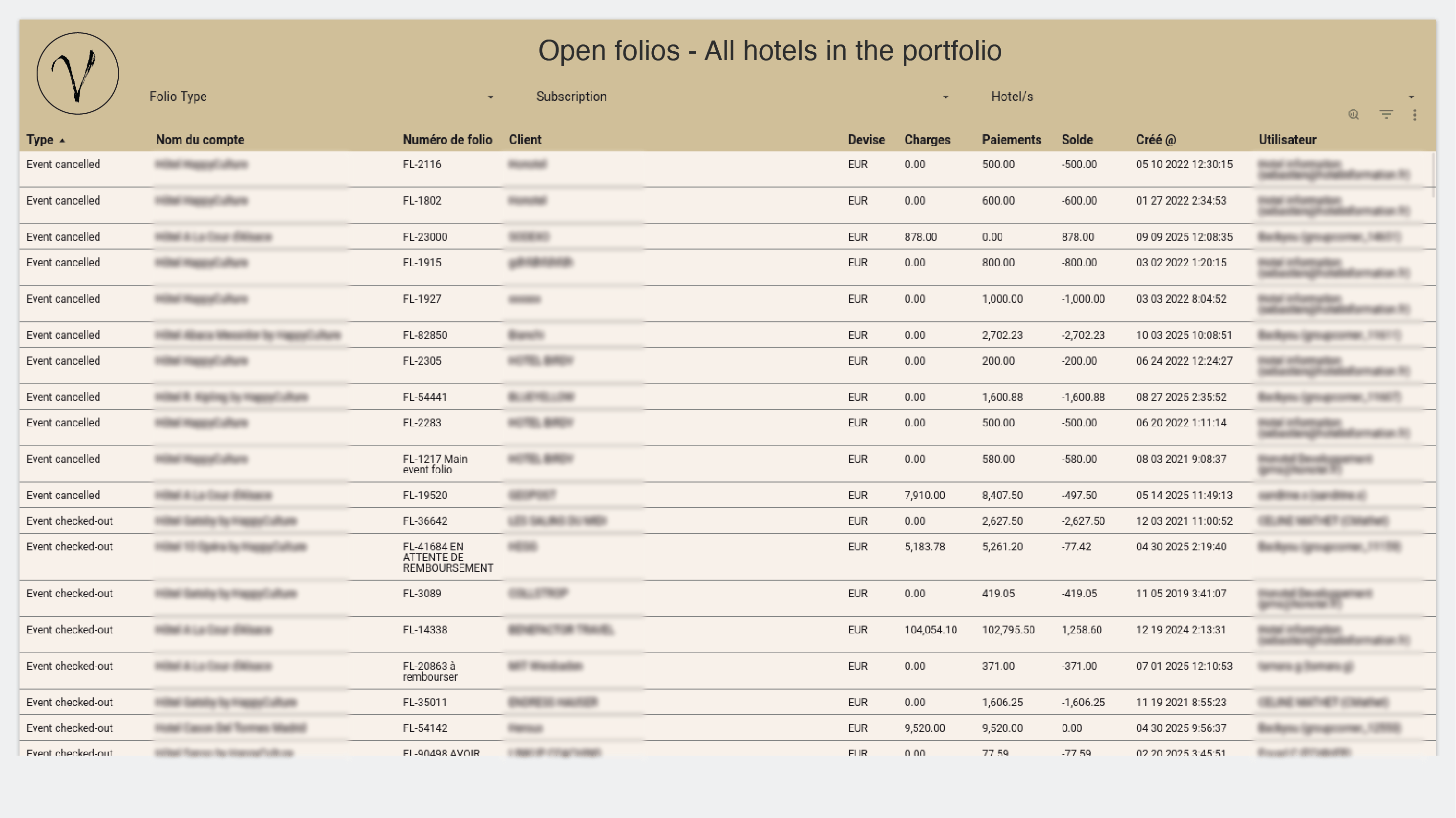
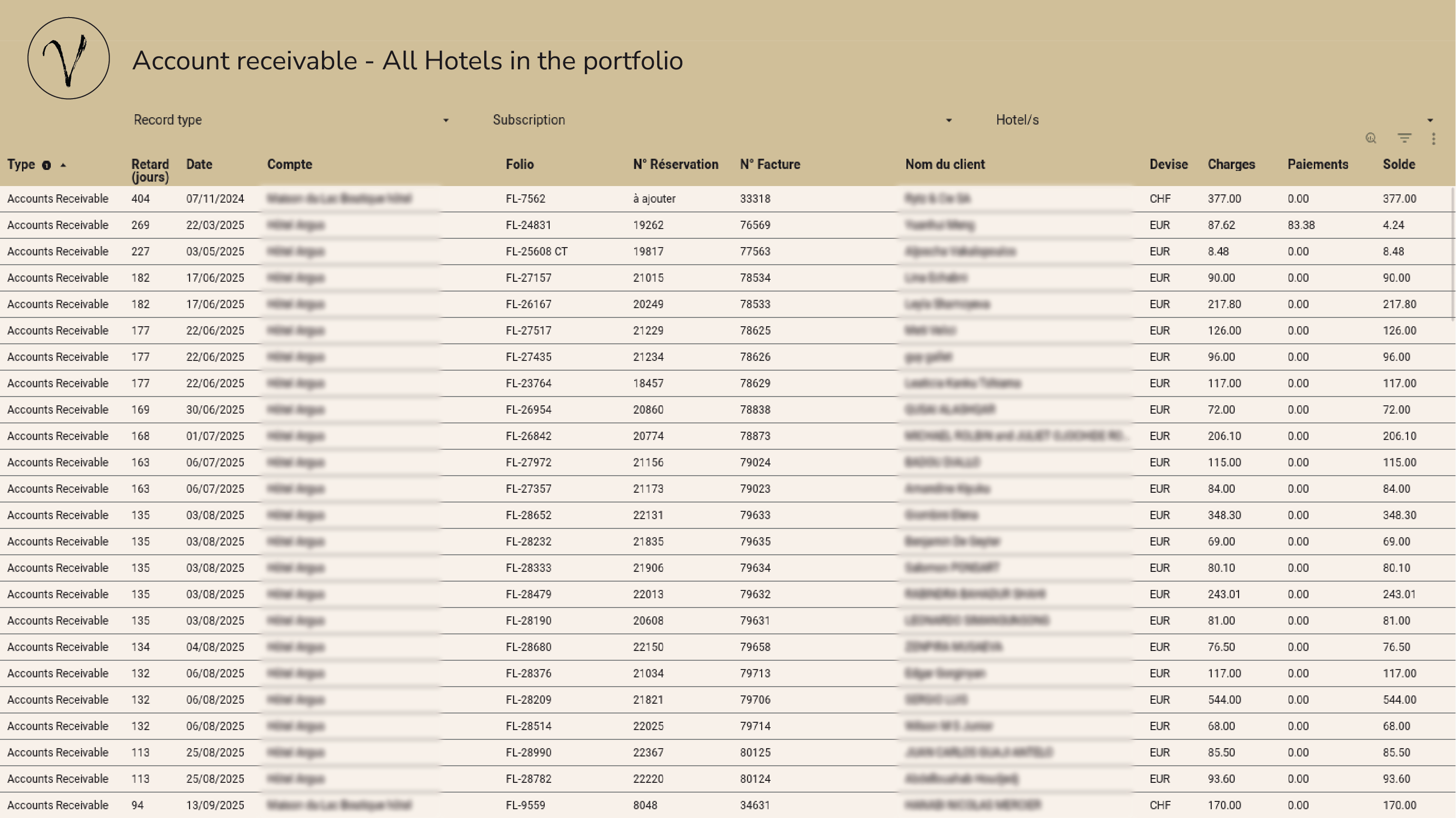
Finance needs a custom accounts‑receivable view aligned with your workflows. Your analyst builds it — filterable by departure date, company, or country.
Frame 161 (1)

Or ask us to build it for you

Need custom reports but don’t have the experts? We can build them for you. In most cases, it’s included; if more time is needed, only a small one‑off fee applies. We manage your synced data and work with you until everything looks and behaves exactly how you expect it.

Example:
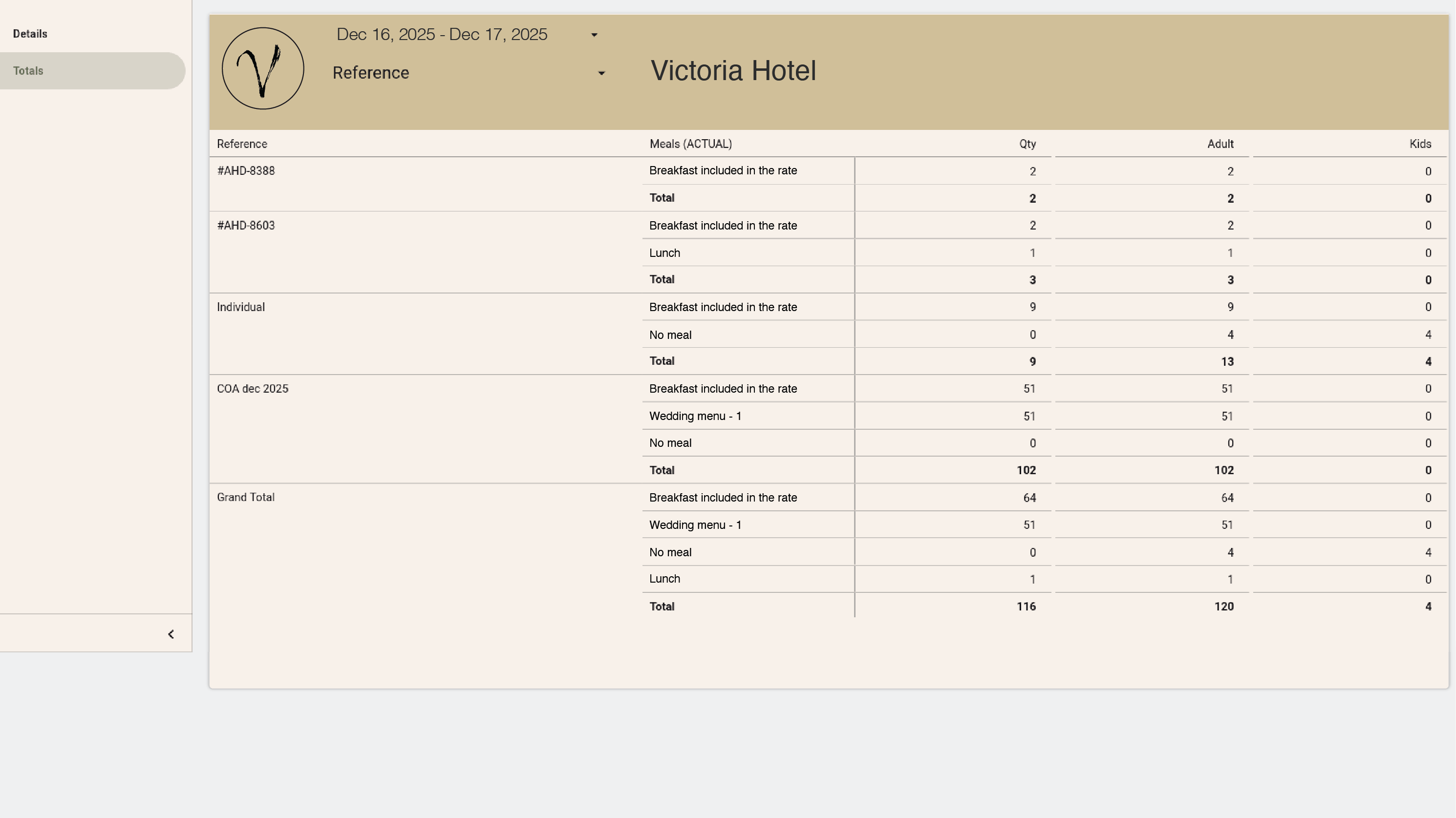
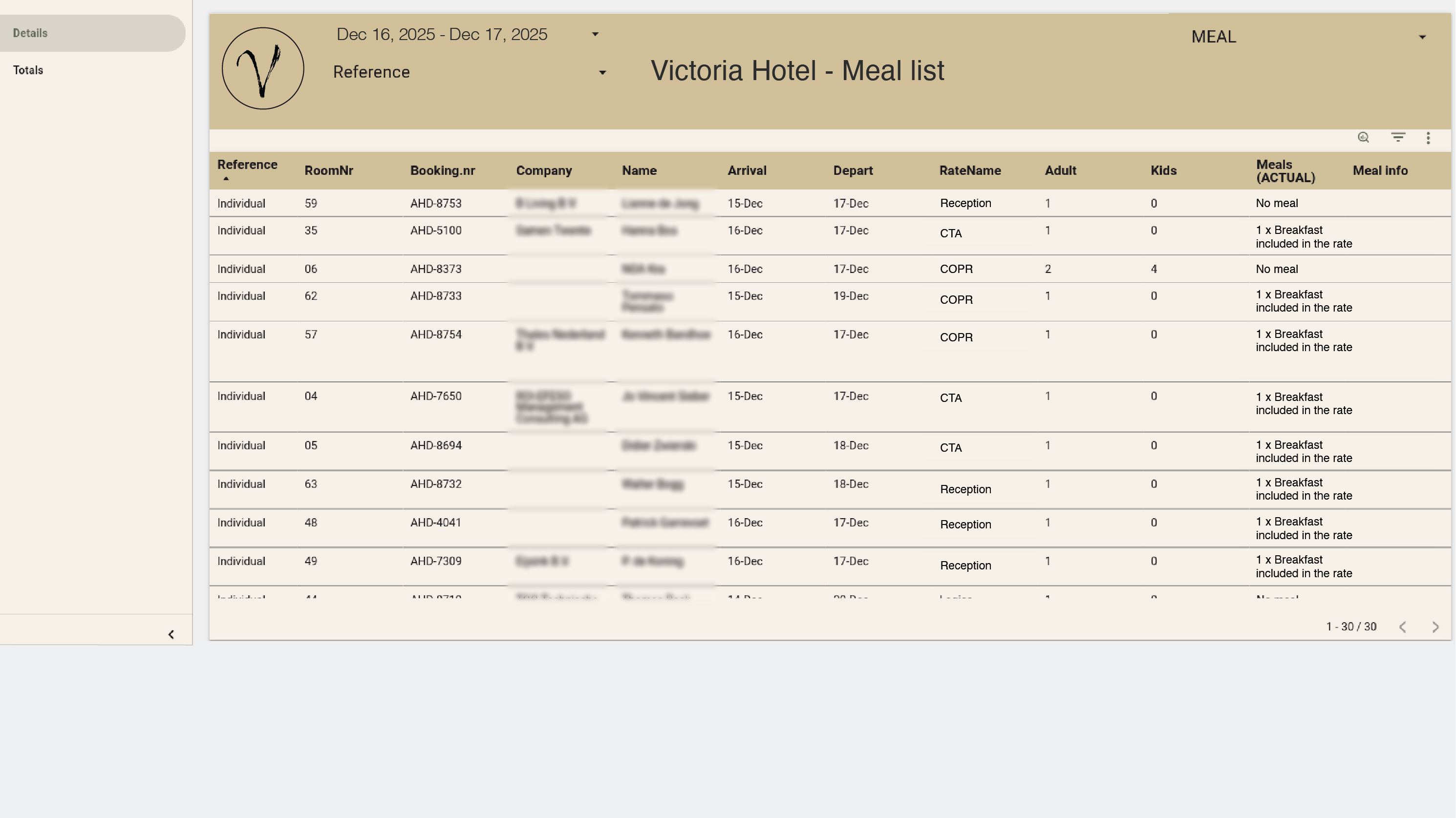
You allocate restaurant table numbers to guests for their stay and need a daily list sorted by table. We create the custom report — ready to use.
Frame 161 (1)

Combine Clock data with anything else you rely on

Blend PMS performance with Google Analytics traffic, ERP expenses, weather data, staffing costs, or campaign spend to reveal the real drivers behind performance.

Example:
Your analyst merges Clock bookings with Google Analytics campaign data to see which markets convert best for specific packages.
Frame 161 (1)

No more exports you need to tweak manually

If your spreadsheets depend on CSV exports, we can generate a clean export file — no deleting rows, fixing symbols, or reformatting numbers. Or we can rebuild the entire report as a dashboard so you don’t export anything at all.

Example:
Your revenue manager’s custom pickup‑and‑forecast spreadsheet used to rely on messy CSVs requiring manual cleanup. Now they receive a ready‑to‑paste export — or we recreate the same logic in a dashboard so no export is needed.
Frame 161 (1)

Share insights instantly across your hotel or group

Give owners, managers, and teams access to dashboards that reflect their way of seeing the business — or automate scheduled PDF/HTML deliveries.

Example:
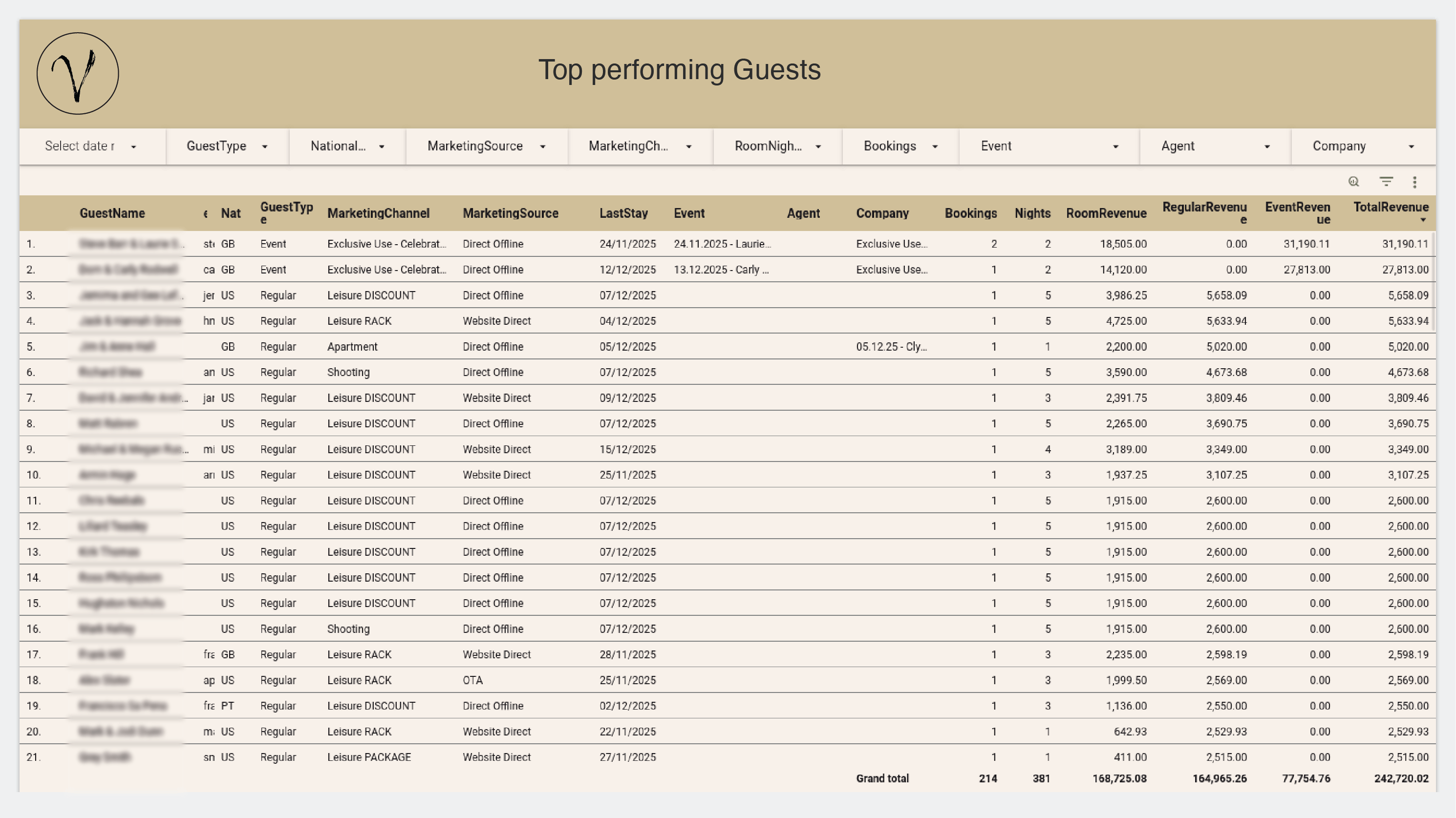
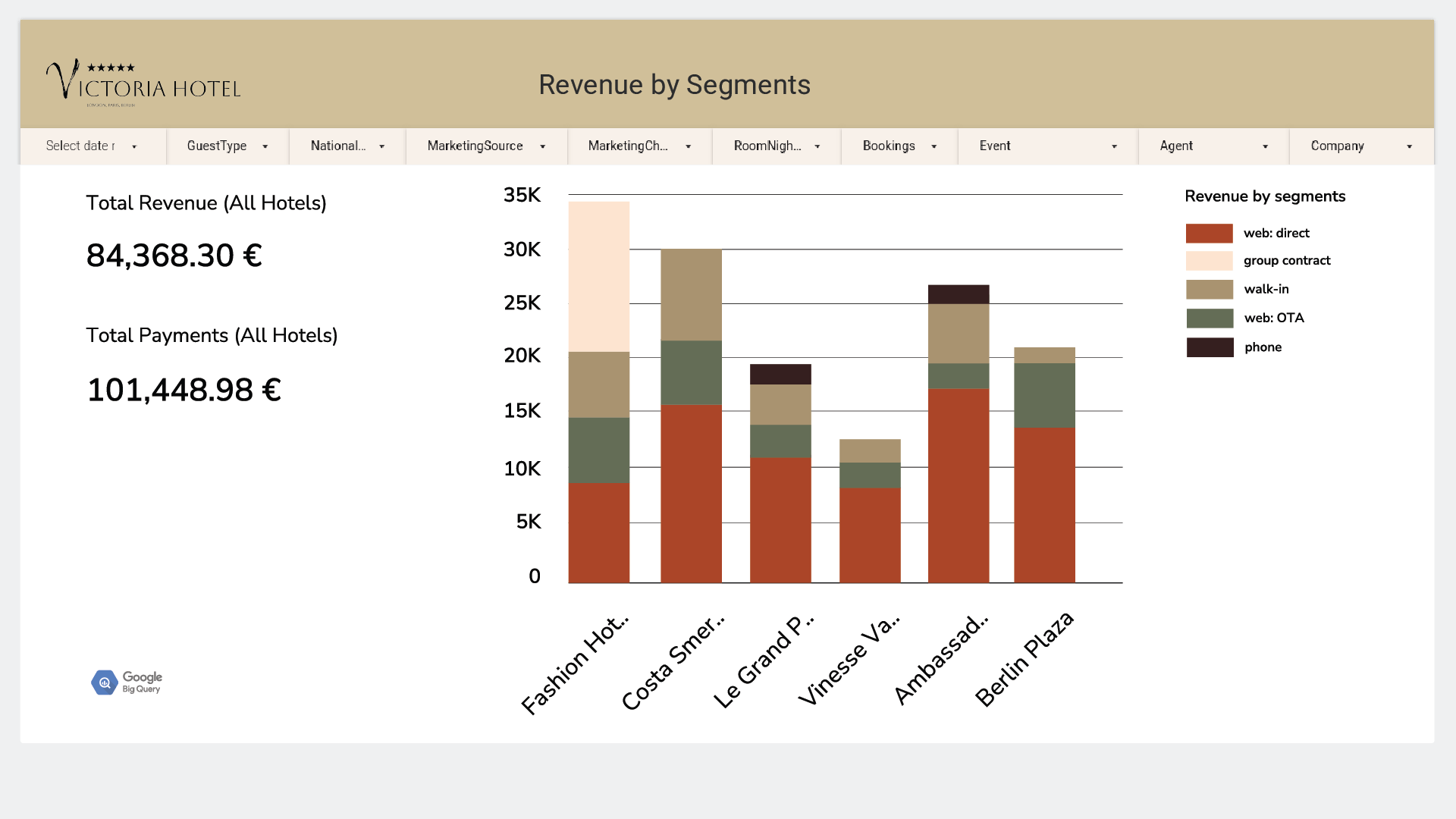
Your GM logs into their custom dashboard and immediately sees the past month’s revenue, payments, bookings, comparisons, filters, and trends — structured exactly the way they like.
Frame 161 (1)

Play with your data — no development skills needed

Once your dashboard is ready, anyone on your team can explore the data from different angles. Change segments, regroup results, or pivot the view — the skills required are no higher than working with a basic spreadsheet or a pivot table.

Example:
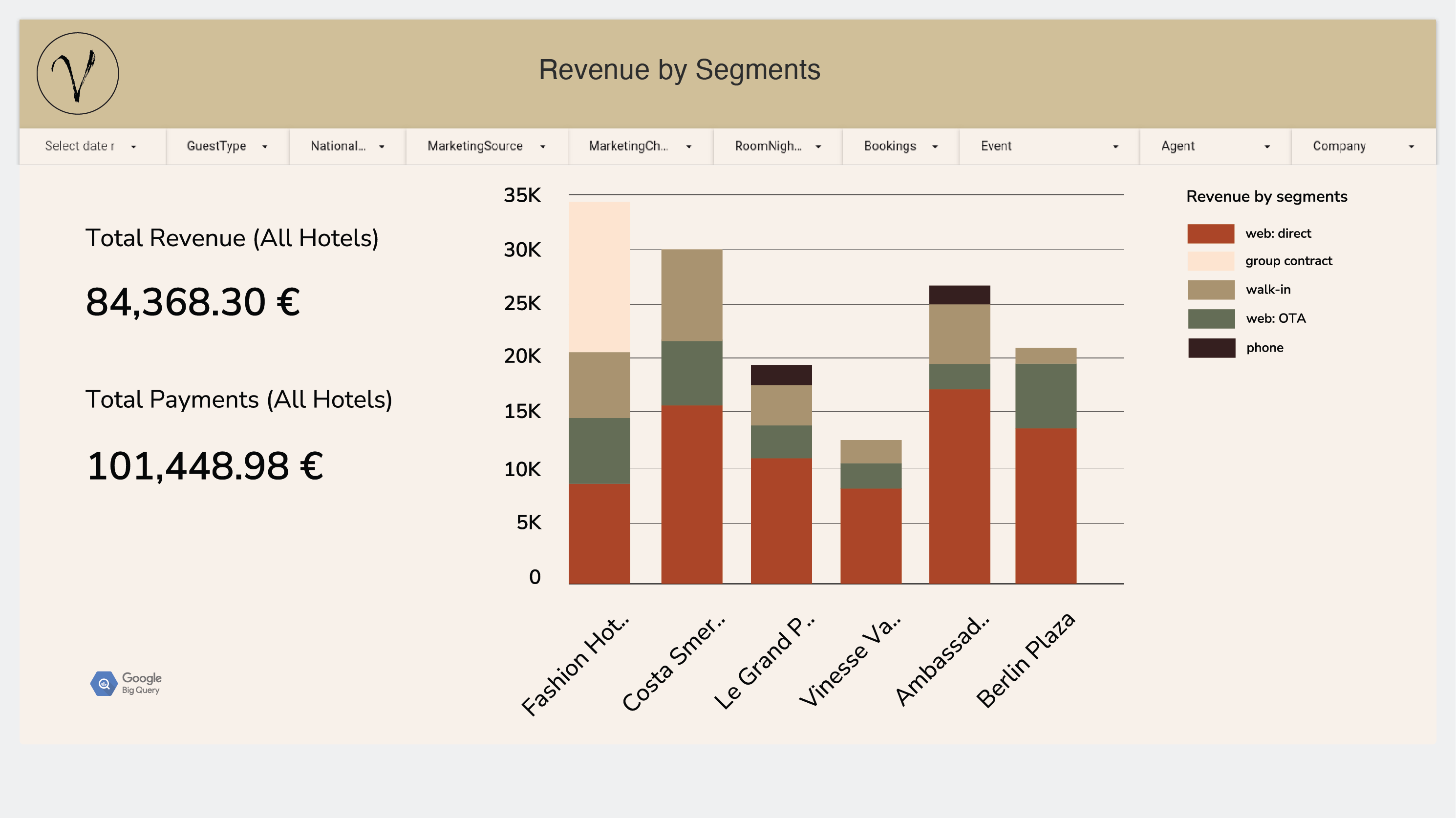
Your manager wants to explore room nights and revenue by different lenses. They start with a simple segment breakdown, then switch to seeing segments by nationality, then by rate plan — revealing patterns and insights that wouldn’t surface in a static report.
Frame 161 (1)

Talk to your data — literally

With advanced tools like Looker Studio Pro, you can go beyond filters and pivots. Based on your predefined datasets, you can ask questions in plain language — and the dashboard answers instantly. No formulas, no digging, no guesswork.

Example:
Your revenue manager asks: “Which segment brought the highest revenue in the last 30 days?” The dashboard replies immediately. A few questions later, they have the view they think they can use again — and ask the system to turn it into a visual chart and save it as part of their dashboard for next‑time, one‑click access.

Cut 40%!

Boost X!

Reduce Y!

Have questions?

Just ask