
See your day clearly
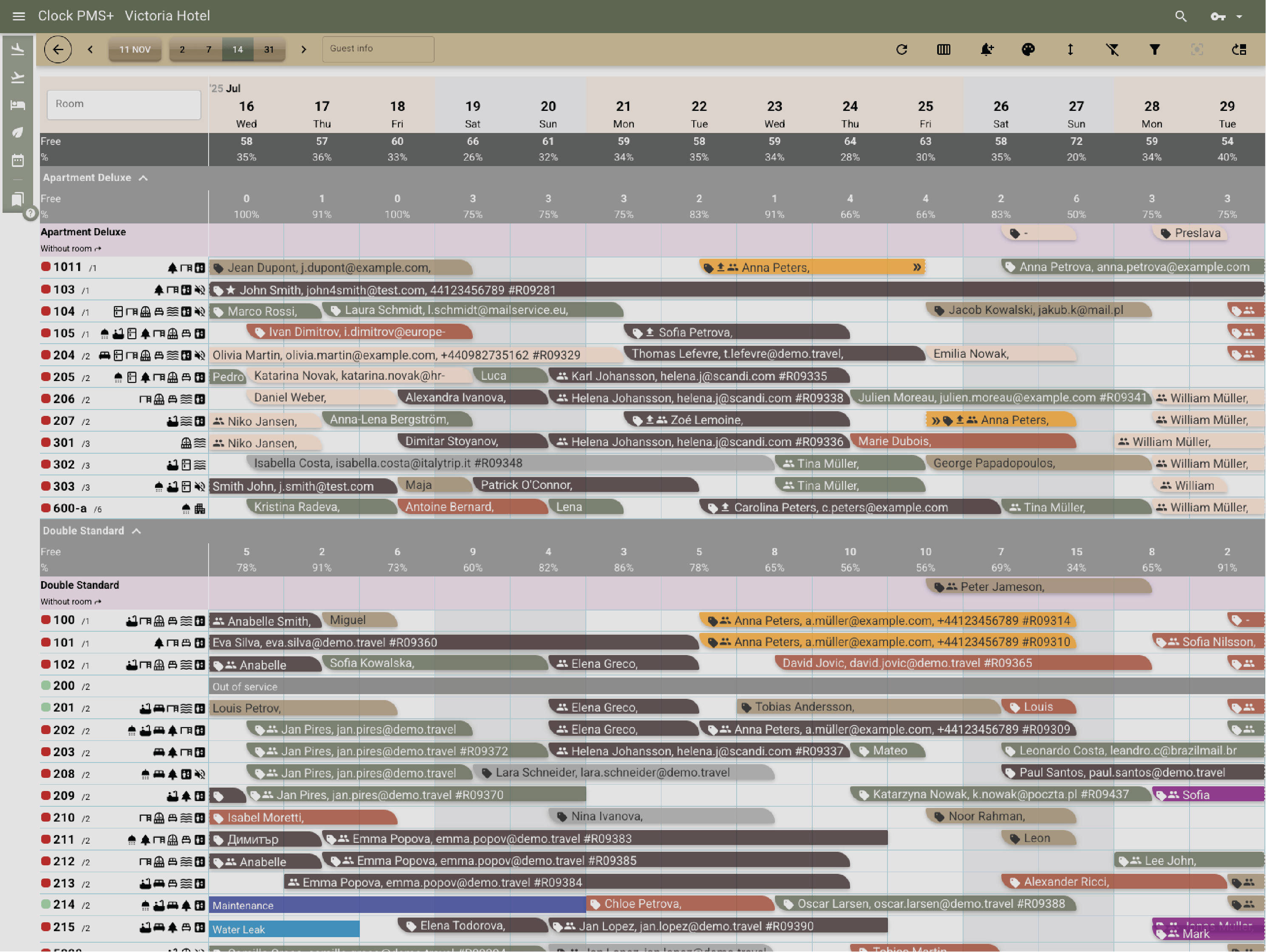
View every arrival, departure, and in-house guest in one live dashboard. Identify returning guests, online check-ins, or upgrades at a glance.
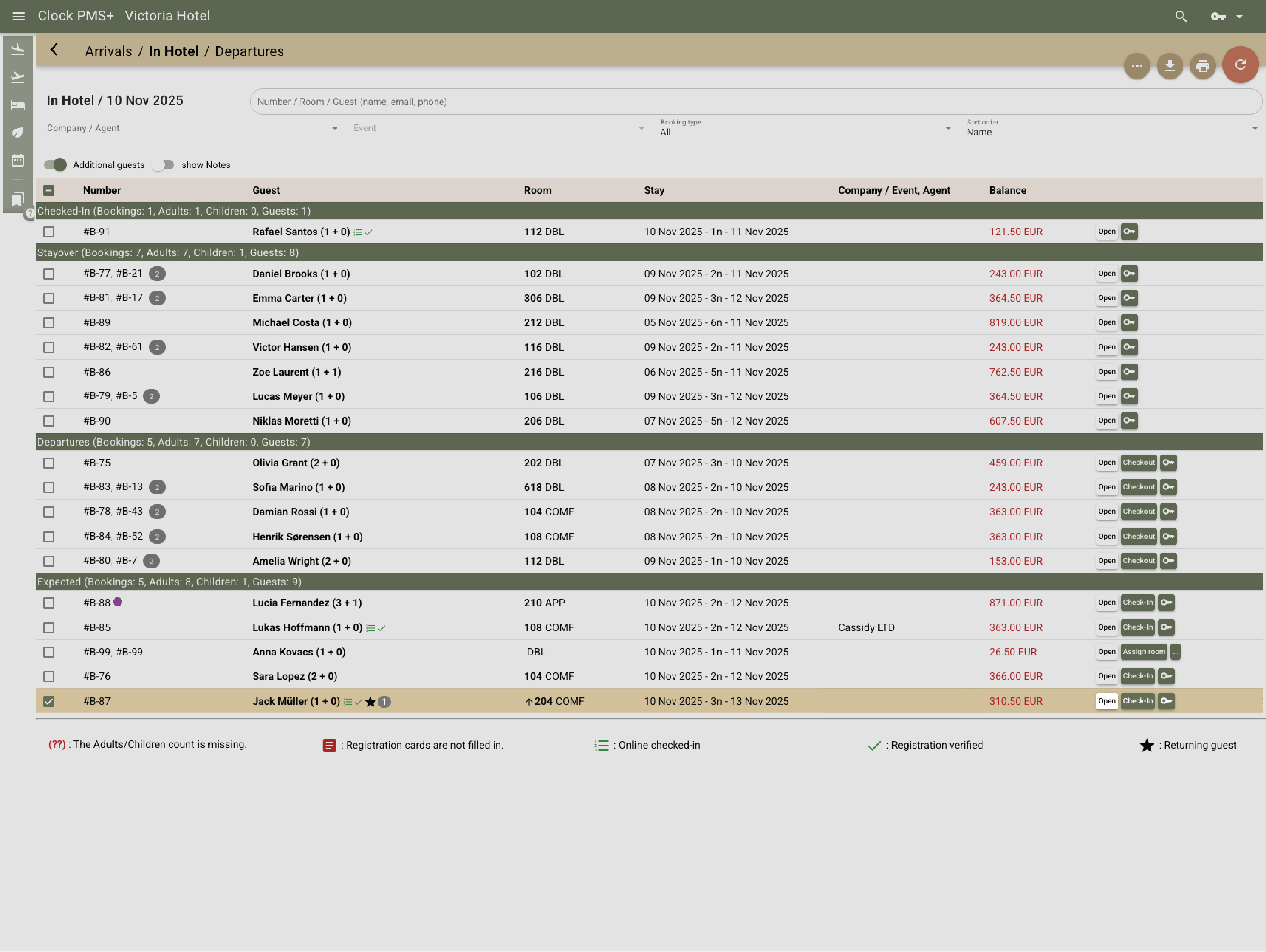
Run arrivals, stays, and departures without the usual queues or end-of-day corrections. Documents get issued right away, payments can be processed without manual steps, upgrades and changes are handled properly.
Trusted by independent hotels worldwide











View every arrival, departure, and in-house guest in one live dashboard. Identify returning guests, online check-ins, or upgrades at a glance.
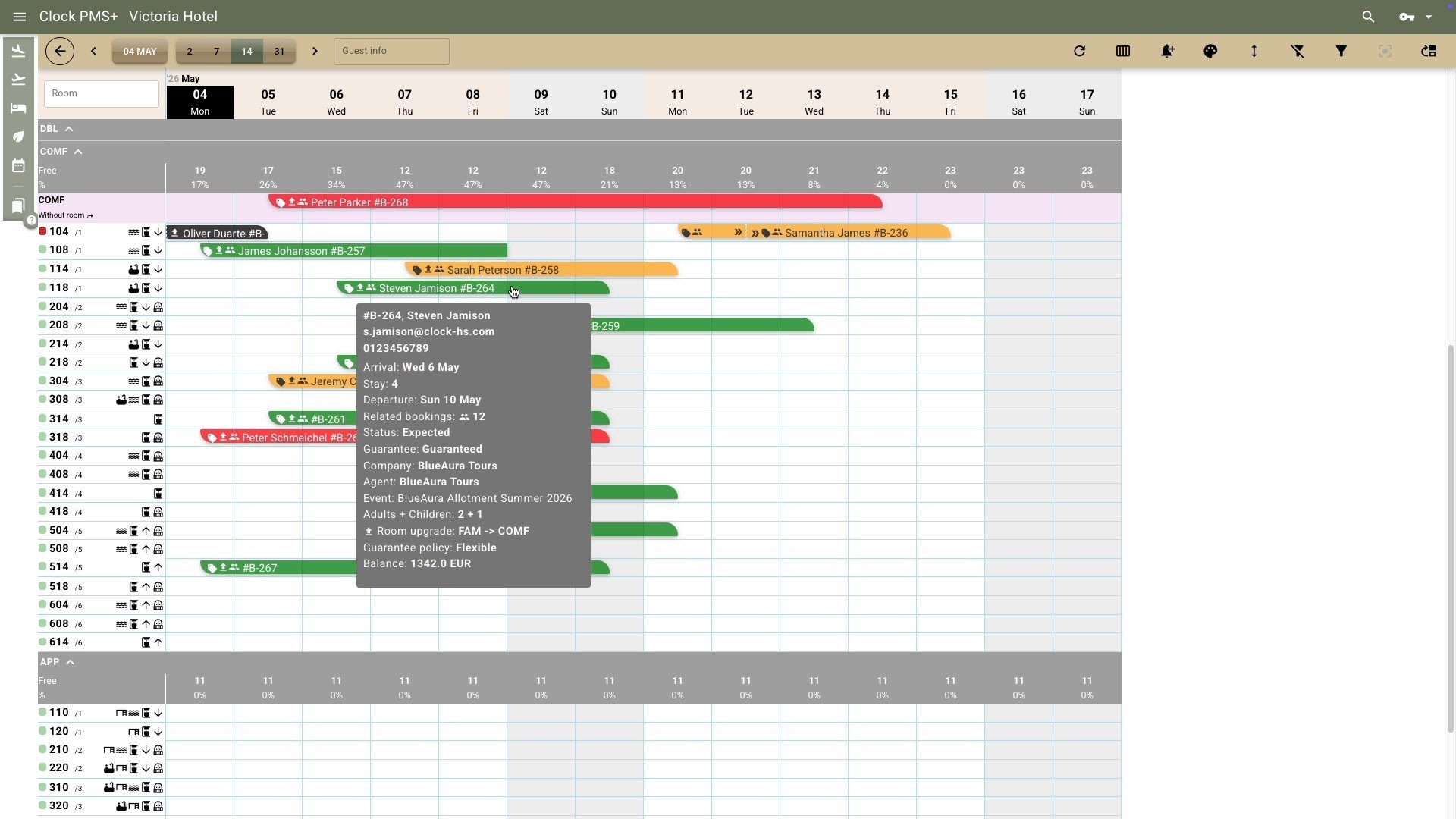
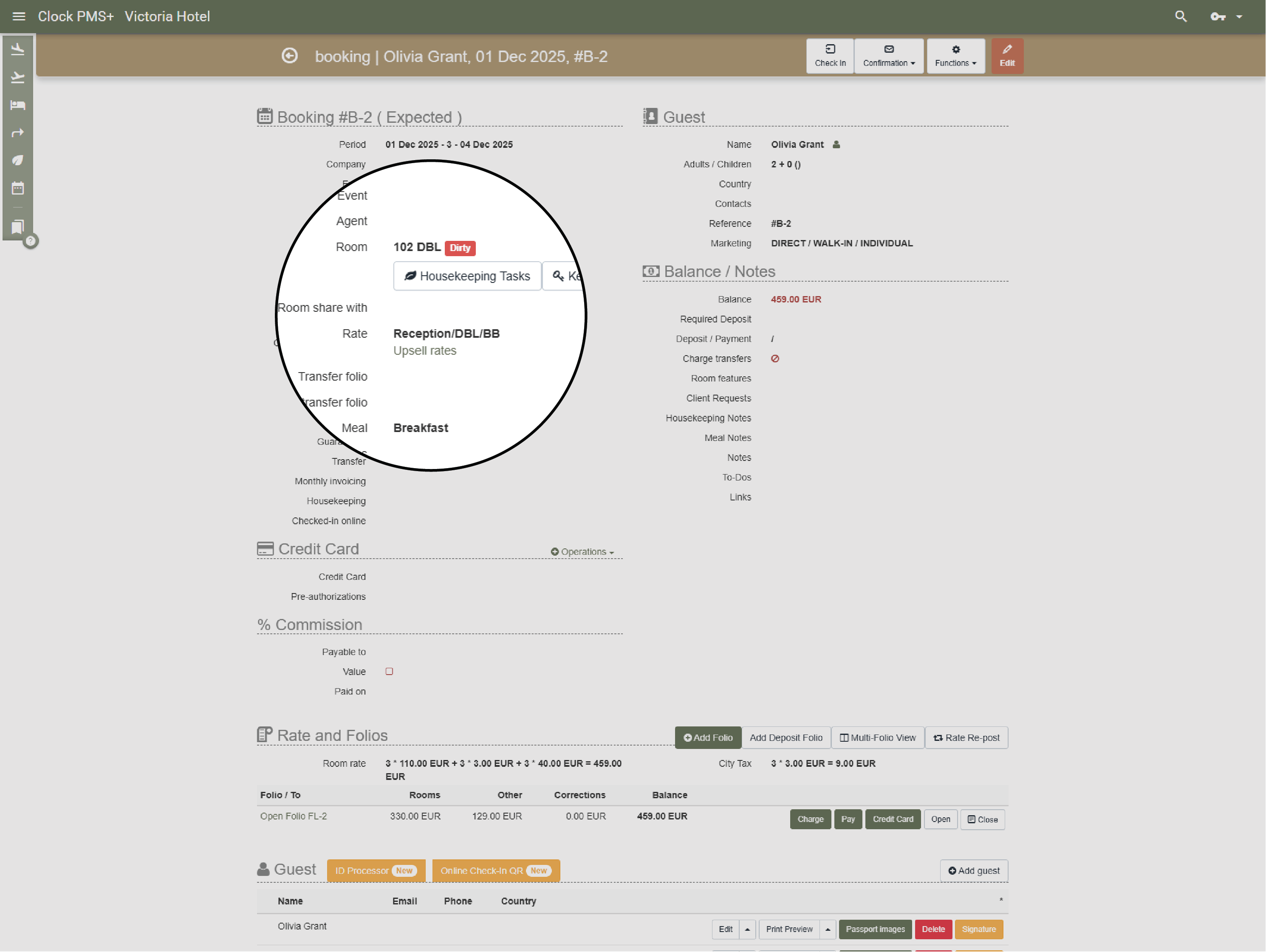
Room allocation in Clock helps match guests to the right room — automatically or manually — using filters like view, floor, or balcony.
.webp?width=1430&height=1075&name=Assign%20rooms%20guests%20actually%20want-thumb%20(1).webp)
Leverage upgrade opportunities — offered in person at reception or requested by guests during online check-in. Clock automatically adjusts rates for paid upgrades, updates housekeeping, and syncs folios.
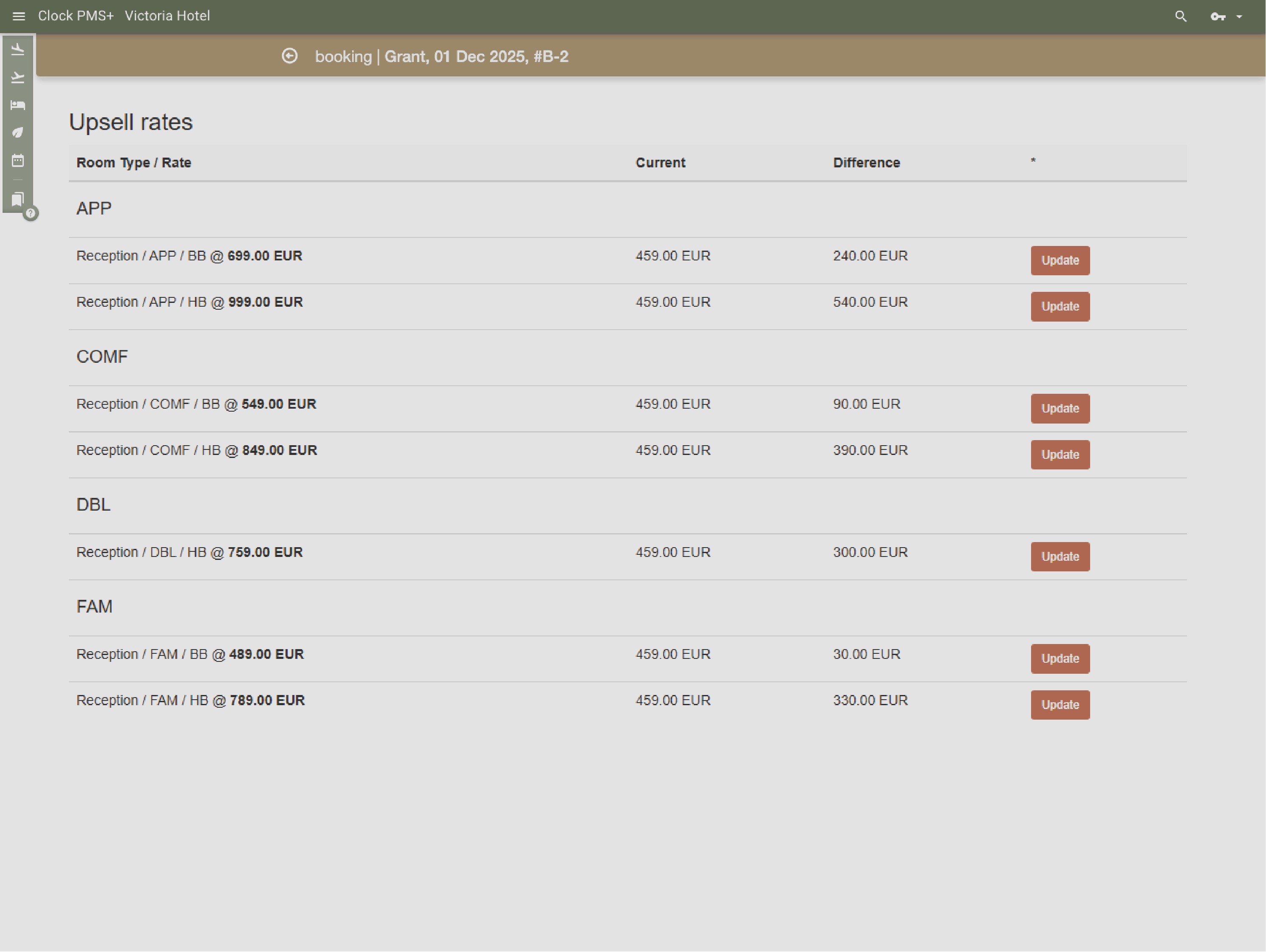
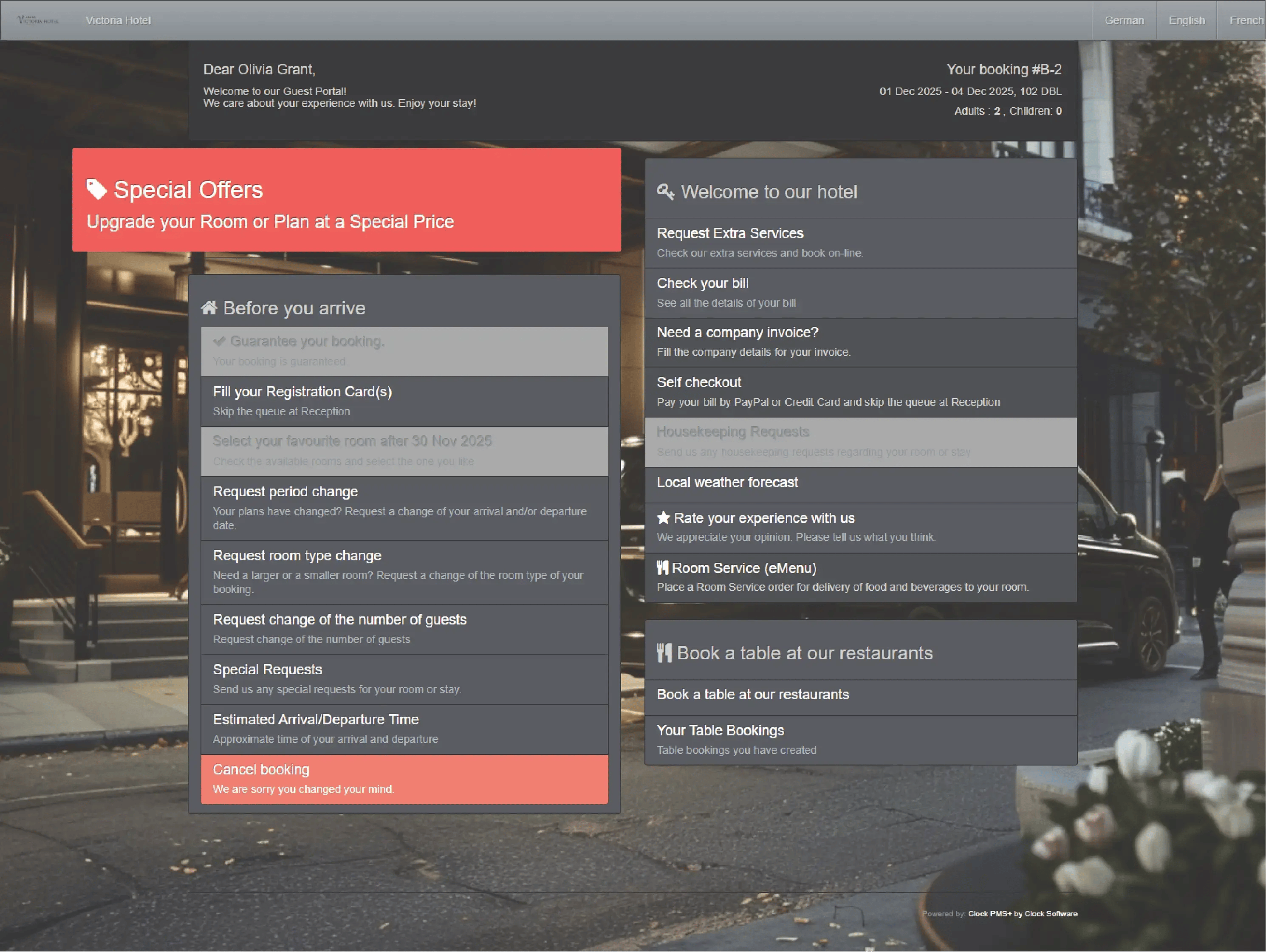
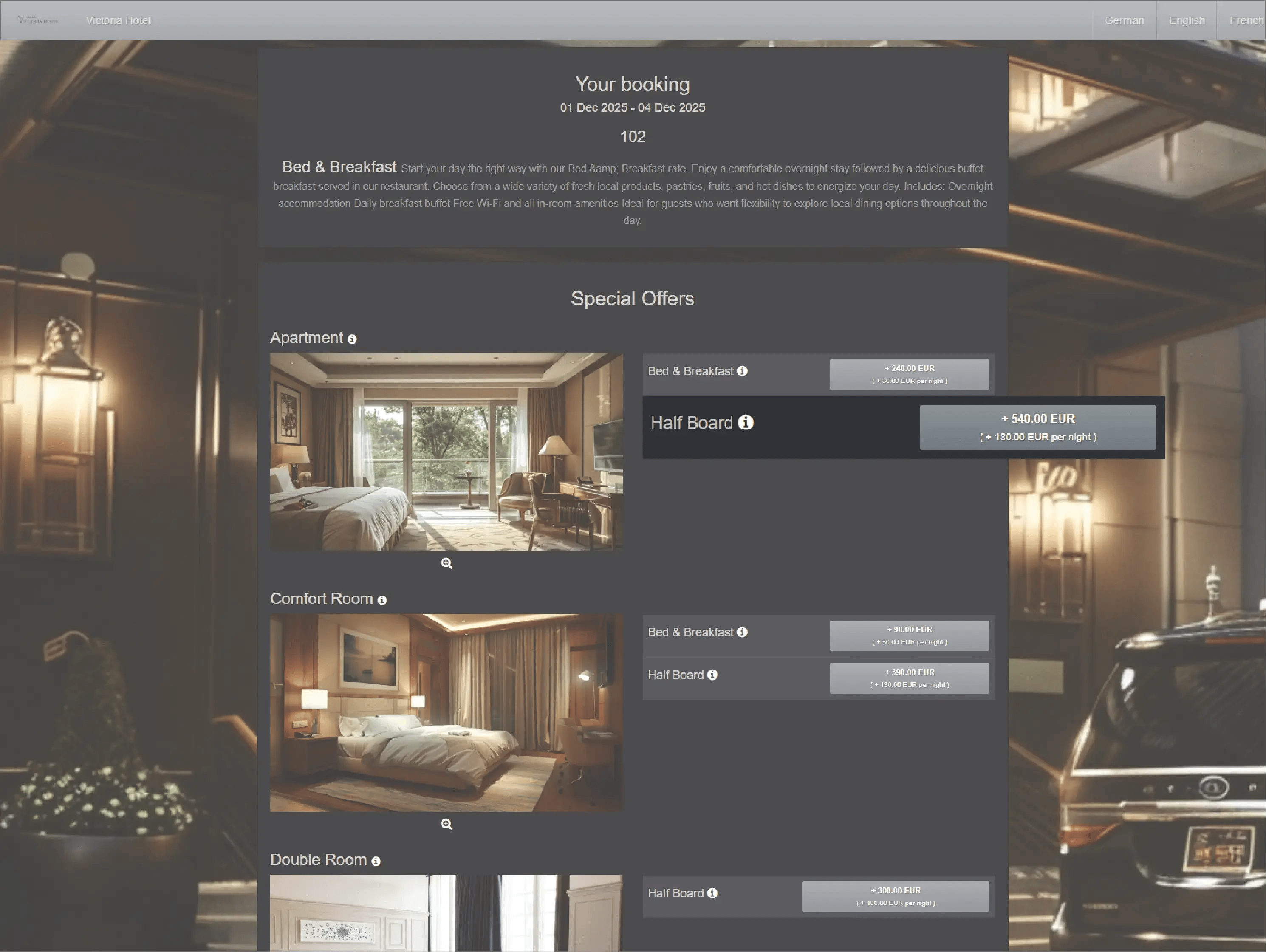
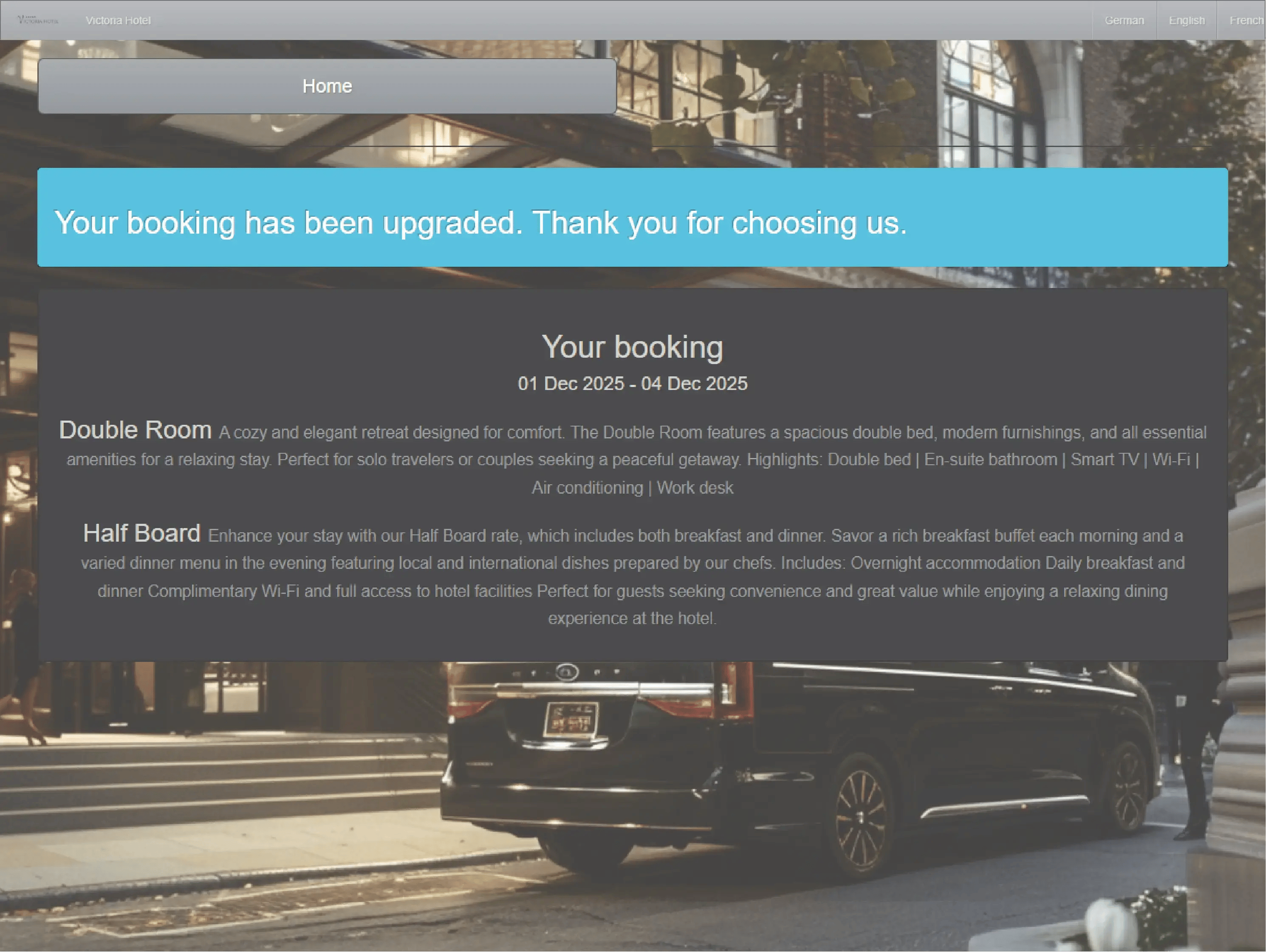
Your visual command center for occupancy, room attributes, readiness, and rates — complete with indicators for online check-ins, repeat guests, and upgrades. Easily handle room moves when needed, keeping every detail in sync.
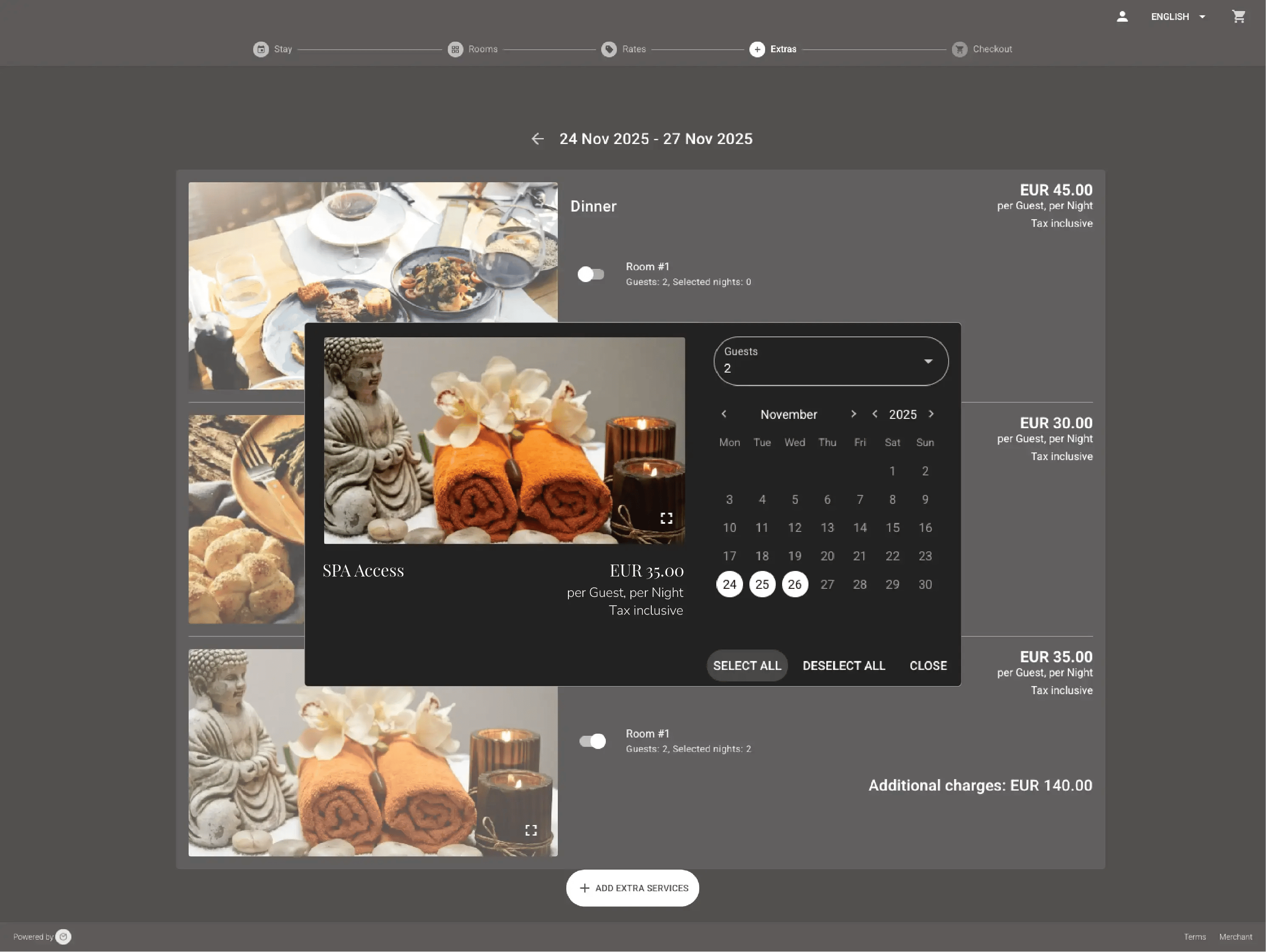
Reception staff can post, correct, or void any charge instantly — late checkout, parking, spa treatment, yoga class, or any add-on. Guests can also order and schedule services through their Guest Portal, saving staff time.
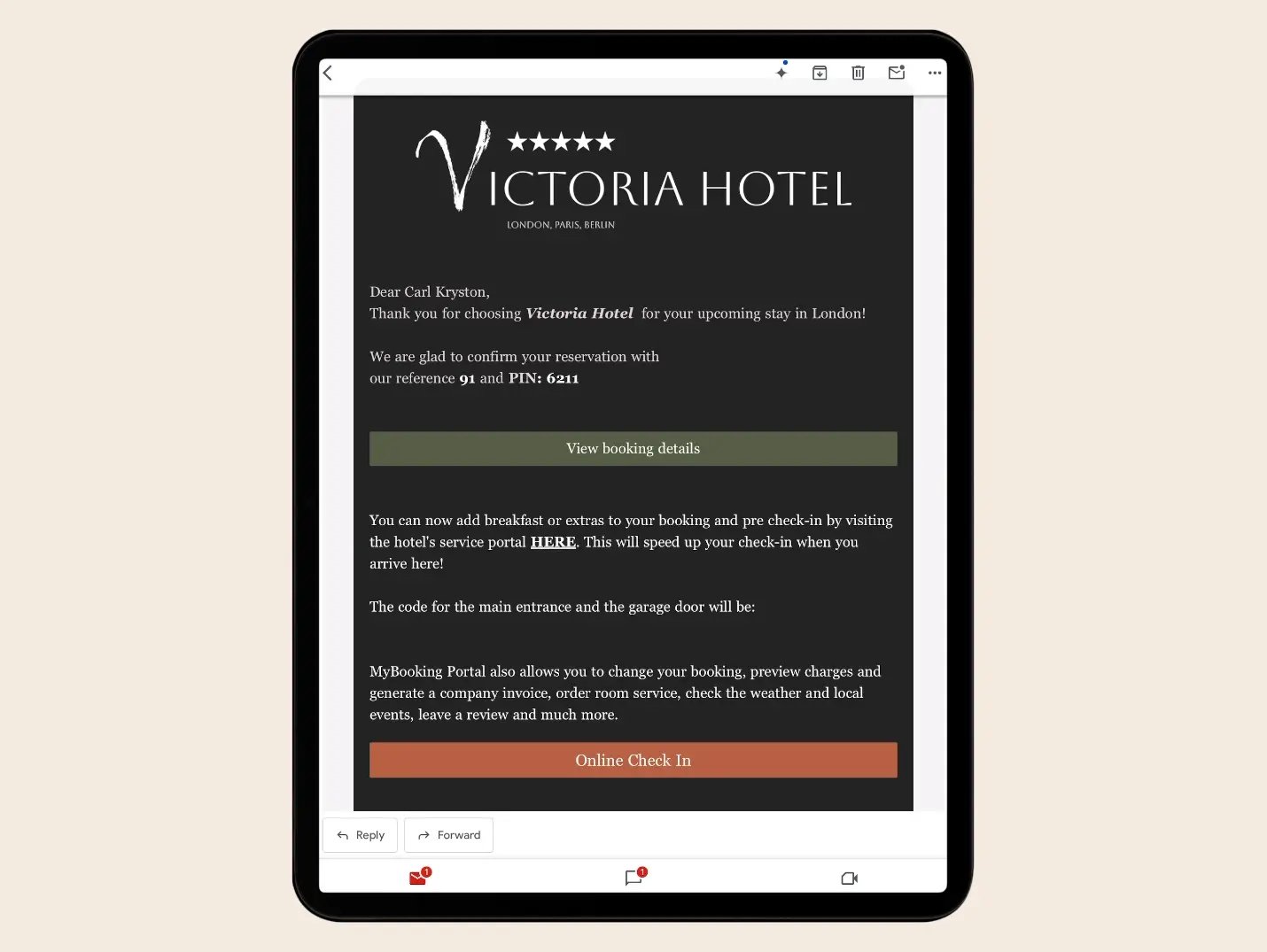
From counter, to kiosk, to mobile — check-ins and check-outs happen in one flow. Collect or pre-verify cards, have guests sign custom registration cards, scan IDs, issue keys, and send invoices — all connected.
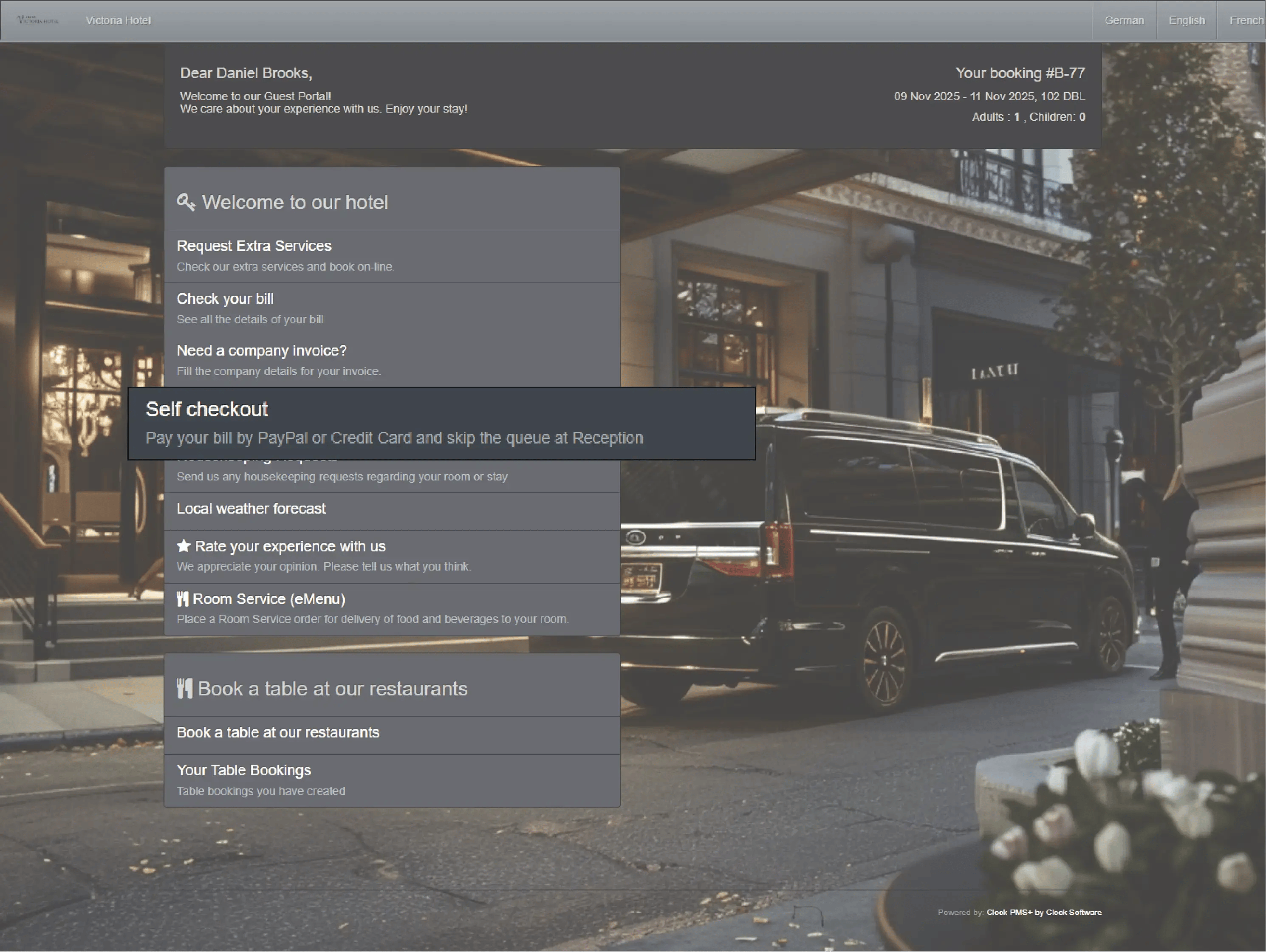
Simplify departures with automated invoice creation, payment collection, and digital folio delivery.
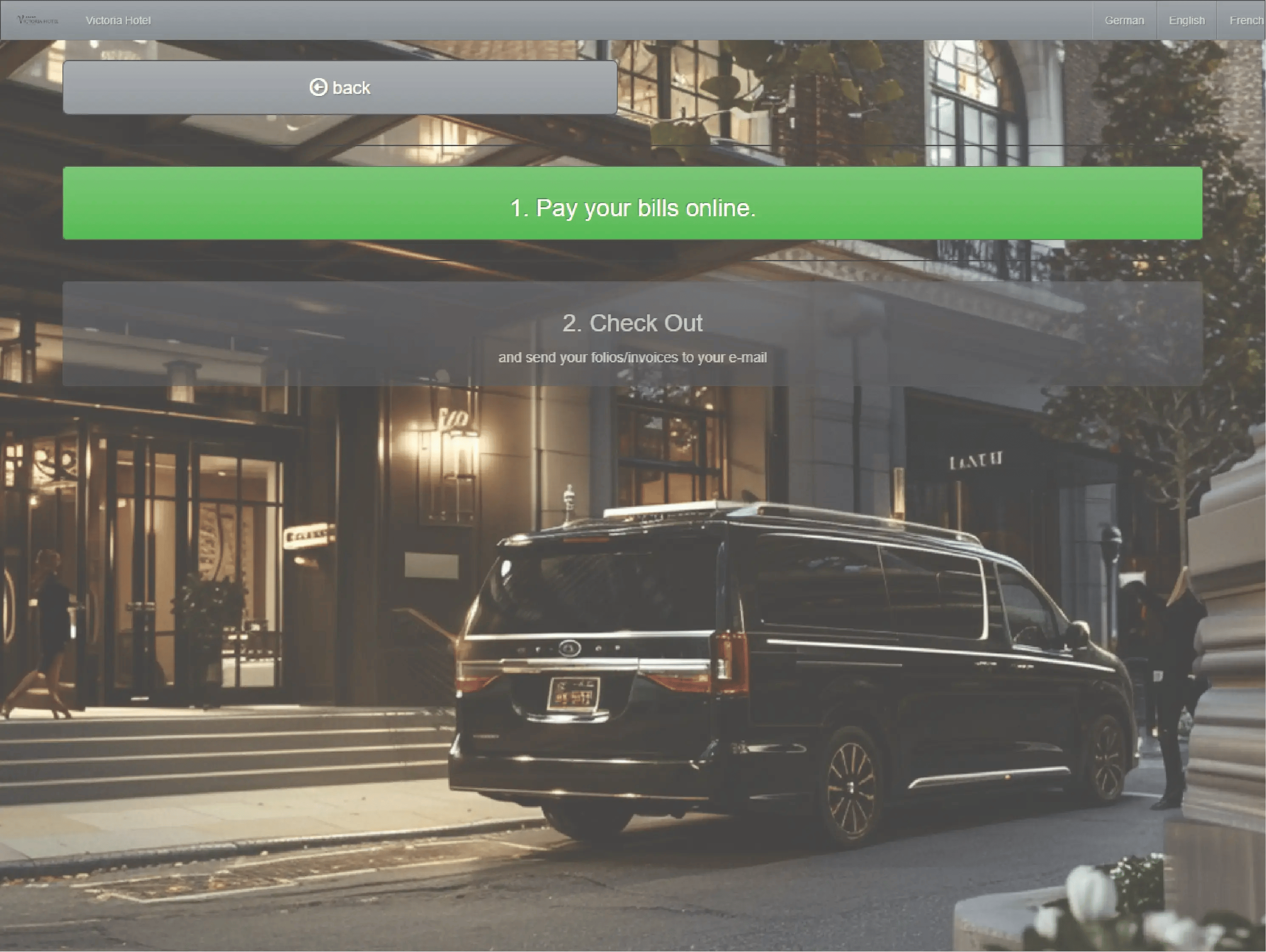
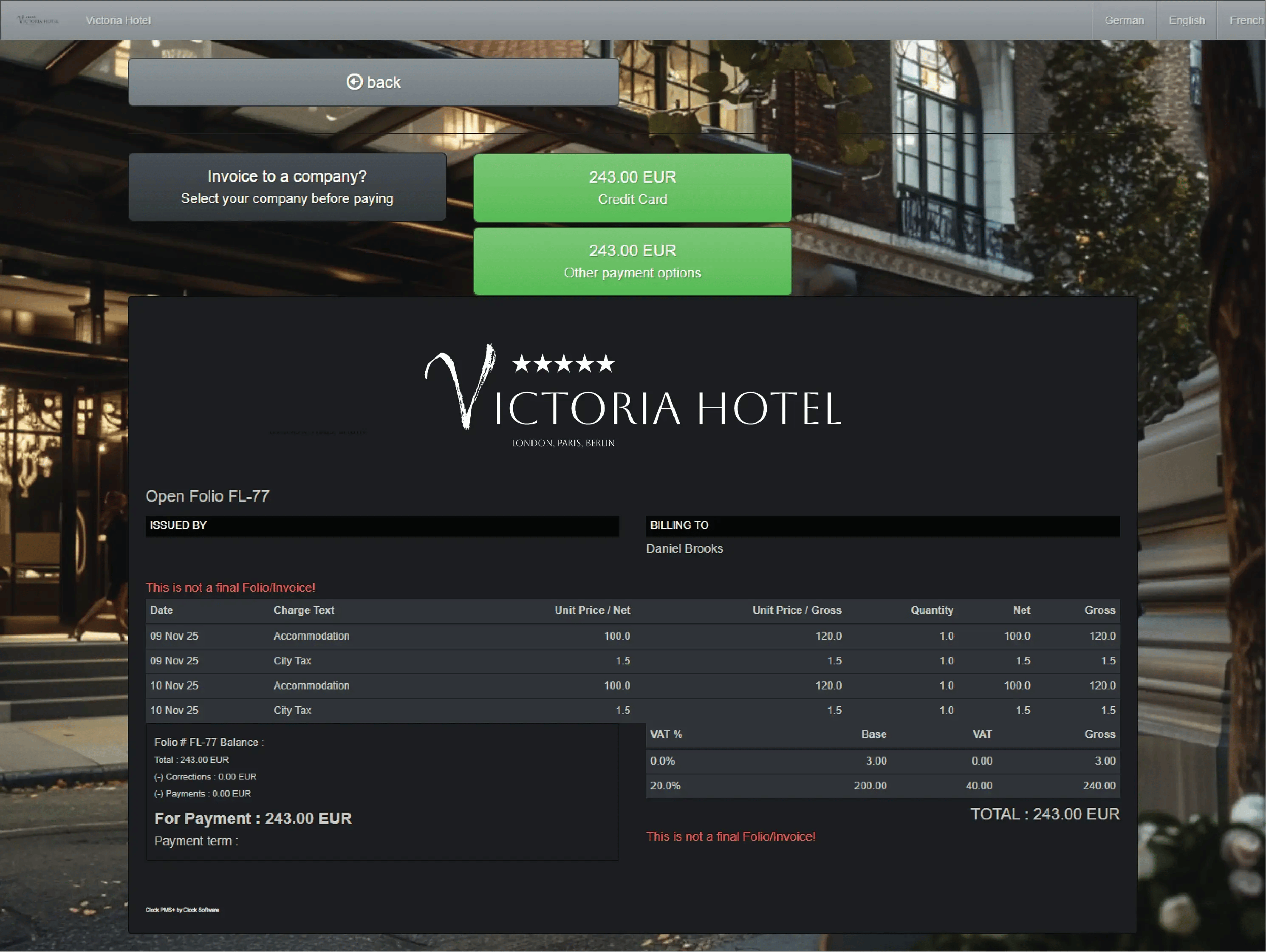
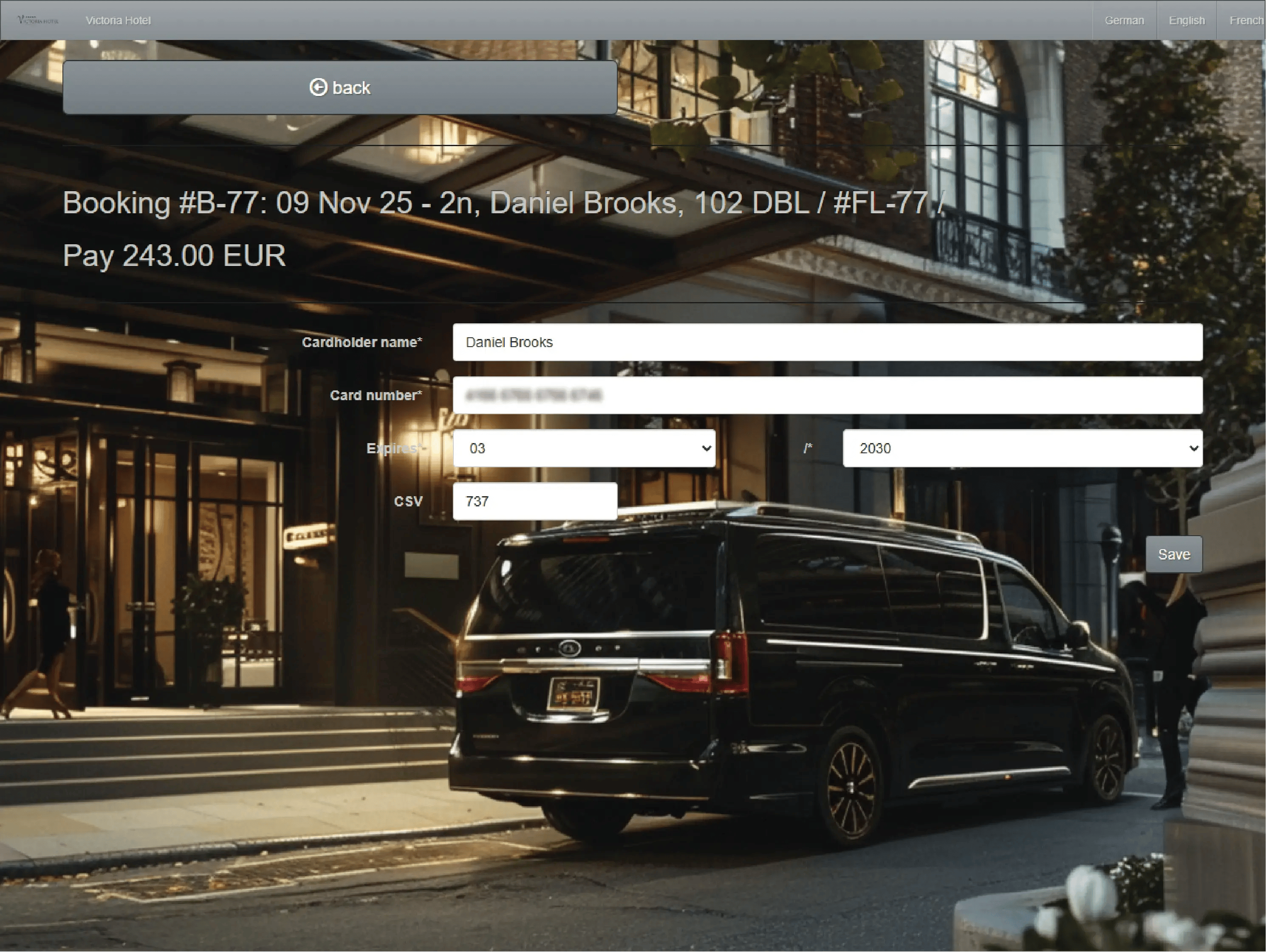
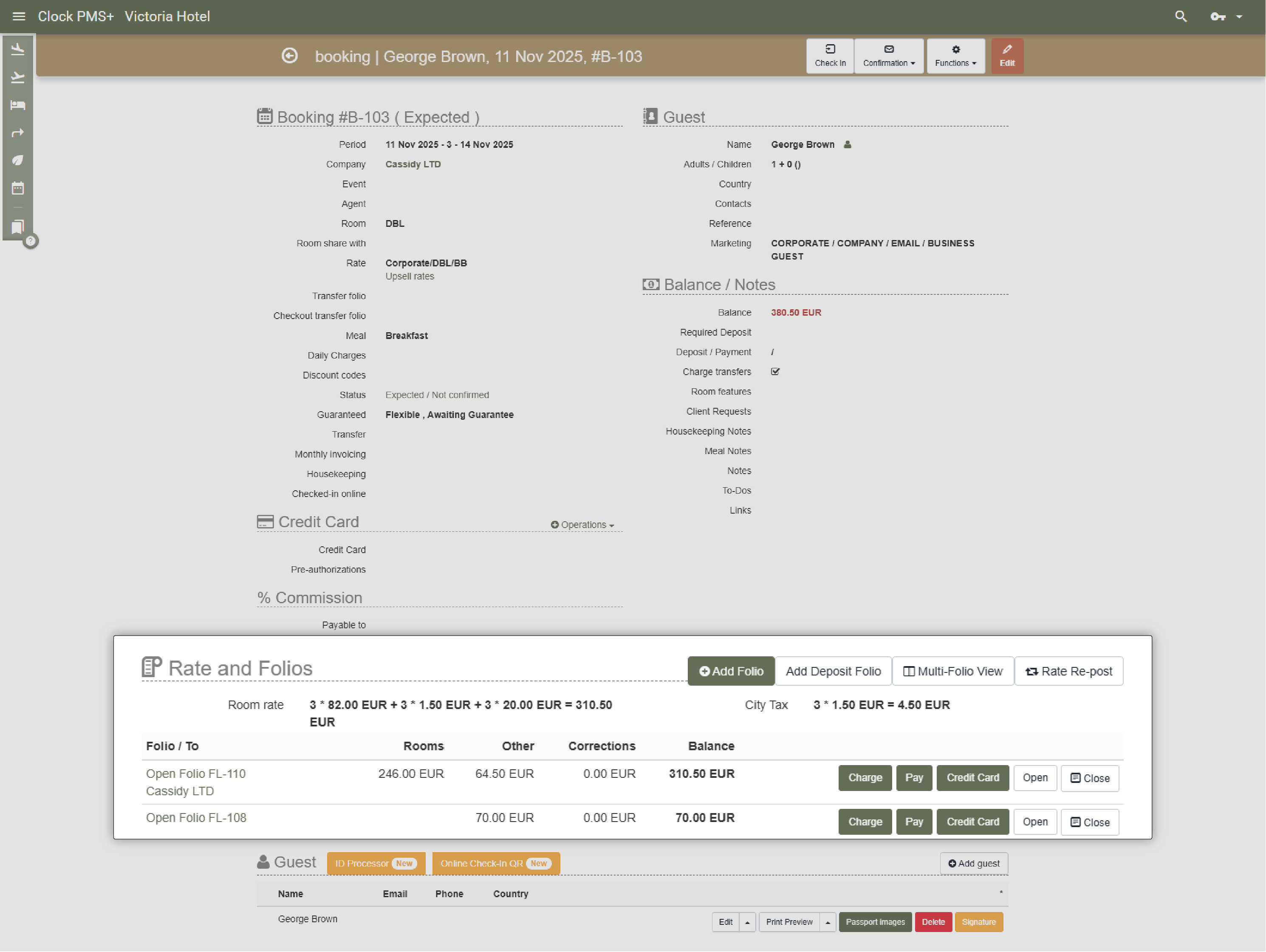
Split folios, transfer and route charges to companies or between bookings, and collect payments automatically. Front desk, billing, and accounting all stay aligned.
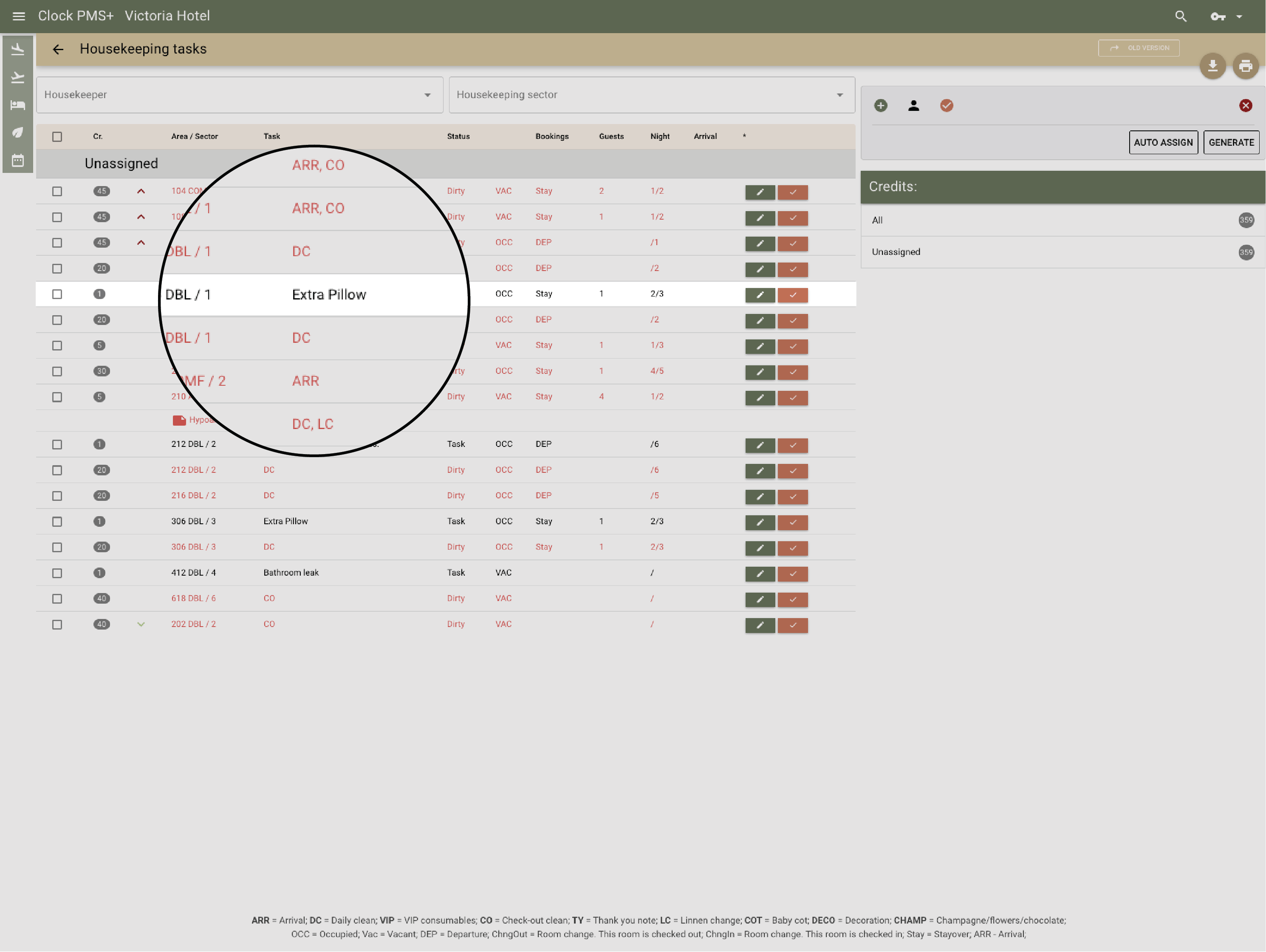
Real-time coordination between front desk and cleaning teams. See room readiness instantly and assign cleaning or inspection tasks directly.
.webp?width=1430&height=1075&name=Keep%20housekeeping%20in%20sync-thumb%20(1).webp)
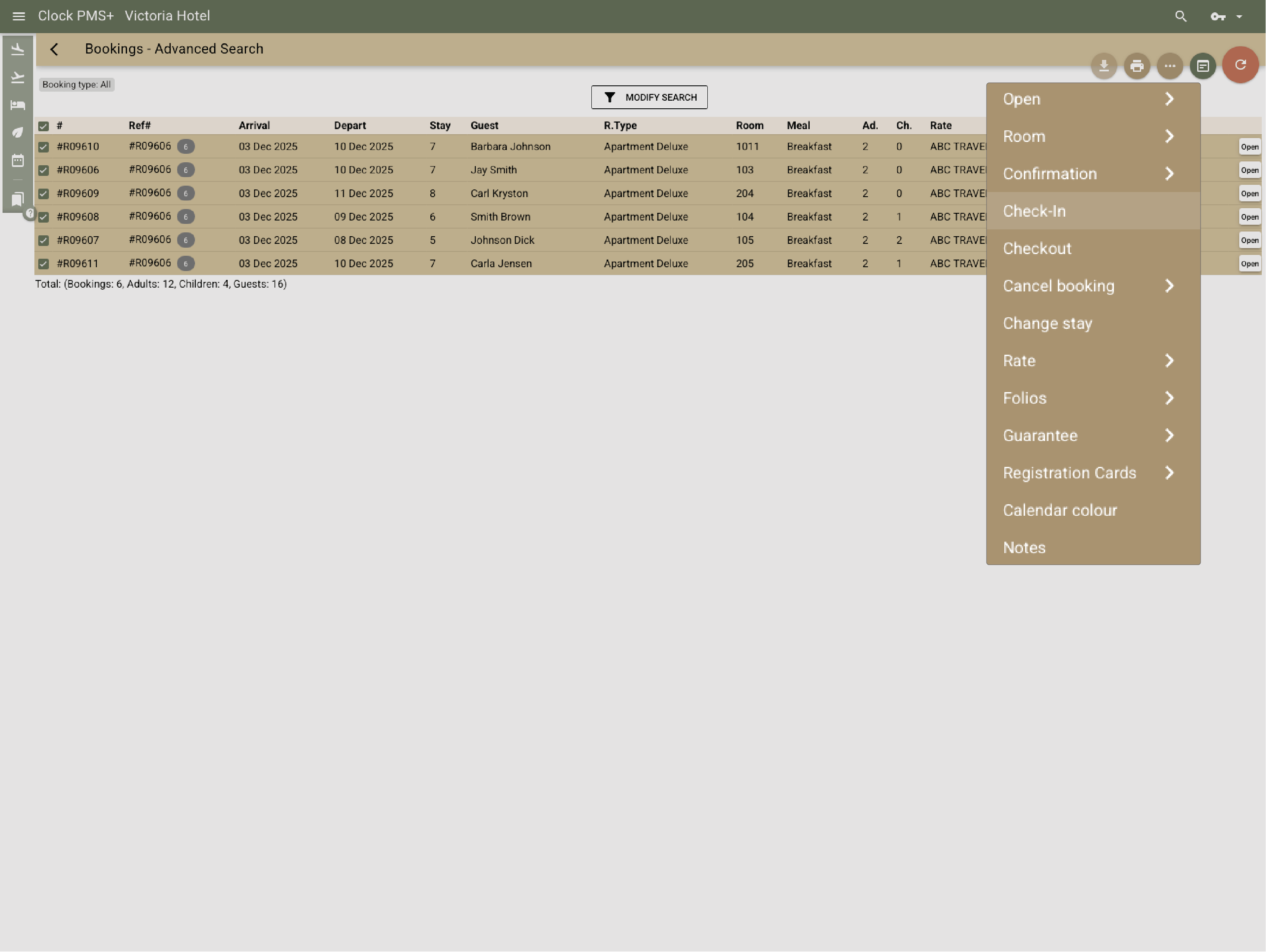
Check in, assign rooms, and route charges for dozens of guests in bulk. Import rooming lists, pre-post charges, and print registration cards in one go.
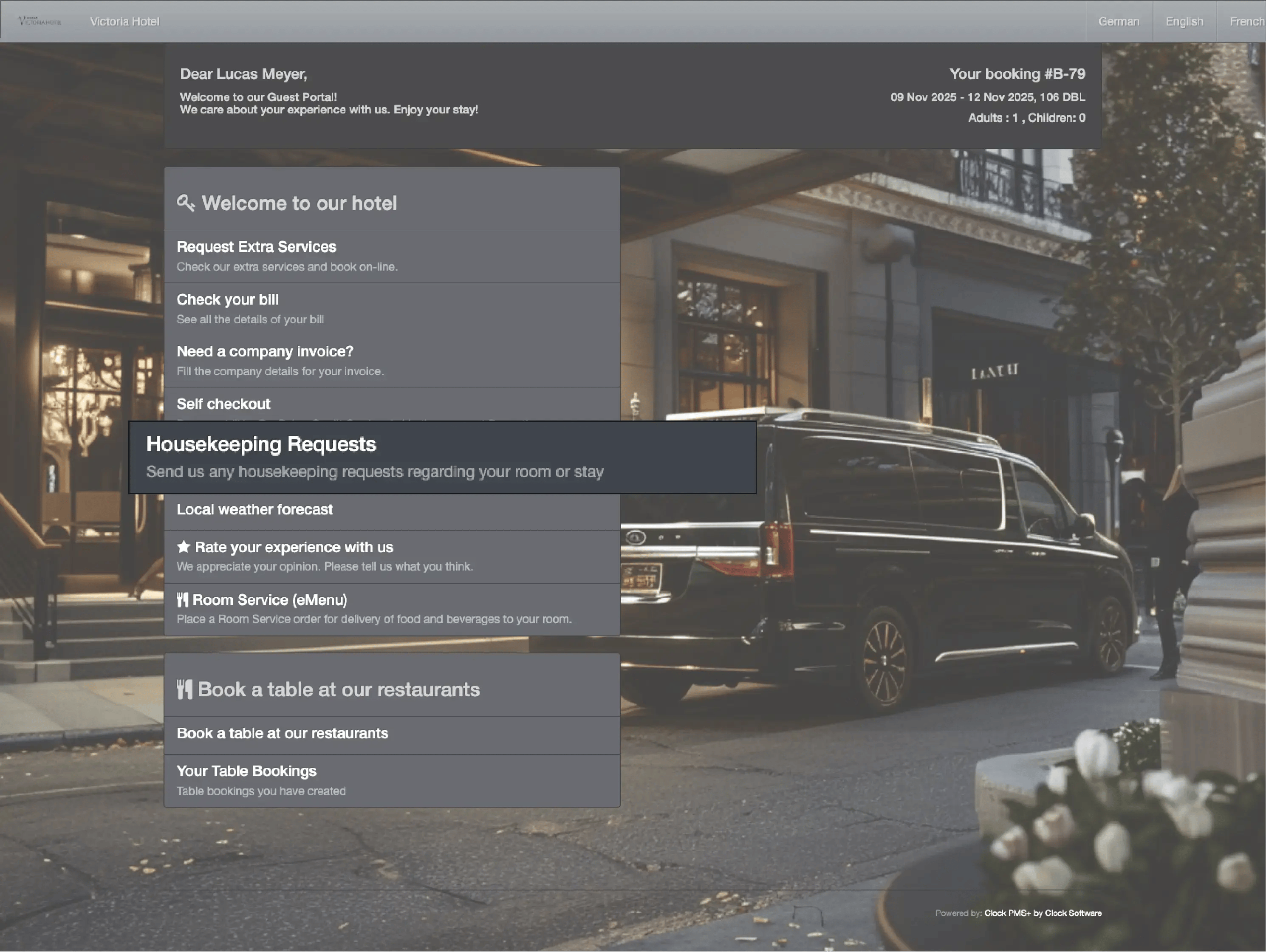
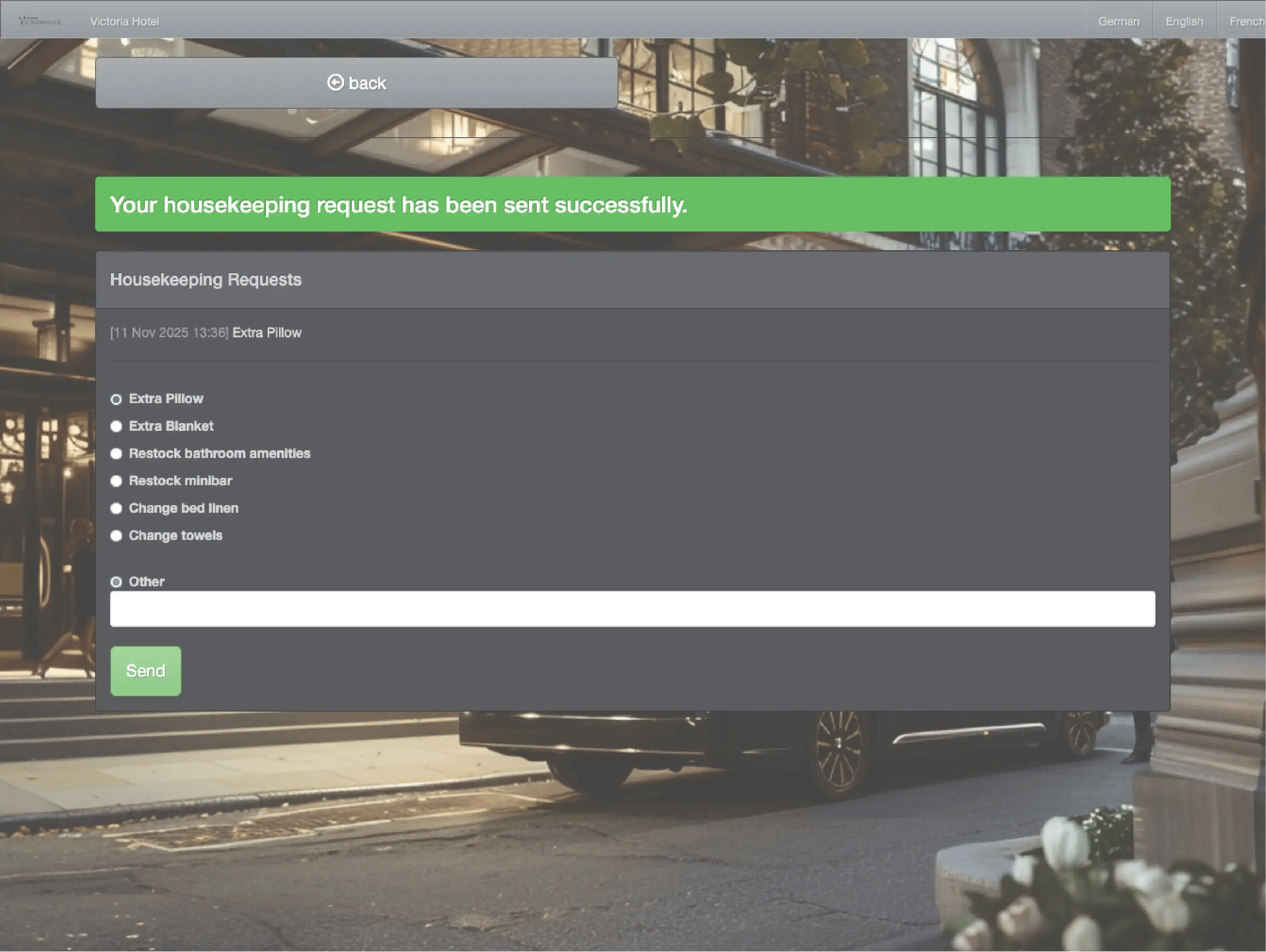
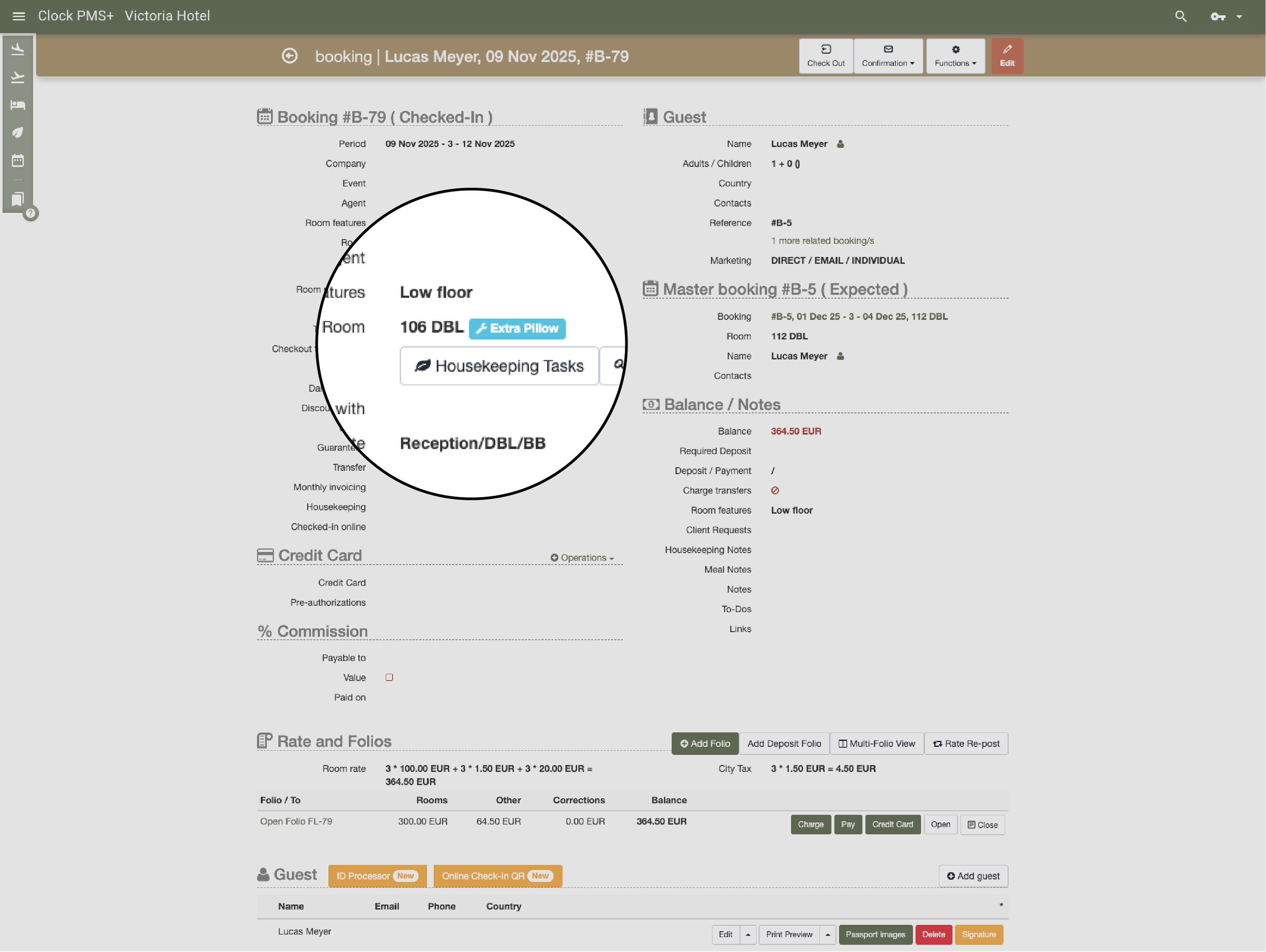
Add guest notes, custom housekeeping instructions, or To-dos for any team. Guests can submit requests and schedule extras through their Guest Portal — everything flows into Clock automatically.
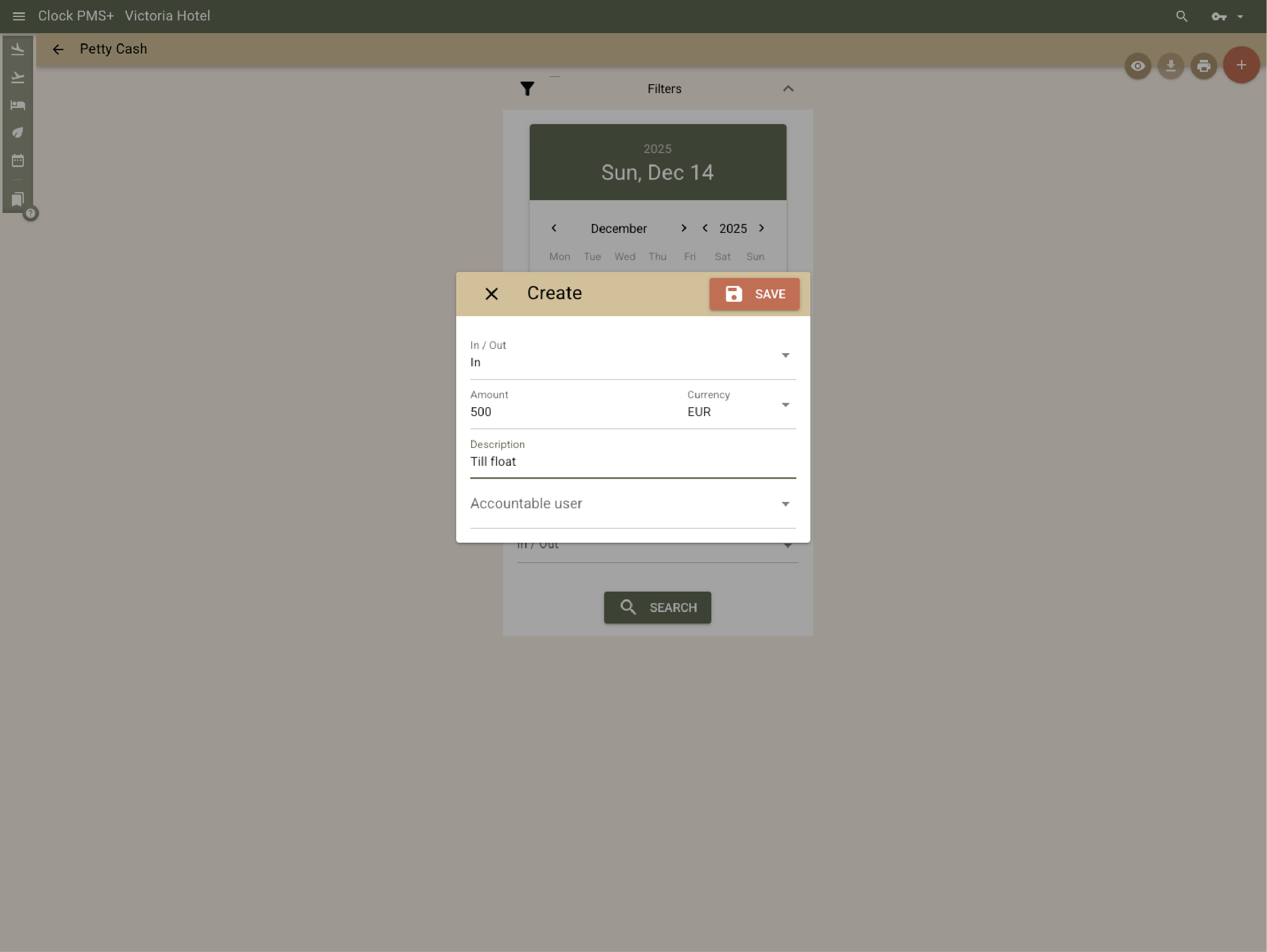
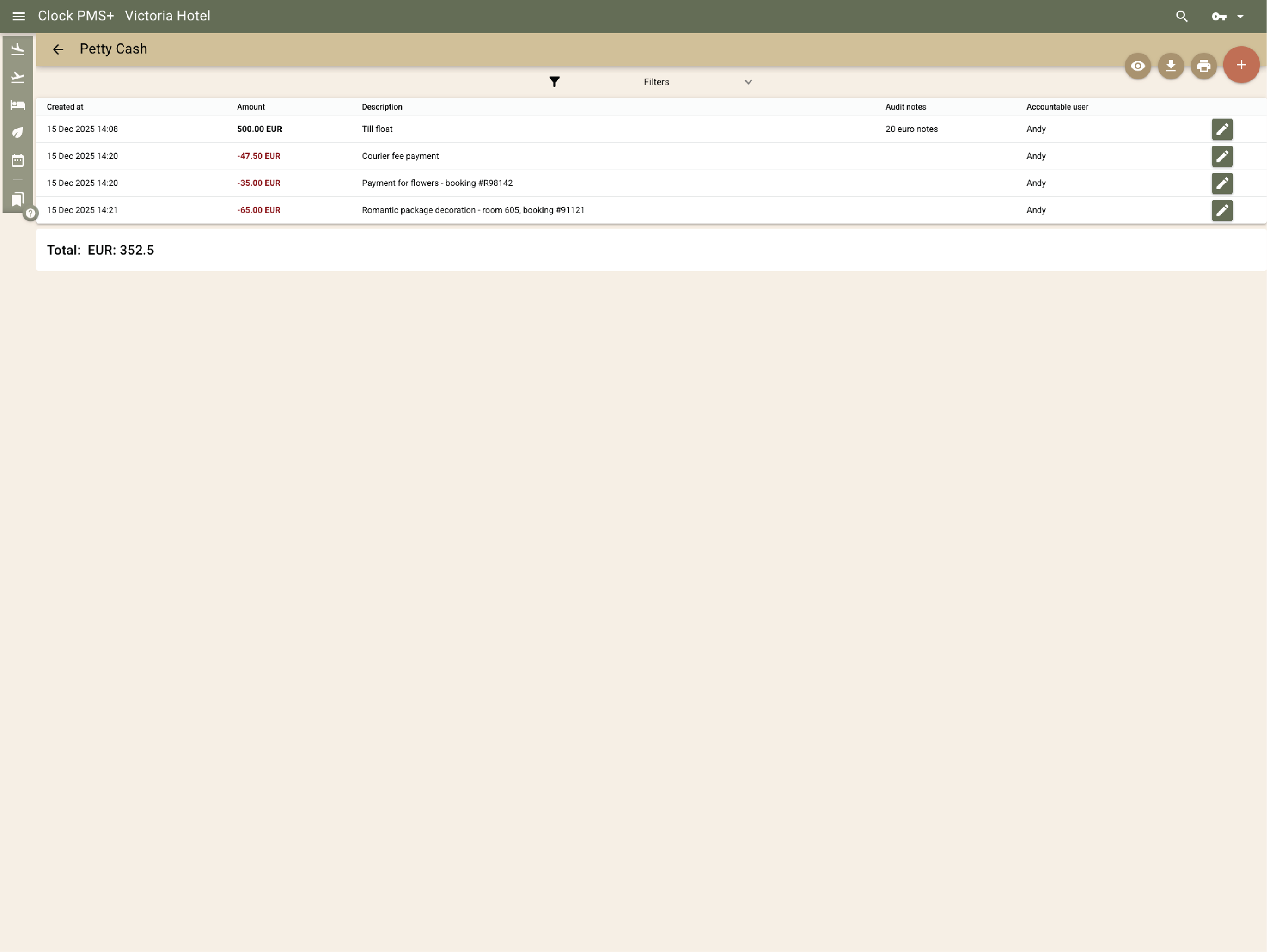
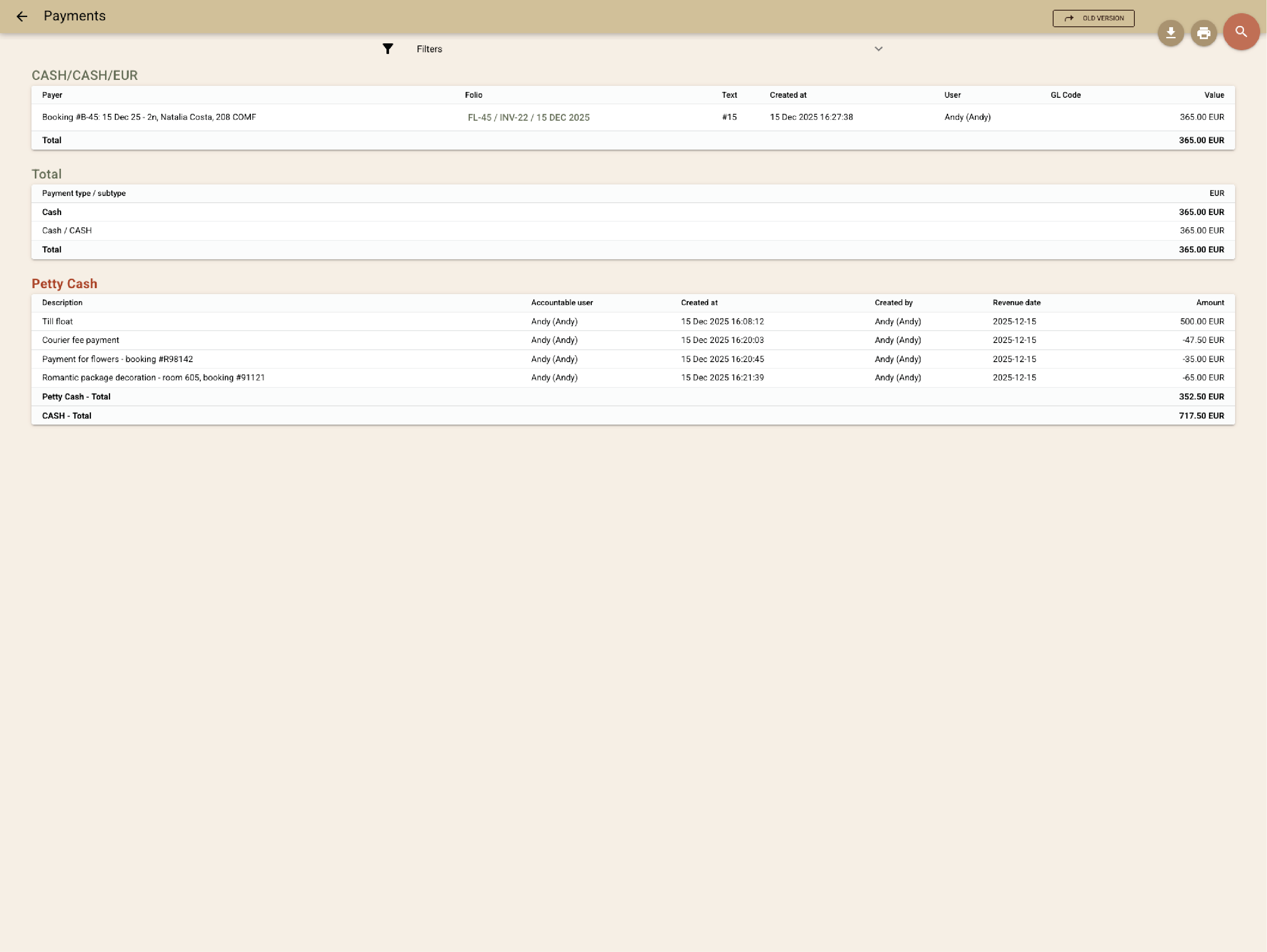
Monitor daily cash inflows and outflows with full transparency by recording each transaction and the responsible staff member. Get all cash transactions in a single report.
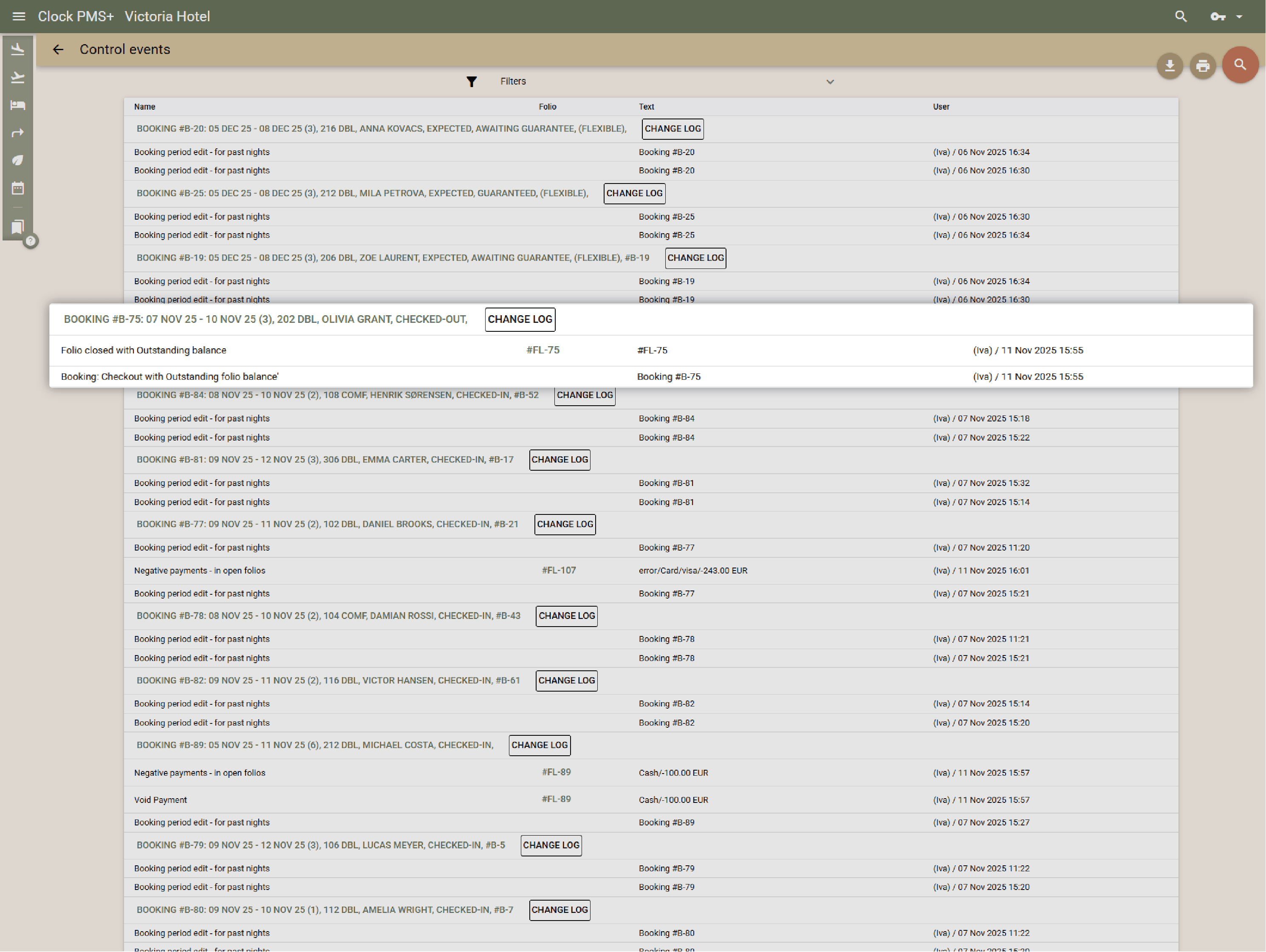
Granular user rights, audit trails, and activity logs keep every action transparent and secure.
Different countries. Different teams. Different ways of working. One place to keep the day from getting away from them.


