What you can do with Clock
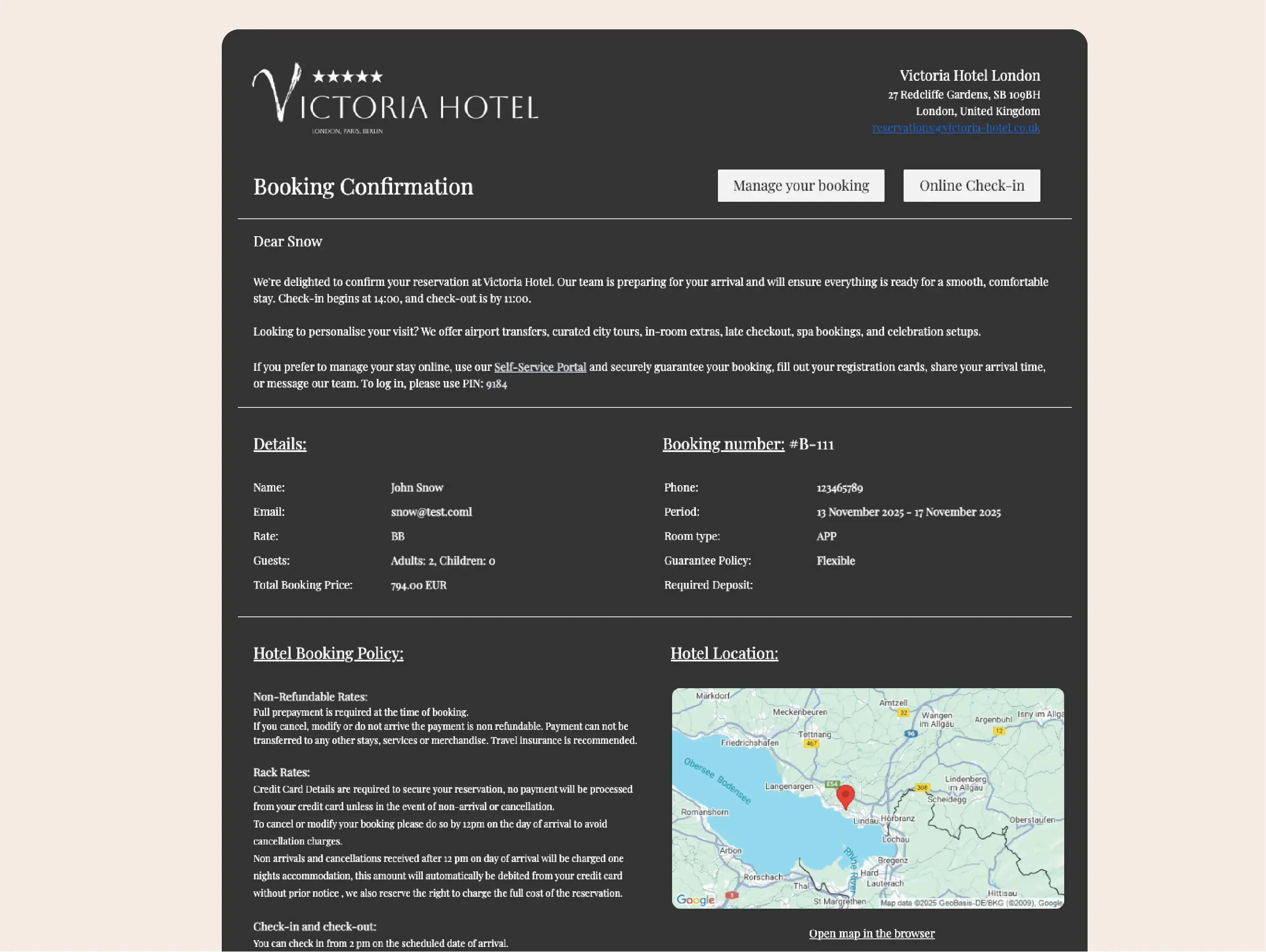
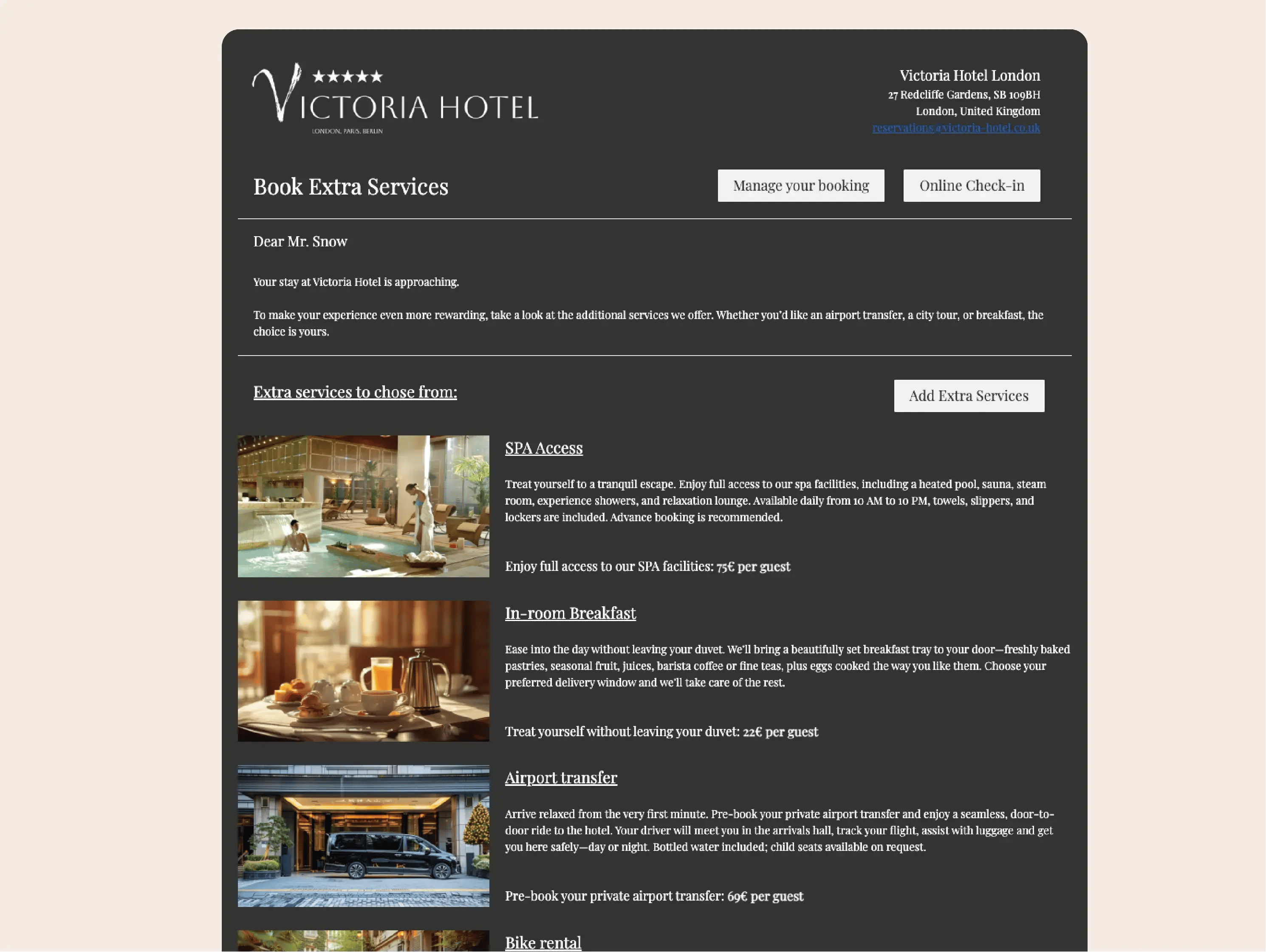
Automate every stage of communication
Set once, and Clock takes care of the rest. Messages trigger automatically after booking, before arrival, during stay, or post-departure — keeping every guest informed without manual sends.
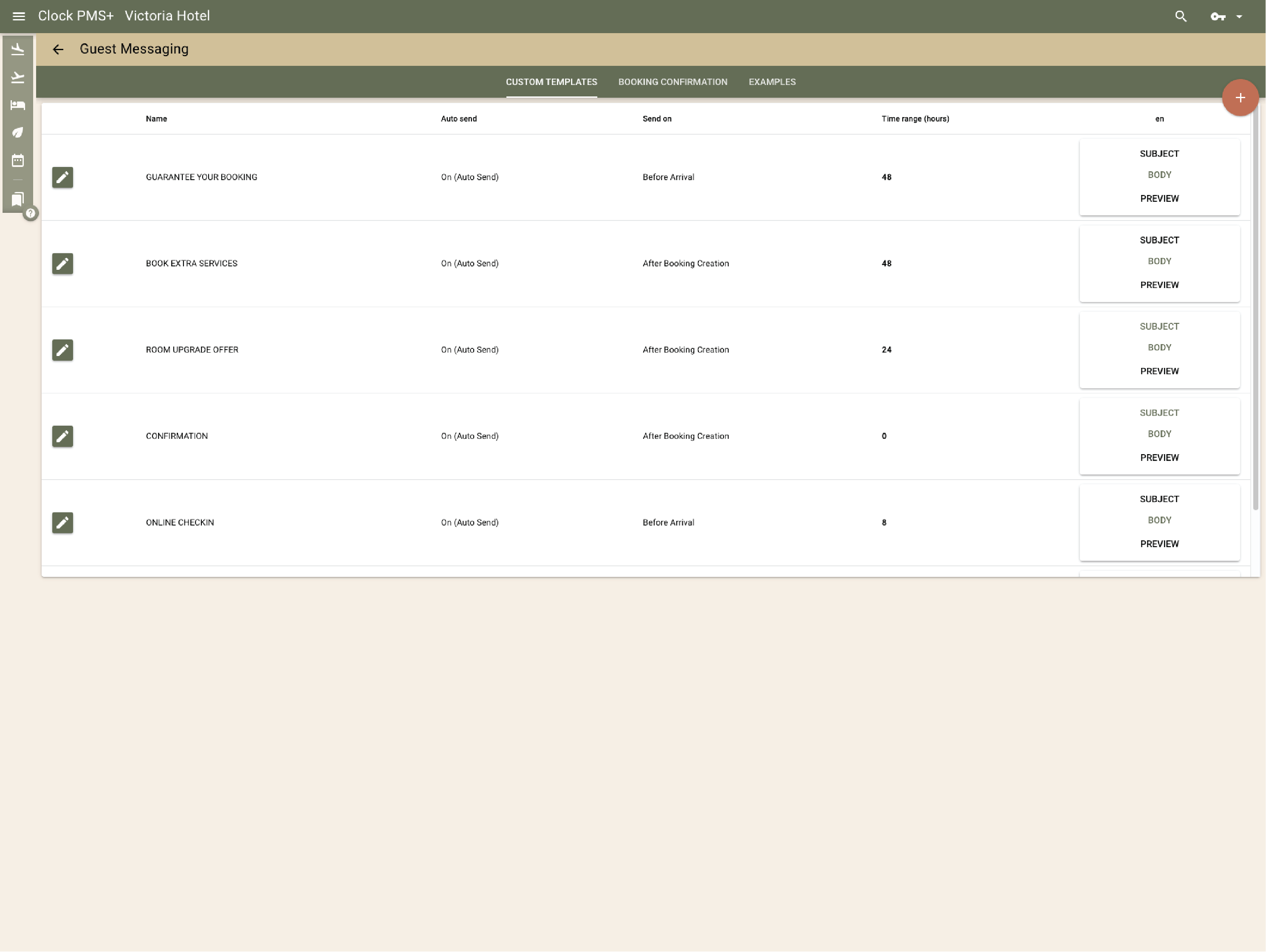
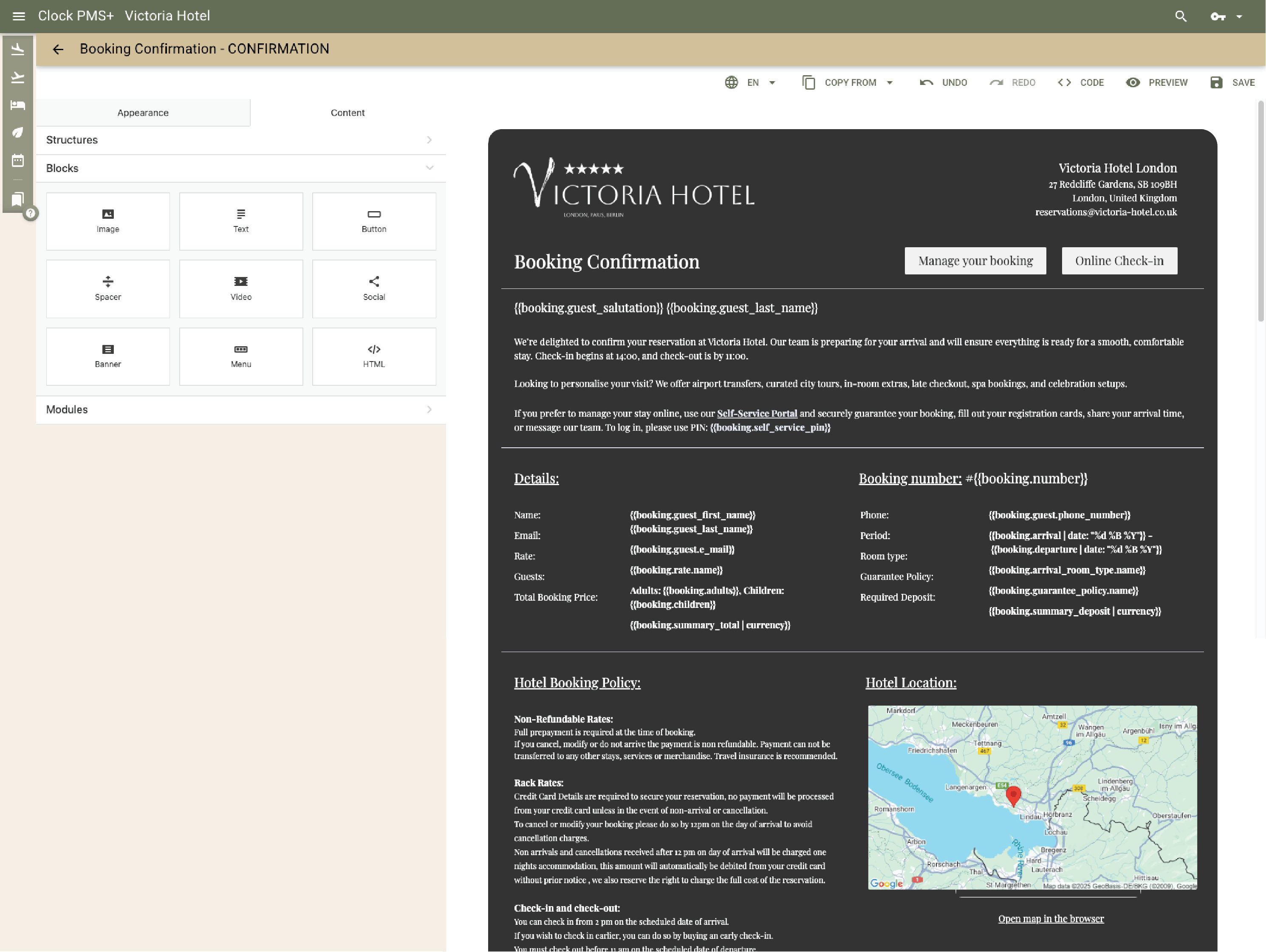
Design branded messages that look personal
Create professional, on-brand emails using the Visual Template Builder. Add your logo, photos, buttons, and merge tags that fill guest names and booking details automatically.
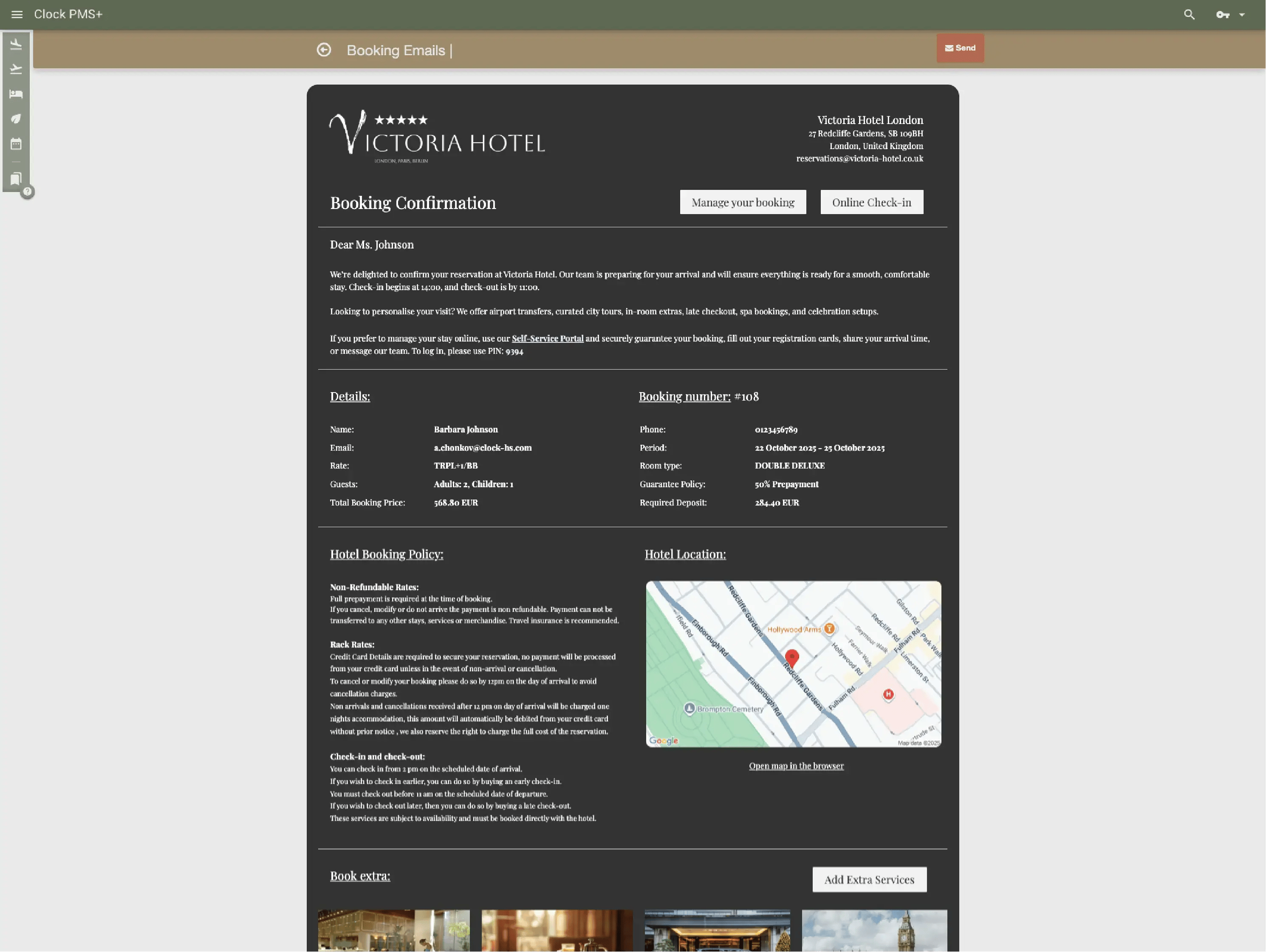
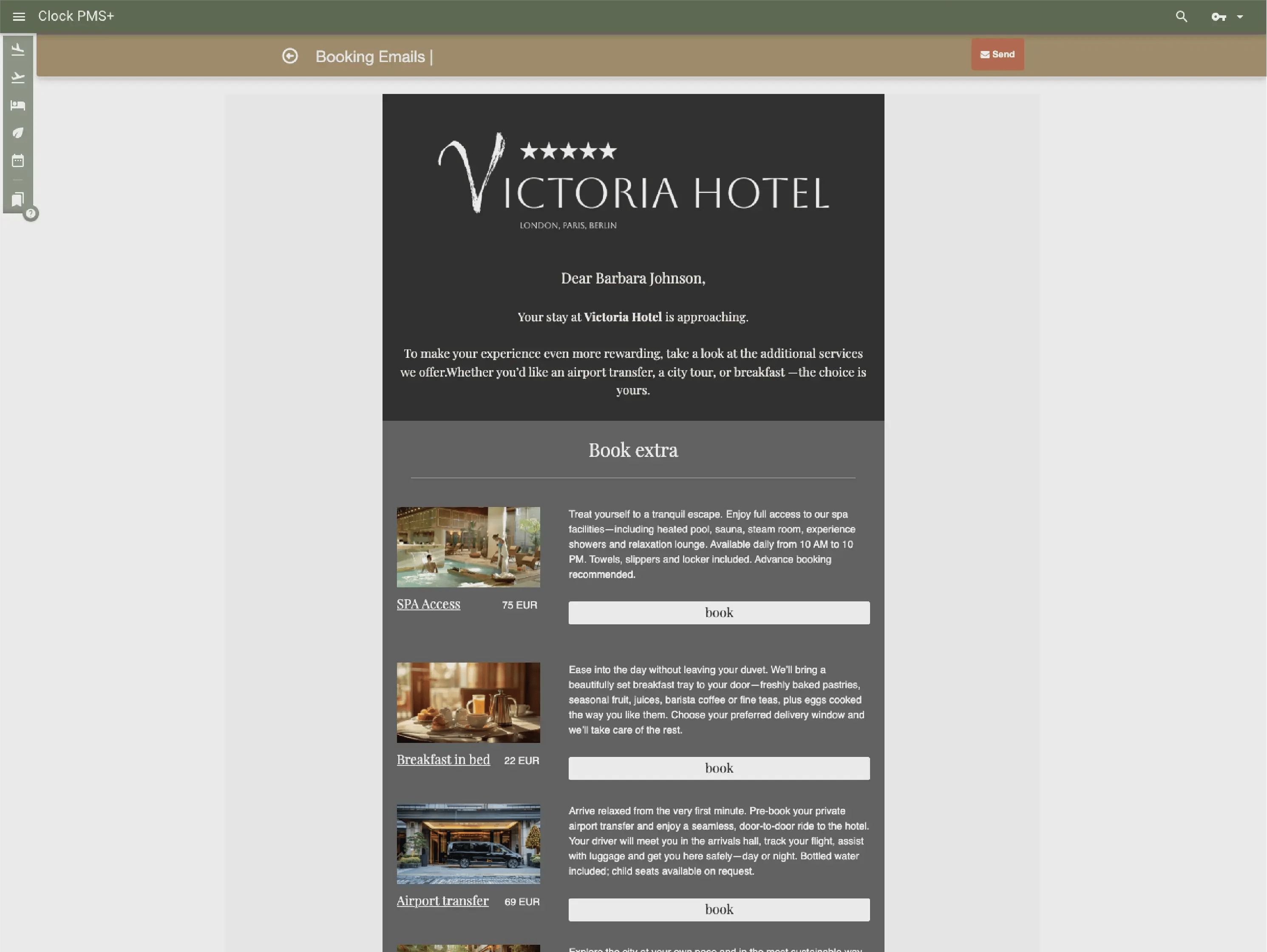
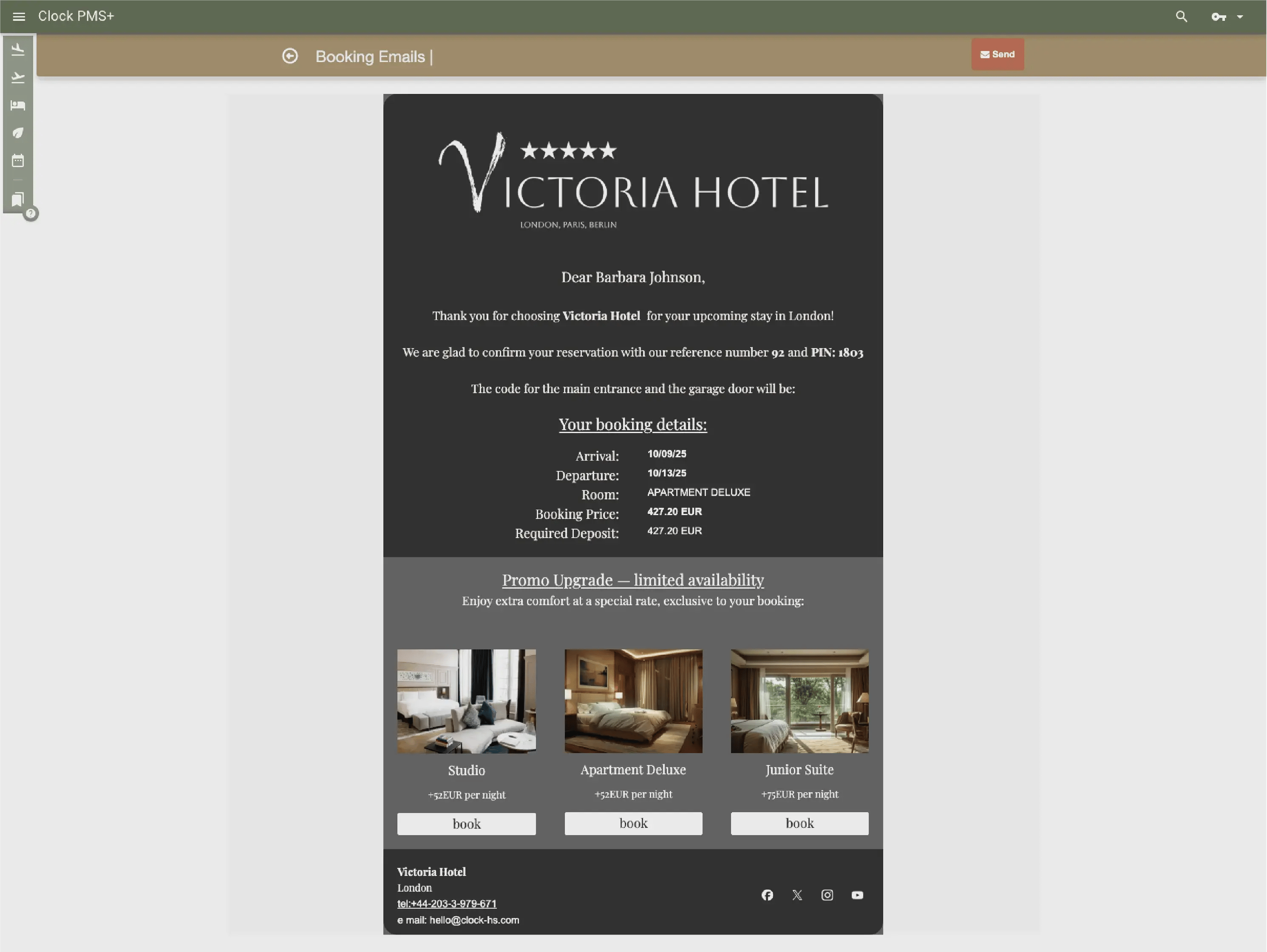
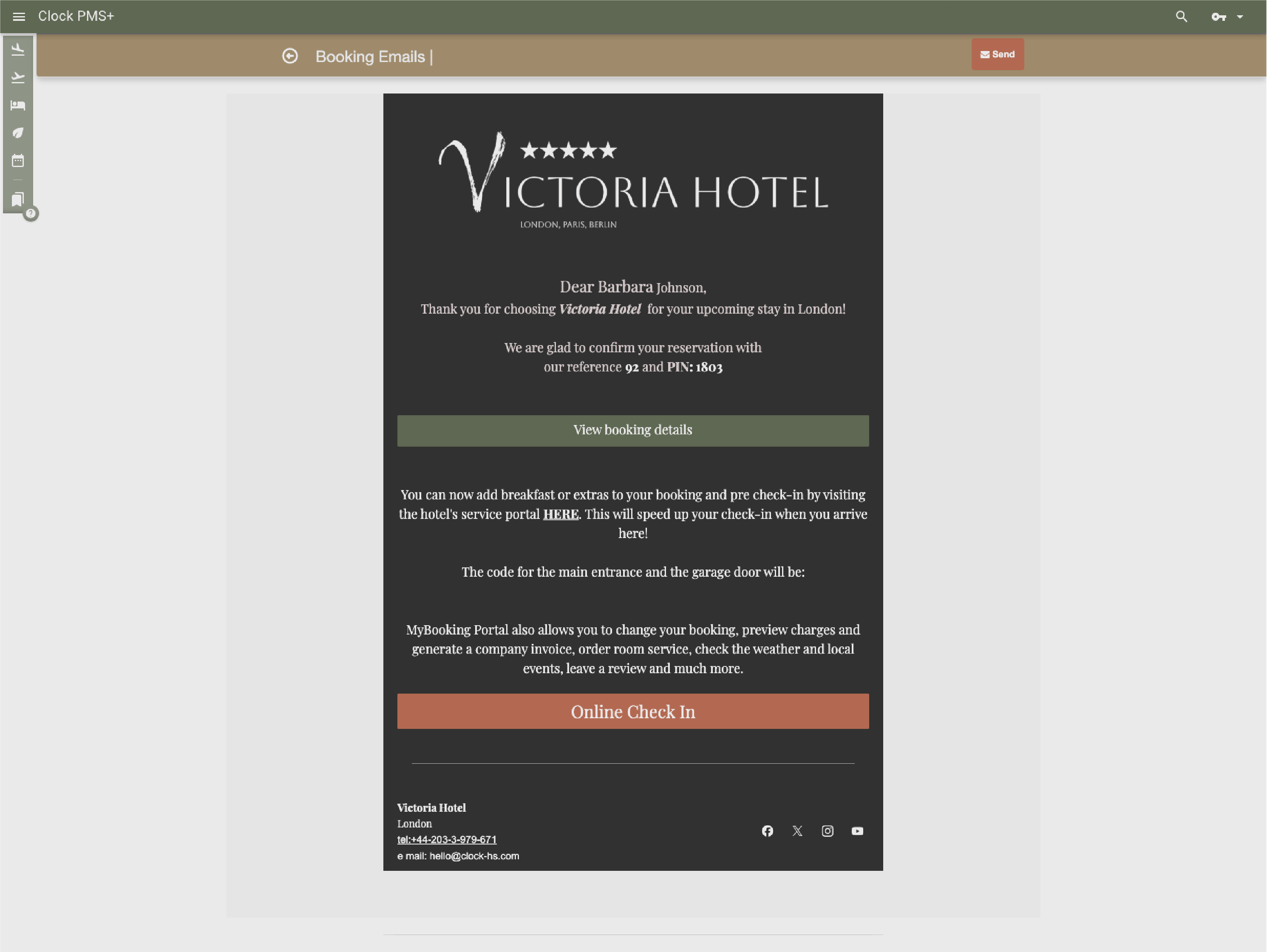
Create full communication sequences, not just single emails
Build entire message journeys — from confirmation to post-stay follow-up — each triggered by booking properties, status, or timing.
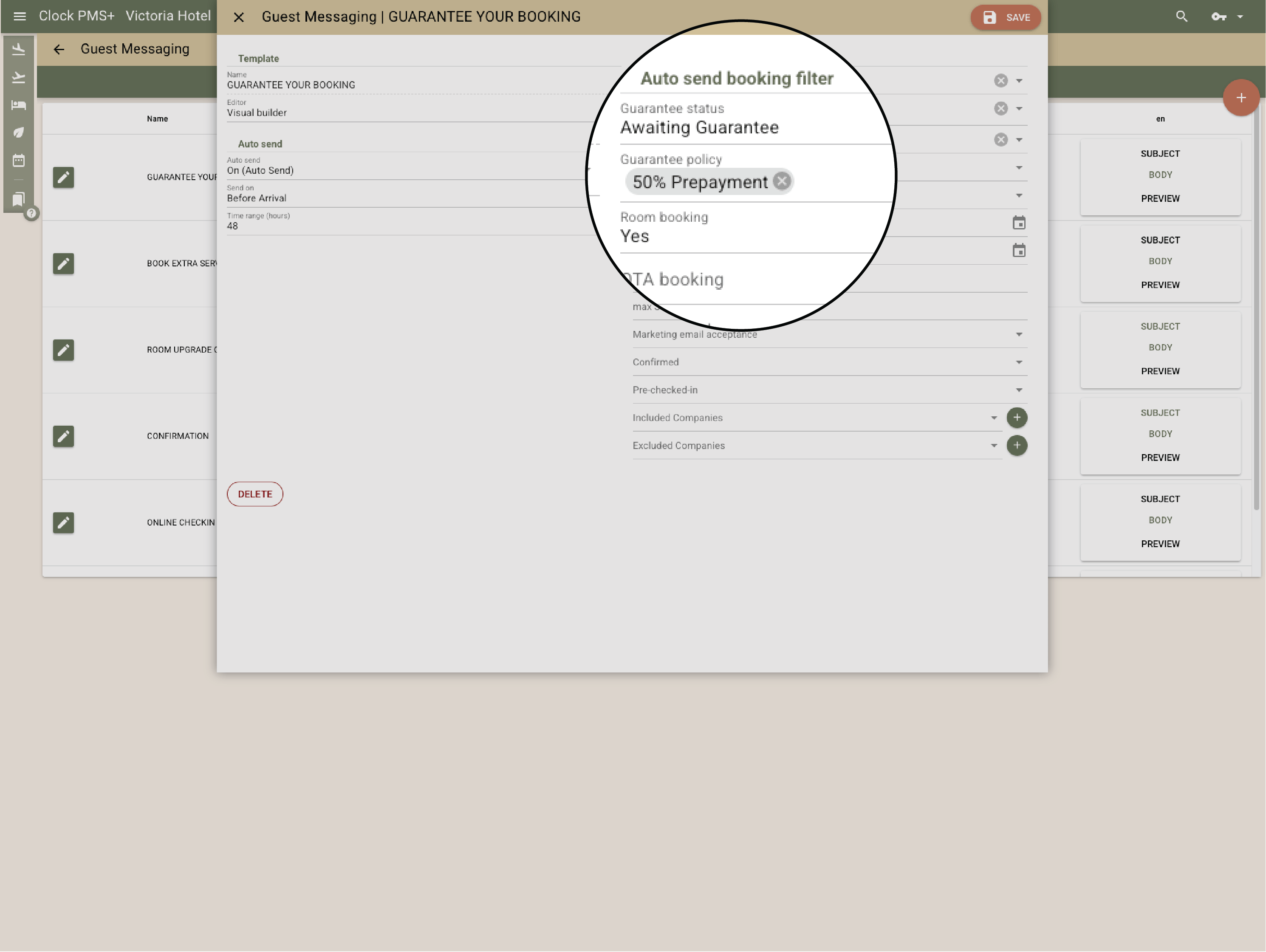
Send only what’s relevant
Target your audience with precision using advanced filters for booking source, company related or not, or guarantee policy. No irrelevant blasts, no inbox clutter.
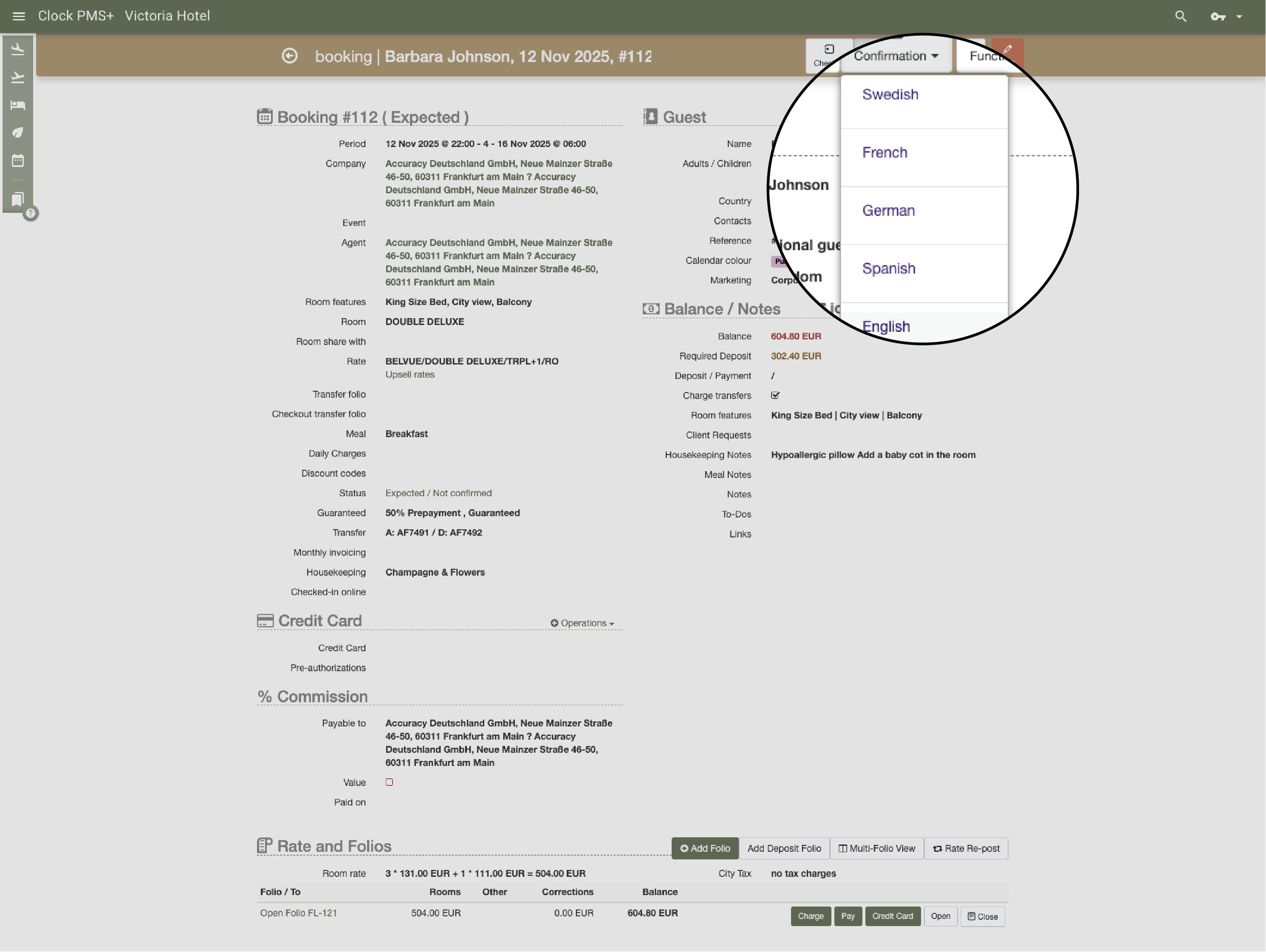
Communicate in every guest’s language
Send the same message in multiple languages — Clock uses the guest’s preference or your pre-set version.
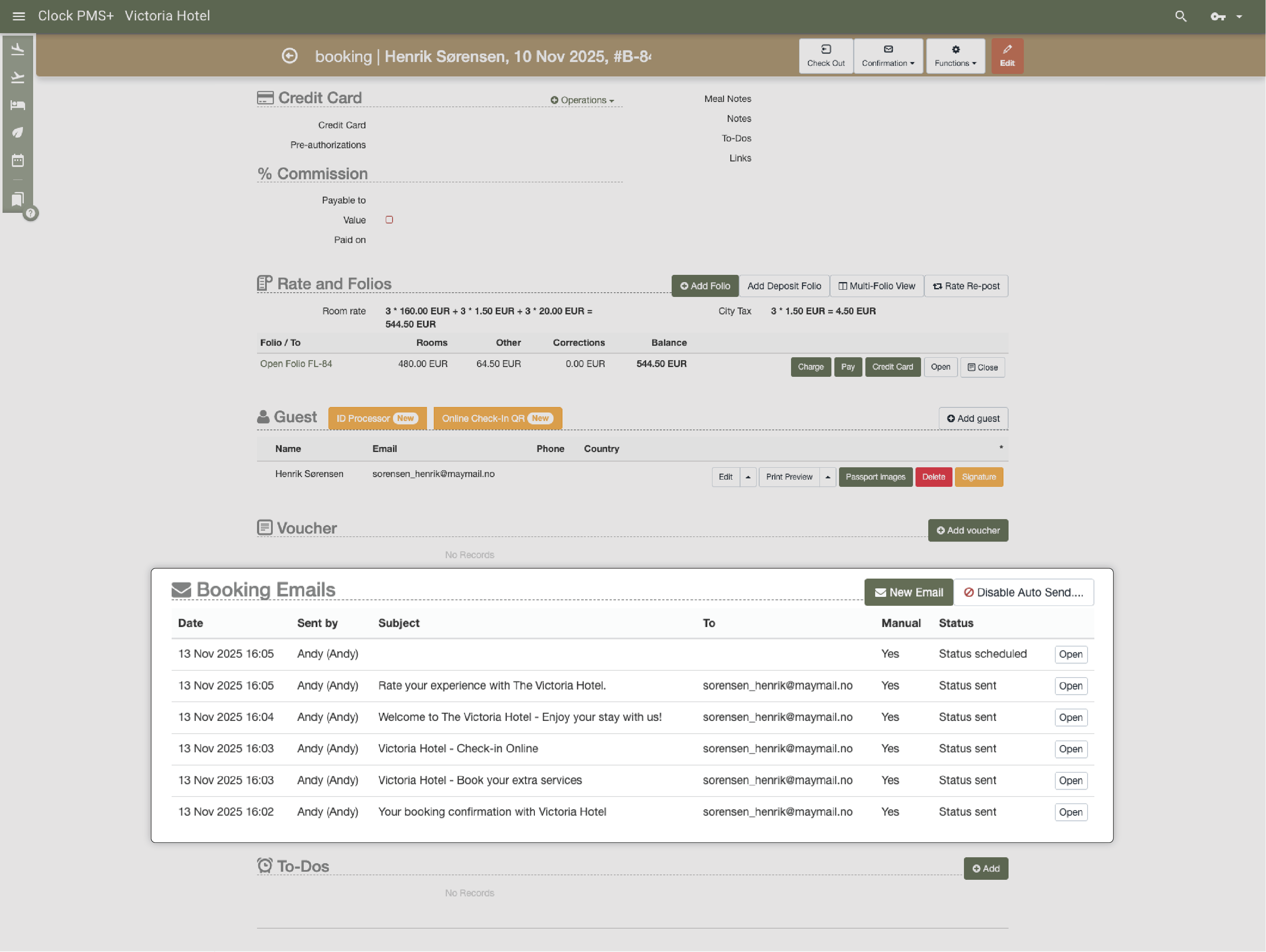
Keep messaging fully connected to bookings
Emails and notifications are logged directly in the reservation, visible to all staff. Nothing slips through the cracks, and every department stays aligned.
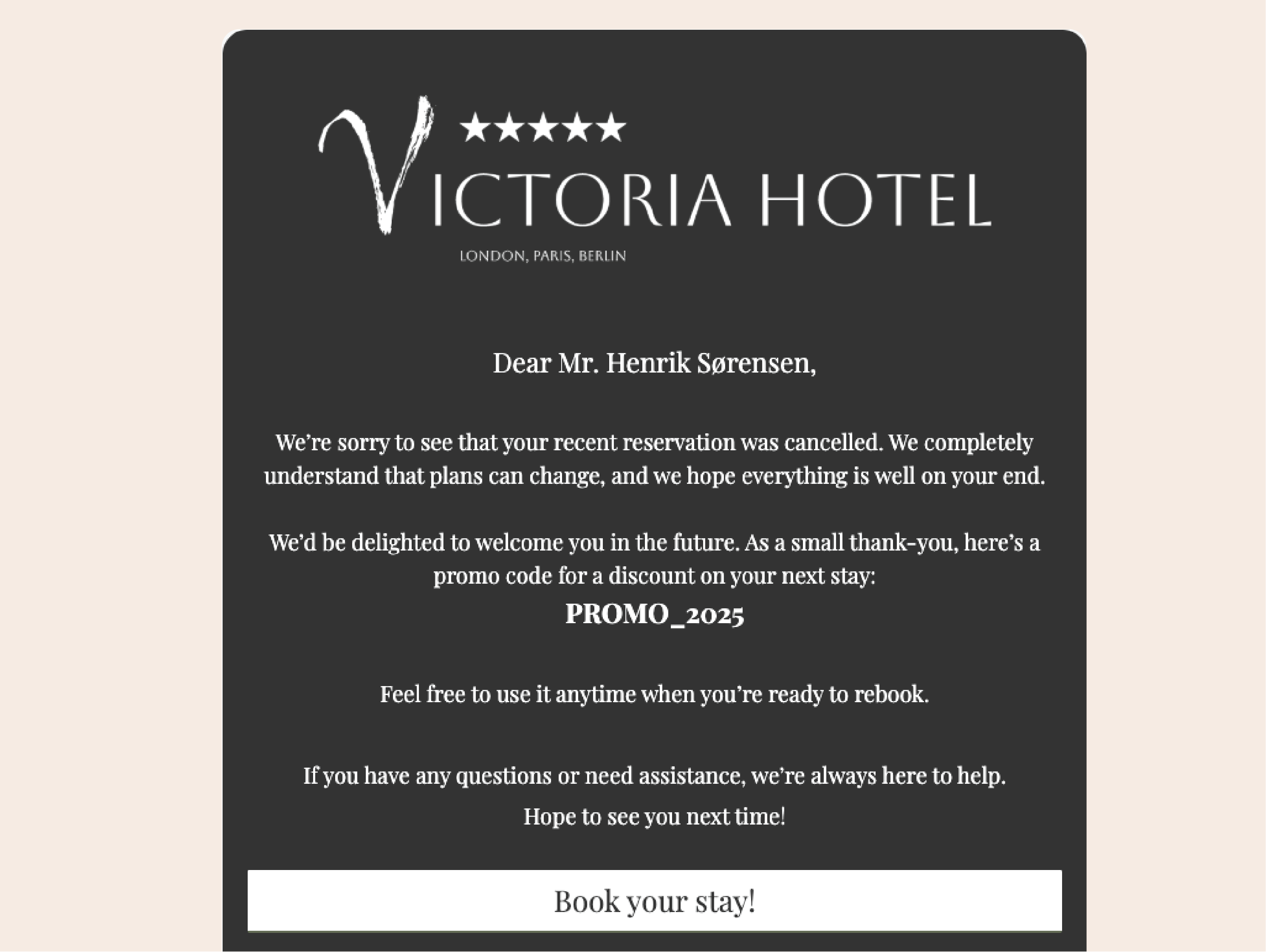
Re‑engage after departure or cancellation
Send automated thank‑you notes, review invitations, or rebooking offers. Handle cancellations with kind, persuasive follow‑ups.
Say hi on social
P.S. Our page admin counts every like, share, and follow. You’ll make her day.


Need help?
If you need help right now, open a ticket, browse our support portal, or watch a quick video in the Academy.