What you can do with activity bookings
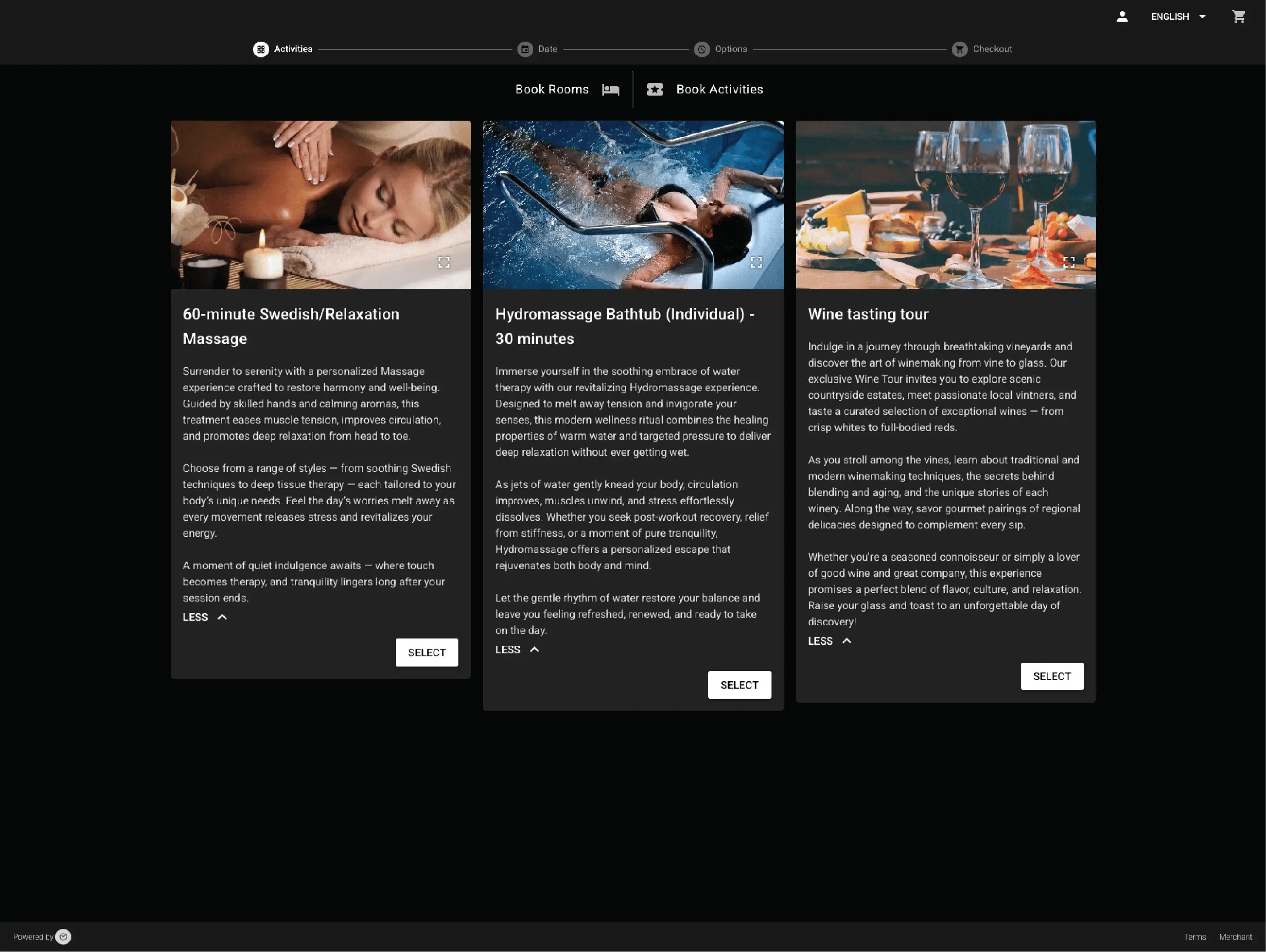
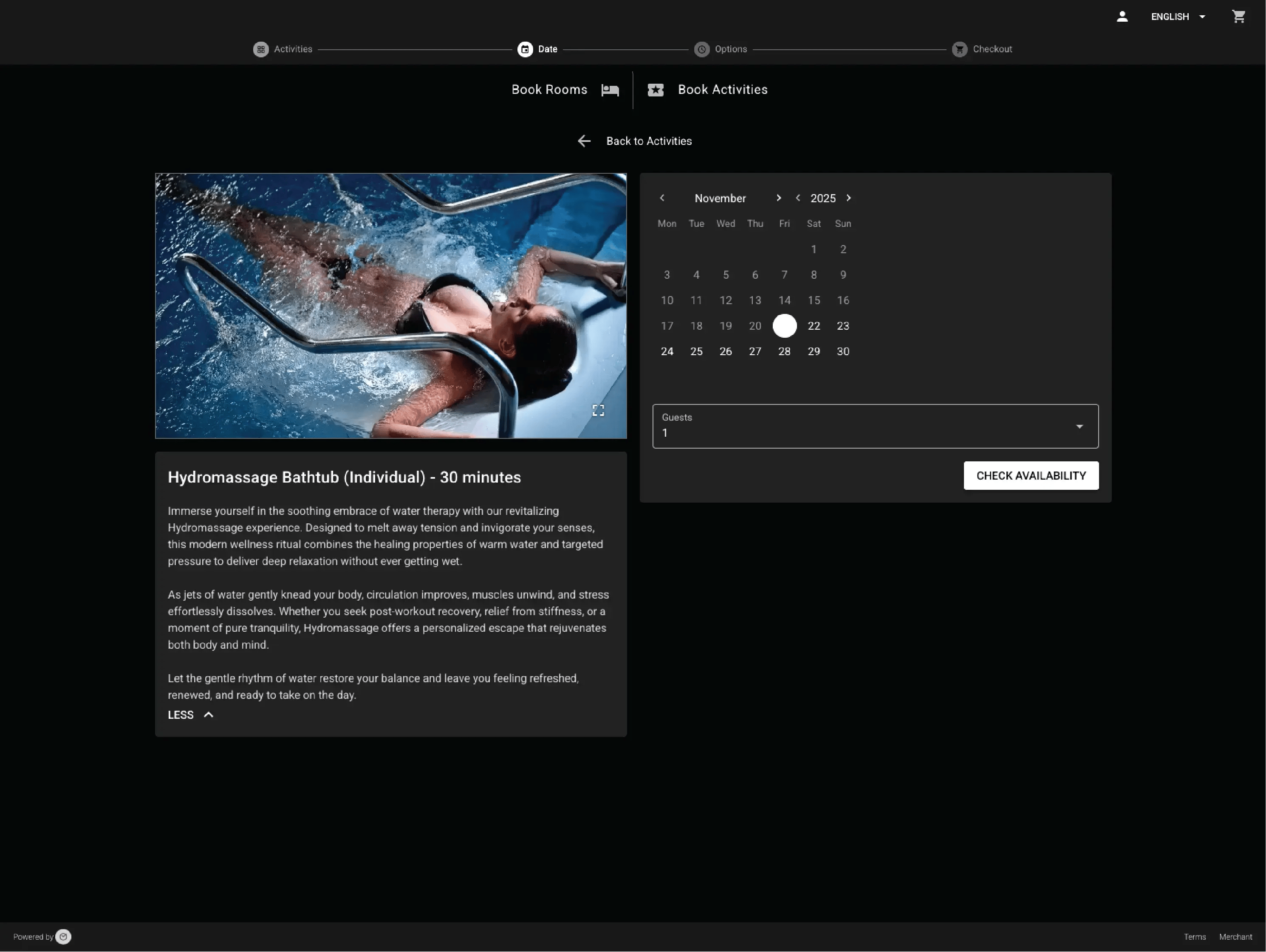
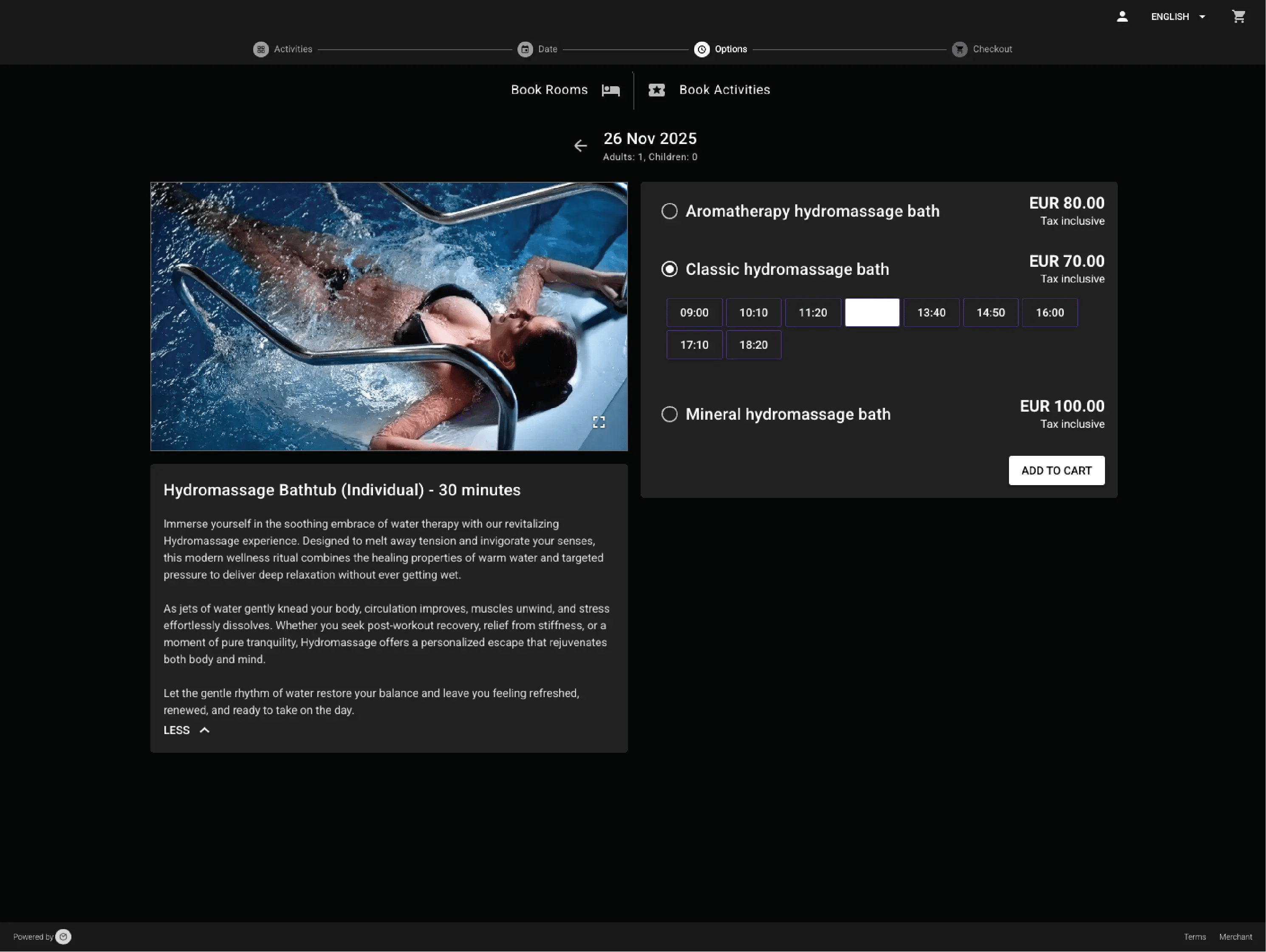
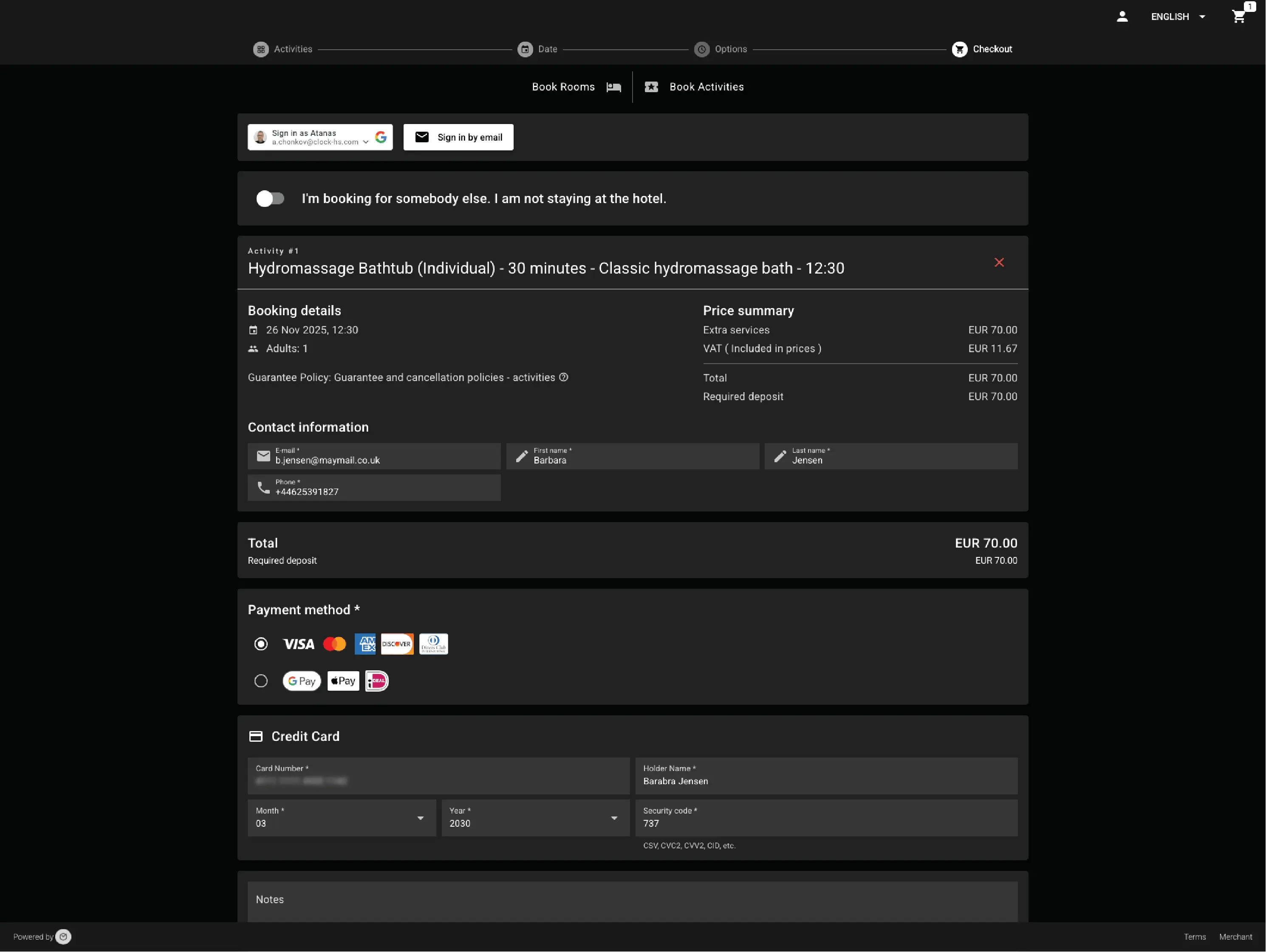
Promote and sell any kind of activity — your way
Yoga, tastings, kids’ clubs, spa rituals, or tours — if it has a fixed start time and limited spots, Clock handles it seamlessly. Staff create each activity once in the PMS, add options, languages, and prices, and it becomes instantly bookable online for guests or directly by staff.
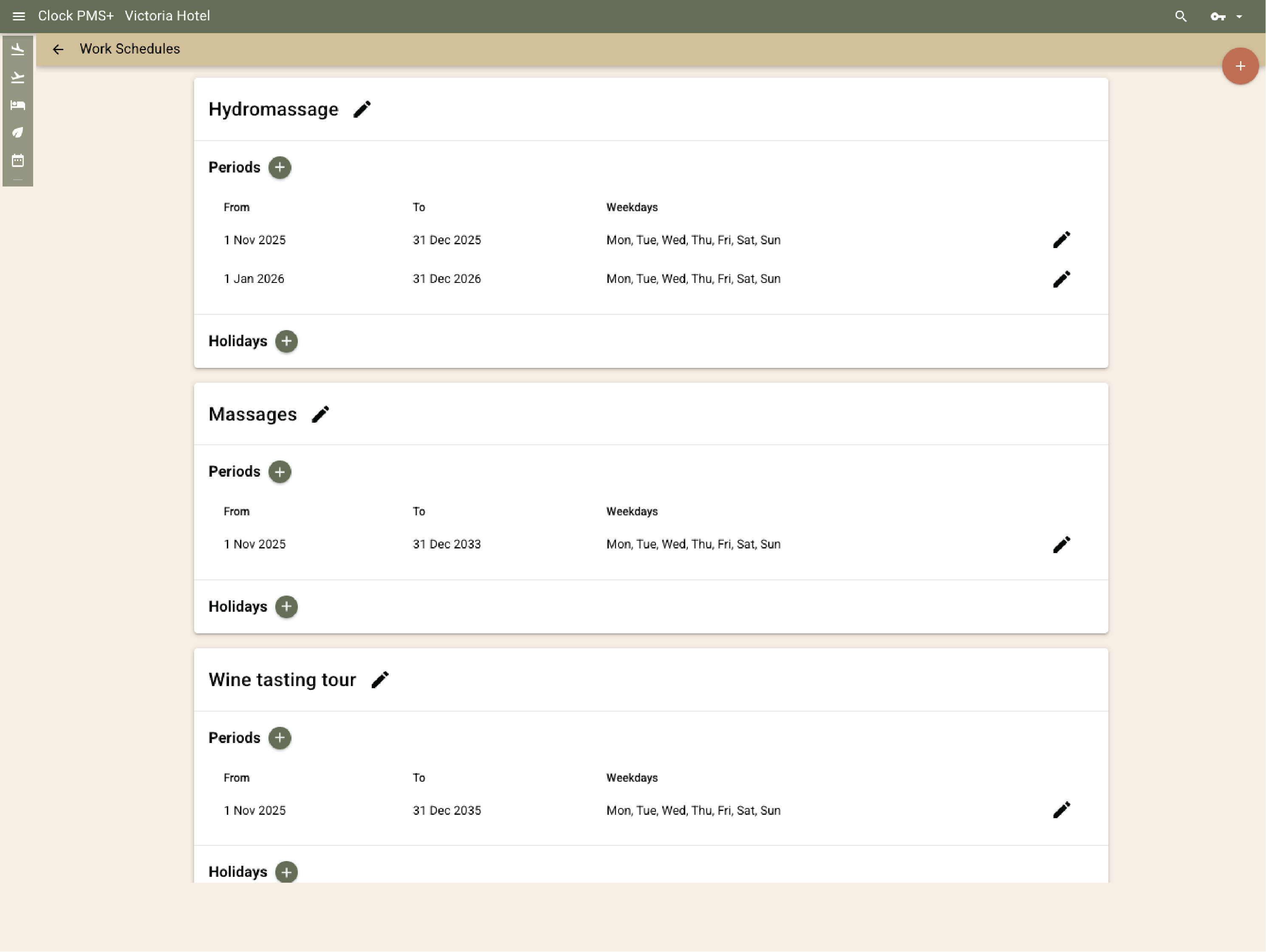
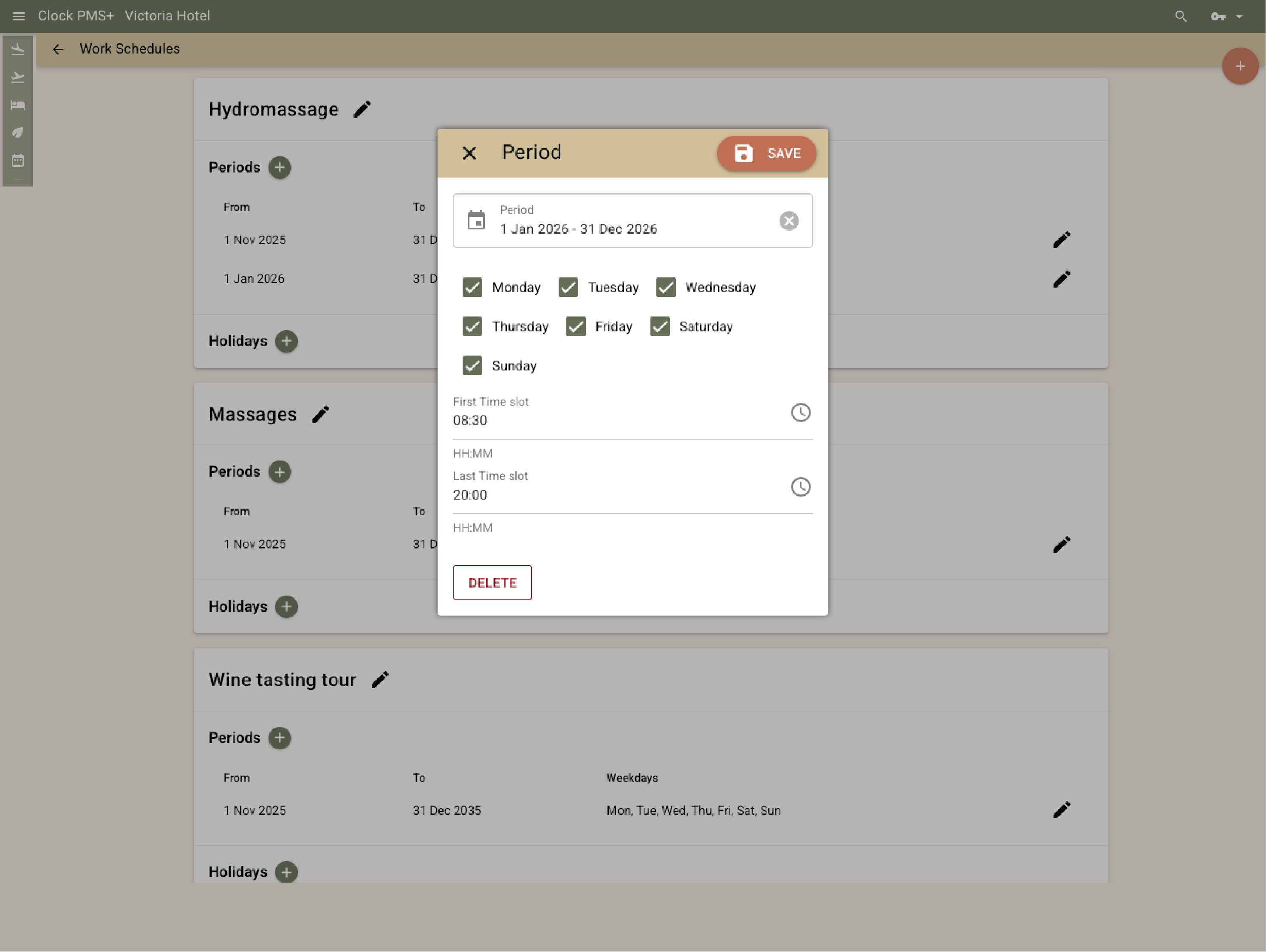
Control every time slot with precision
Build daily or seasonal schedules once — Clock keeps them current. Staff define hours, days, and holidays; the system adjusts automatically for daylight or seasonal changes. Add or clone time slots, or auto-generate dozens for busy schedules like transfers or tee times.
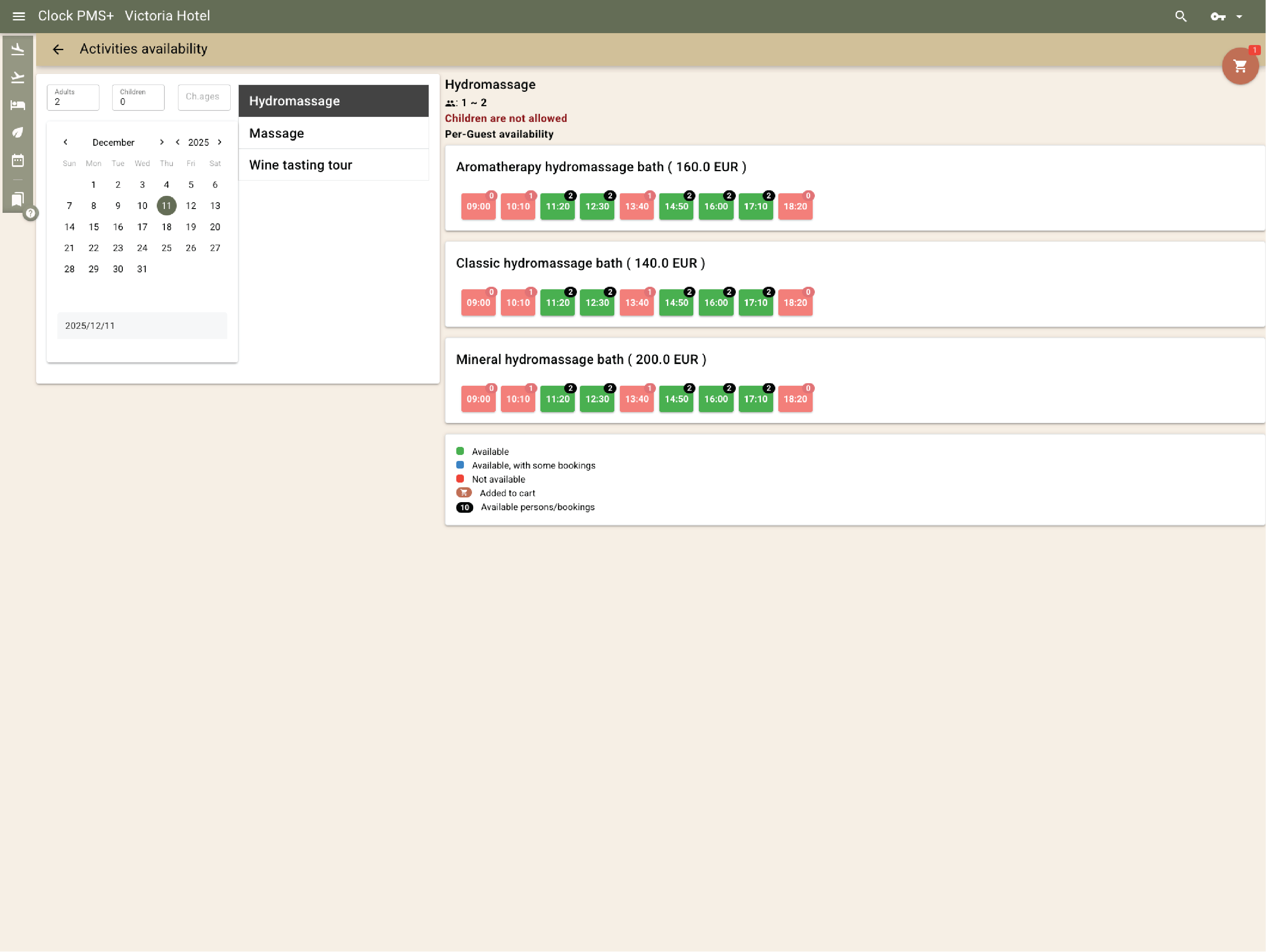
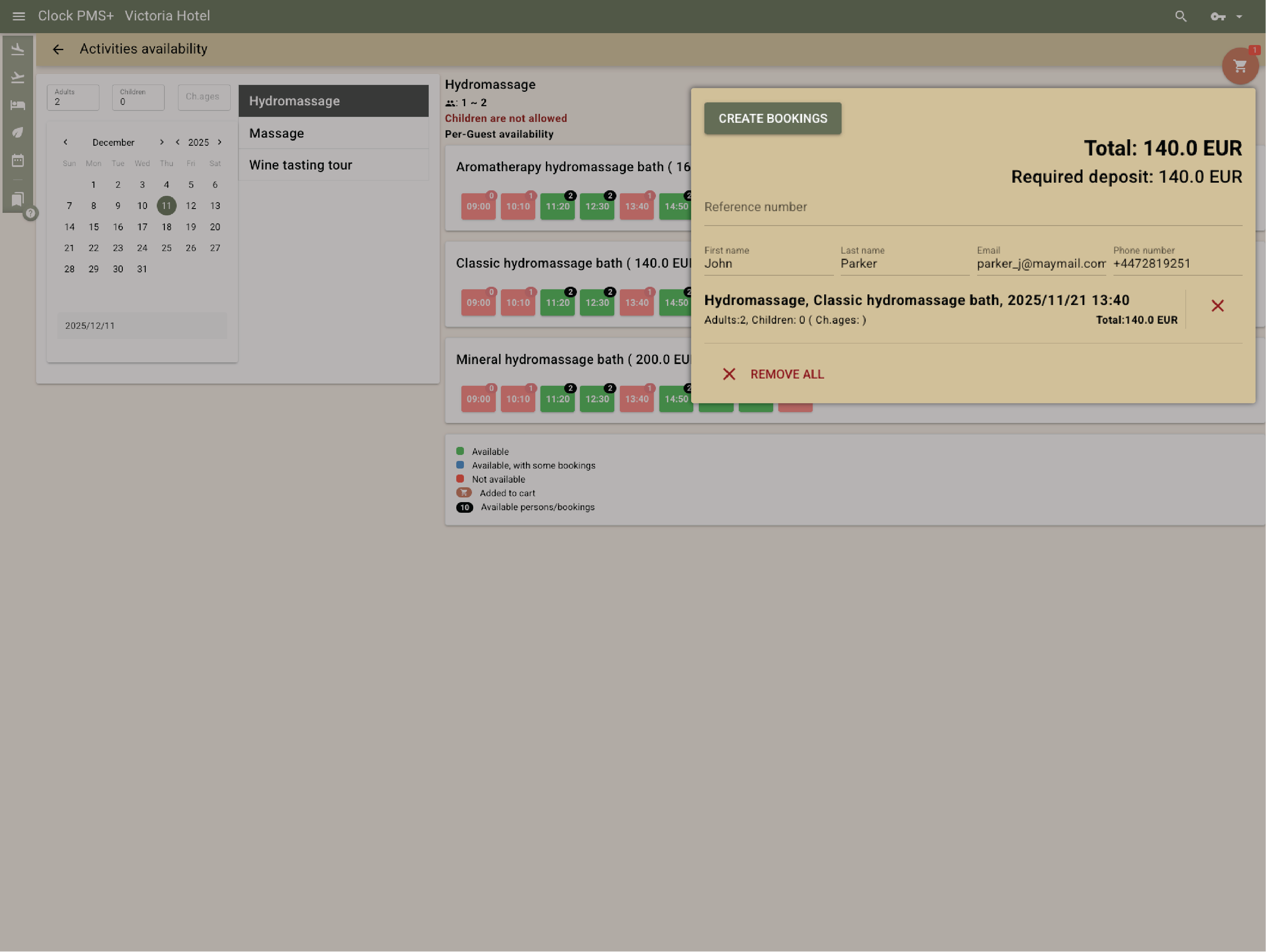
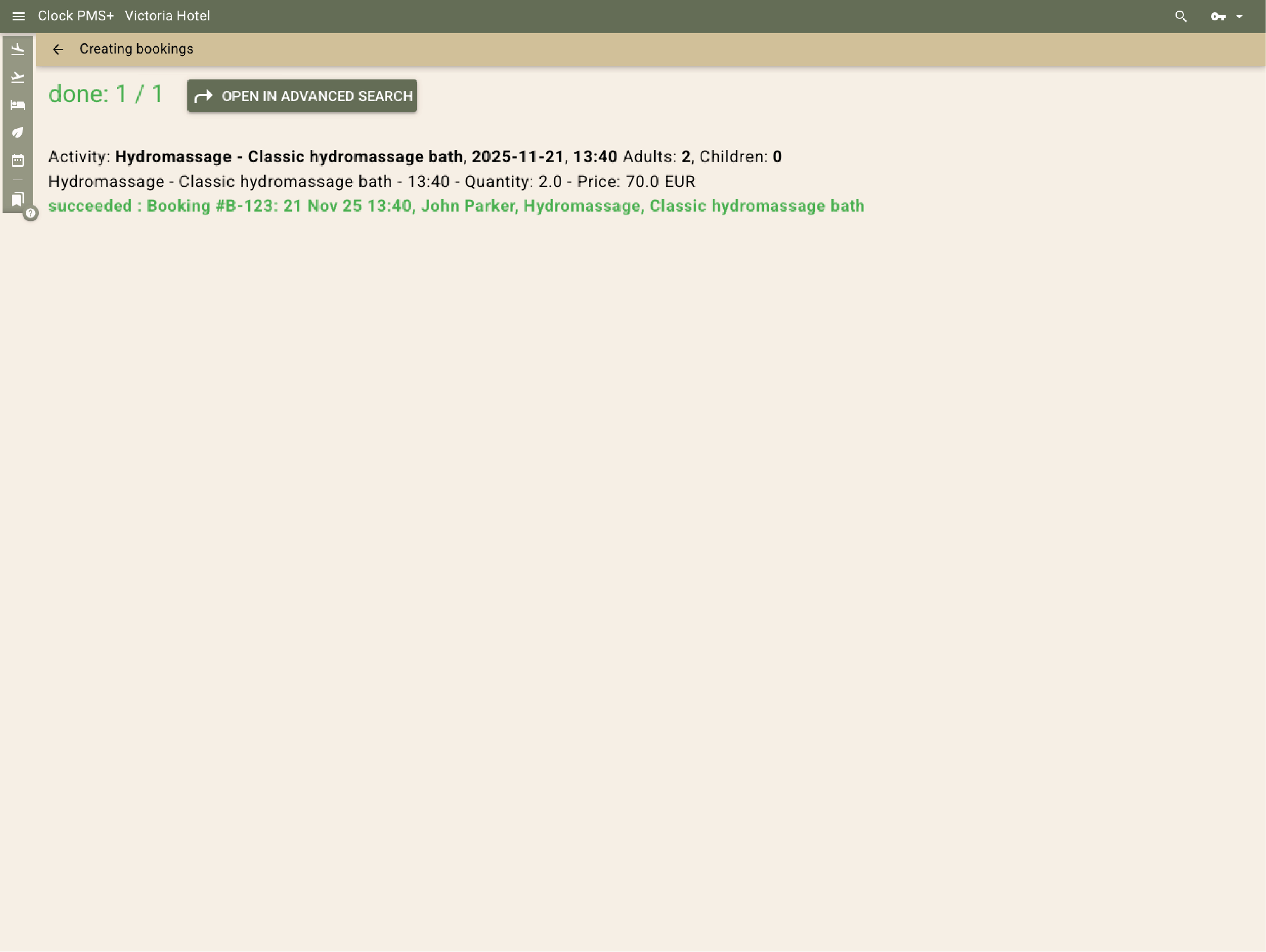
Track real capacity in real time
Choose whether capacity decreases by reservation or by participant. From the PMS view, staff always see what’s open and what’s full. Shared availability can be set for multiple activities, ensuring no-risk of overbooking.
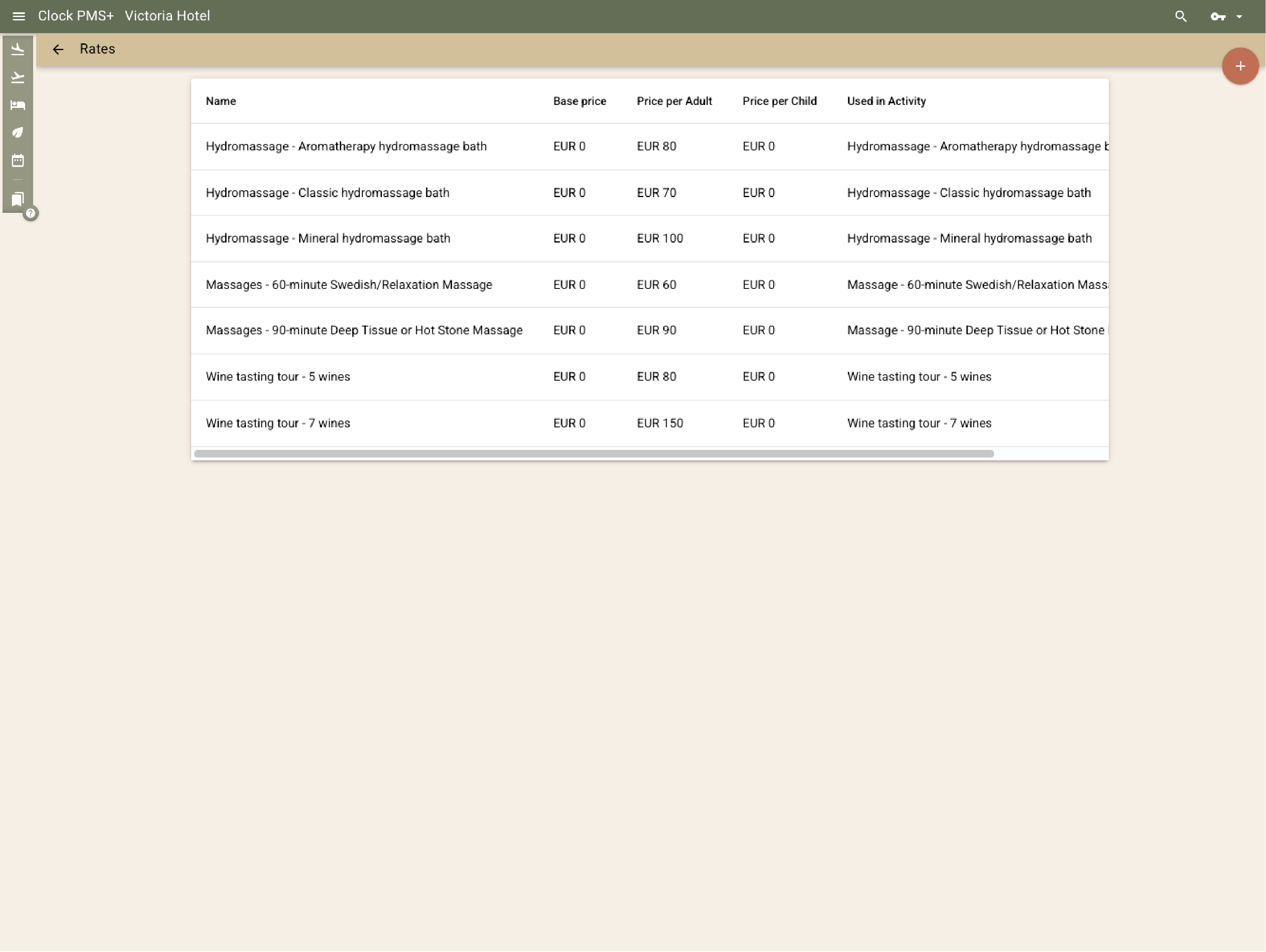
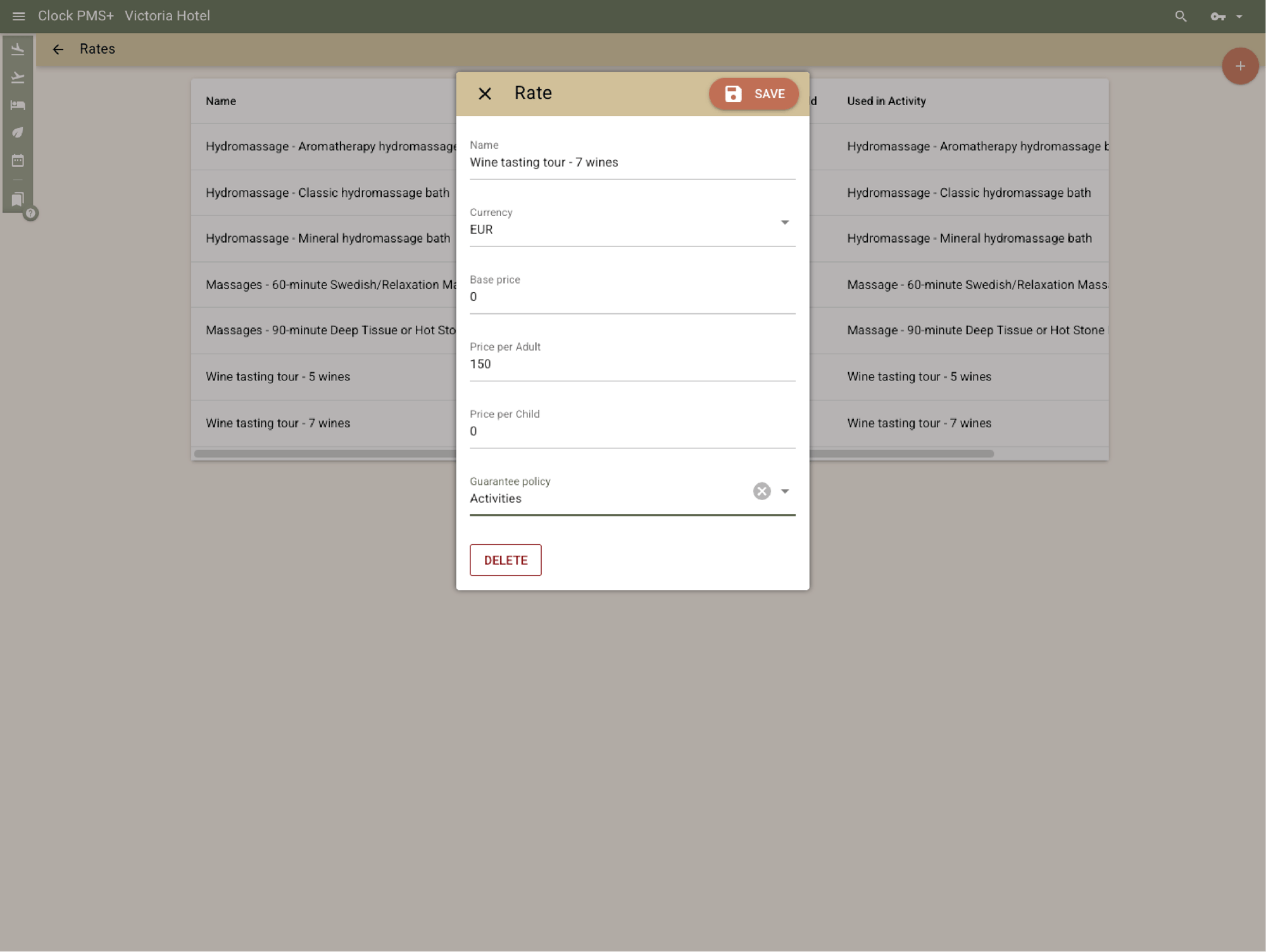
Set flexible pricing for every audience
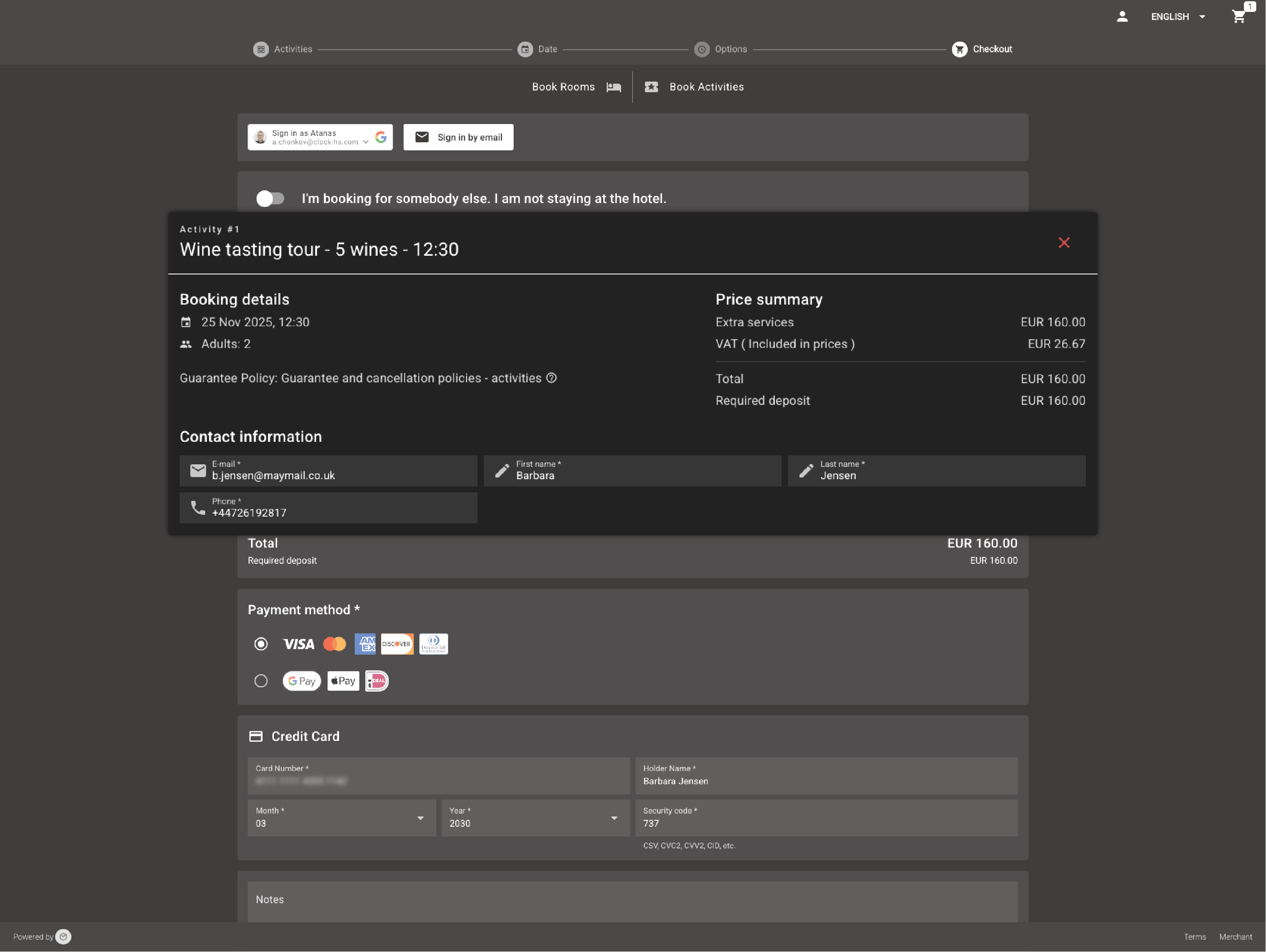
Use reusable rate templates combining base, adult, and child prices. Apply them across activities, options, or seasons without re-entering data. Guests always see the right total online, and the system posts it automatically to the folio.
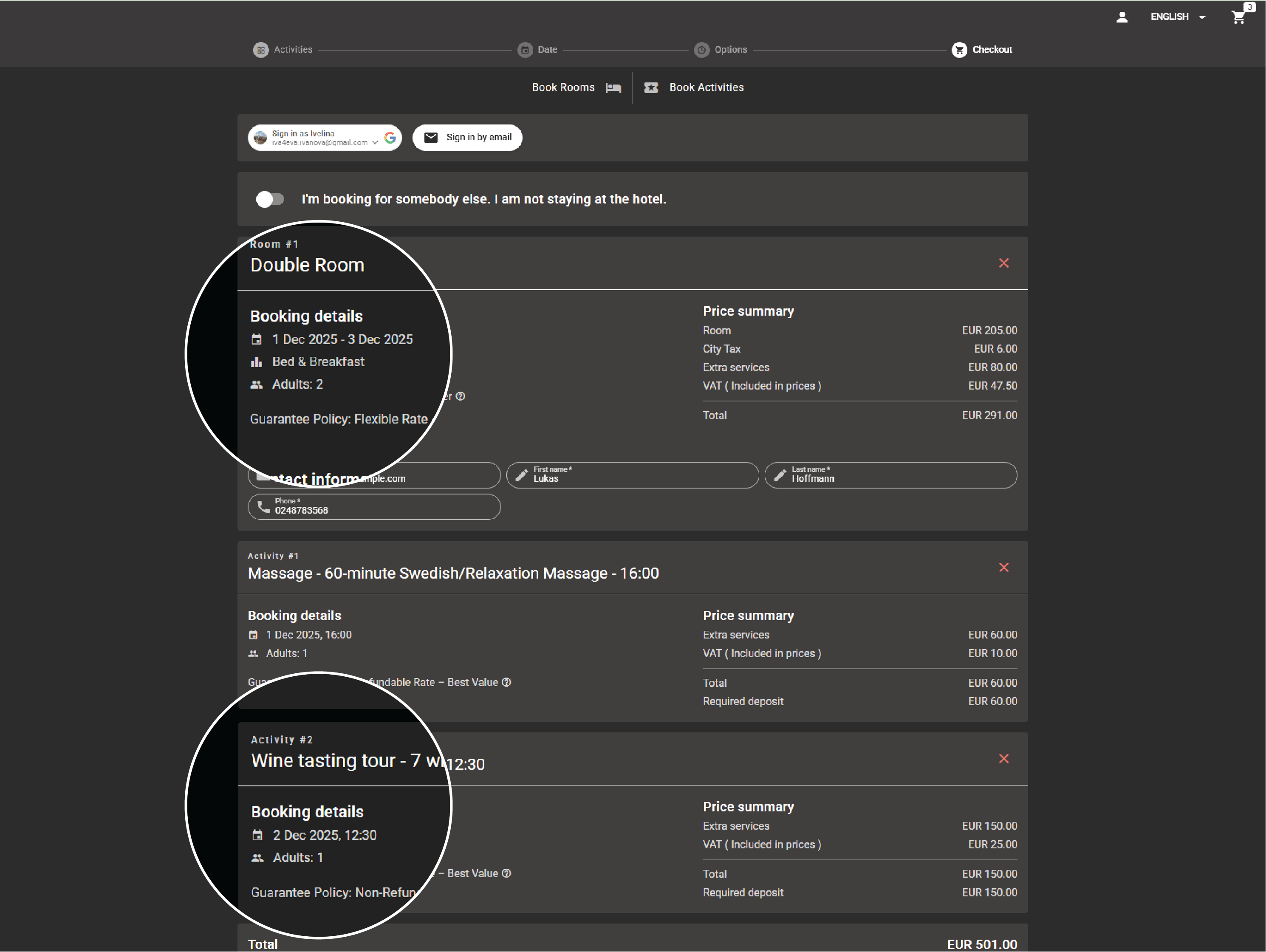
Sell experiences online — with or without rooms
Guests can book activities on their own or together with rooms — directly through Clock's booking engine. Locals, day visitors, and event participants can also reserve without overnight stays.
.jpg?width=1024&height=768&name=Frame%20161%20(1).jpg)
Manage everything from one clean view (coming soon)
Staff handle all activity bookings through a dedicated Availability Screen in the PMS. They see capacity, guest names, and time slots in one place and can add, edit, or cancel instantly.
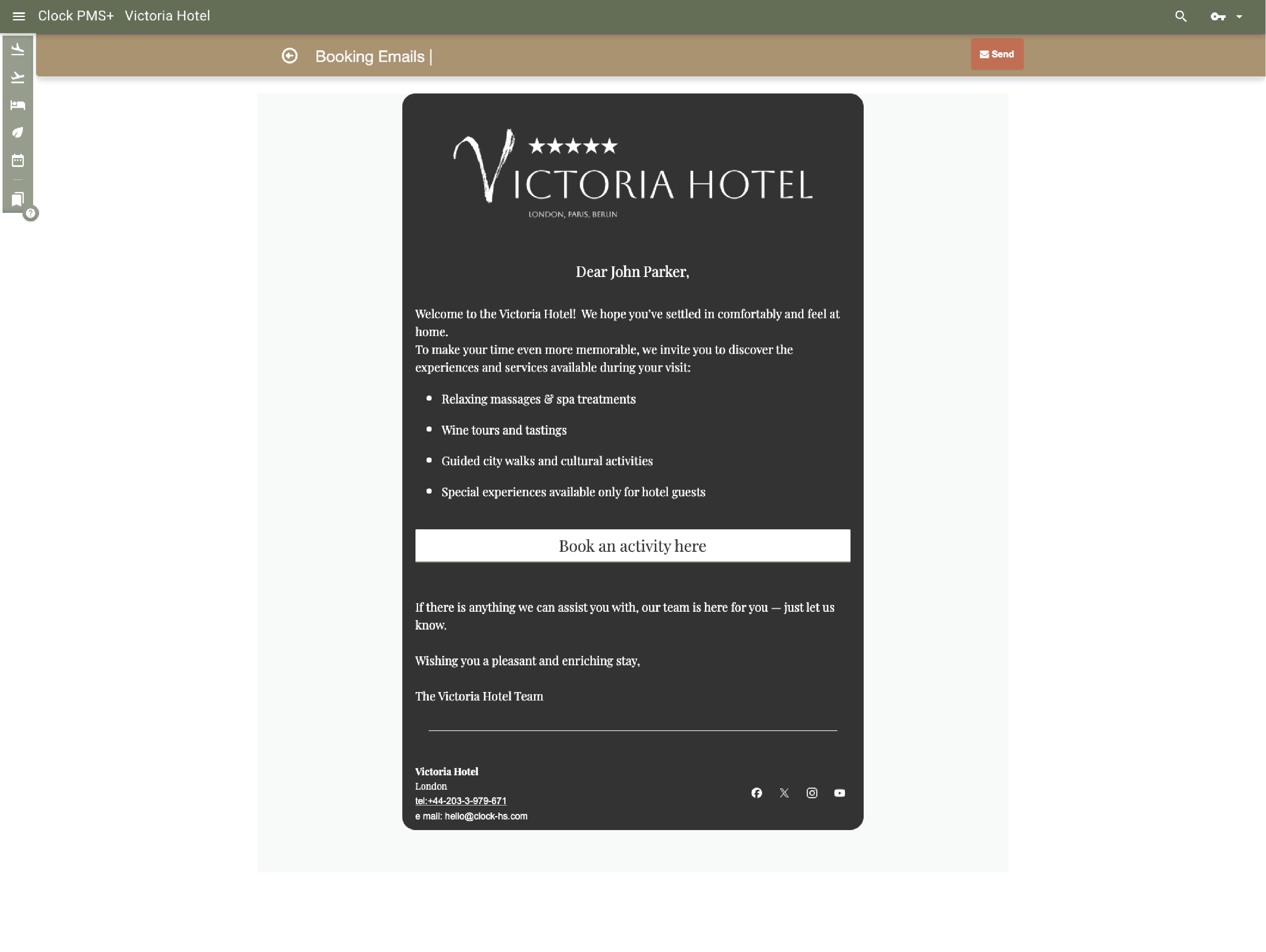
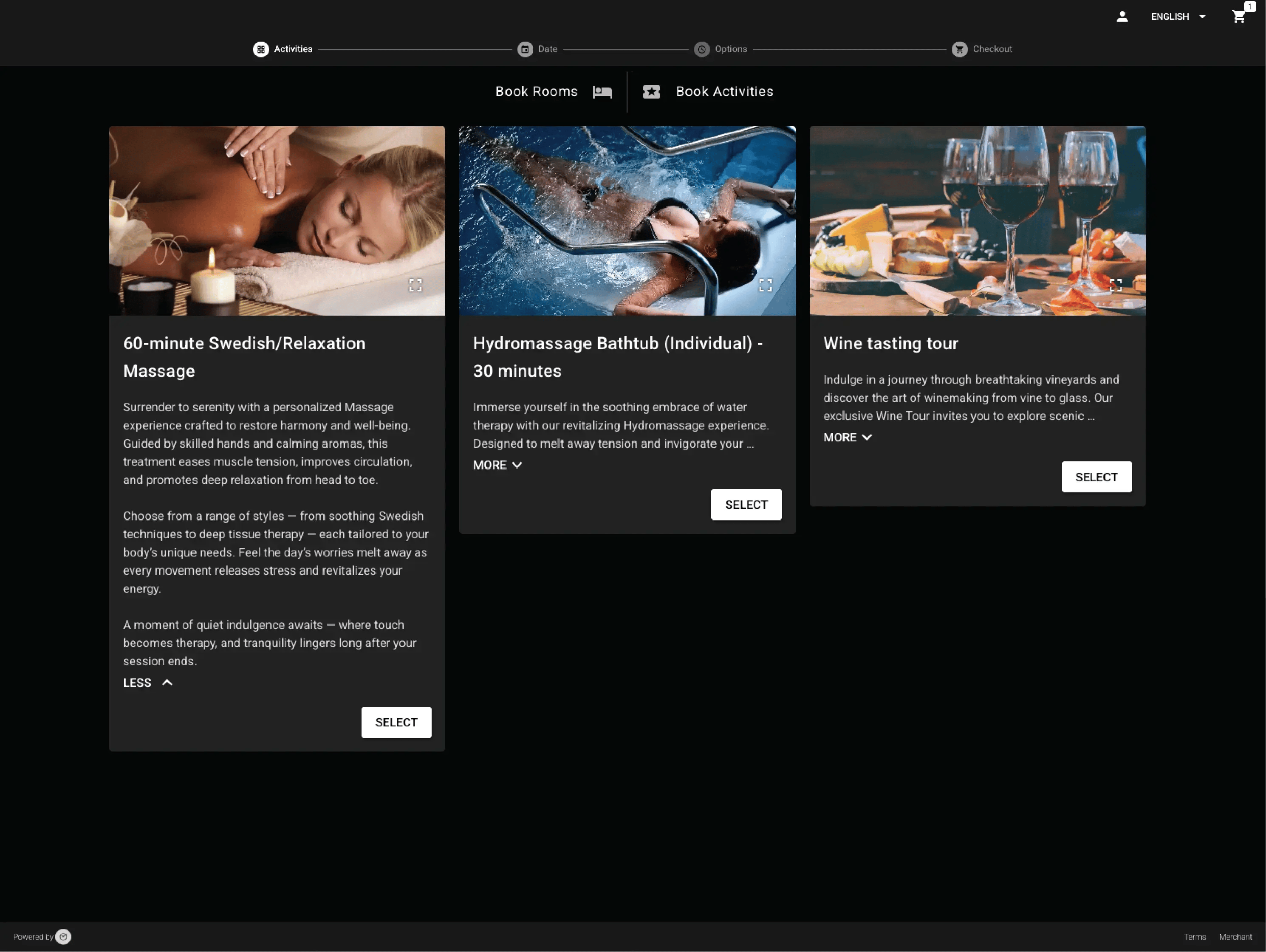
Upsell through every guest touchpoint
Offer activities during booking or later on - before or during stay. Guests add them instantly; Clock updates capacity and charges automatically. Staff see every new booking appear in real time — ready to deliver.
Say hi on social
P.S. Our page admin counts every like, share, and follow. You’ll make her day.


Need help?
If you need help right now, open a ticket, browse our support portal, or watch a quick video in the Academy.