






Small hotels

Keep your small hotel running smoothly — without extra effort

For small independent hotels (10-40 rooms) run by compact teams, Clock handles all daily operations - reservations, direct website bookings, Booking.com and OTA sync, front desk tasks, housekeeping, online check-in, payments and guest communication - in one clear, connected system.

Stay on top of reservations

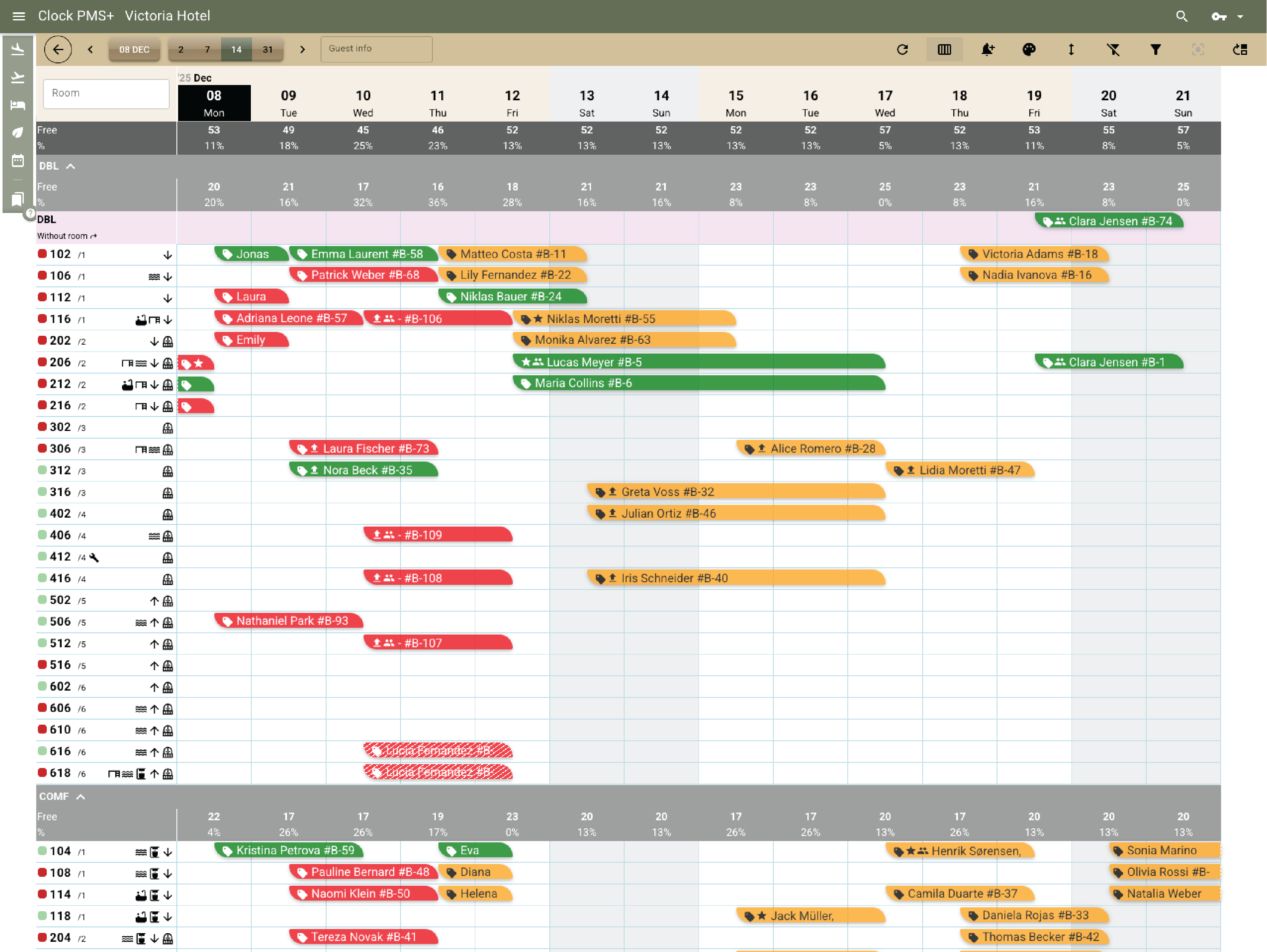
Handle bookings from a clear room calendar

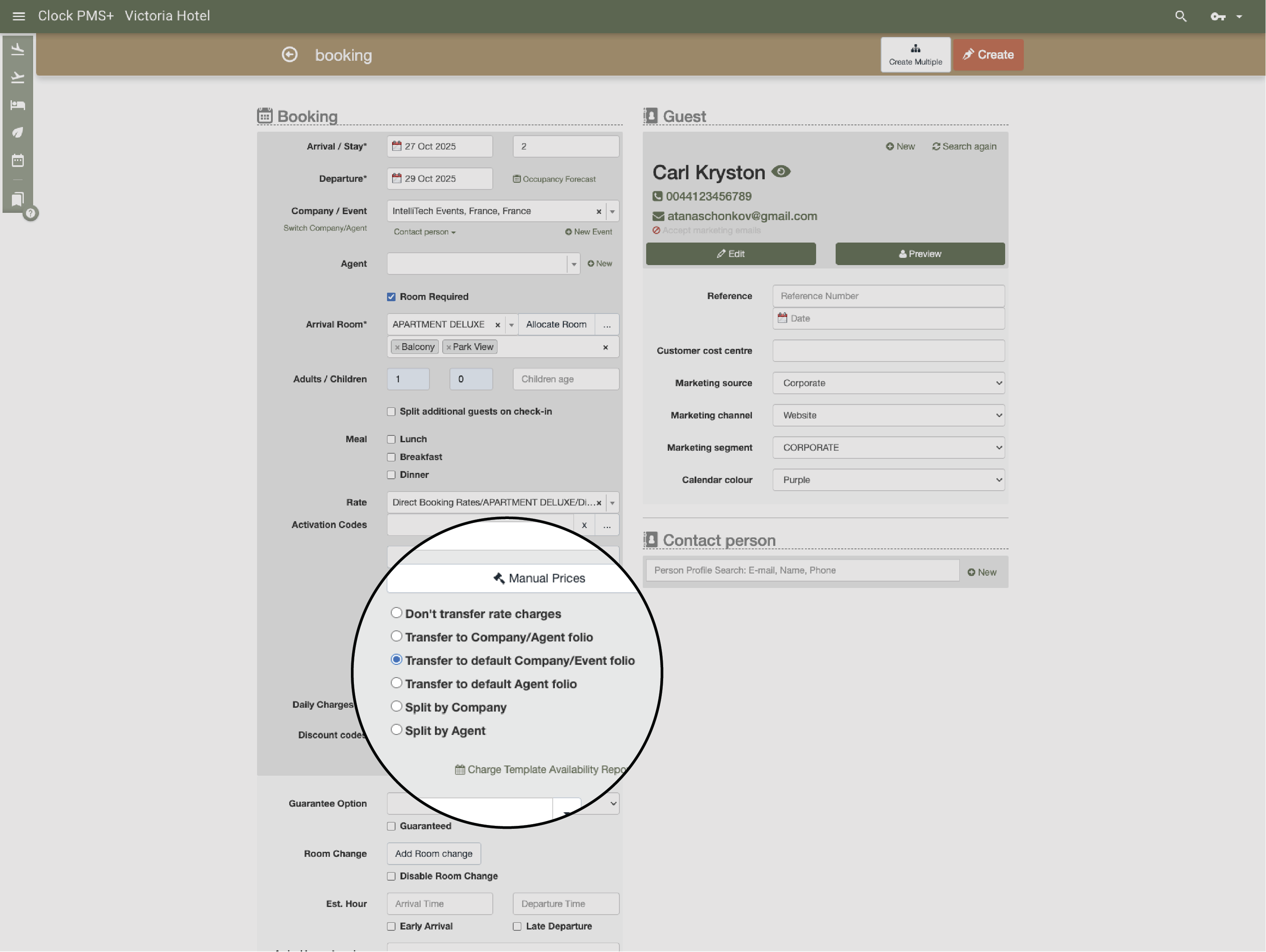
Check availability, rates and restrictions directly on the calendar. Create, modify or cancel reservations in a clear and simple flow. If you prefer the Rooms & Availability view used by larger hotels, it’s available too.
Example:
A guest calls; you check availability, see the rate and the 2‑night minimum rule, and confirm the booking.
Handle bookings from a clear room calendar

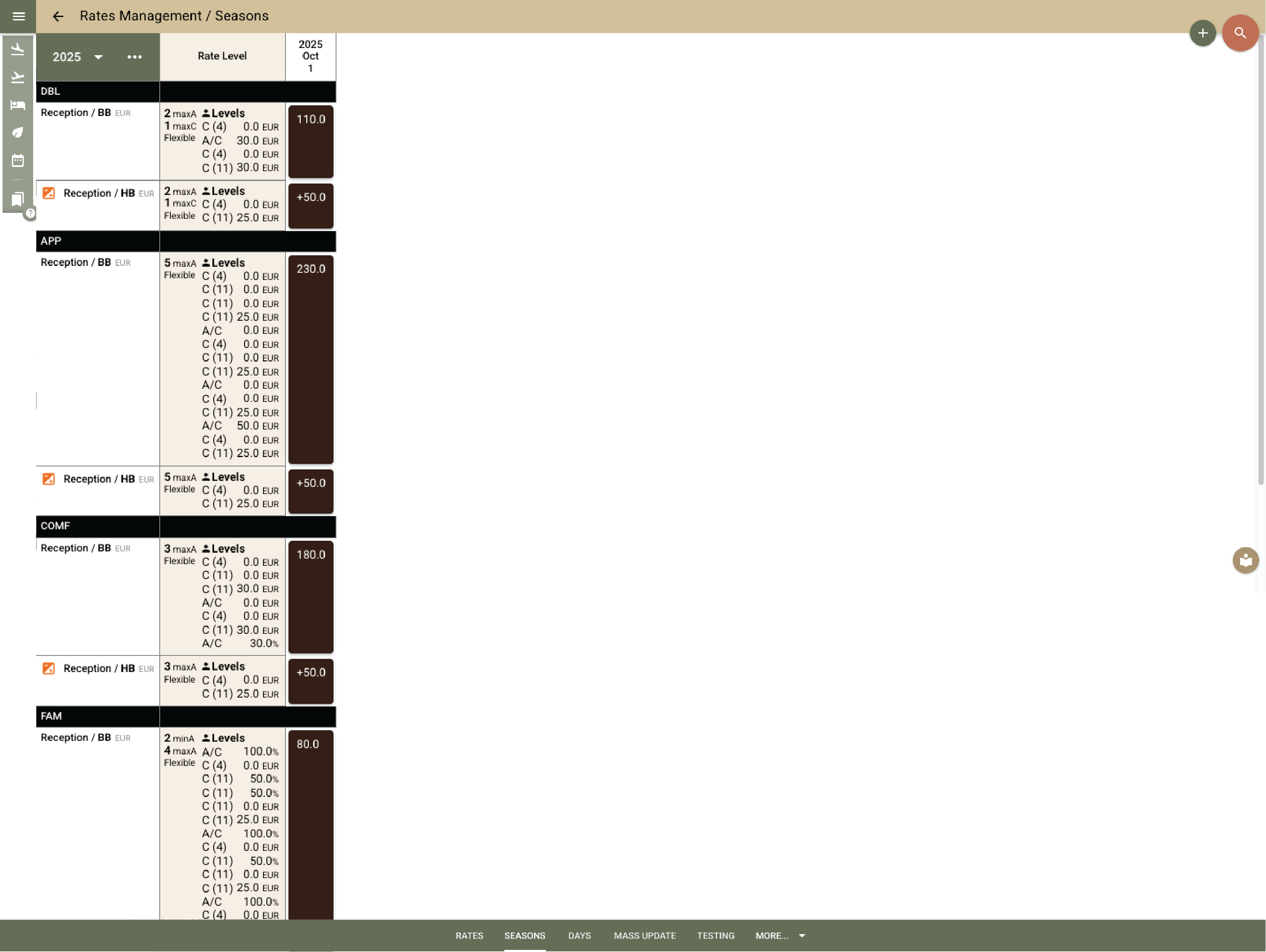
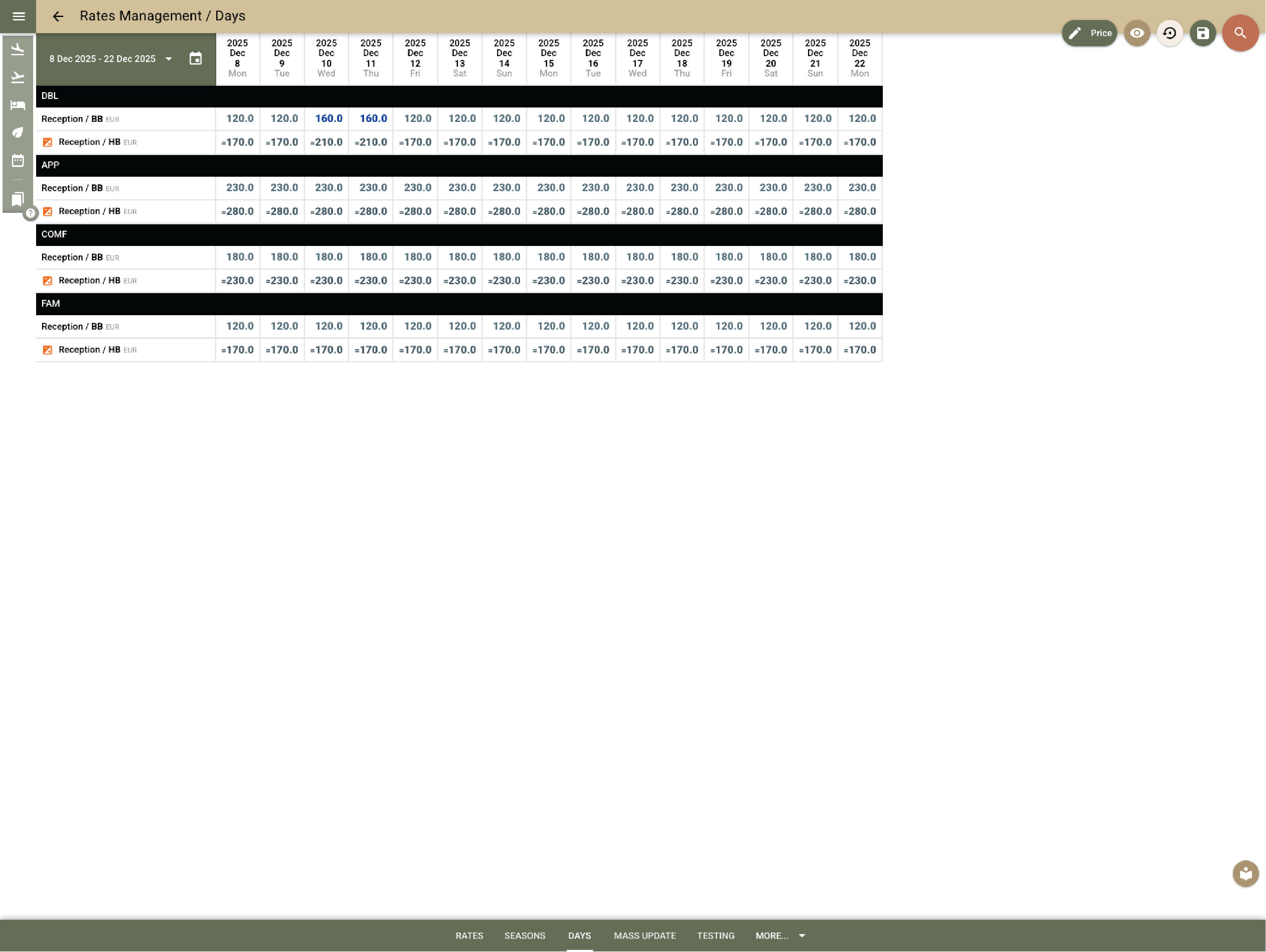
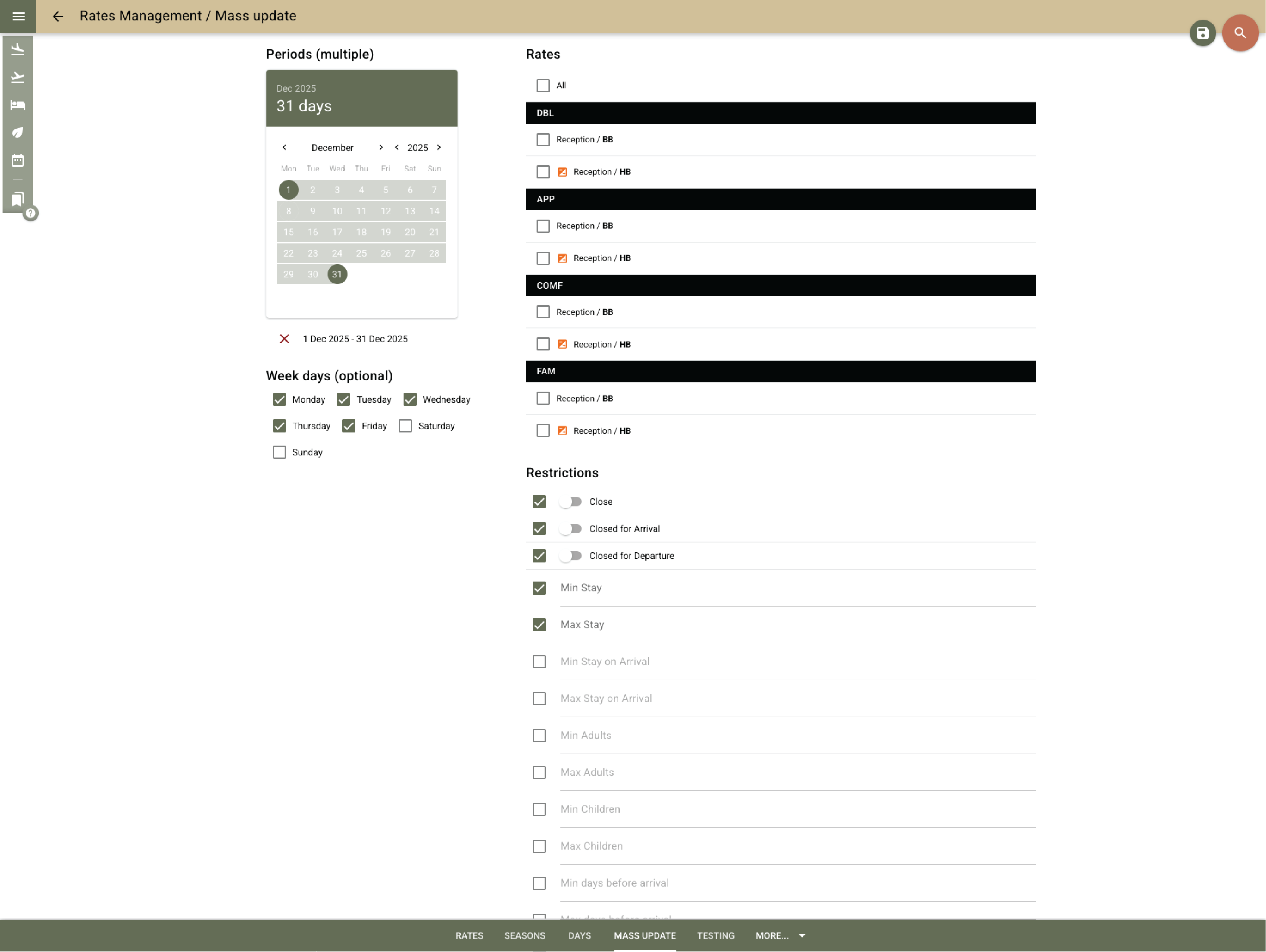
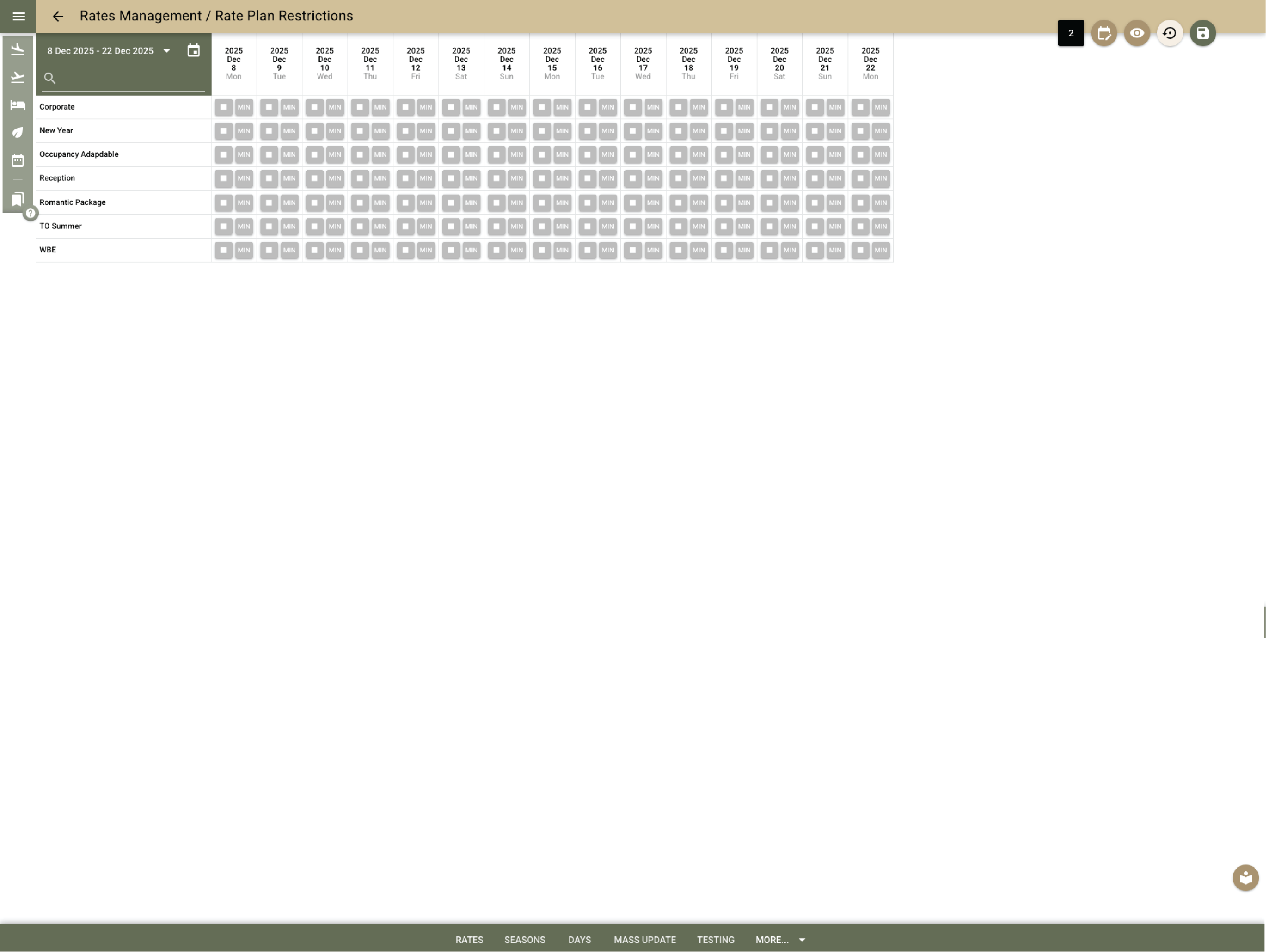
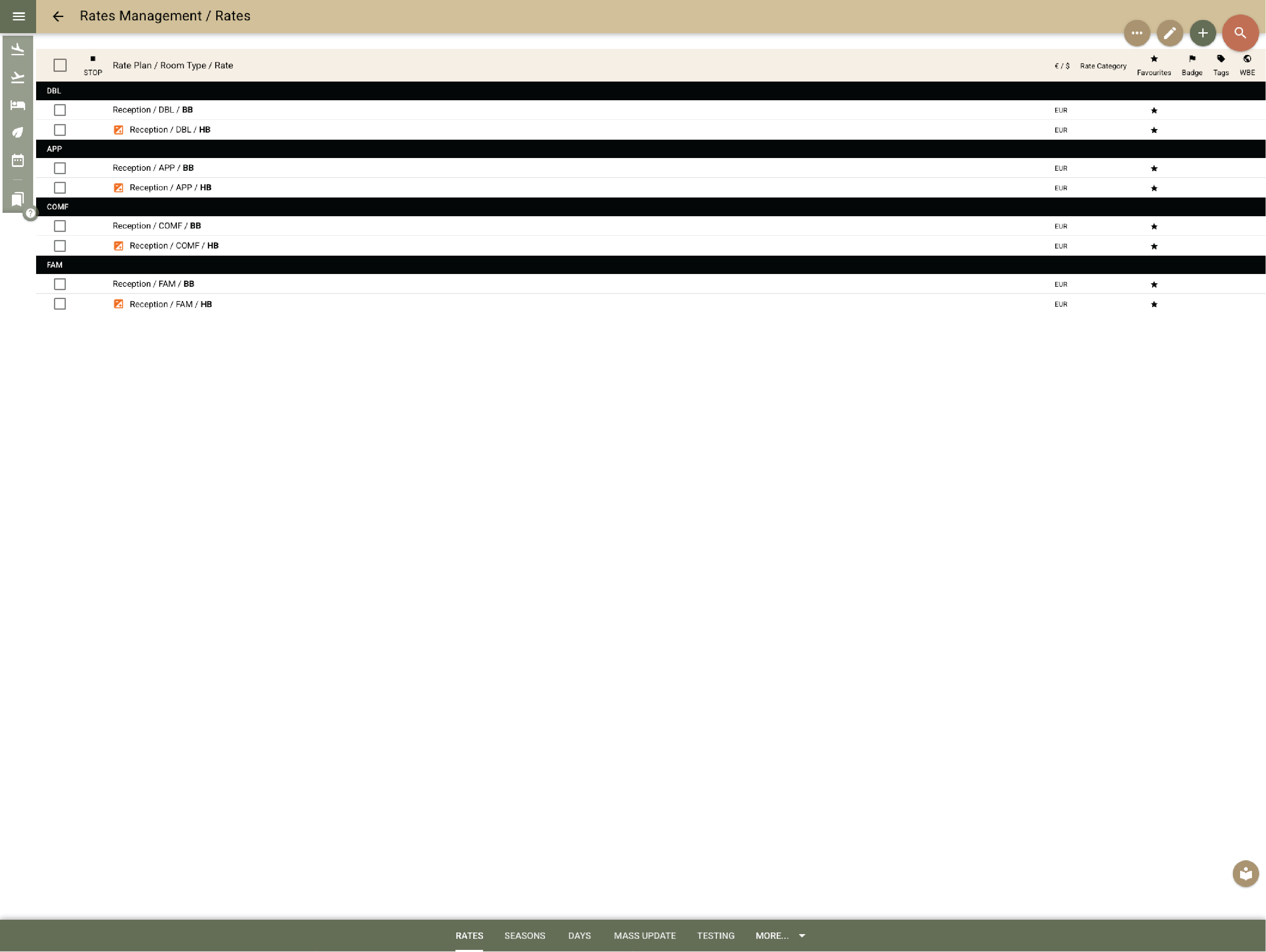
Manage all your rates from one place

Set and update your best available rate, seasonal prices, promotions, packages and negotiated rates. Restrictions apply automatically. Everything syncs to your PMS, website, OTAs and connected channel managers.

Example:
You update a package rate once, and the change appears instantly across your room calendar, booking engine, and all OTAs where this rate is sold.

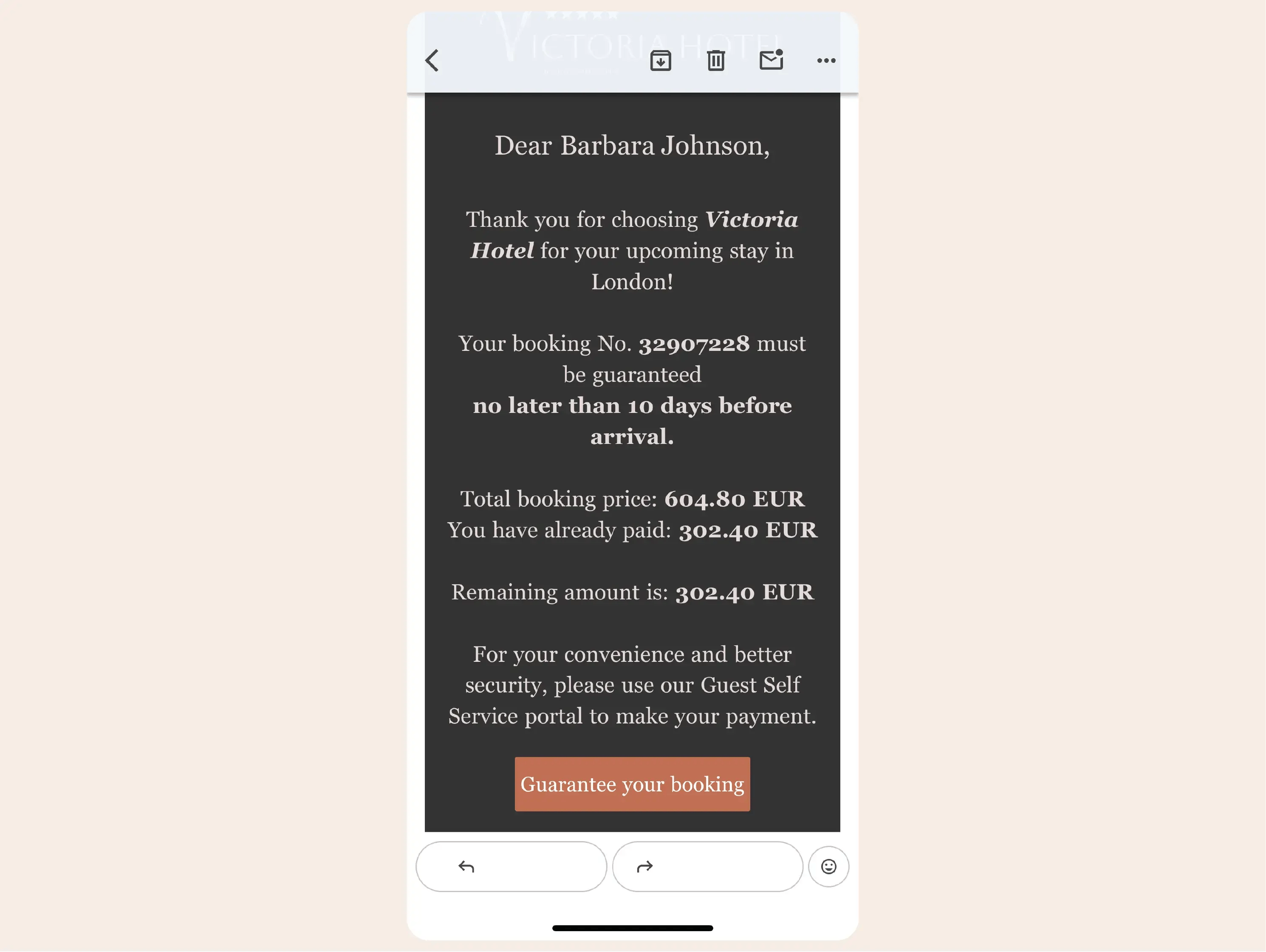
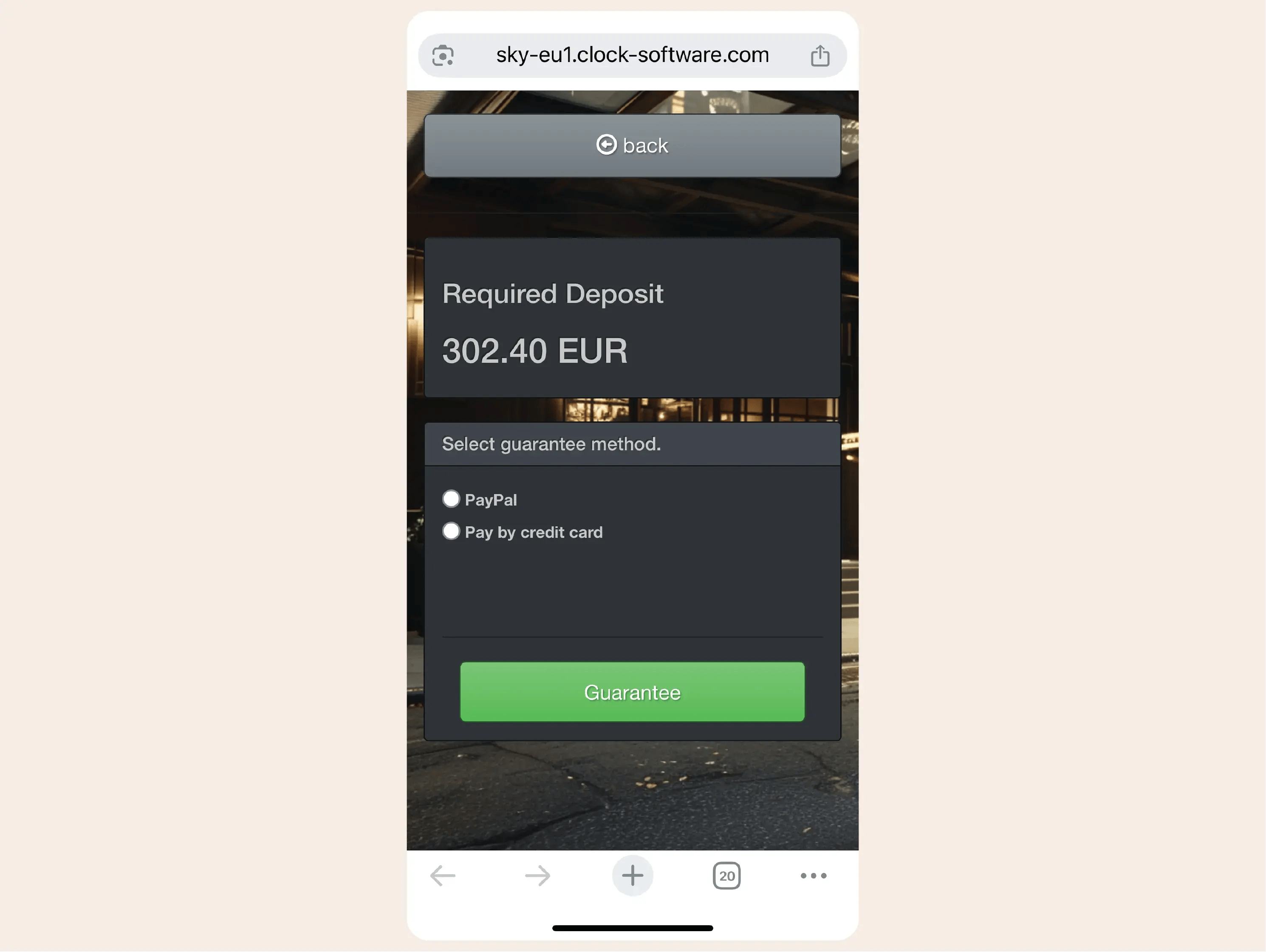
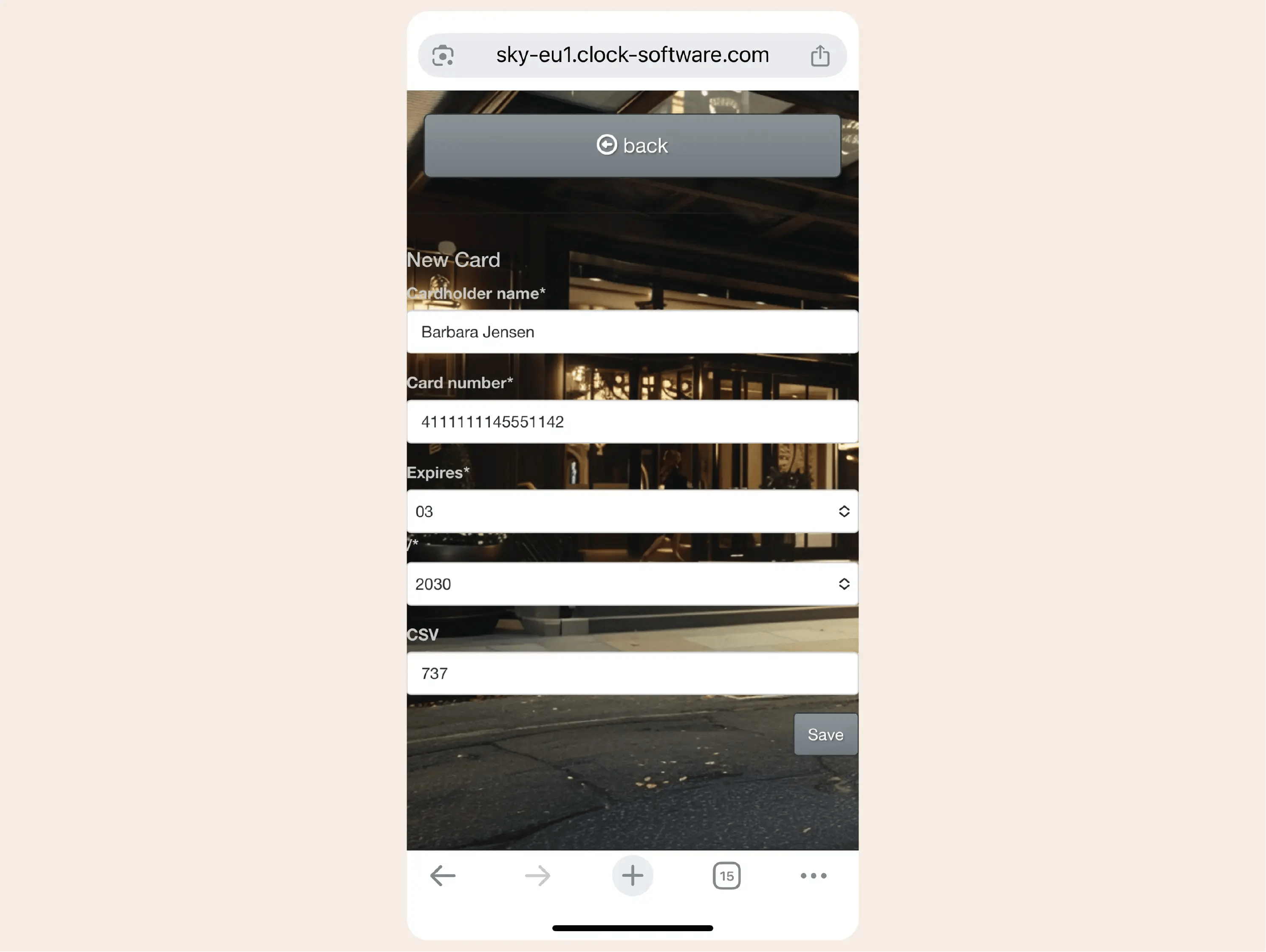
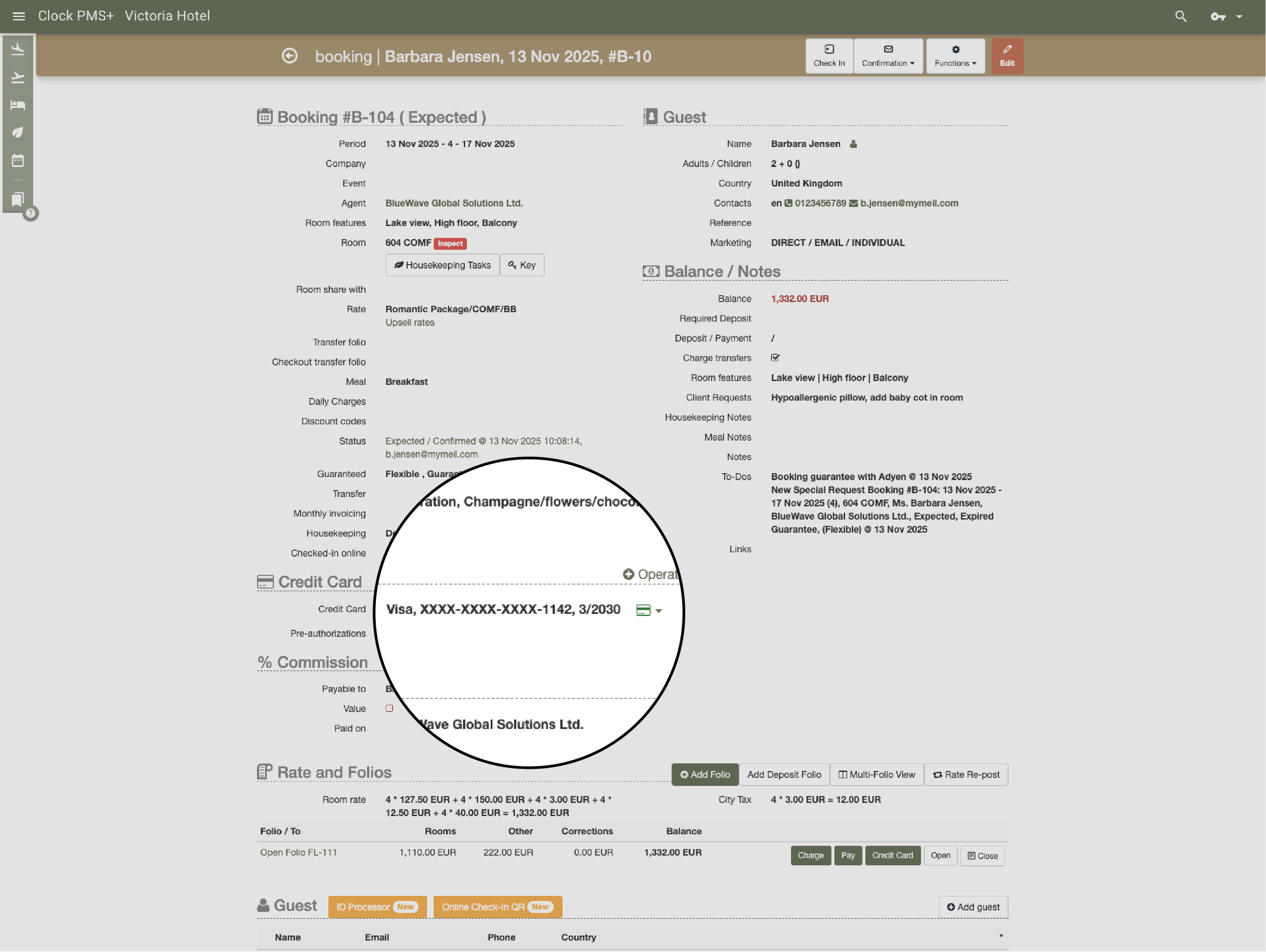
Secure payment forms to collect advance payments for phone bookings

Send secure credit card forms for phone or email reservations and collect deposits without manual processing.

Example:
A guest books by phone; you send a secure form, they complete it, and the deposit posts to the folio.

Booking enquiries

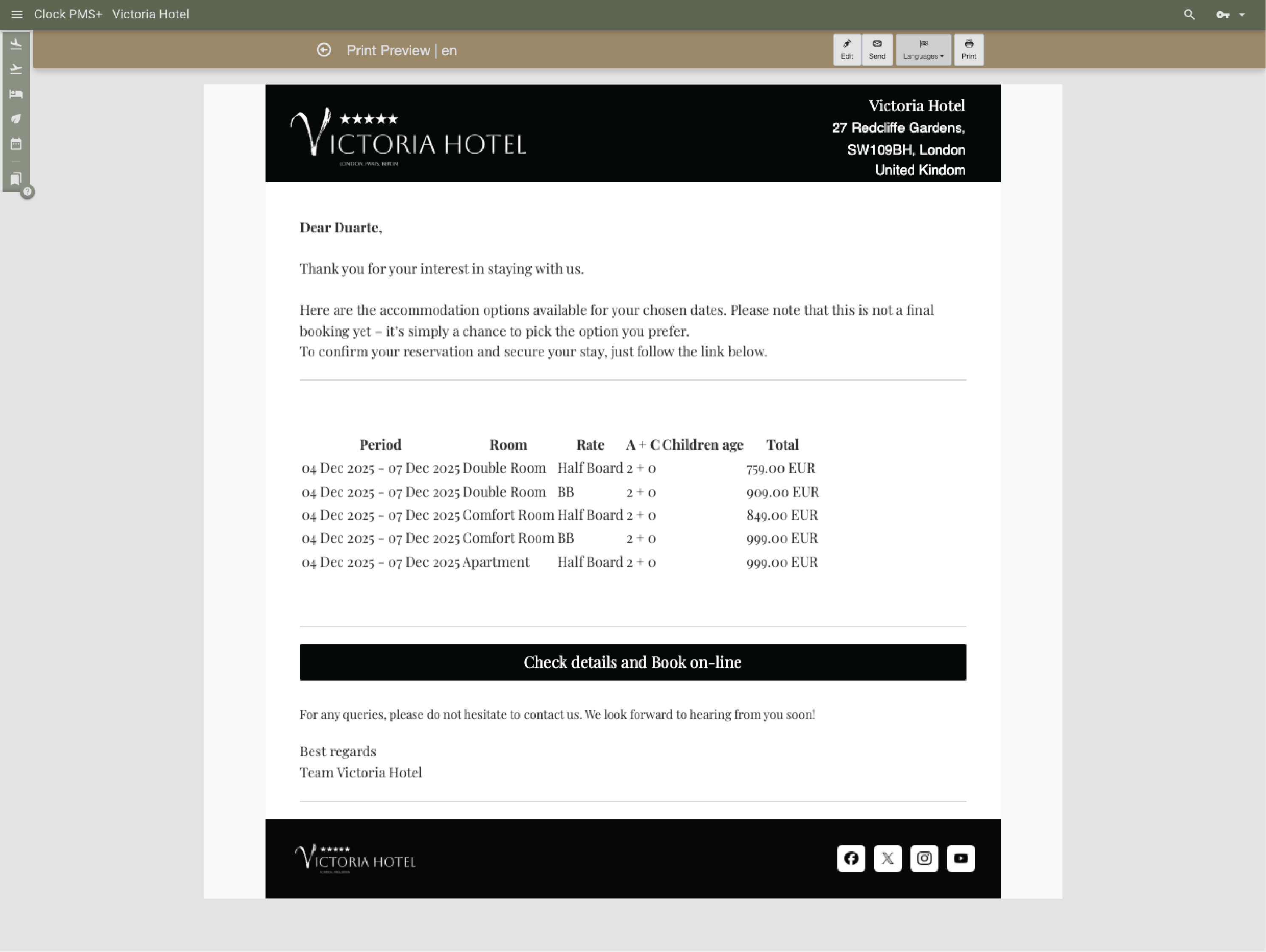
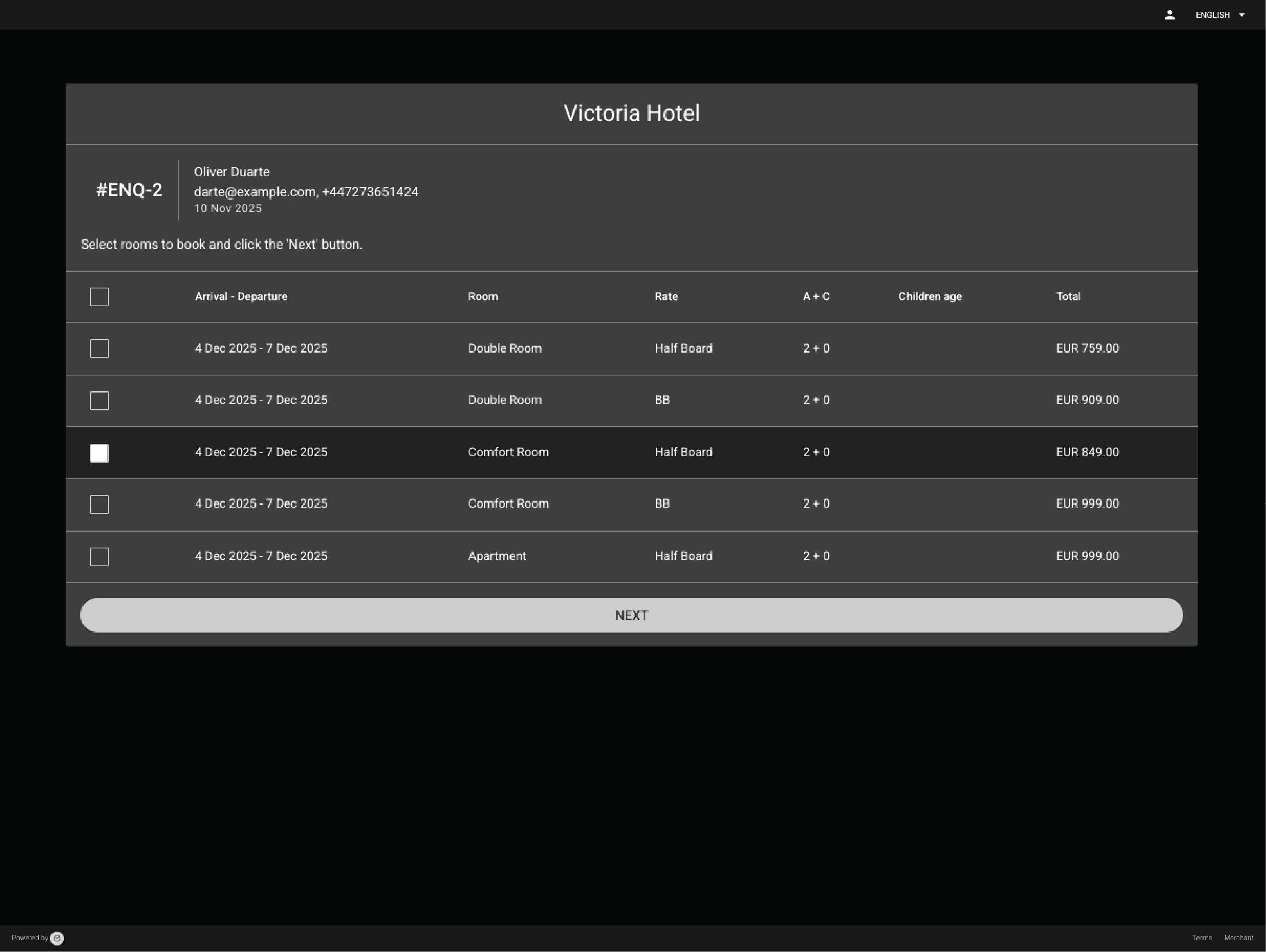
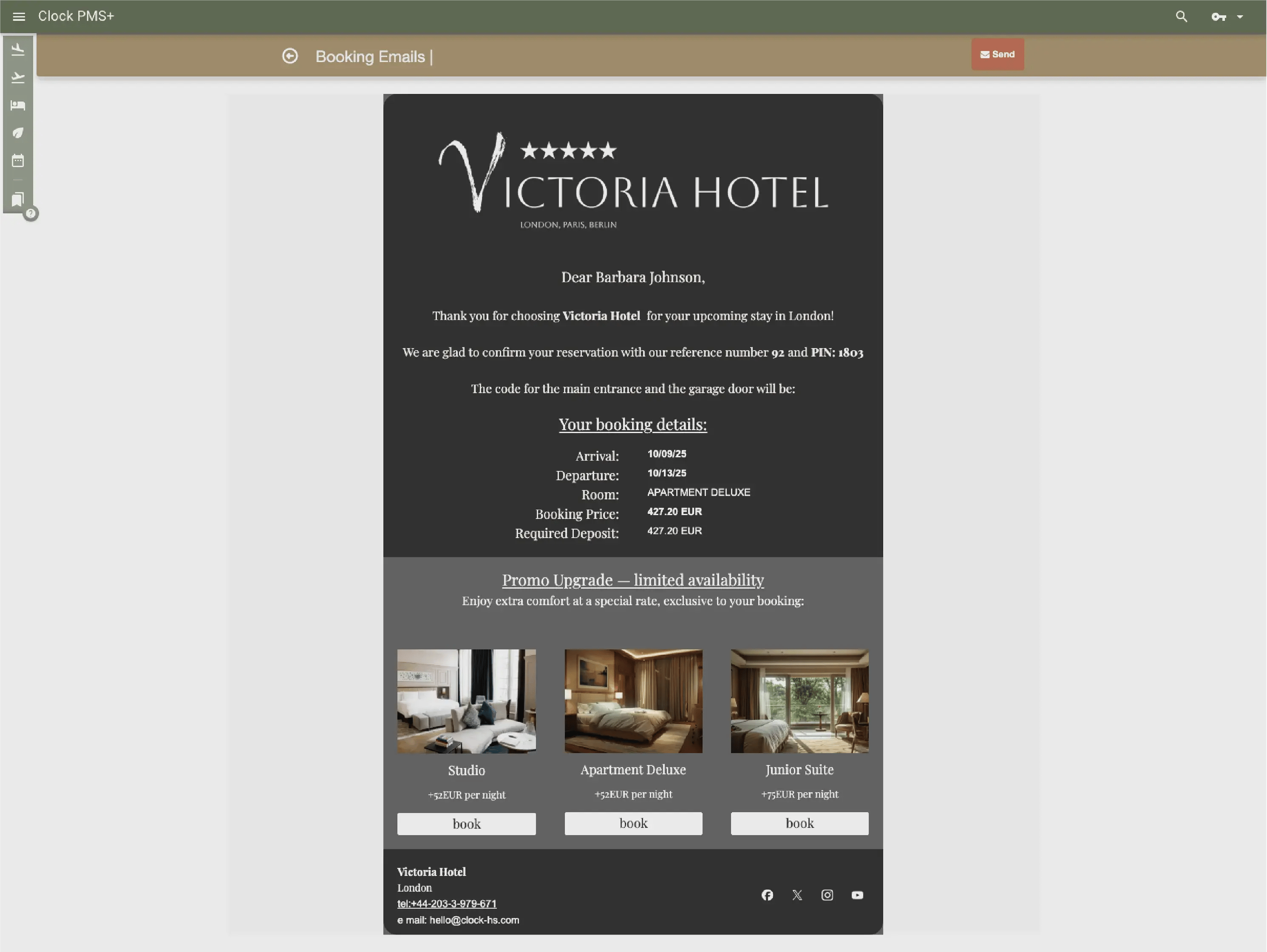
Send an offer when a guest isn’t ready to confirm. They receive a branded email with a link to review, confirm and pay online.

Example:
A guest asks about a family room; you send an offer, and they use the link to make the booking.

Stay synced with OTAs

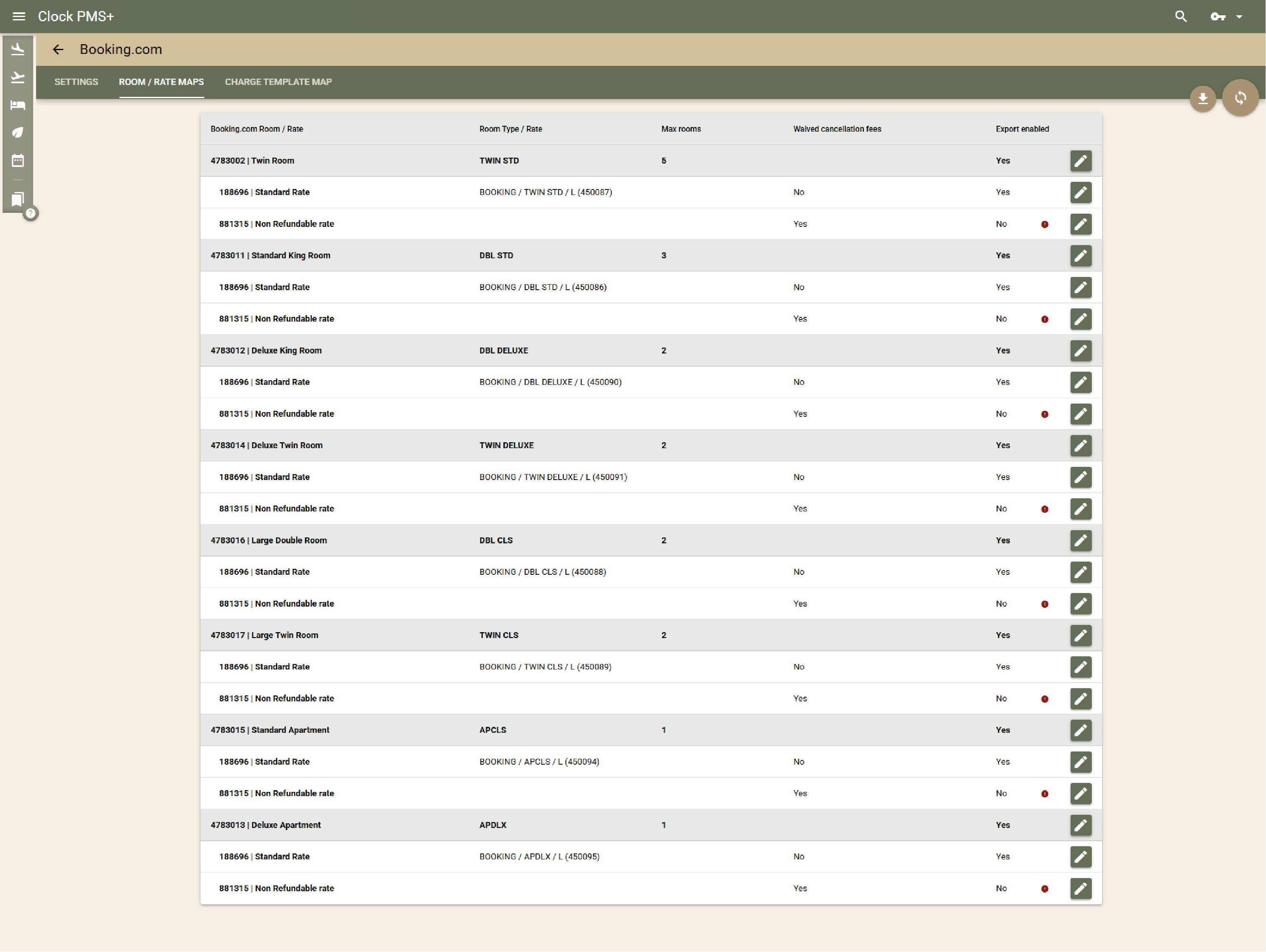
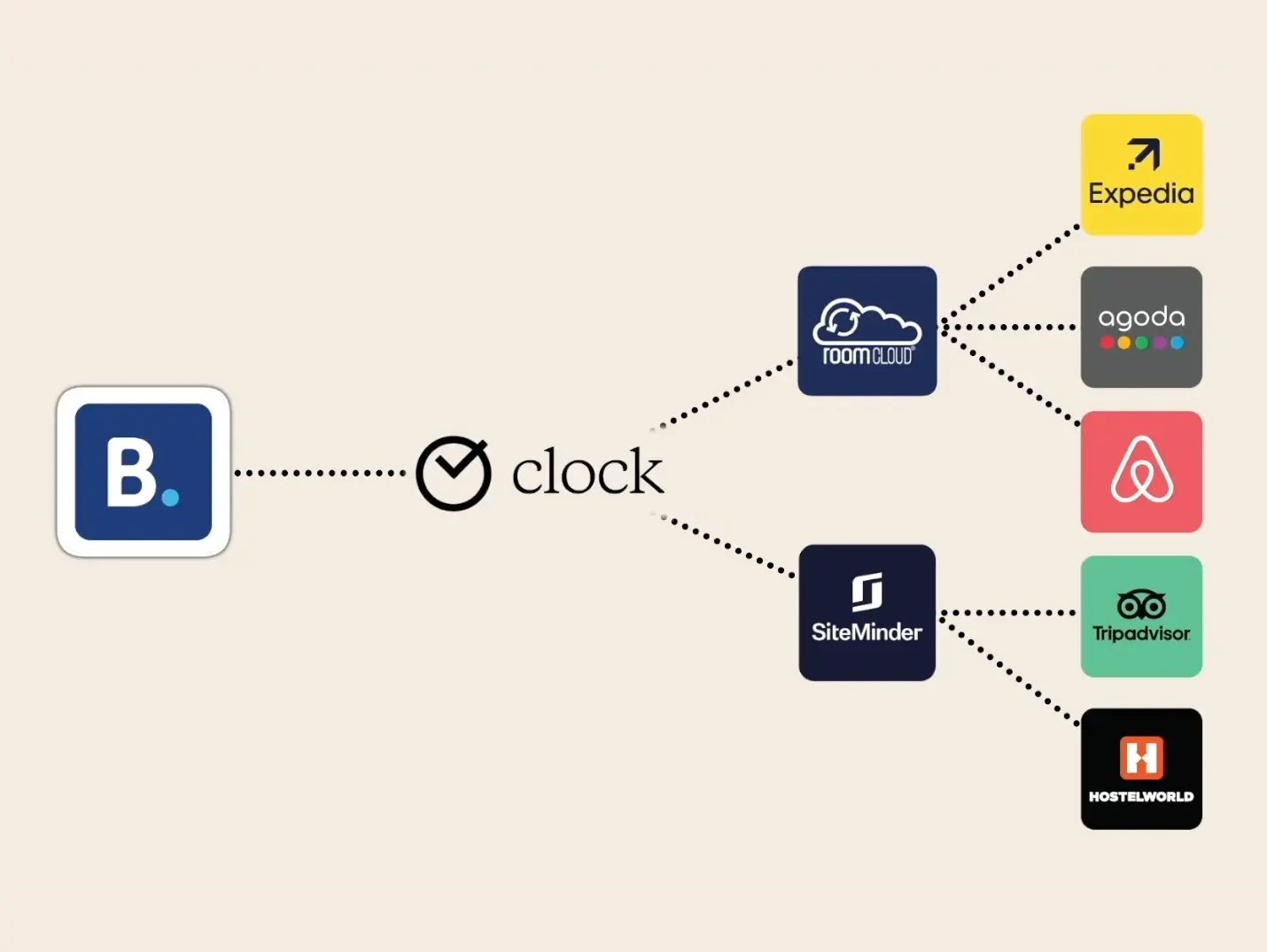
Direct, reliable integration with Booking.com

Booking.com connects directly at no extra cost. Prices, availability and restrictions update instantly, and invalid cards and no‑shows are reported automatically.

Example:
A cancellation frees a room; it becomes available on Booking.com moments later.
Frame 161 (1)

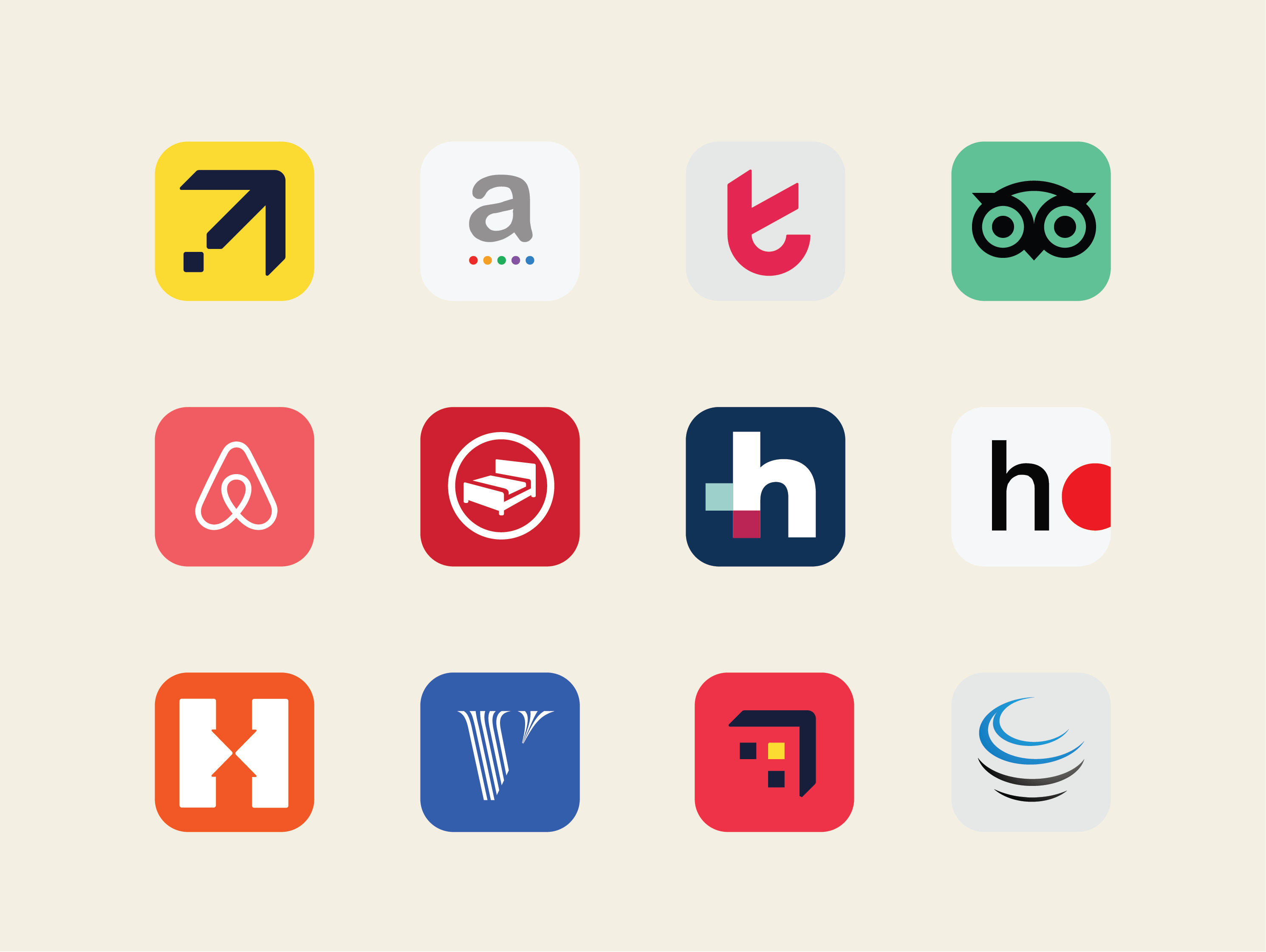
Add more channels when needed

Connect Expedia or other channels for €10 / $12 / £10 per month. Or use your preferred channel manager without any extra fee on our side — both work.

Example:
You activate Expedia or your external channel manager, and availability syncs automatically.
Frame 161 (1)

One place to control all online channels

Clock stays as the single place where you manage prices, availability and restrictions. All connected channels update from this source, so nothing needs to be edited elsewhere.

Example:
An Expedia booking appears instantly, availability updates everywhere, and the room is blocked correctly.
One place to control all online channels

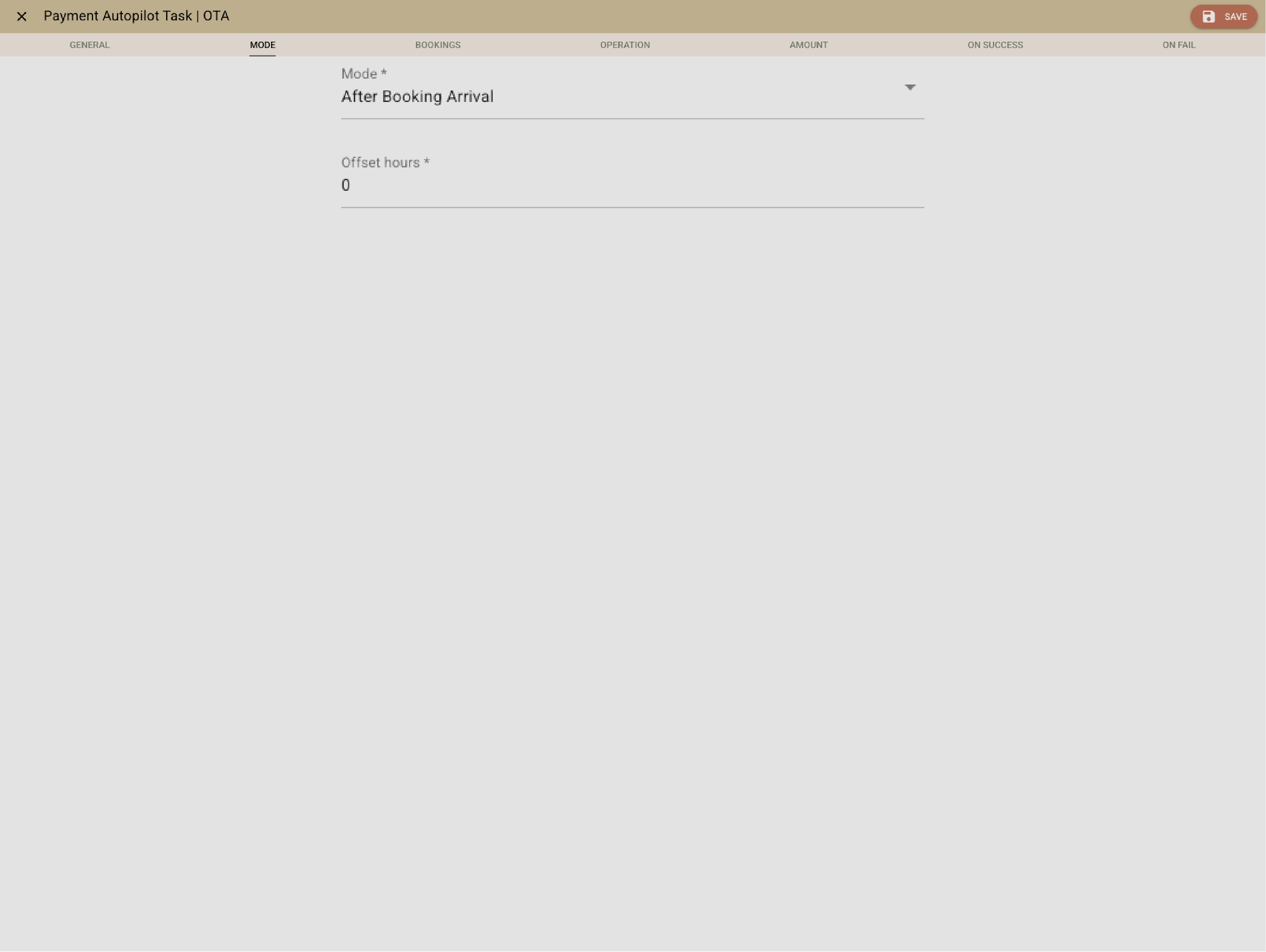
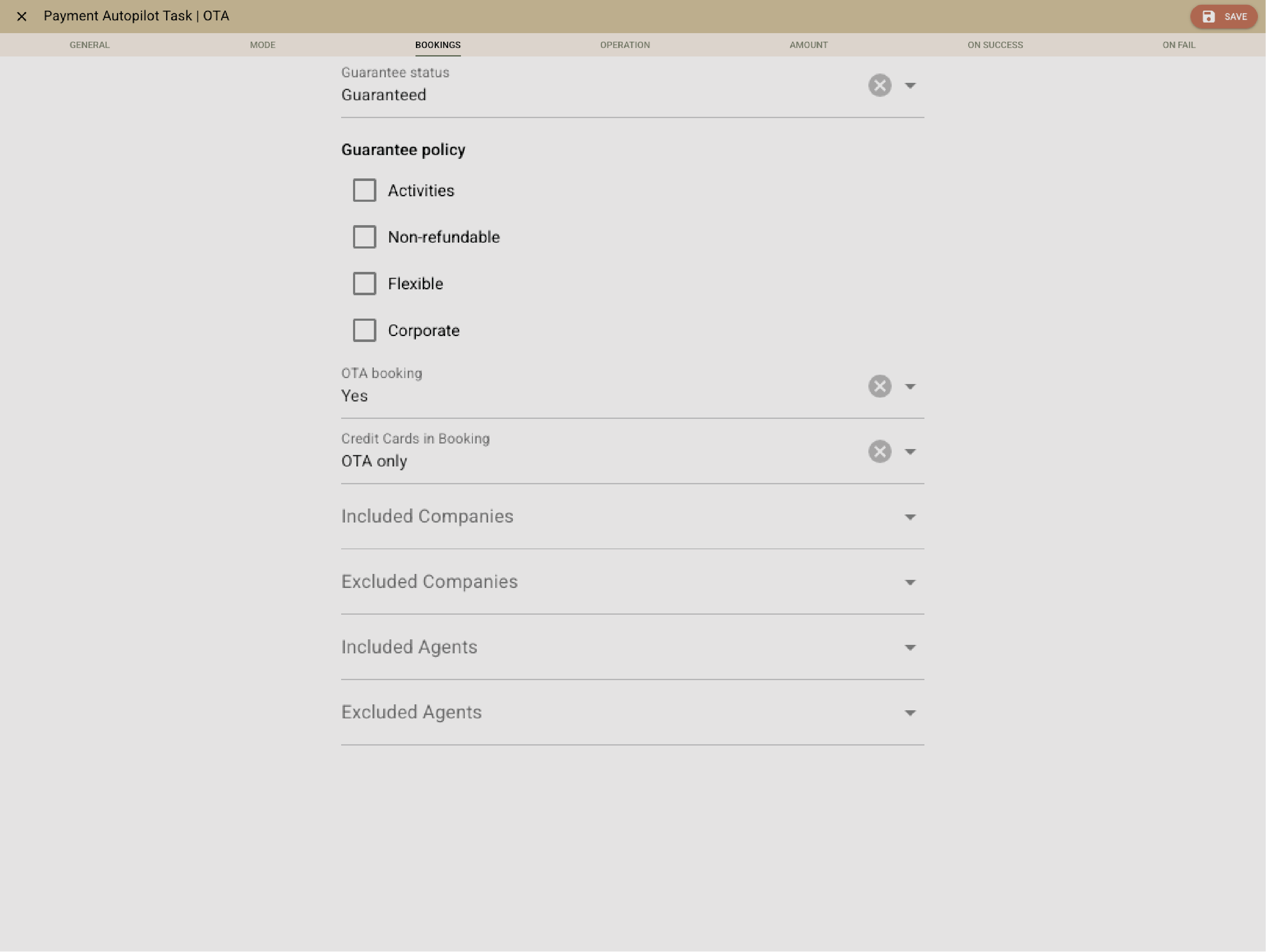
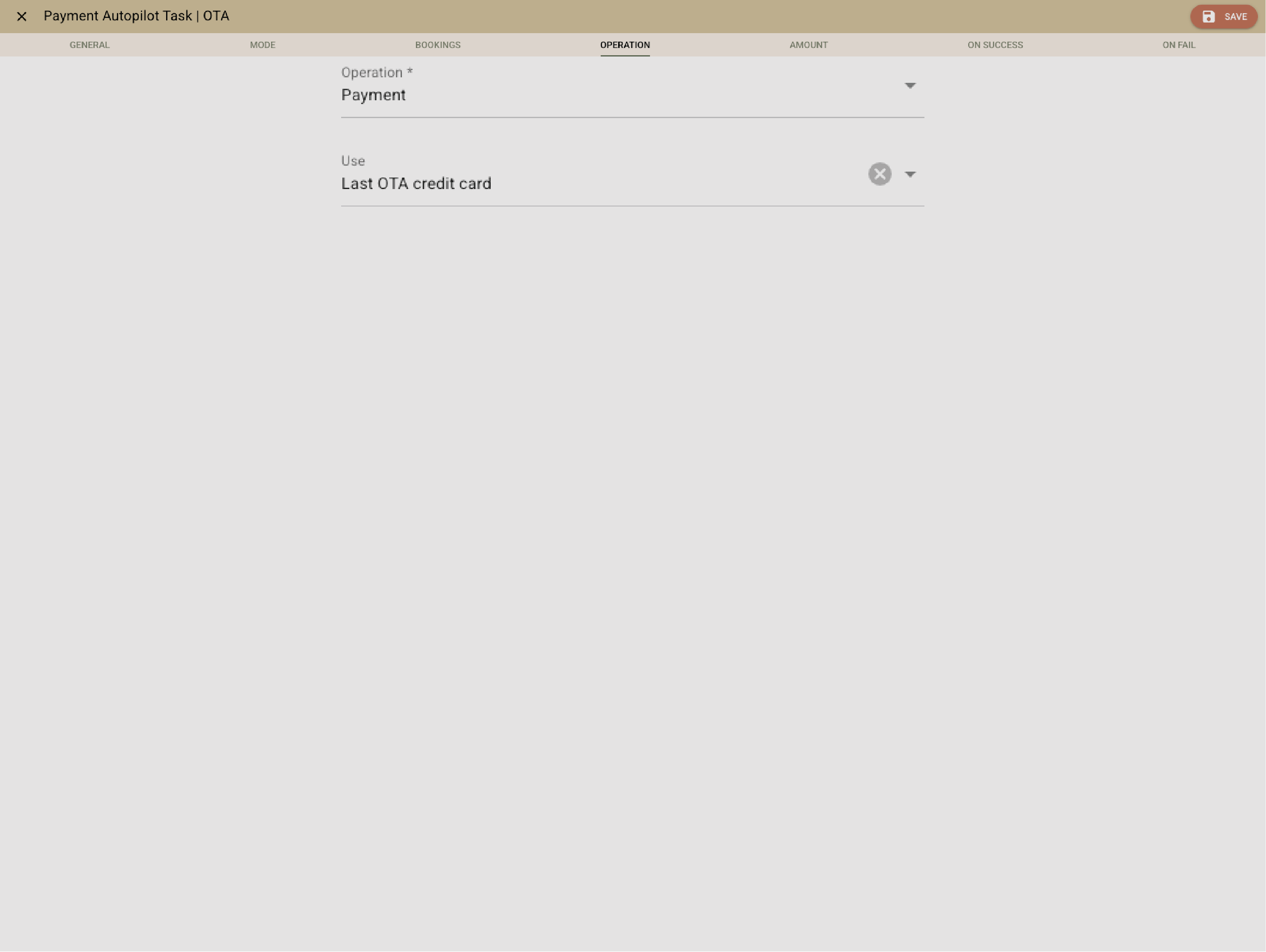
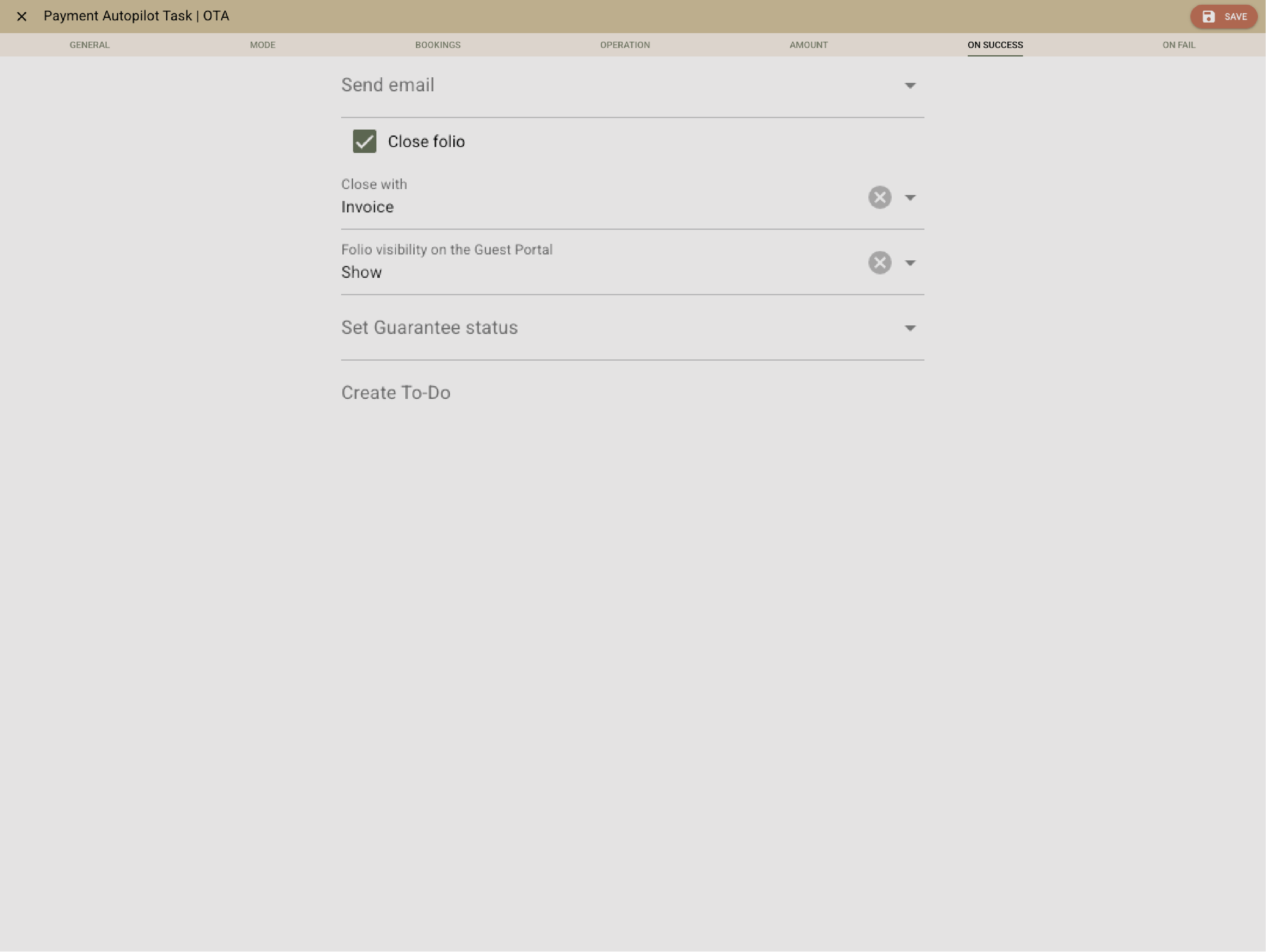
Automatically collect deposits, cancellation fees and virtual cards

Rules follow your guarantee policy — immediate and deferred advance payments, cancellation fees and OTA virtual cards process automatically.

Example:
A guest cancels after the deadline; Clock applies the fee and charges the virtual or stored card without manual steps.

Keep daily operations simple

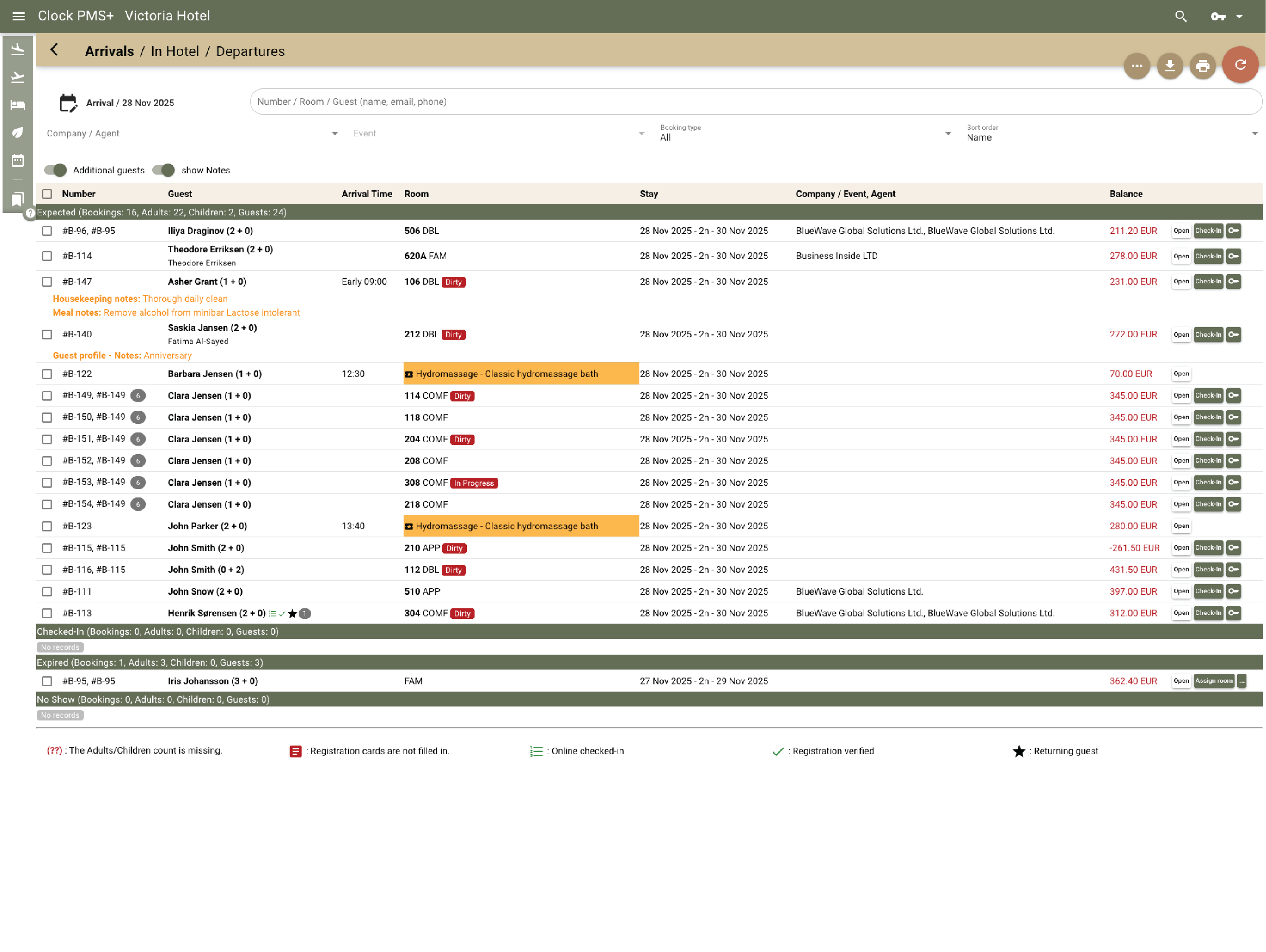
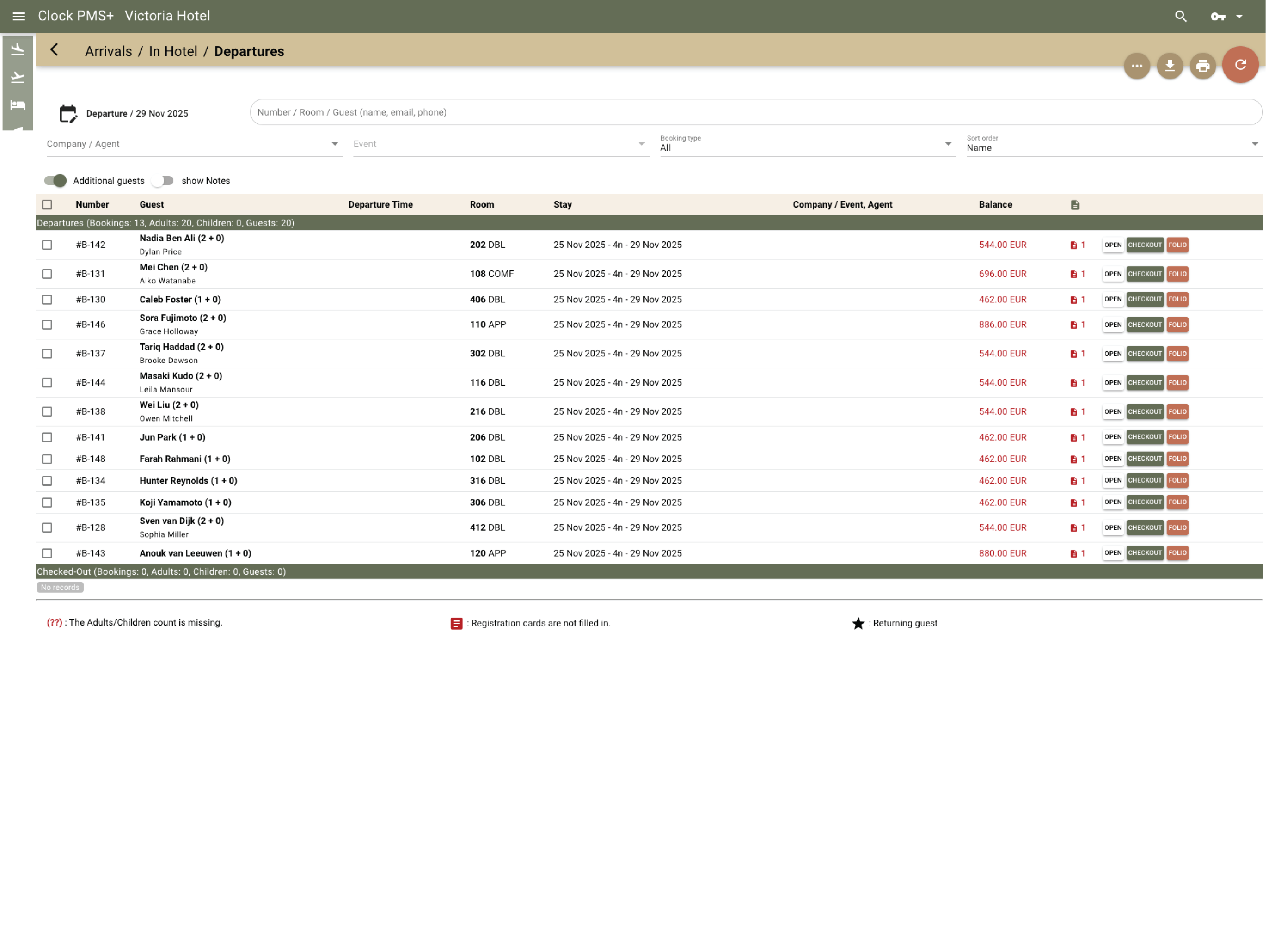
Stay aligned on arrivals and departures

Everyone sees the same live information — arrivals, departures and changes update once and appear everywhere, so the front desk doesn’t chase updates or repeat checks.

Example:
A late departure or early arrival is updated once and the whole team sees it immediately.

Keep folios and invoices tidy

Add extra charges, split bills, make transfers or send invoices whenever needed.

Example:
A business traveler needs separate invoices for the stay and for the mini-bar — done in moments.
Frame 161 (1)

Stay coordinated on housekeeping and maintenance

Room status updates instantly for everyone — dirty, clean, inspected or out of order. Housekeeping tasks, departures, stayovers and priorities appear in one list, and maintenance issues stay visible until fixed.

Example:
Room 205 checks out and is marked dirty automatically. Housekeeping cleans it, marks it ready, and the front desk sees the updated status right away.
Stay coordinated on housekeeping and maintenance

Make guest communication and self-service easy

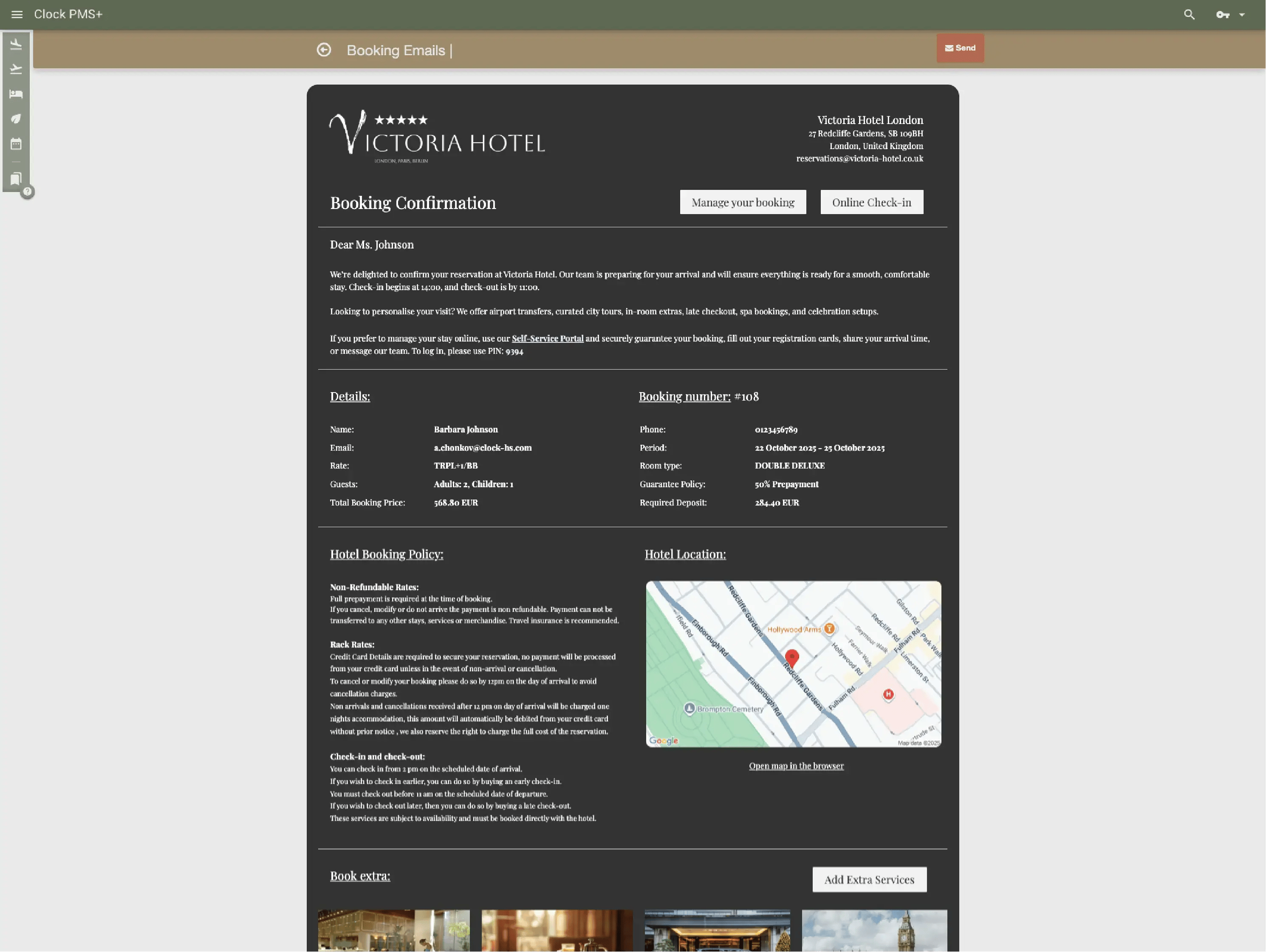
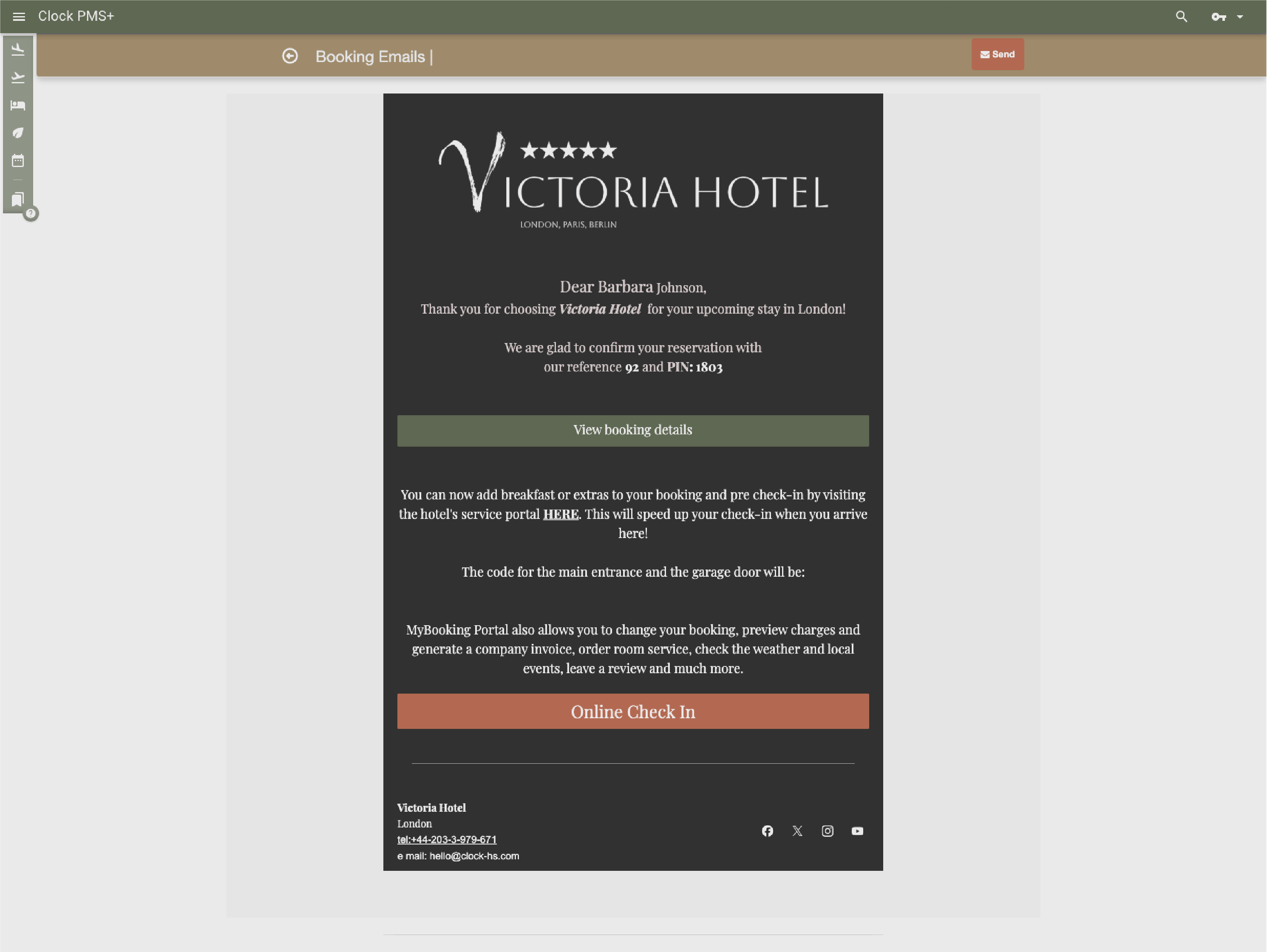
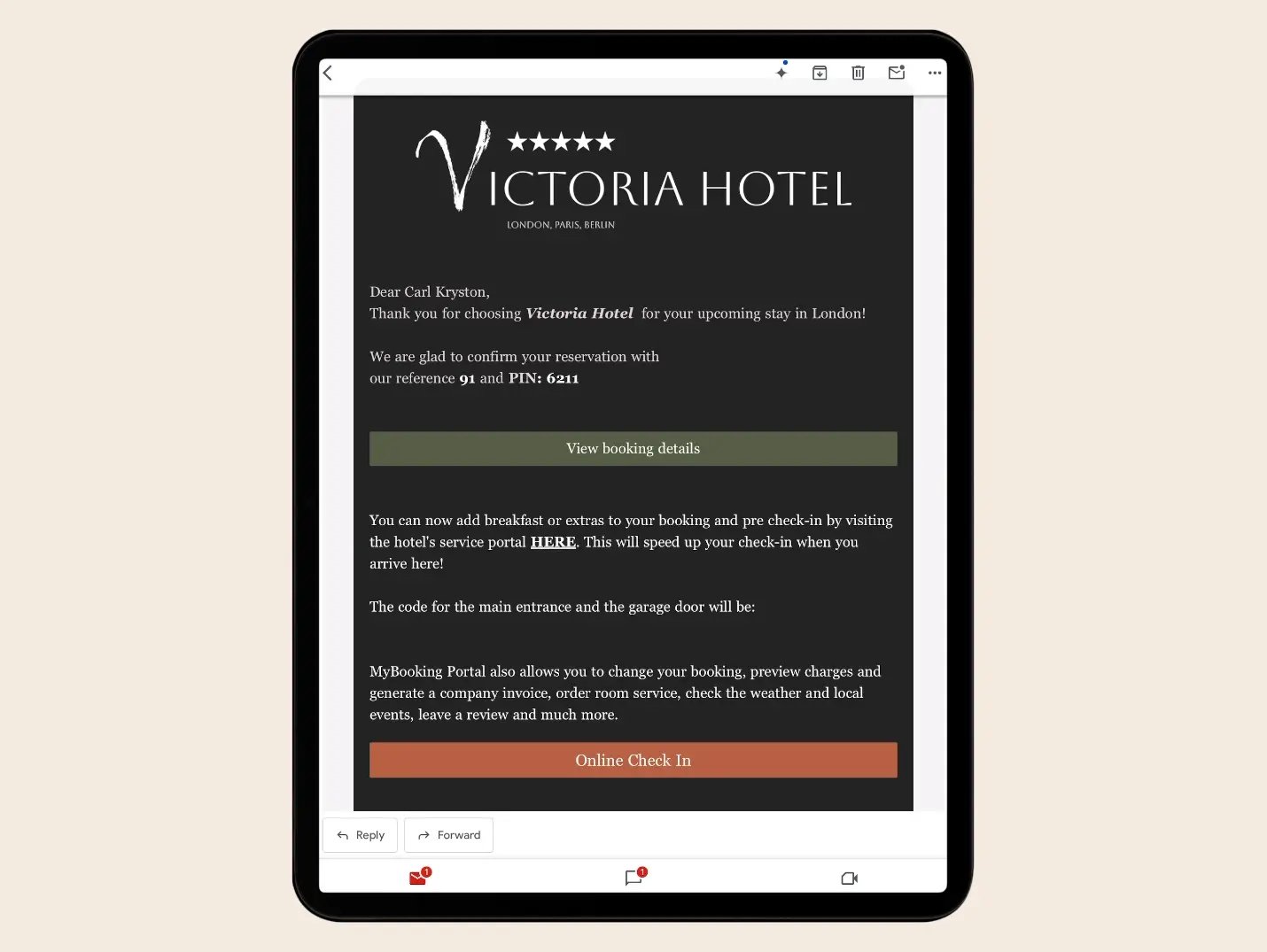
Confirmations, reminders and practical instructions send themselves at the right time. Messages can guide guests to online check-in or to the guest portal, where they can add services, update details or get the information they need without contacting the desk.

Example:
Guests receive arrival details automatically and use the link to check in or open the guest portal to personalize their stay.

Make arrivals easier with online check‑in and flexible access options

Guests enter their details and settle required payments before arrival, reducing admin at the desk. If your hotel uses the included Clock's kiosk, they can pick up their key during unstaffed hours. If your access‑control system supports digital keys and is integrated with Clock, guests may receive their key digitally.

Example:
A guest completes online check‑in and collects their key from the kiosk during unstaffed hours — or from a simple key box that opens with a PIN code.
Make arrivals easier with online check‑in and flexible access options

Useful reports

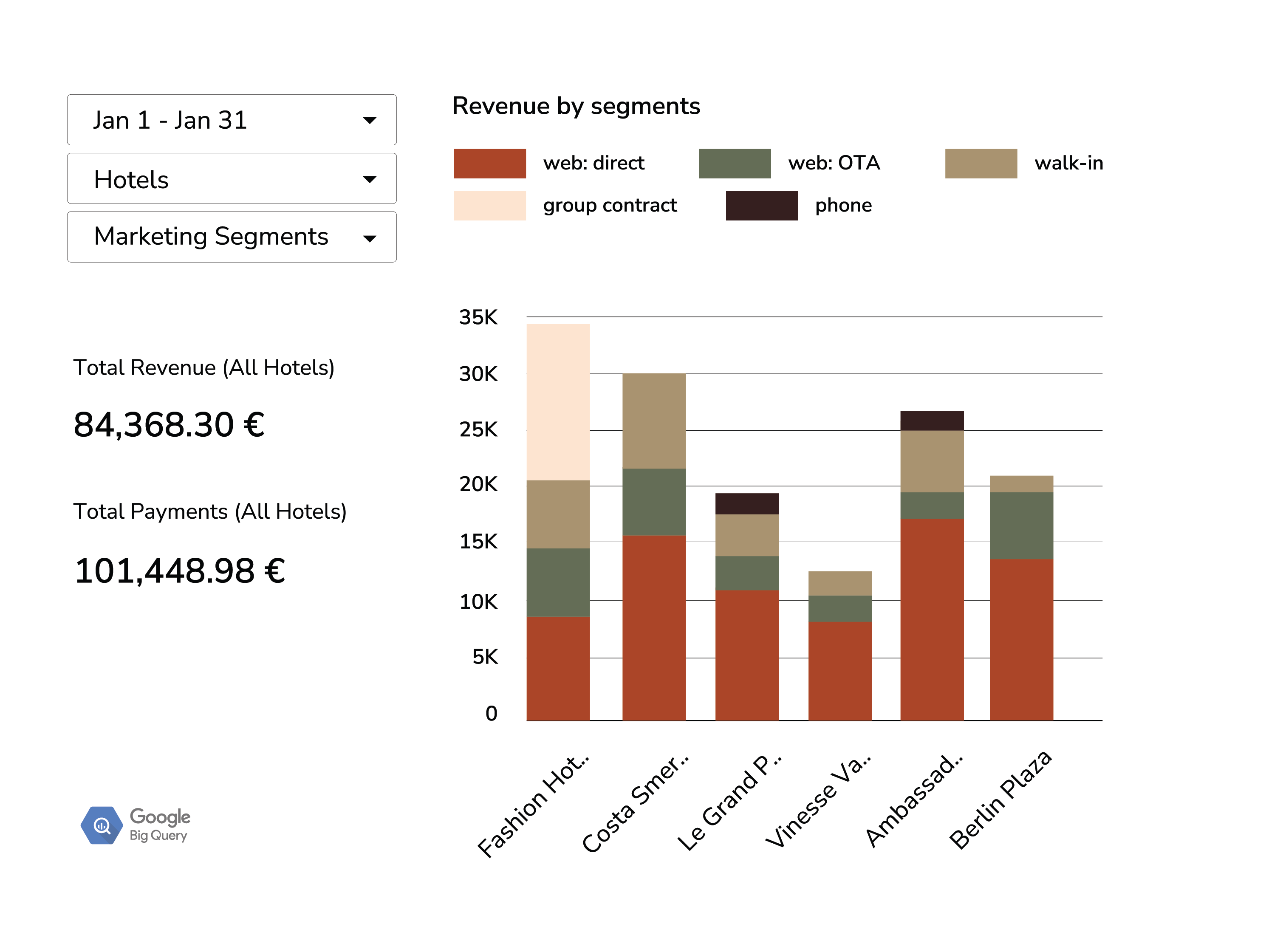
See bookings, occupancy, revenue, charges, invoices, housekeeping and KPIs in one place. If you need a custom view, the Analytics add-on can allow you to build such custom reports if you have the relevant data skills or we can build it for you for €50 / month.

Useful reports

Extra capabilities available when you need them — at no additional cost

POS for bar, café or room‑service orders

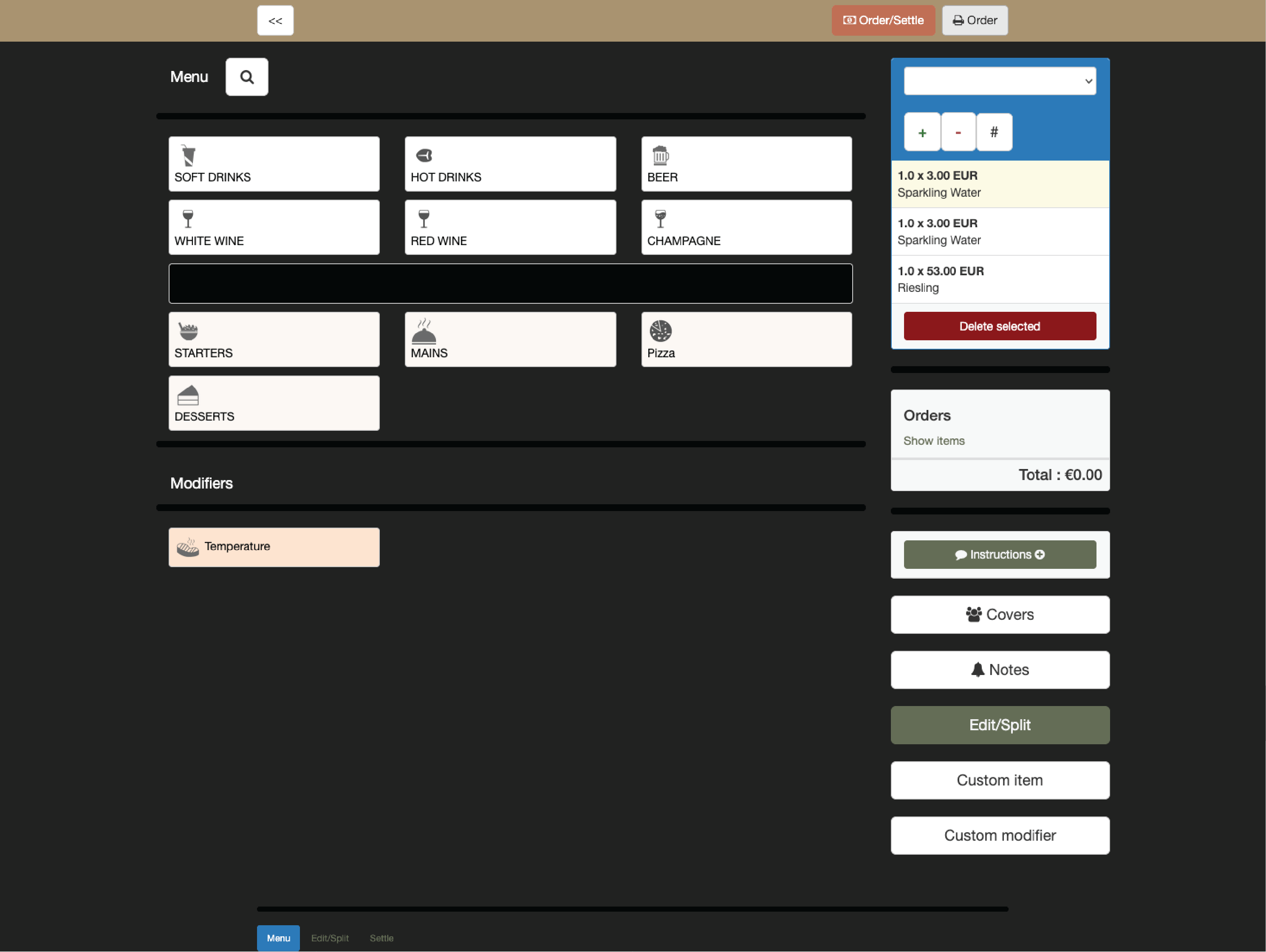
Take orders on any staff device and post charges straight to the right folio. Guests can pay on the spot or have items added to their room.

Example:
A guest orders drinks at the bar; in a click, the charge is directed to their room folio.

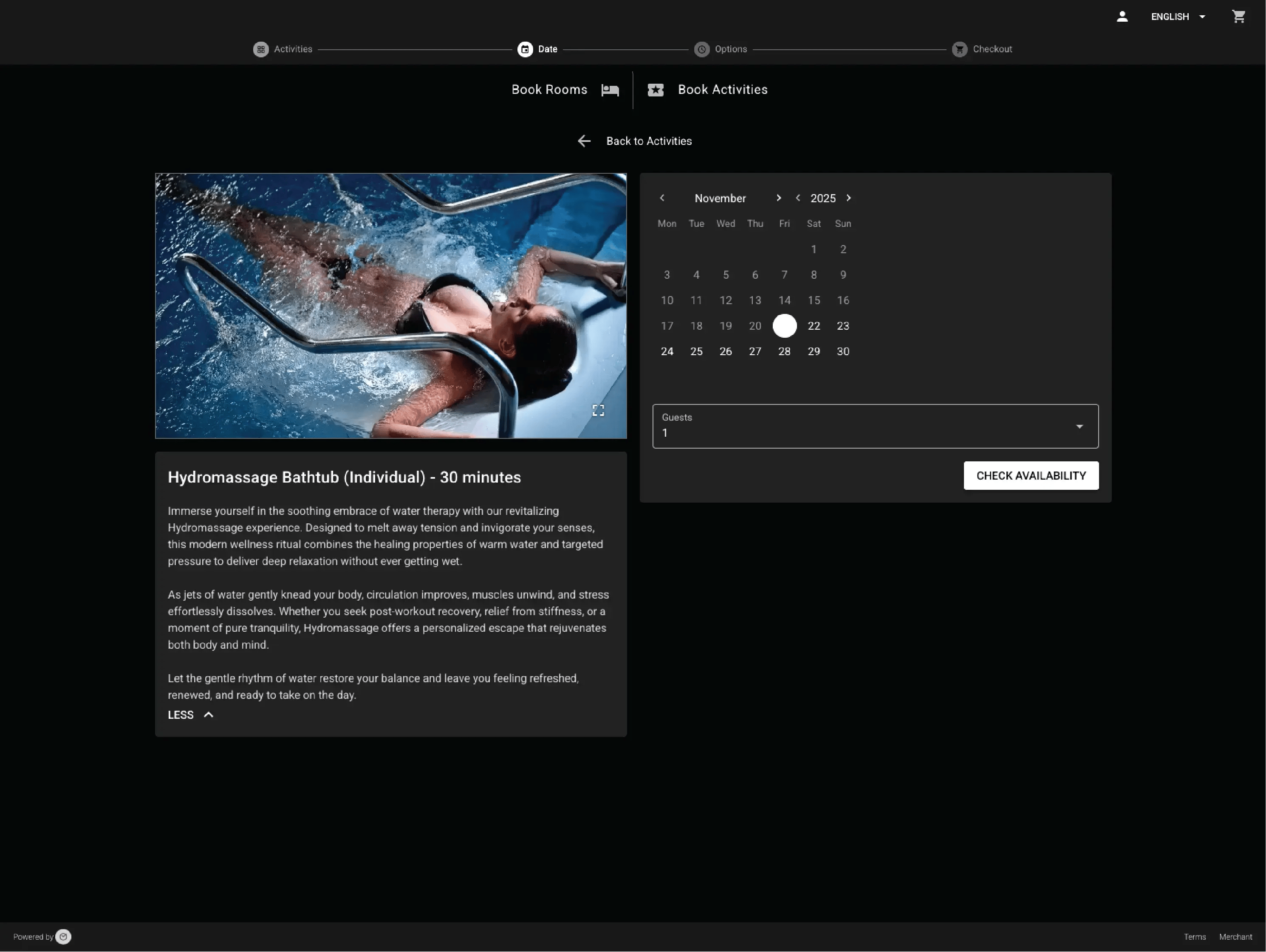
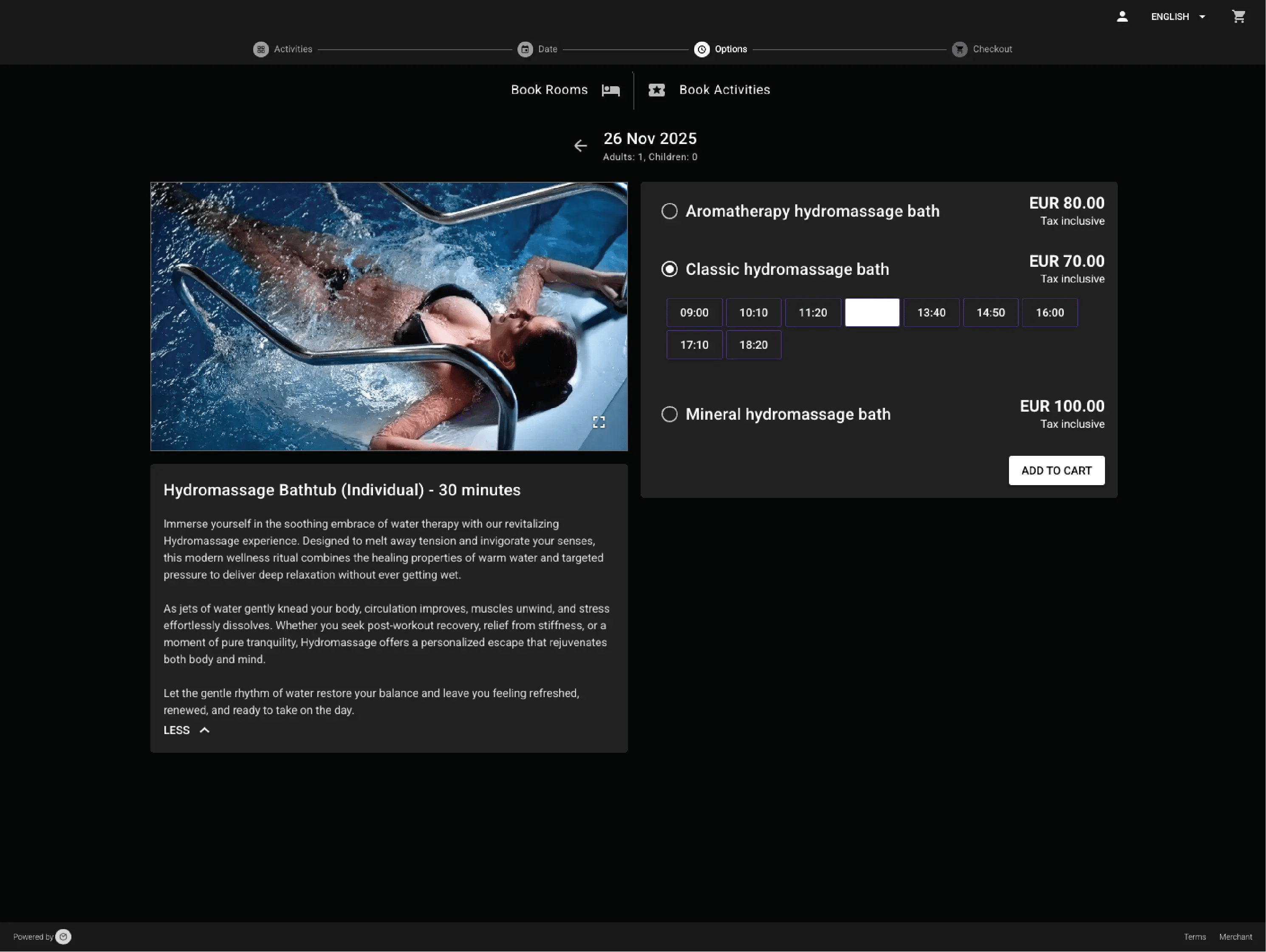
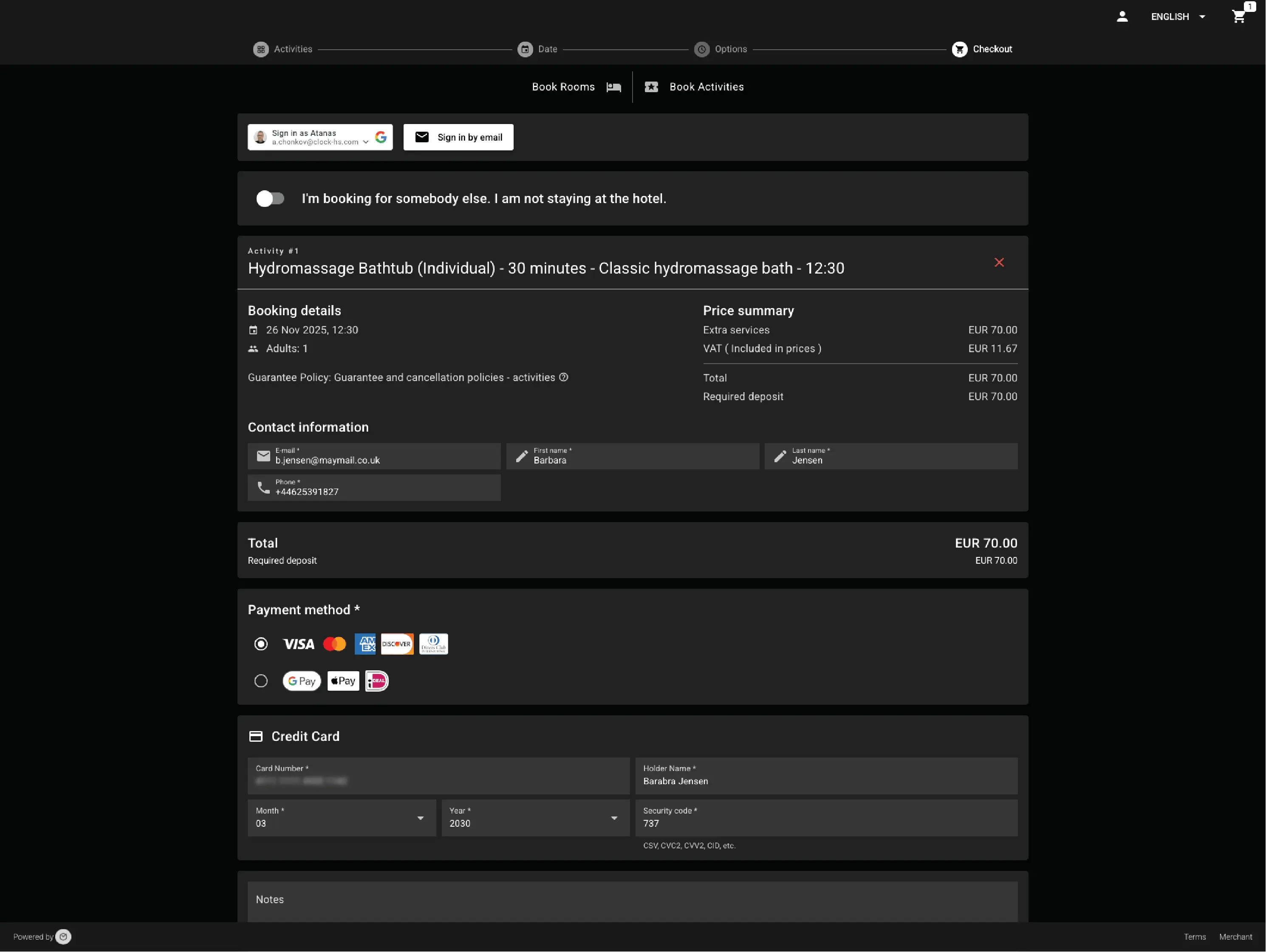
Sell experiences and extras

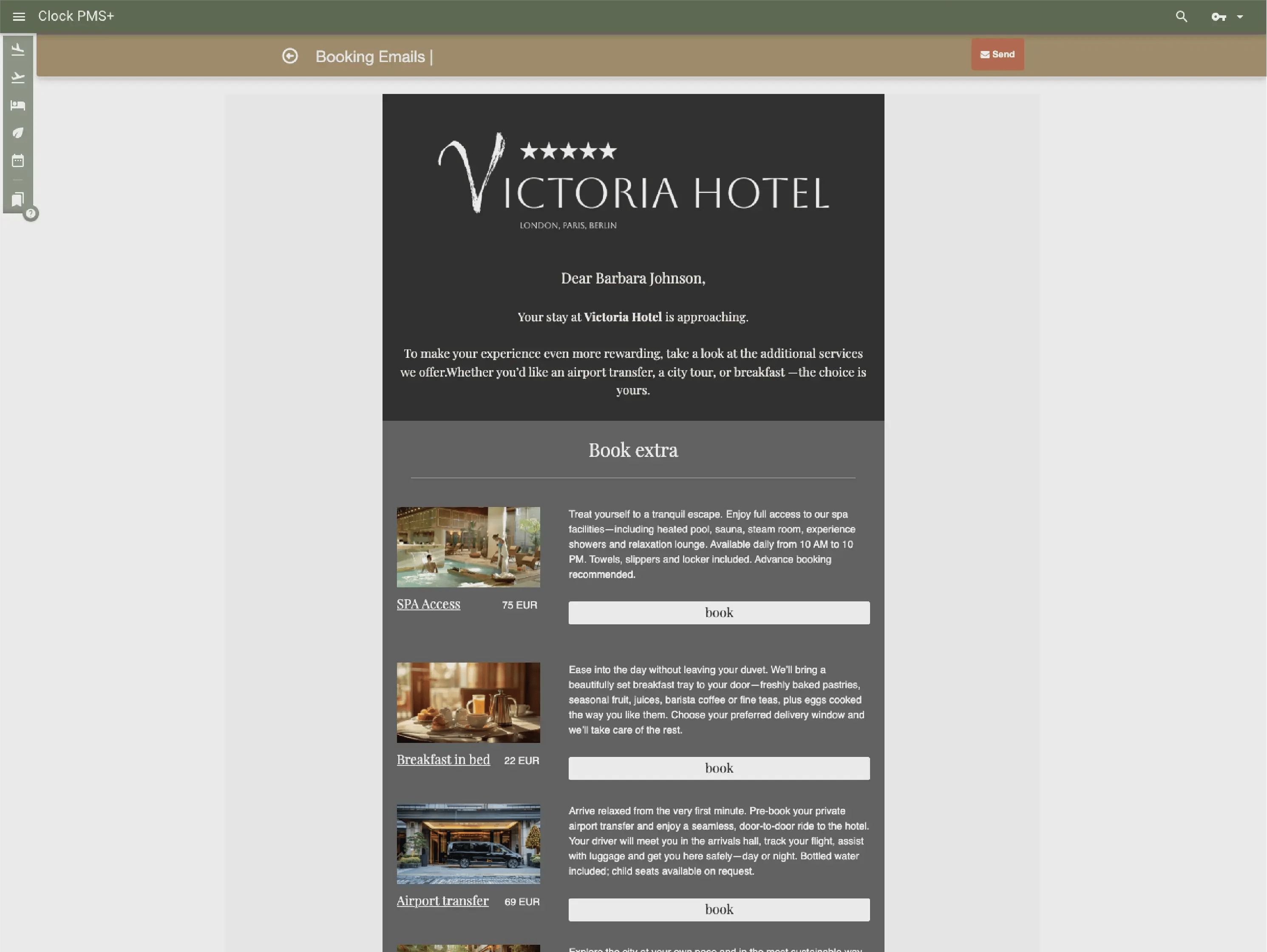
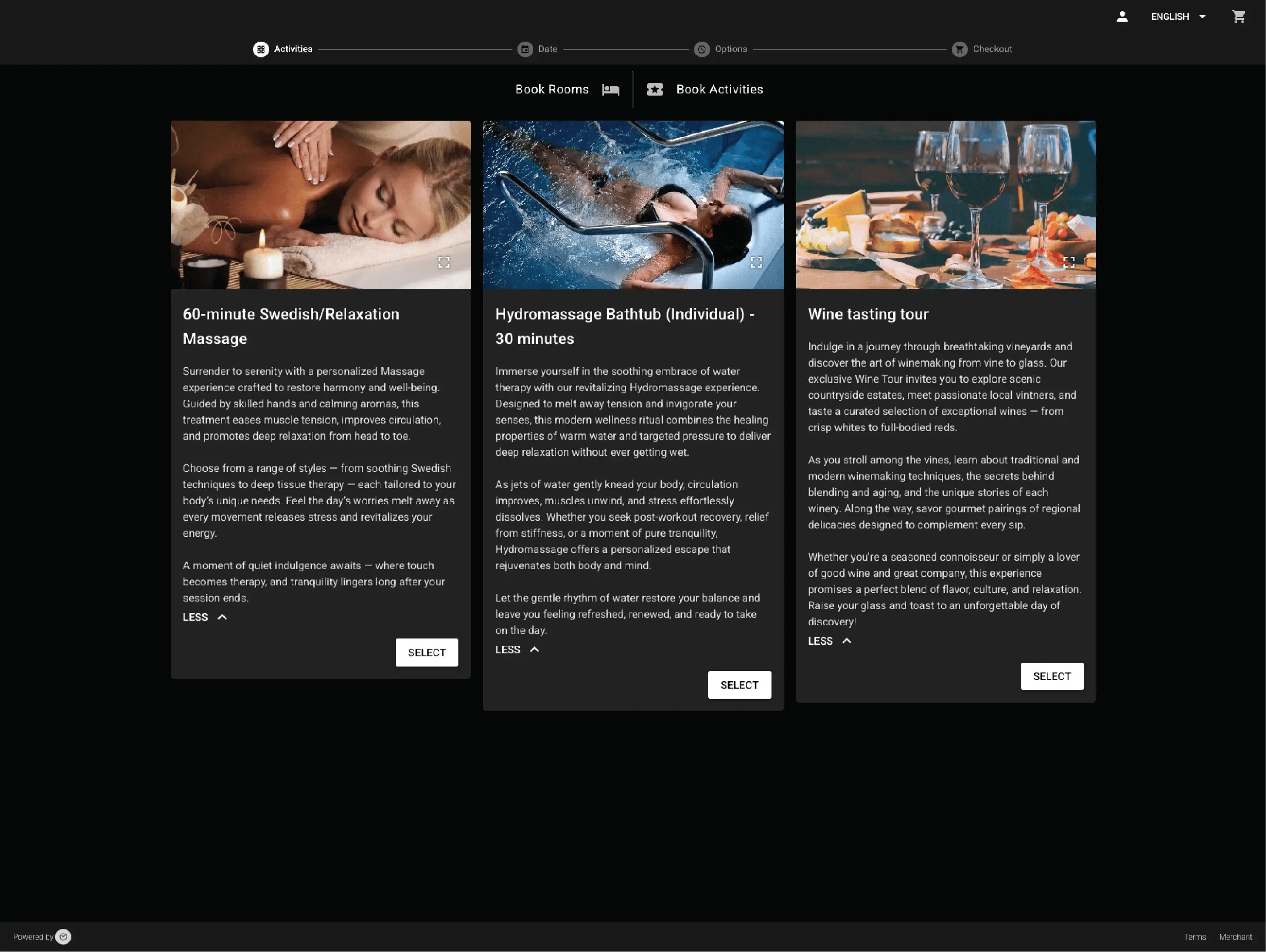
Offer local tours, rentals, tastings or activities alongside simple add‑ons like breakfast or parking. Guests can book them with their stay or as separate reservations.

Example:
A guest books a room and adds a wine tasting — or simply adds extra breakfast during their stay.

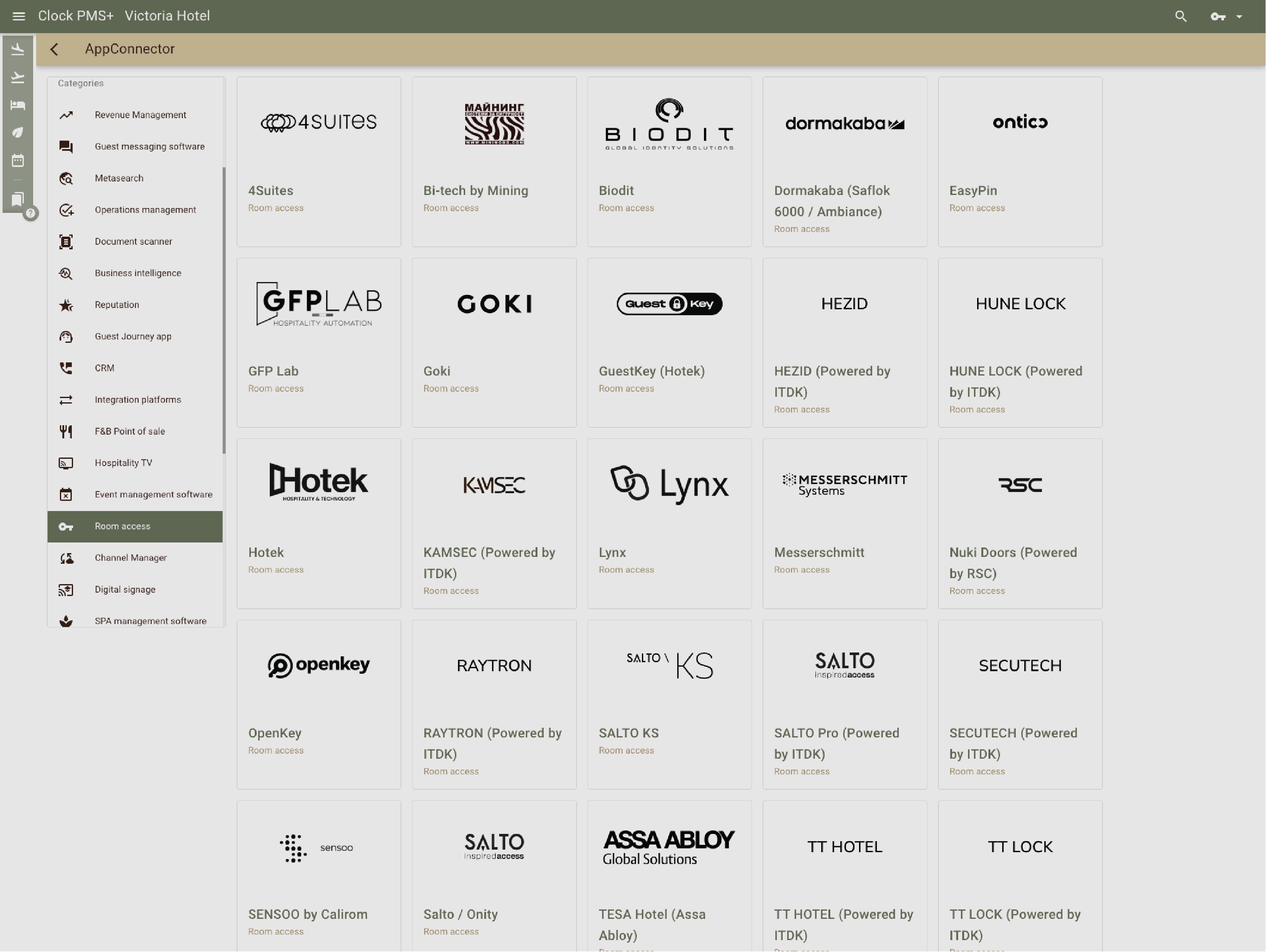
Connect to your existing tools

Channel managers, door locks, payments and more - all connected without any extra fees from our side.

Example:
You connect your channel manager and it starts syncing to the OTAs and your door lock system to issue keys directly from Clock.
Connect to your existing tools

Cut X!

Boost Y!

Reduce Z!

Have questions?

Just ask