
The strength of Clock is that it brings everything together in one system. What we previously had to accomplish using multiple tools, we can now do with a single solution.

Boutique hotels thrive on individuality, personal attention and honest service. Clock brings rooms, rates, guests, experiences, guest apps, events, dining and payments together in one connected platform, so your team can stay organized and focus on the guest instead of the admin.
The strength of Clock is that it brings everything together in one system. What we previously had to accomplish using multiple tools, we can now do with a single solution.
Trusted by independent hotels worldwide












Encourage direct bookings with a clear, branded booking engine. Guests can book rooms, services, specialty add-ons and activities directly on your domain, using the rates and availability you've set in Clock.
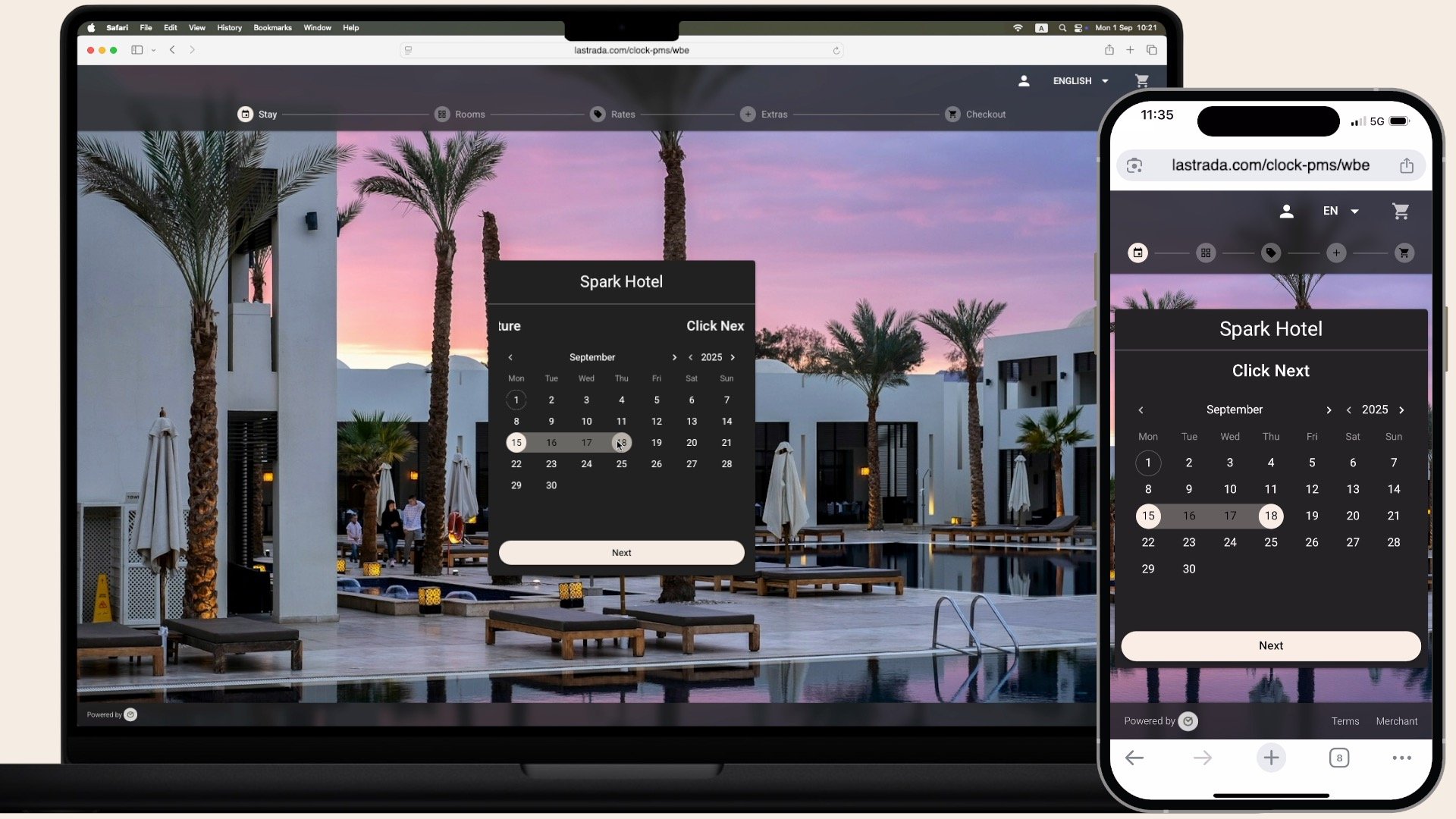
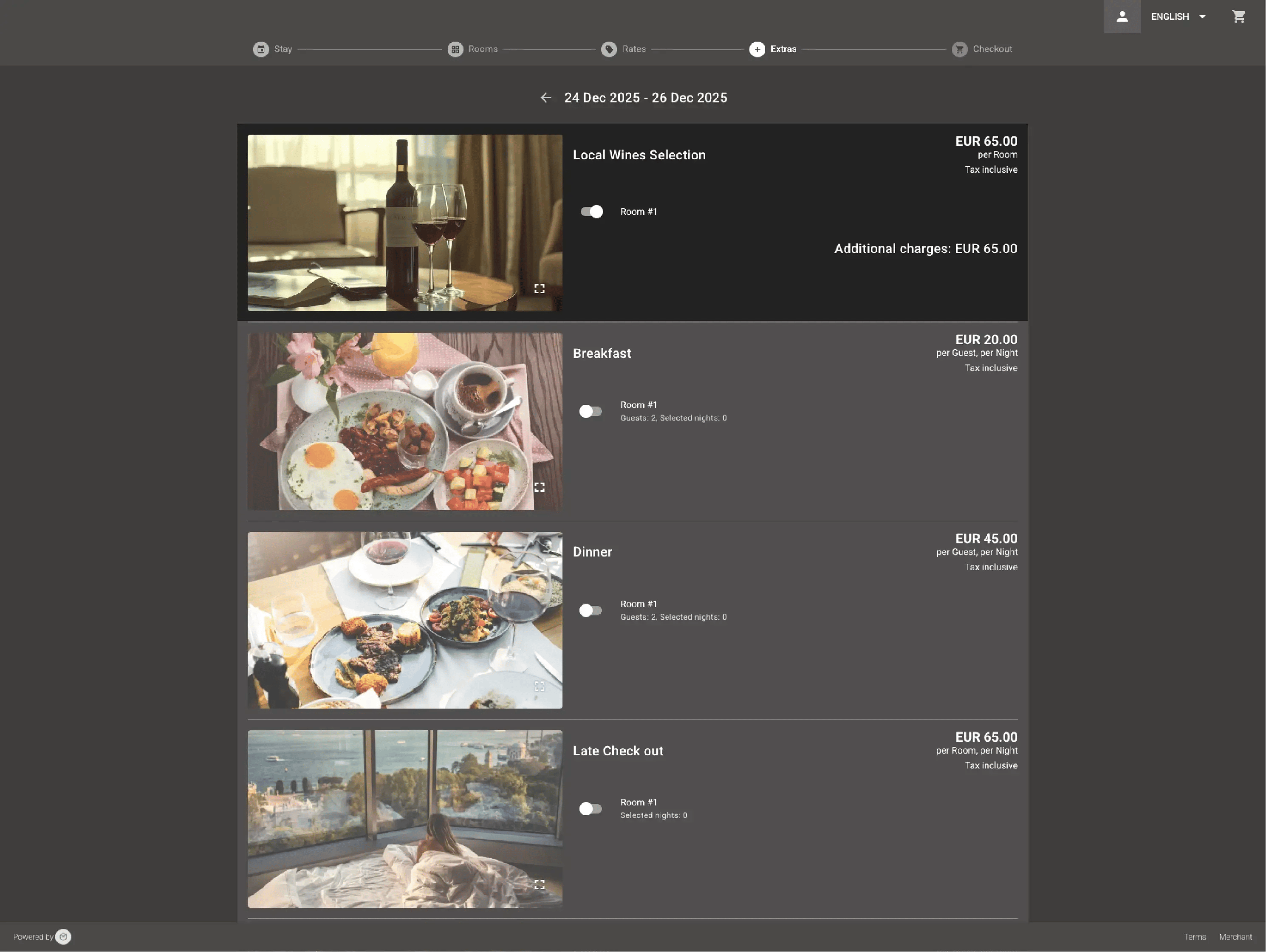
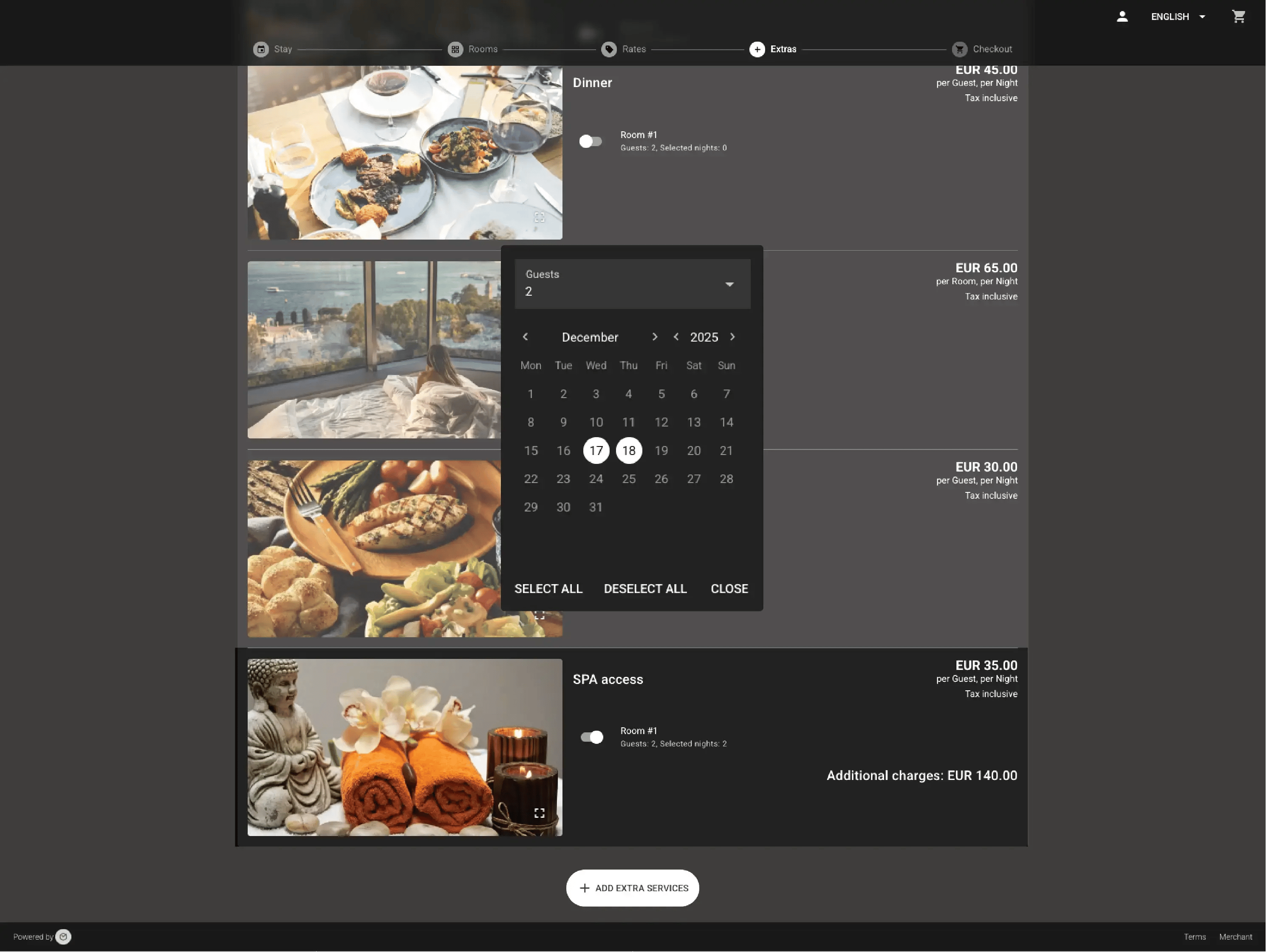
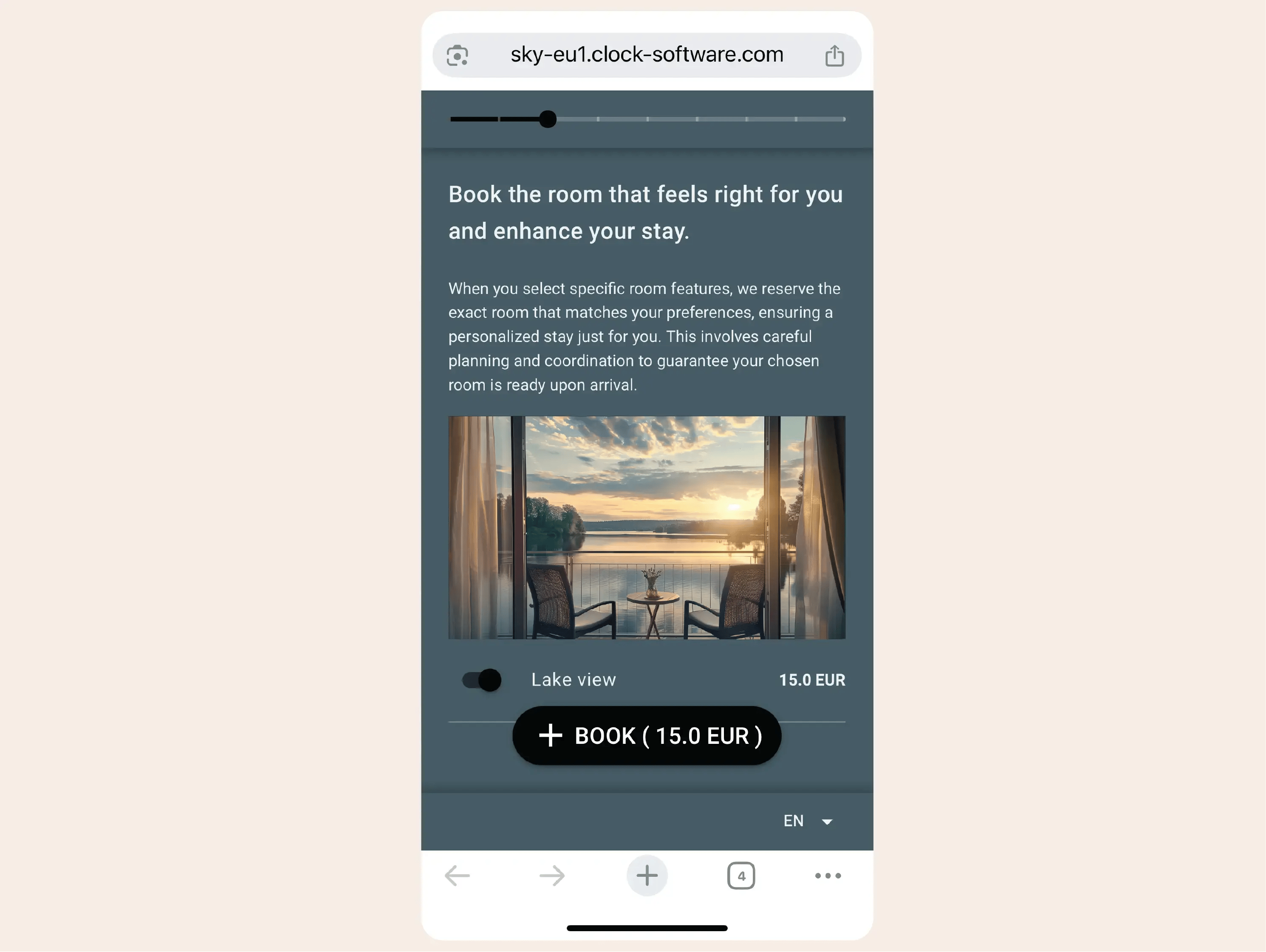
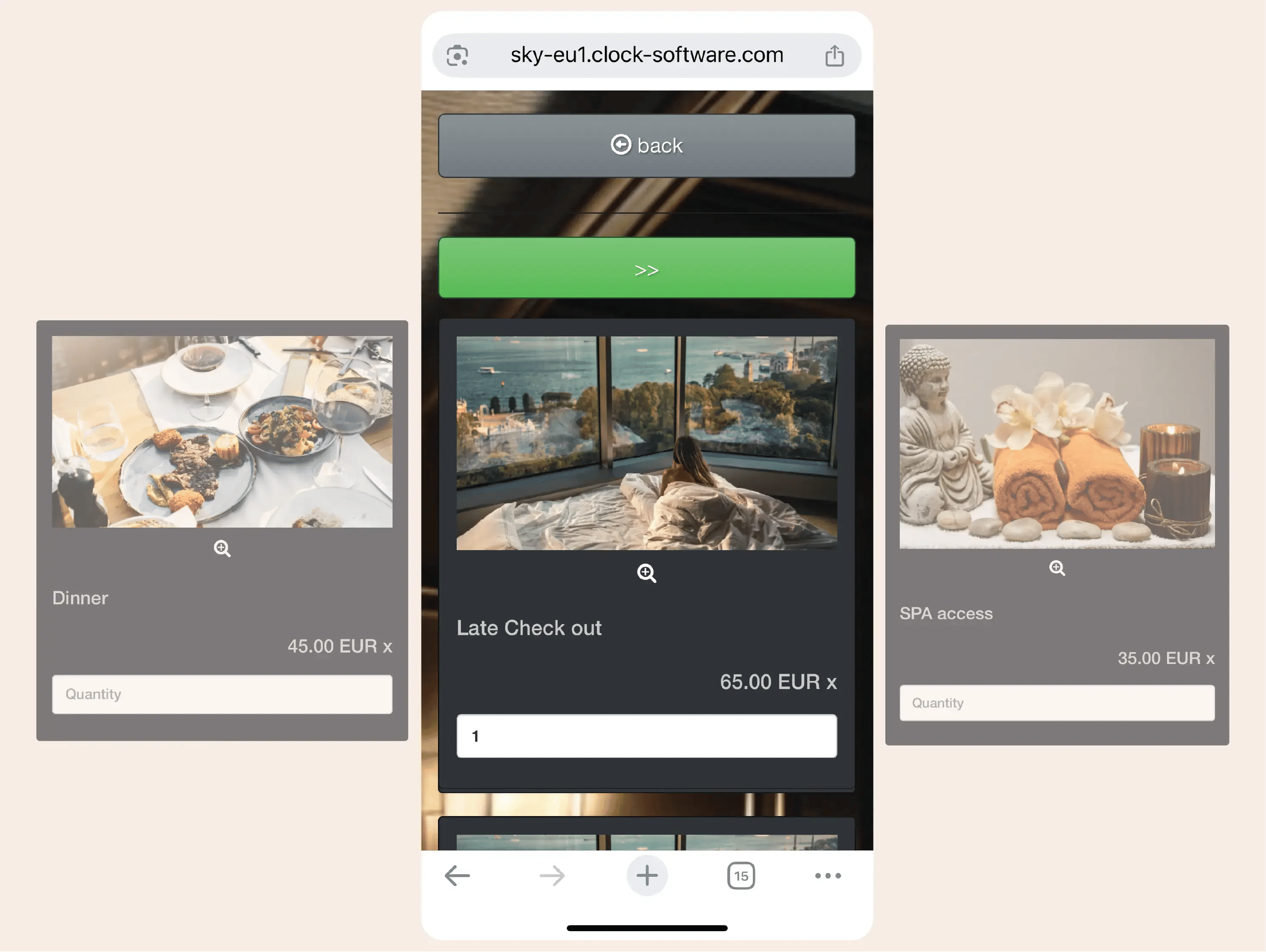
Offer amenities and services—specialty wines, scent diffusers, design accessories, cosmetic sets, local product deliveries—as add-ons during room reservations or for specific dates. Guests can select them for individual days or their entire stay.
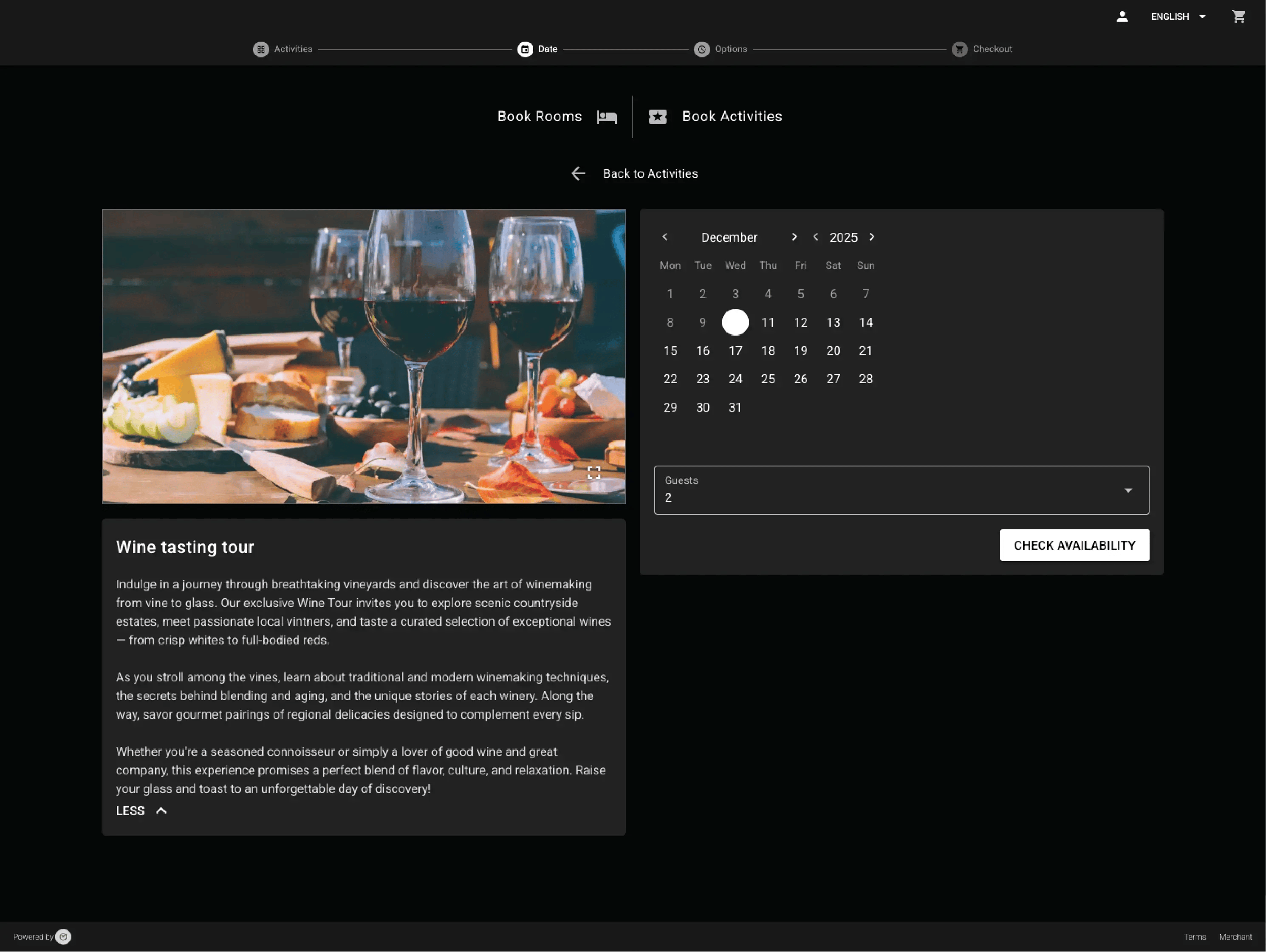
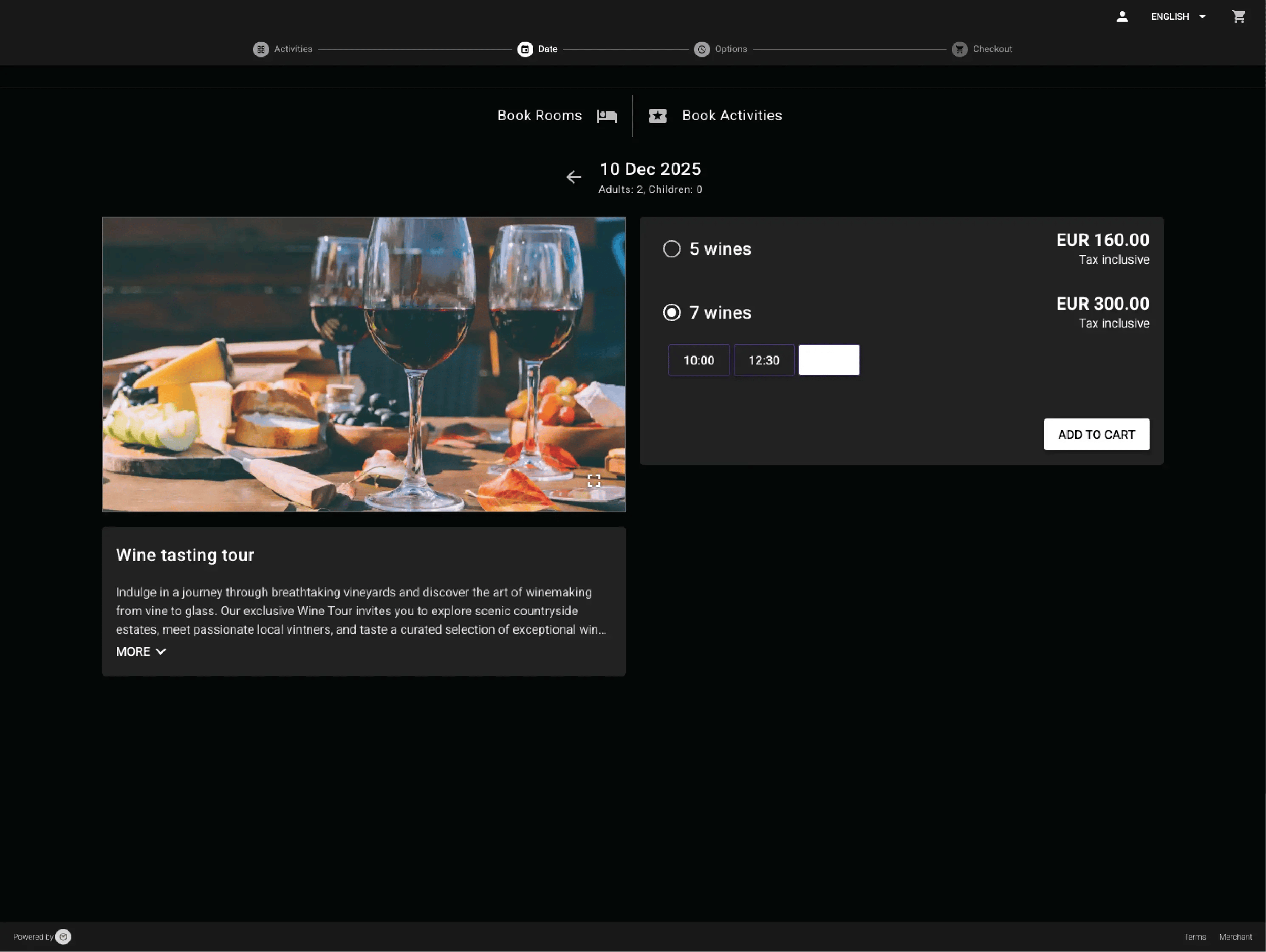
Guests can reserve cooking classes, wine tastings, spa treatments, shared workspace slots or local tours—with or without a room. Activity bookings track capacity automatically and update availability in real time.
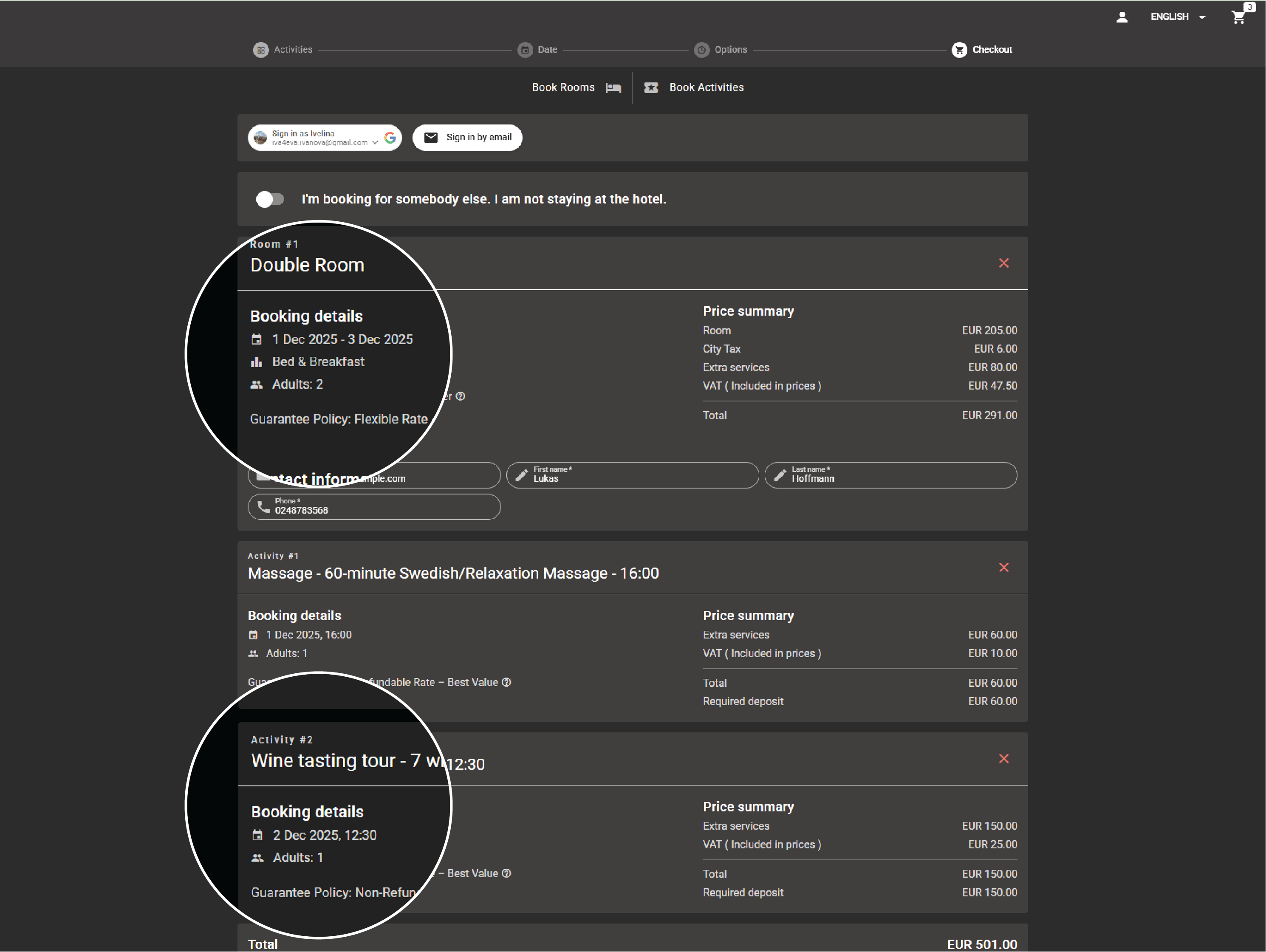
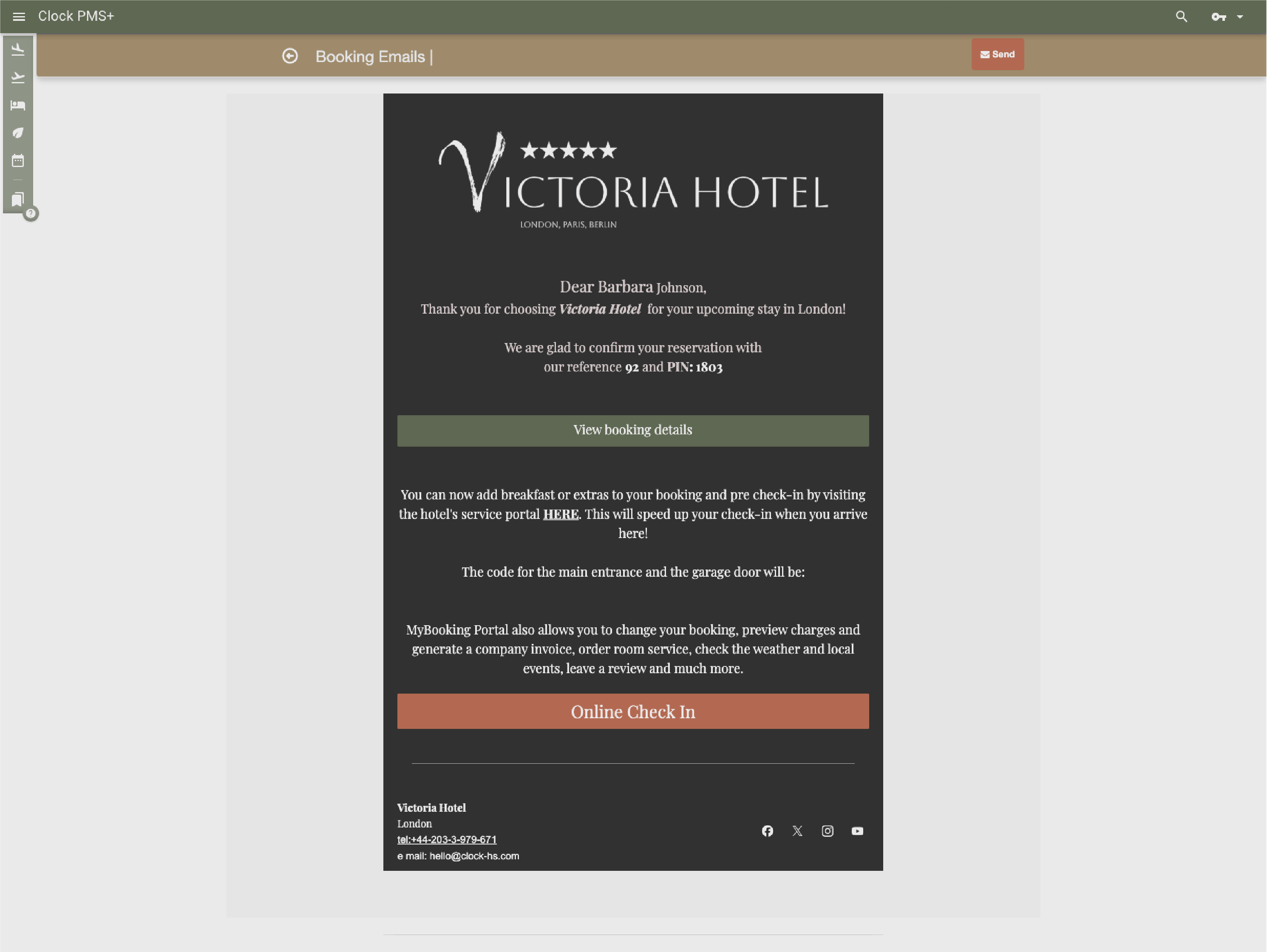
Guests check in online, upgrade rooms based on attributes or category, add services and extras, send requests, and manage billing through online check-in and the guest portal—before arrival and throughout their stay. Kiosk check-ins and digital keys are available where supported.
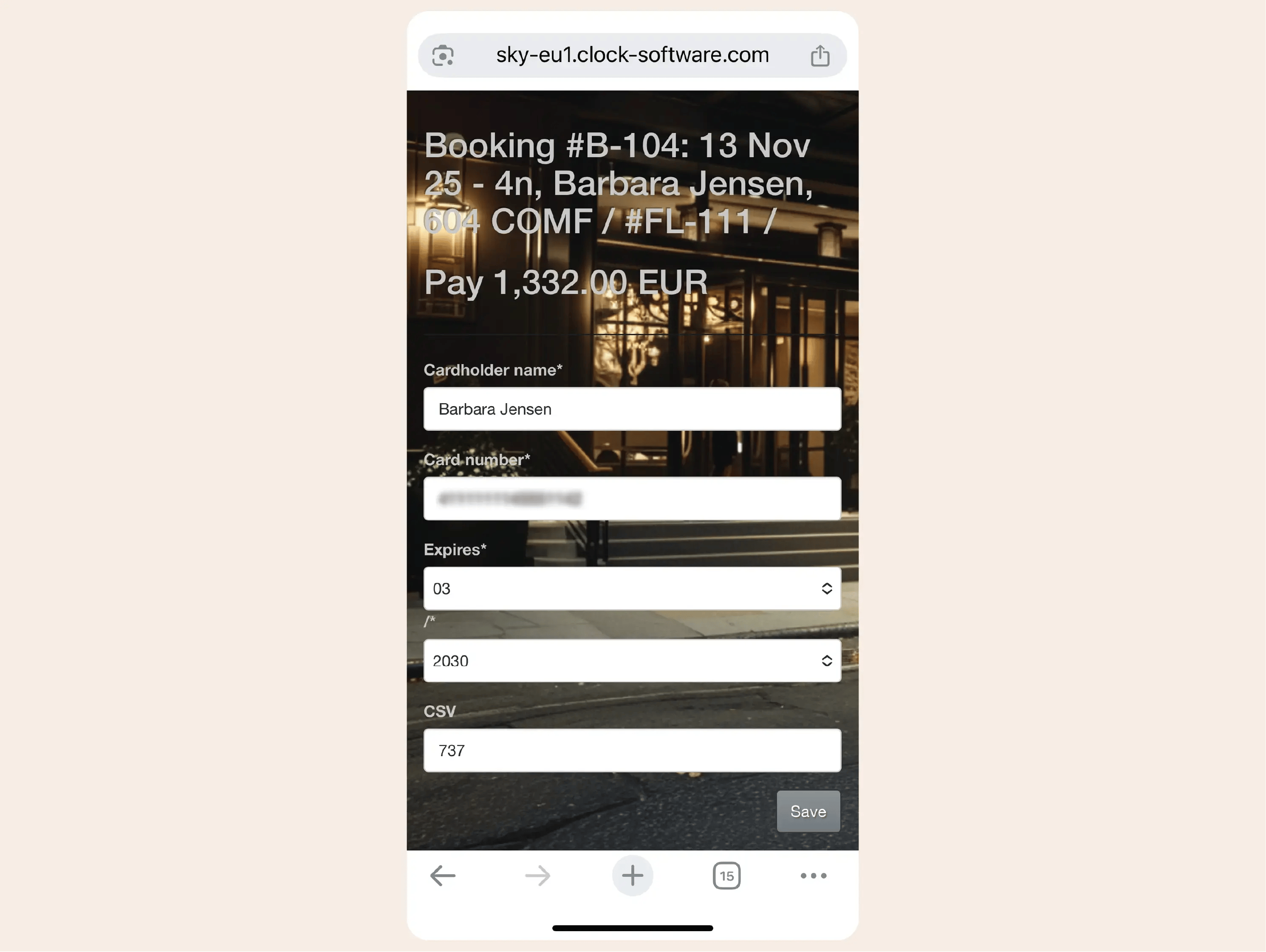
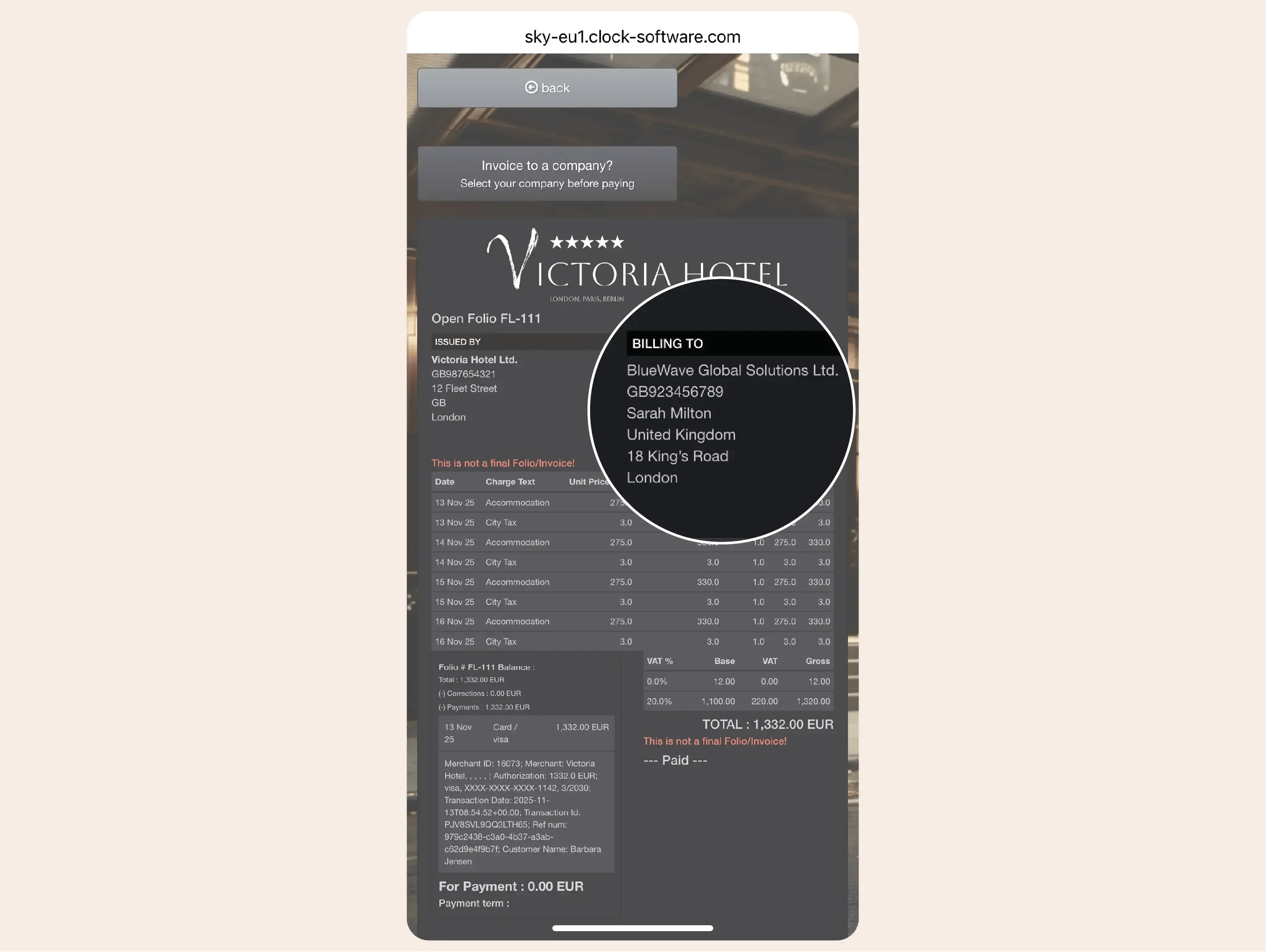
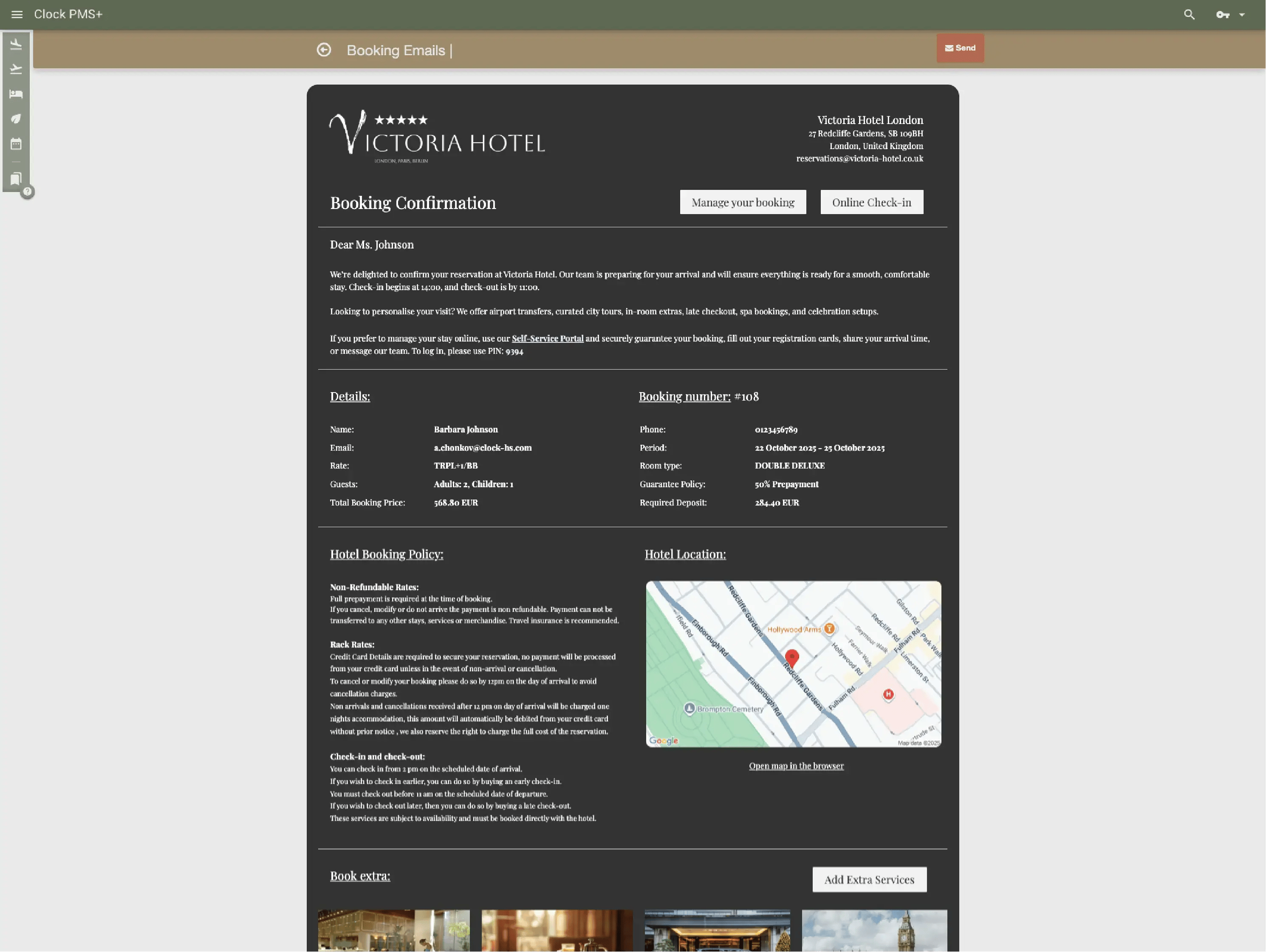
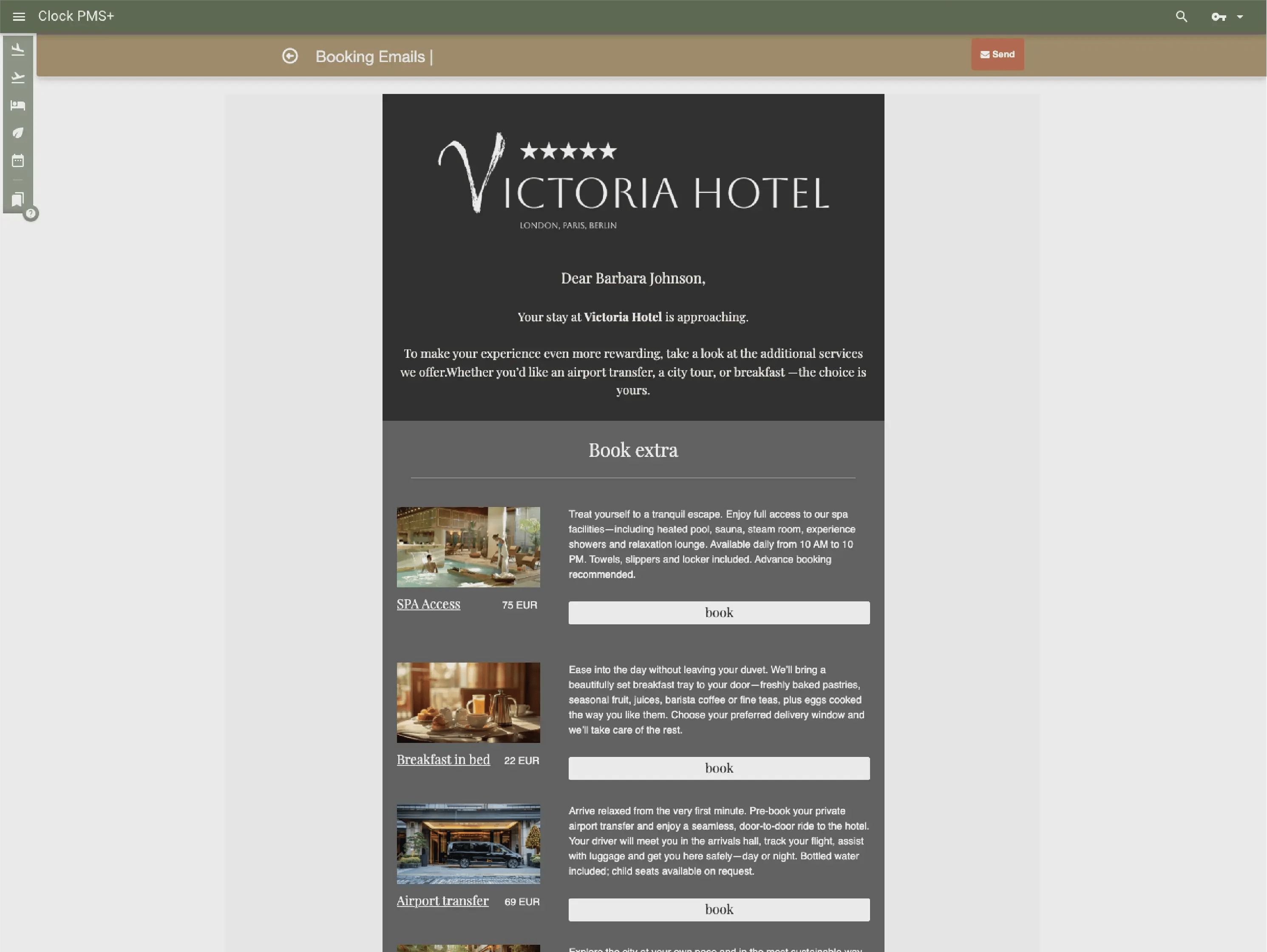
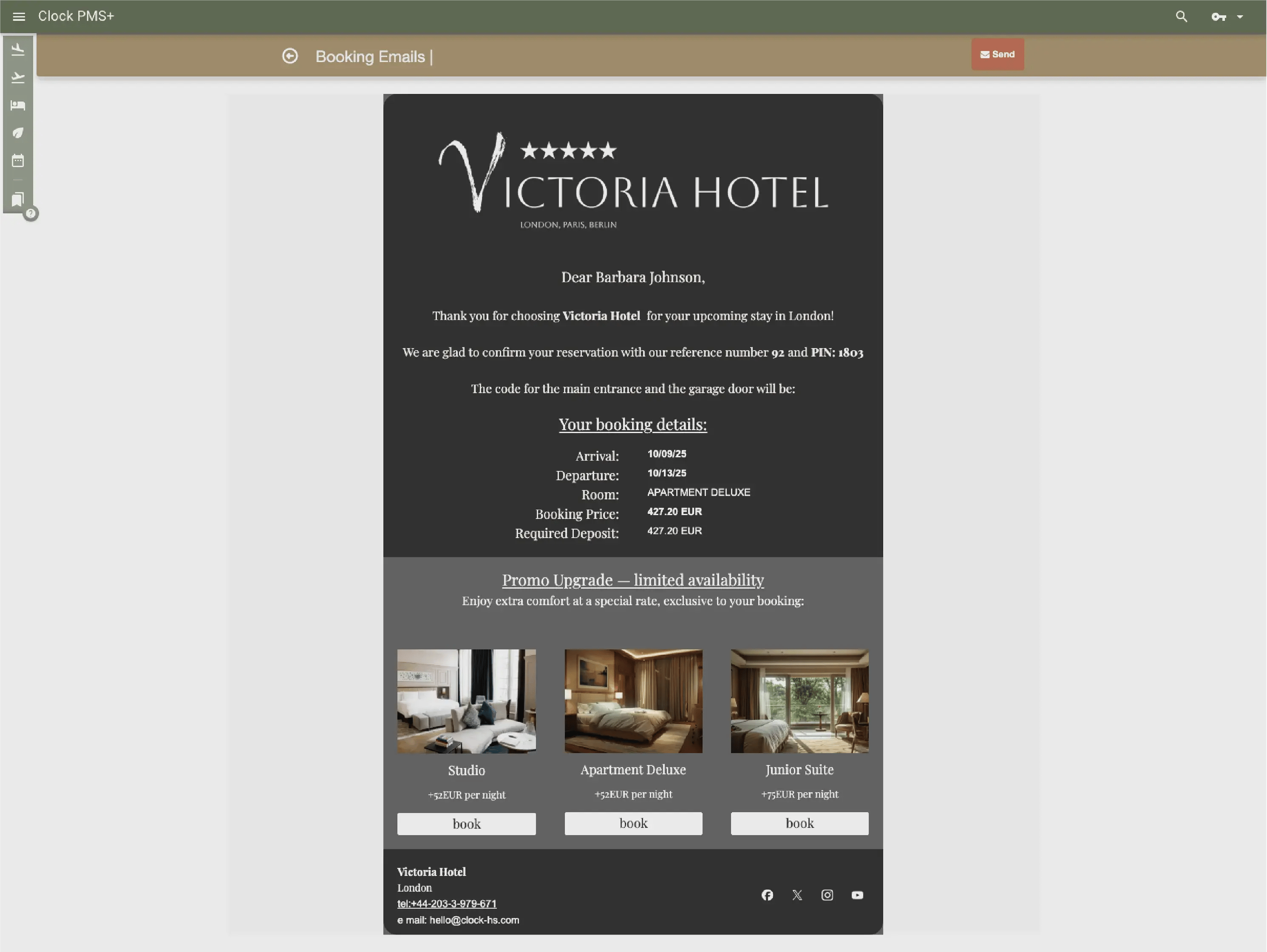
Send confirmations, arrival details, reminders and offers through guest messaging based on rules you set—including links to online check-in. Messages trigger automatically and use the guest's preferred language.
Clock checks each profile and works to prevent duplicates*, regardless of booking source—phone, booking engine, OTAs, or online check-in. It shows preferences and past stays. High-probability matches merge automatically; uncertain ones are flagged for staff review.
*In development/beta testing
.webp?width=2980&height=2241&name=Build%20a%20single%20catalog%20of%20group-level%20profiles%2c%20merging%20any%20duplicates%20(1).webp)
With mobile access, staff can greet guests in the lounge, at the bar or during welcome drinks — without being tied to a counter.
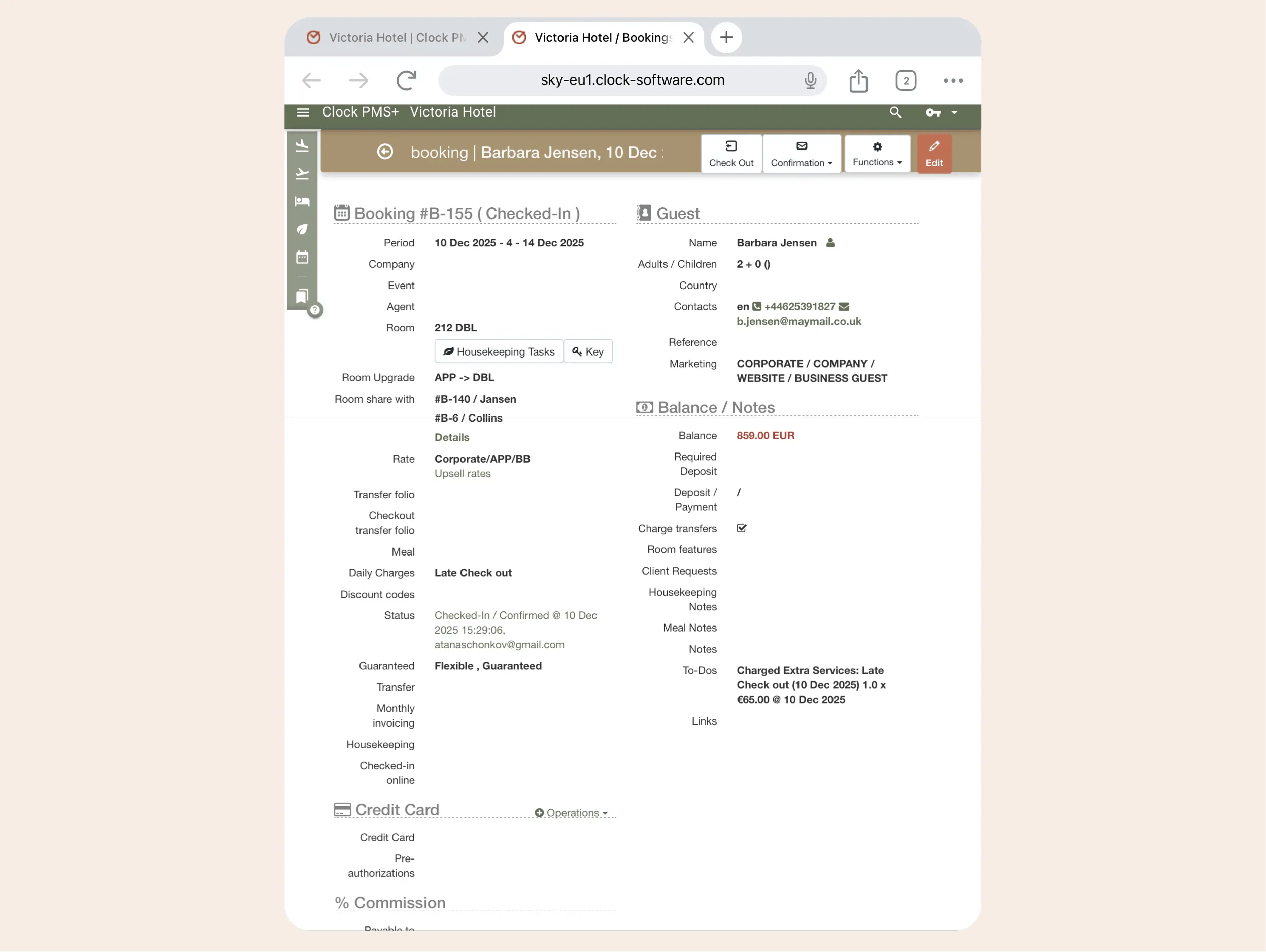
View availability, rates and restrictions through the Rooms & Availability grid or the calendar view—whichever suits your workflow. Handle individual and group reservations through a clear, simple process: create, modify or cancel bookings as needed. Booking.com and OTA reservations sync automatically.
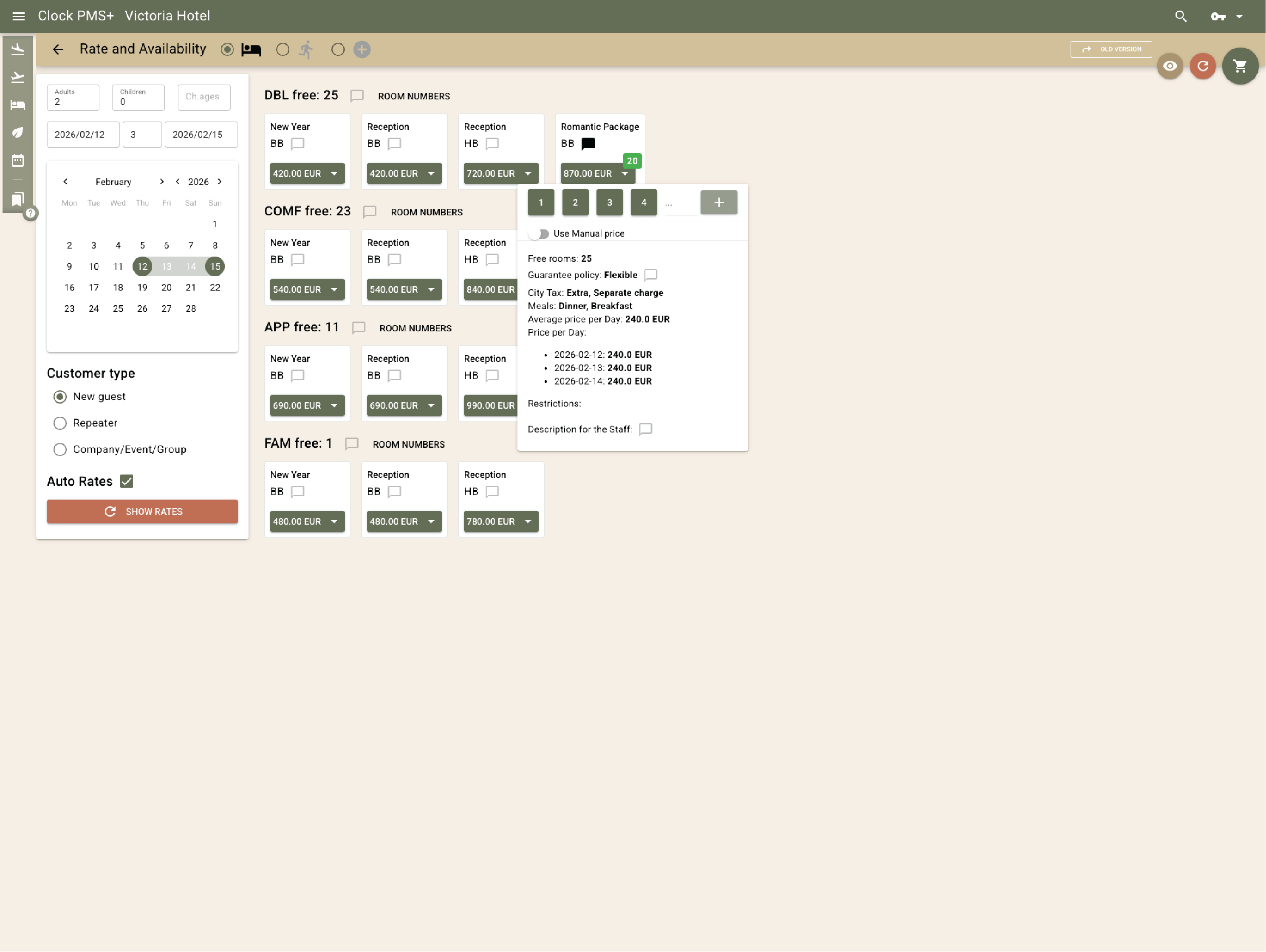
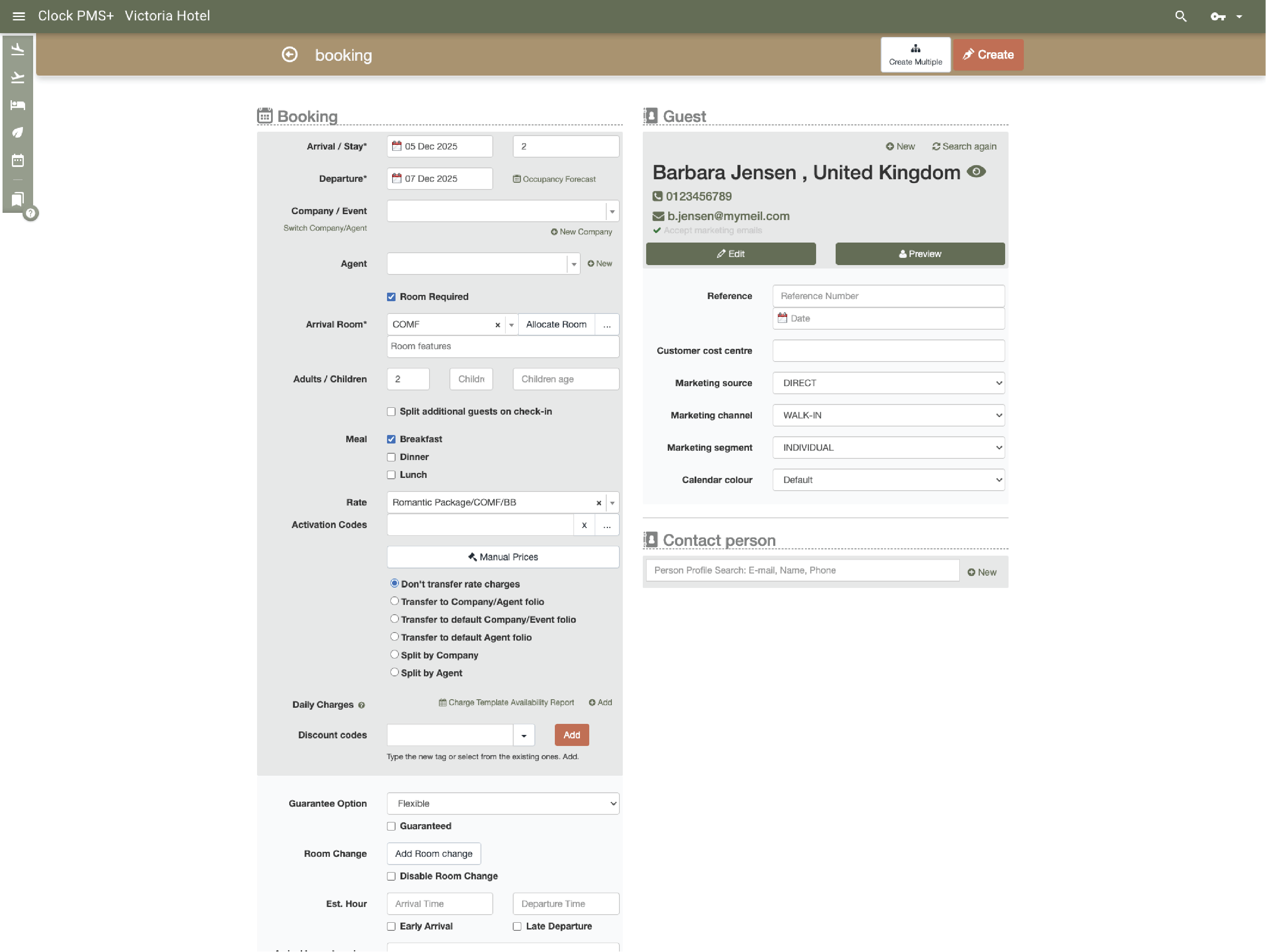
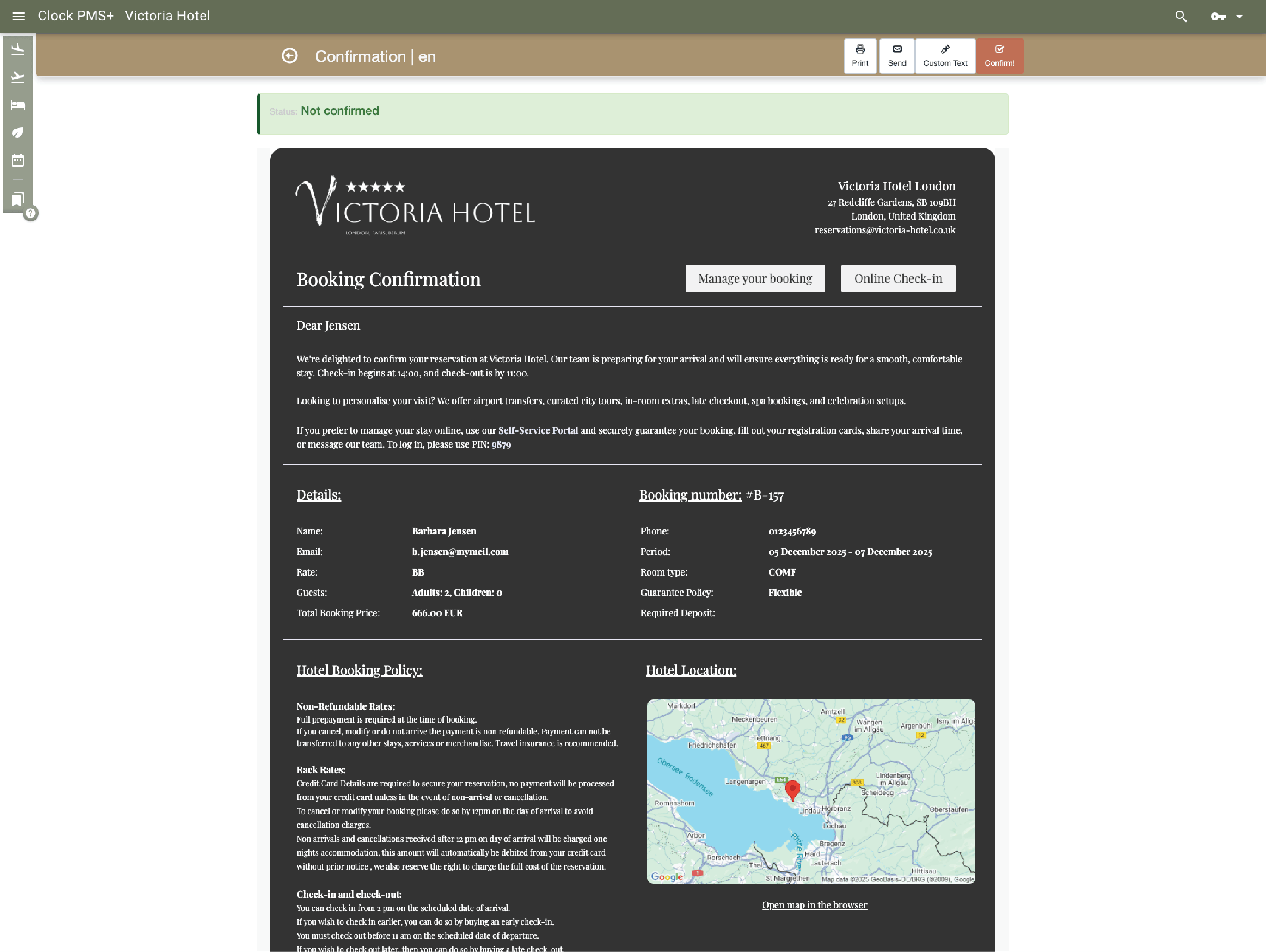
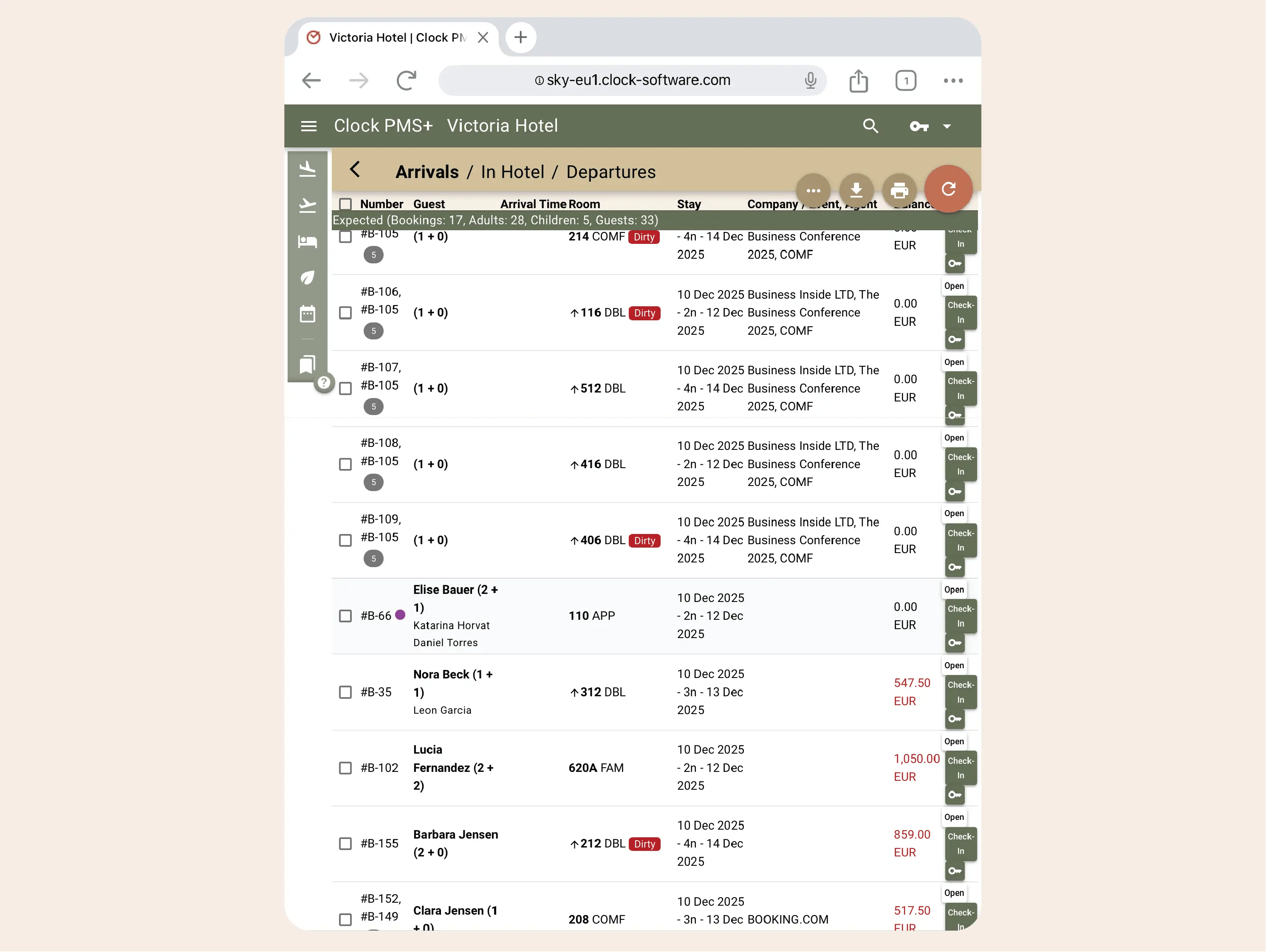
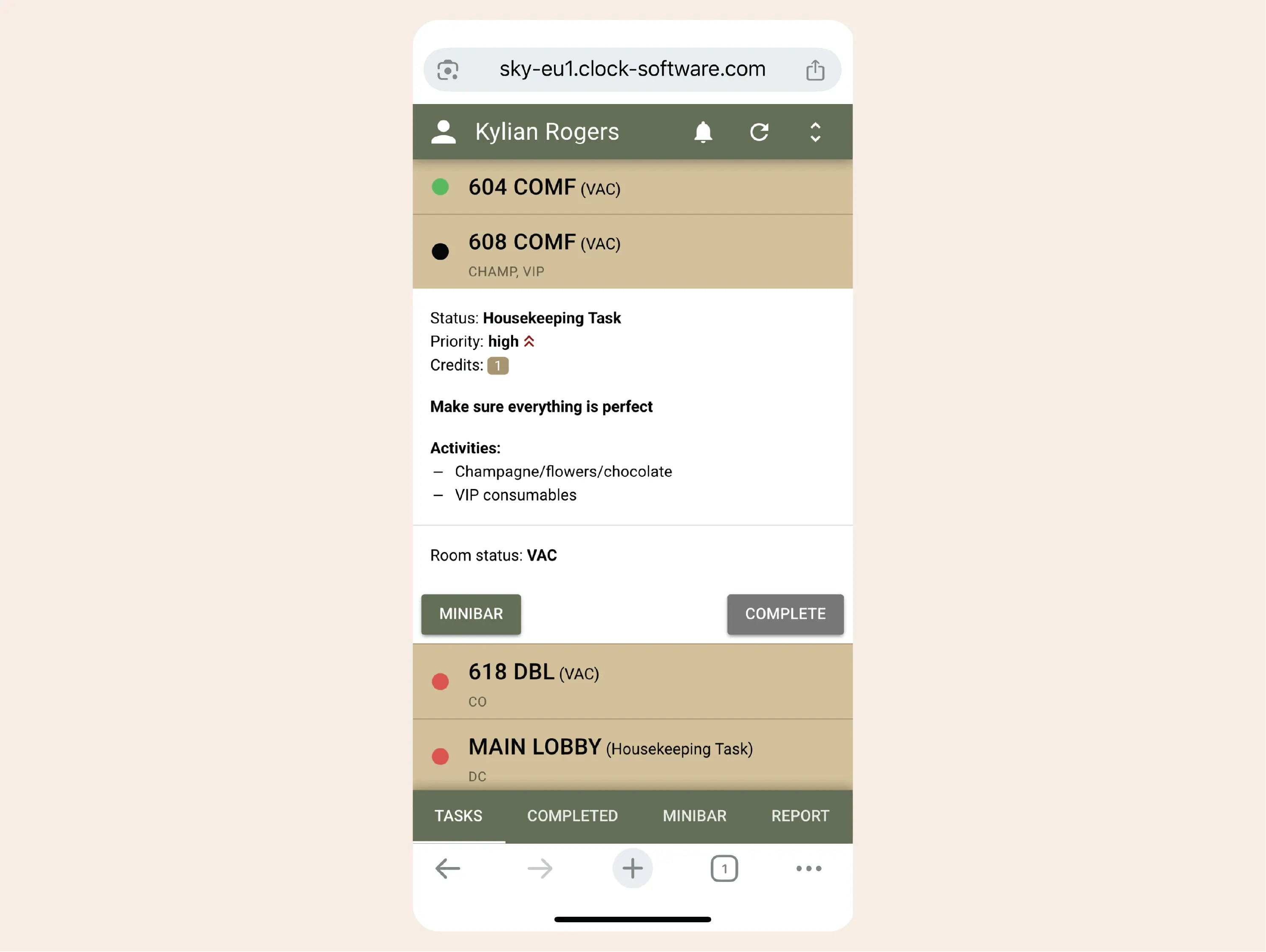
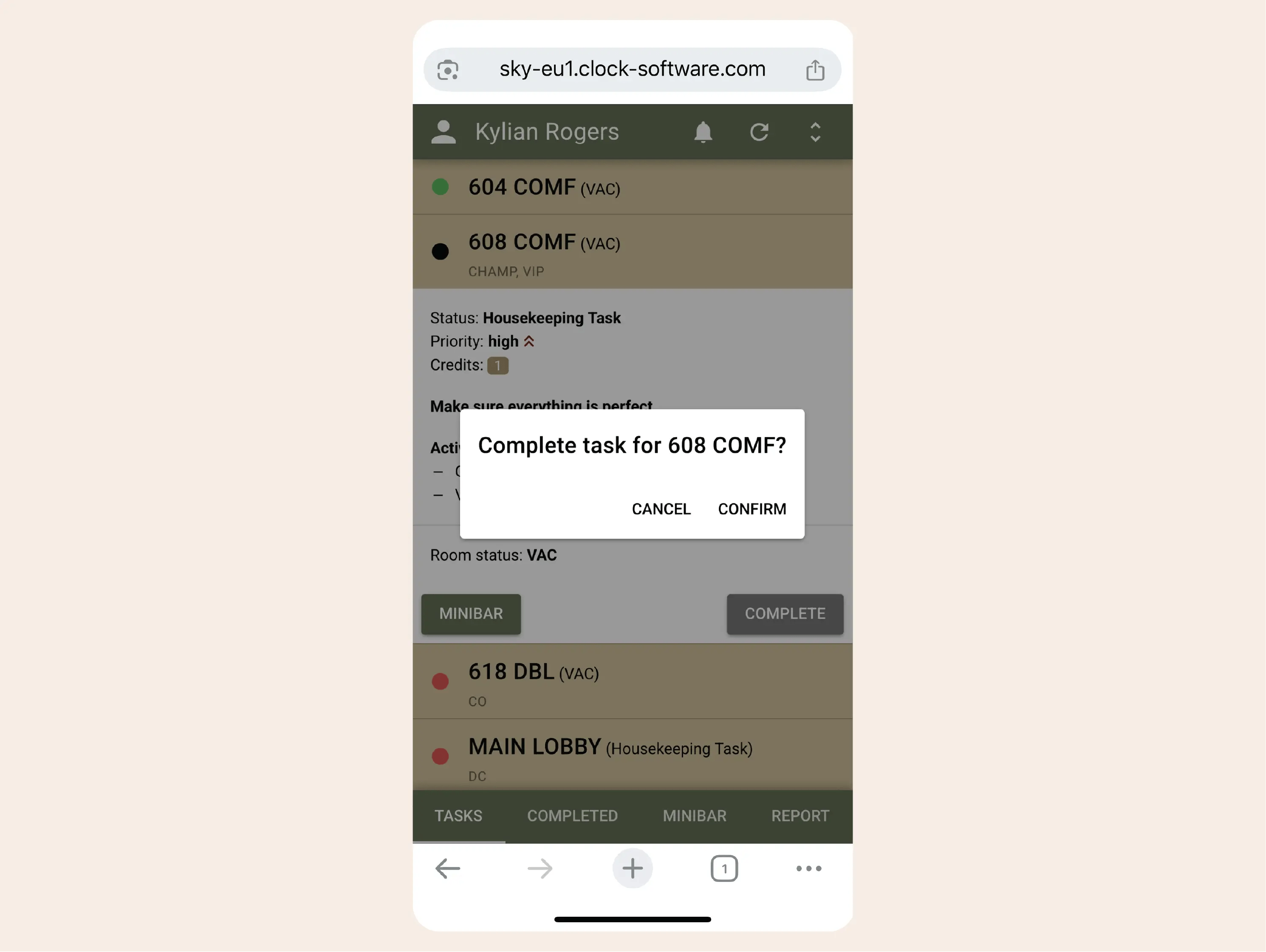
Front desk handles arrivals, departures, room assignments and billing, while assigning special setups—welcome amenities, turndowns—directly to housekeeping. Housekeeping staff track tasks and update room status through mobile devices, visible instantly at the front desk.
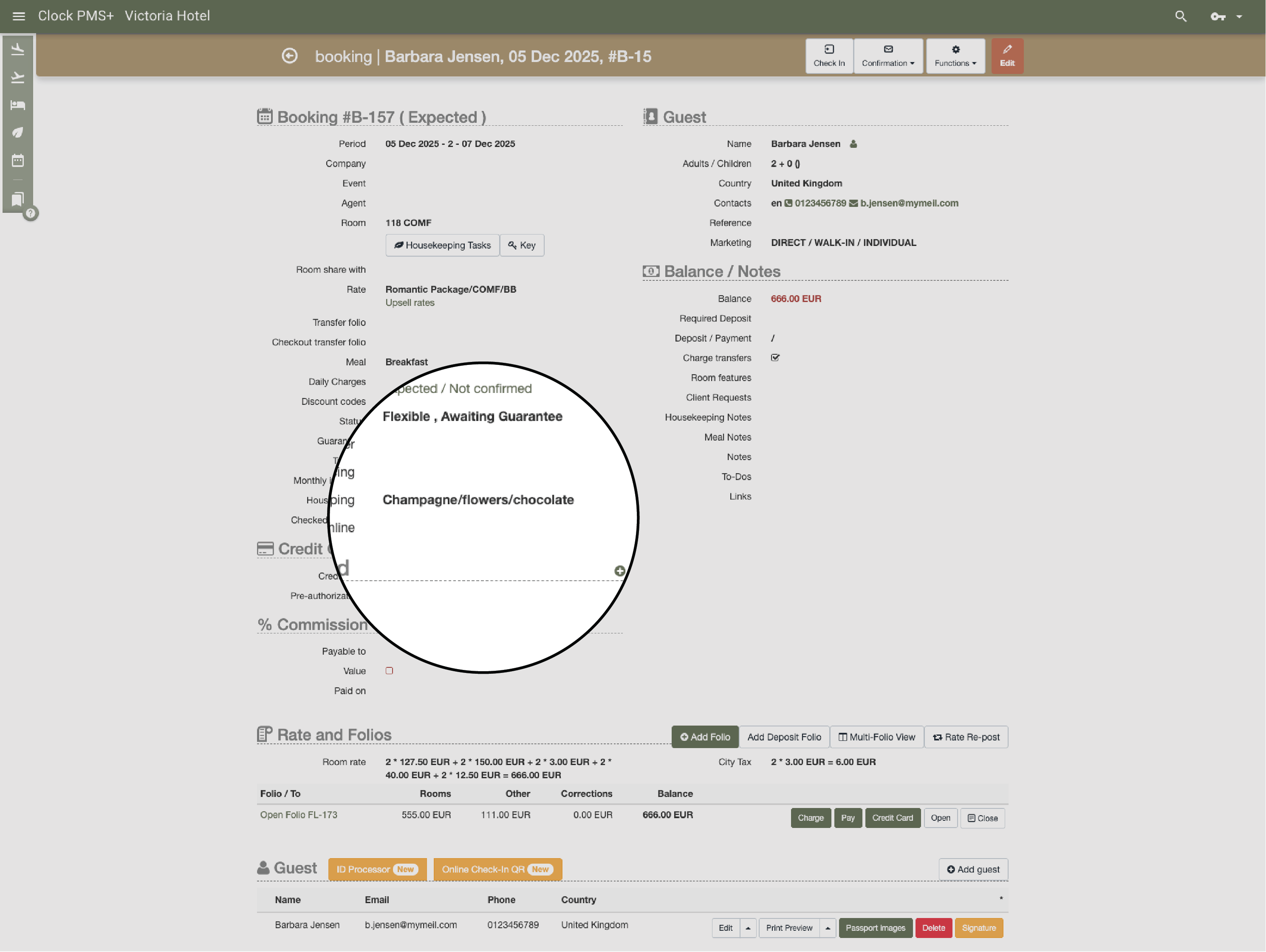
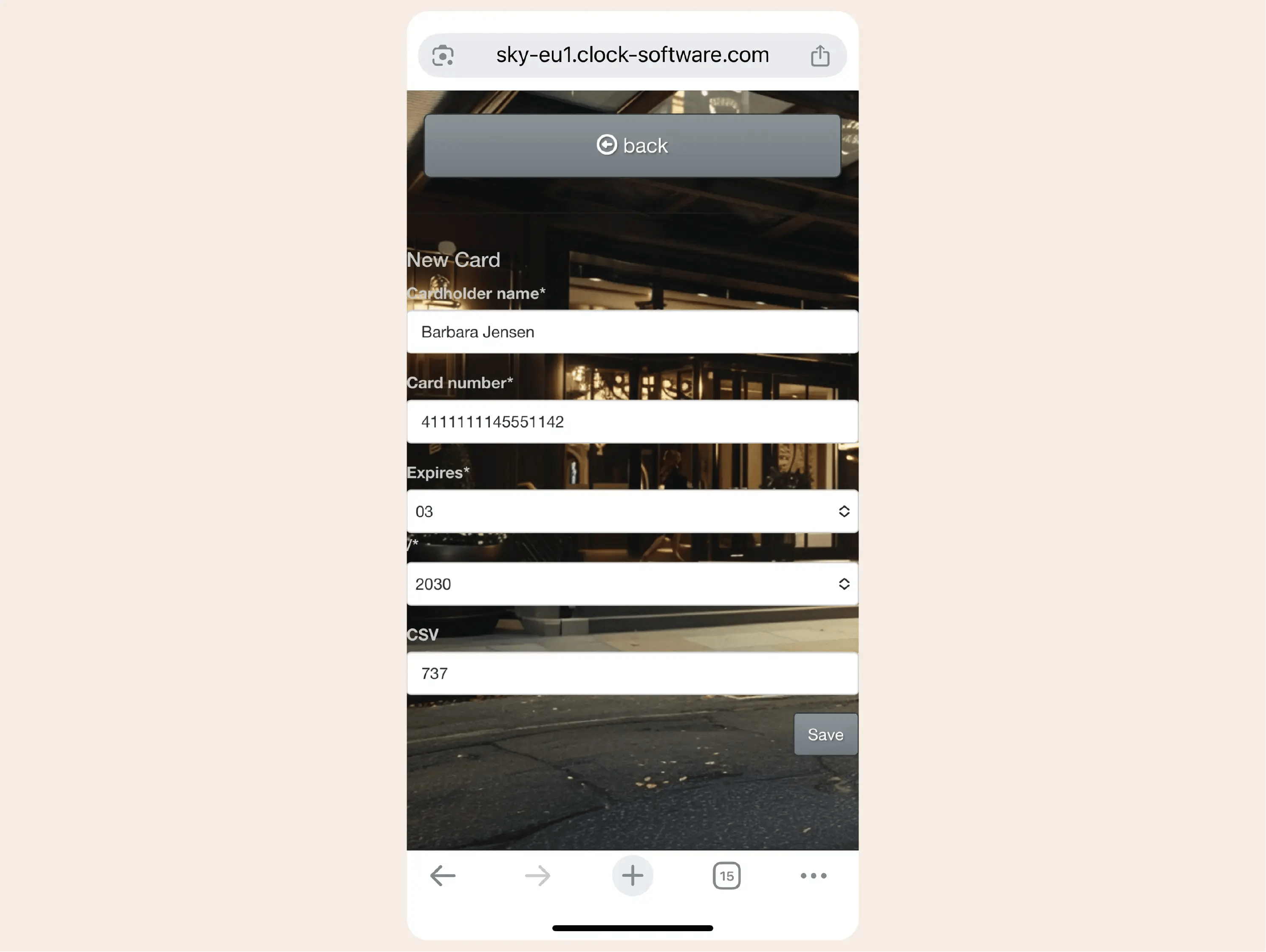
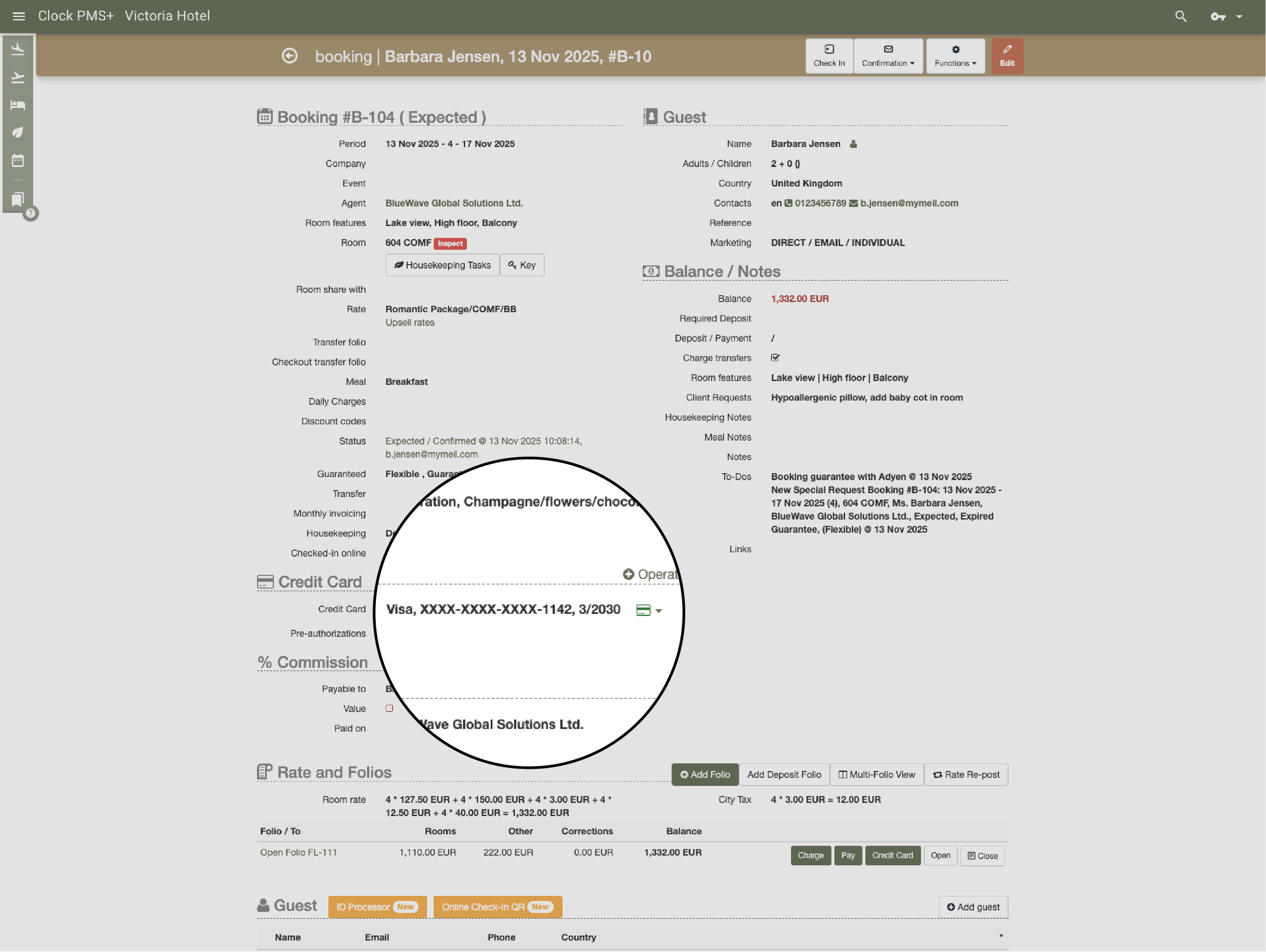
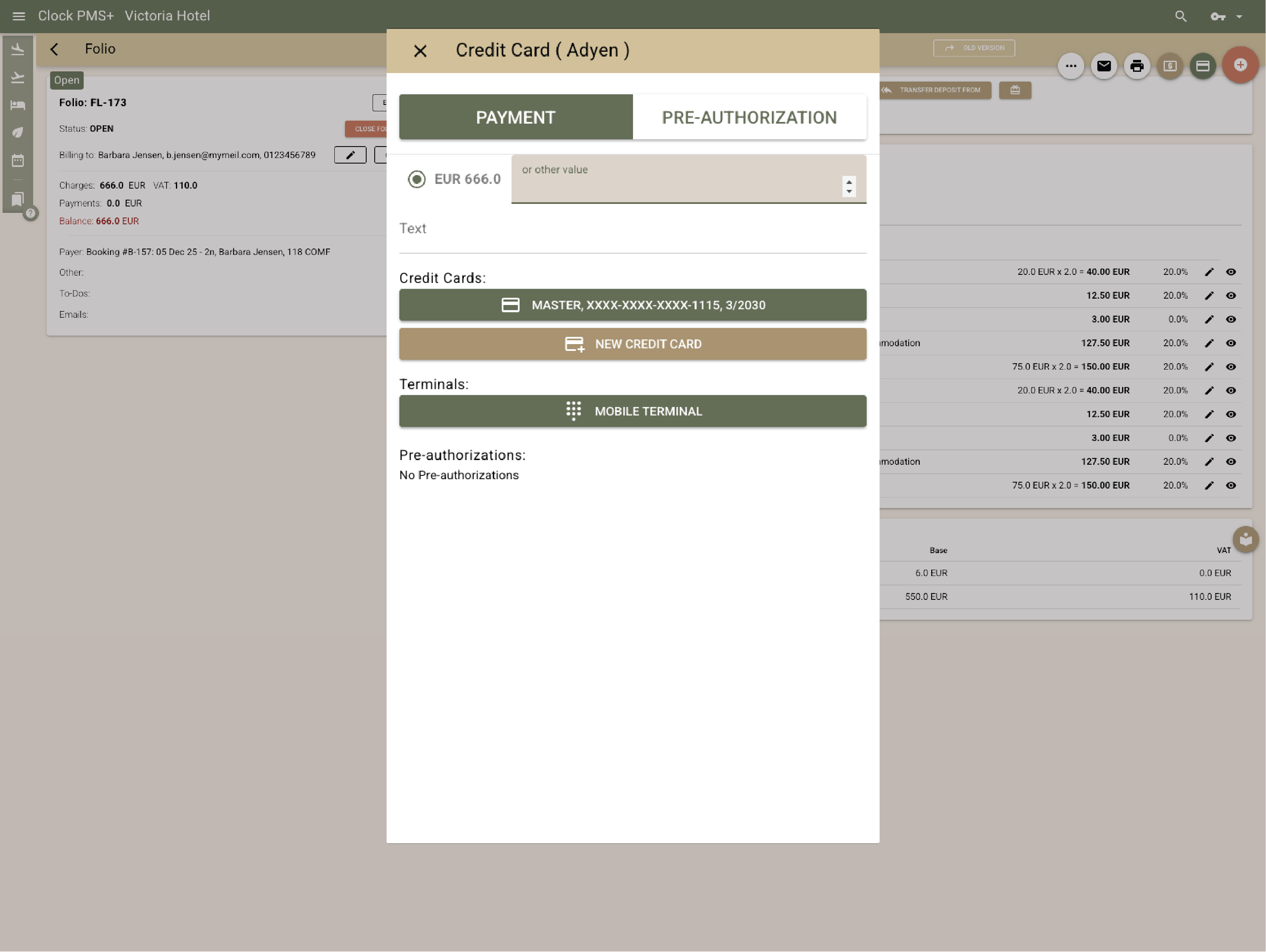
Payment automation secures cards once—at booking or check-in—then automates advance payments, deposits and cancelation fees throughout the stay. Refunds process with one click. Guests aren't asked for payment details repeatedly, and staff can charge services or settle bills instantly.
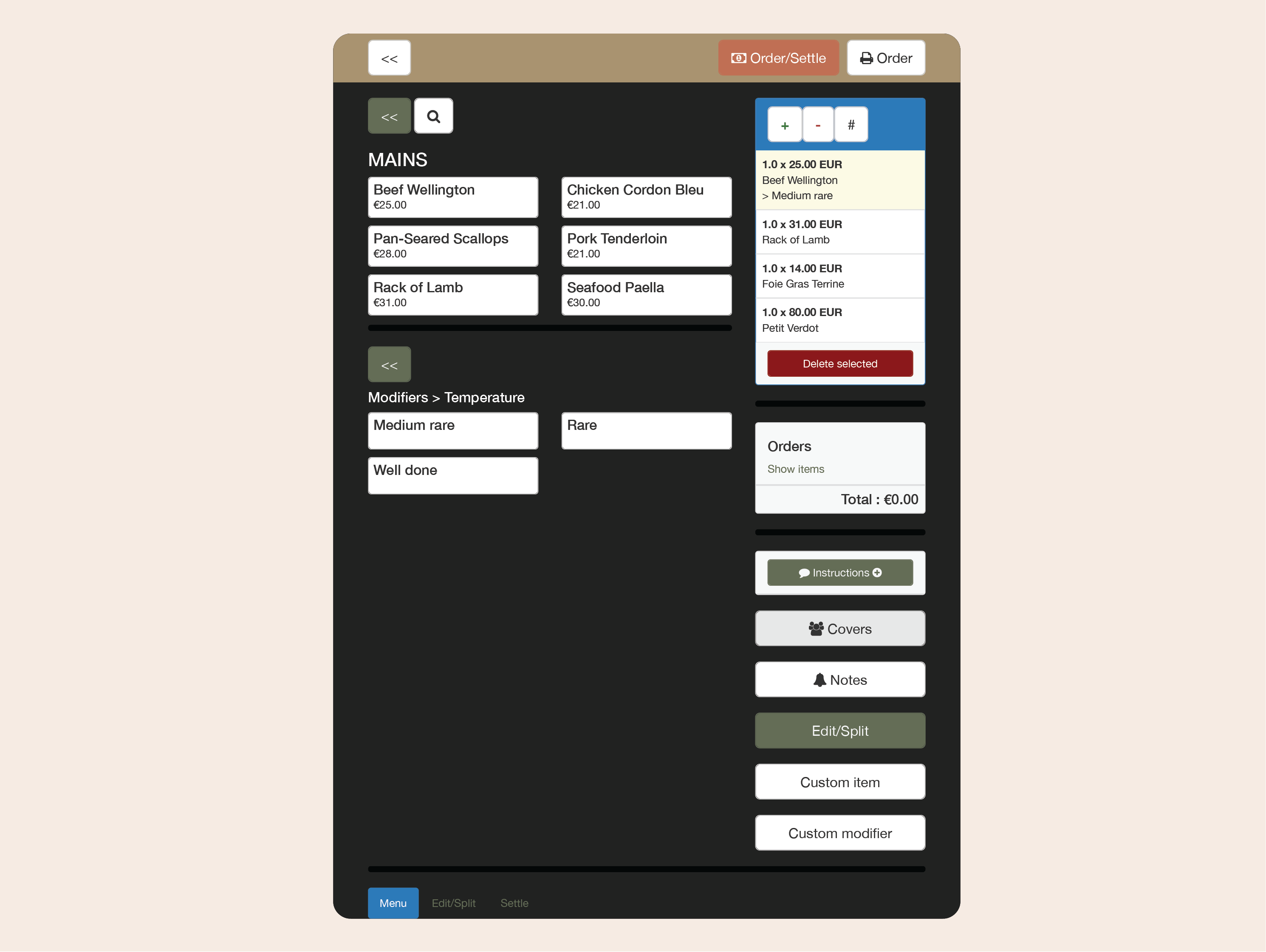
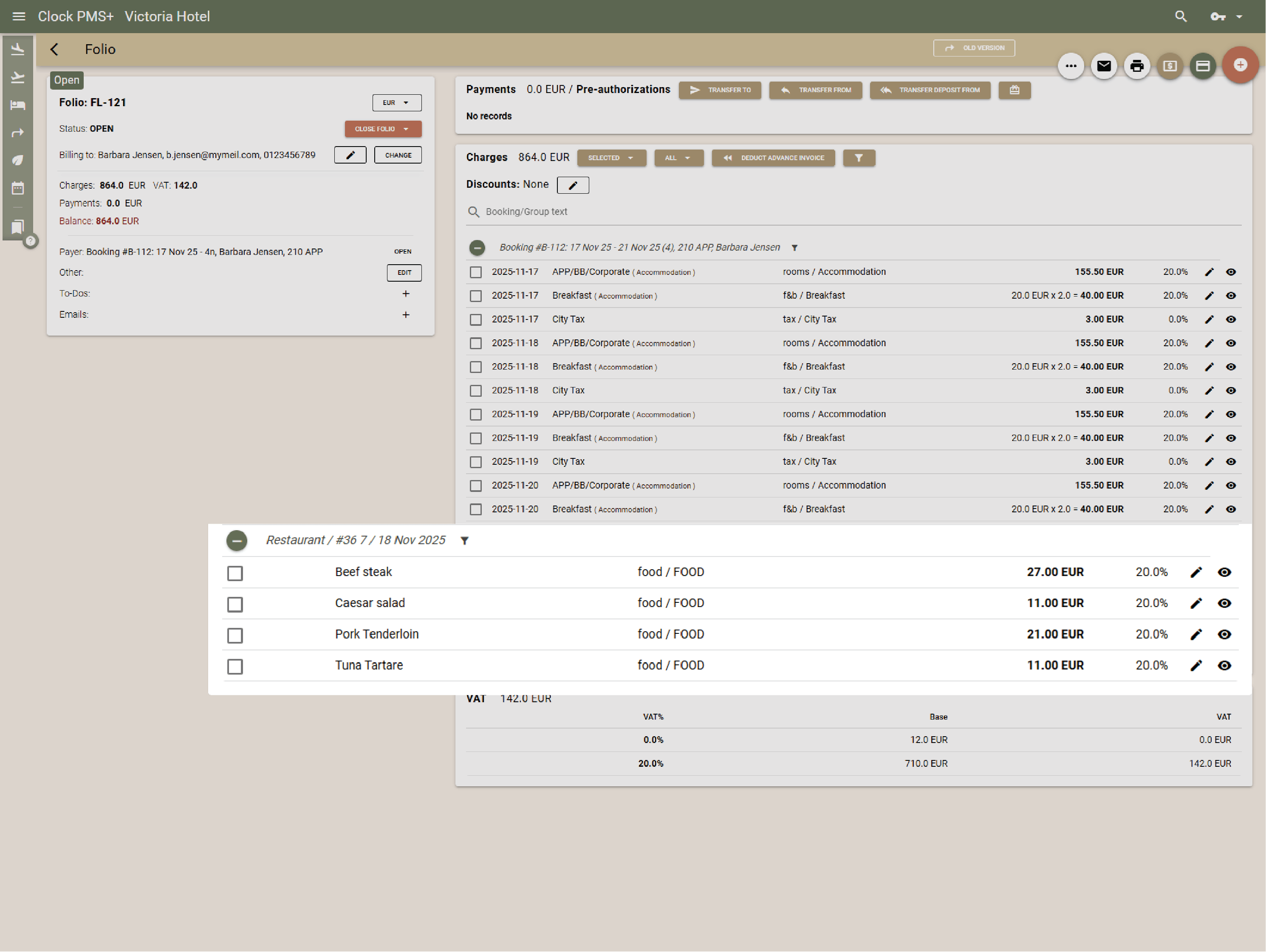
Clock's integrated POS for restaurants, bars and room service handles orders, charges and transfers to guest folios. Staff take orders at tables using mobile devices, and guests can order through digital room service menus on their mobiles from their rooms.

Clock handles the entire events process—proposals, meeting rooms, setups, shared venues, catering and accommodation in the same system. Sales creates branded proposals, tracks deposits, and coordinates function sheets that update live for all departments.
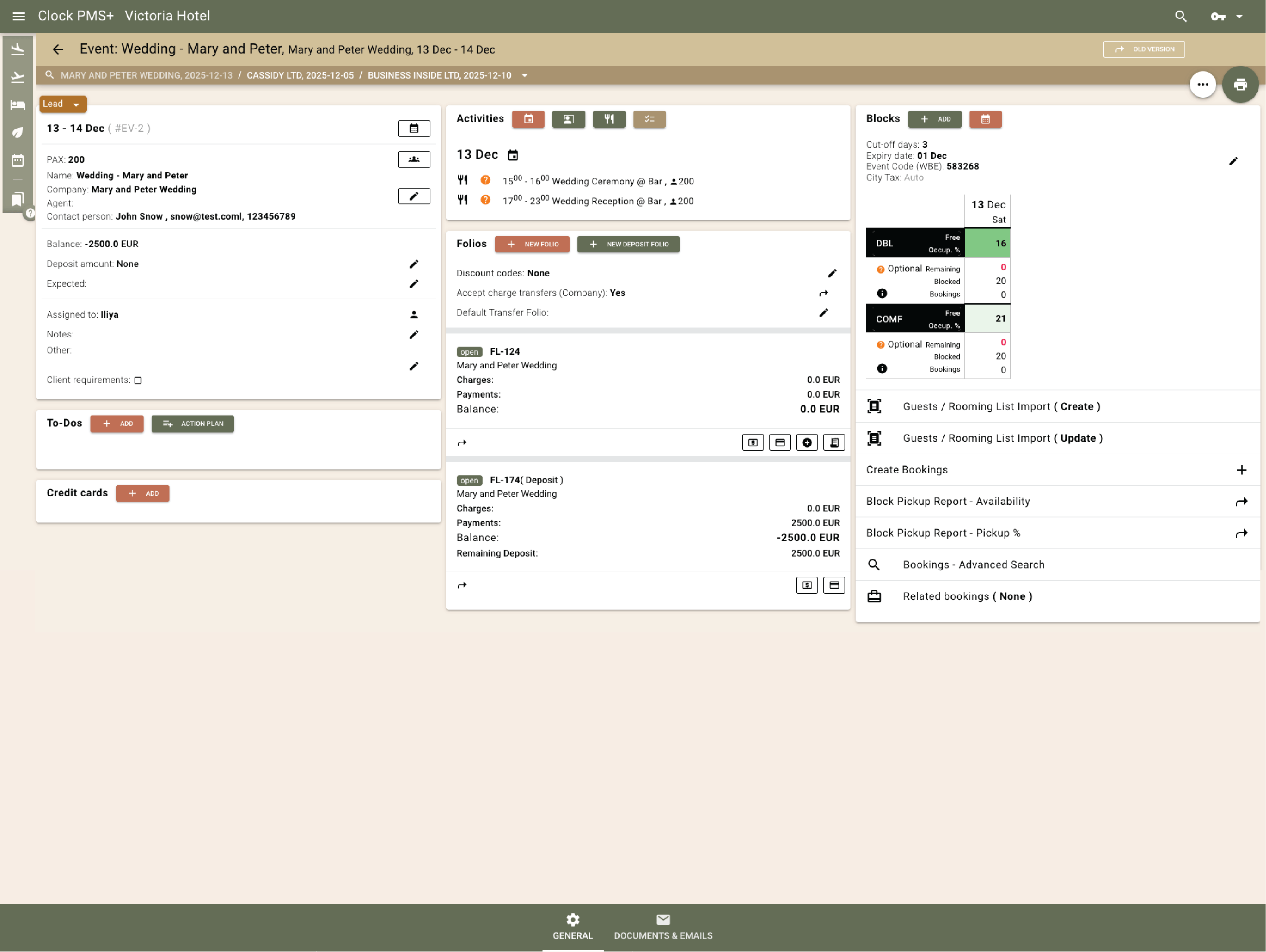
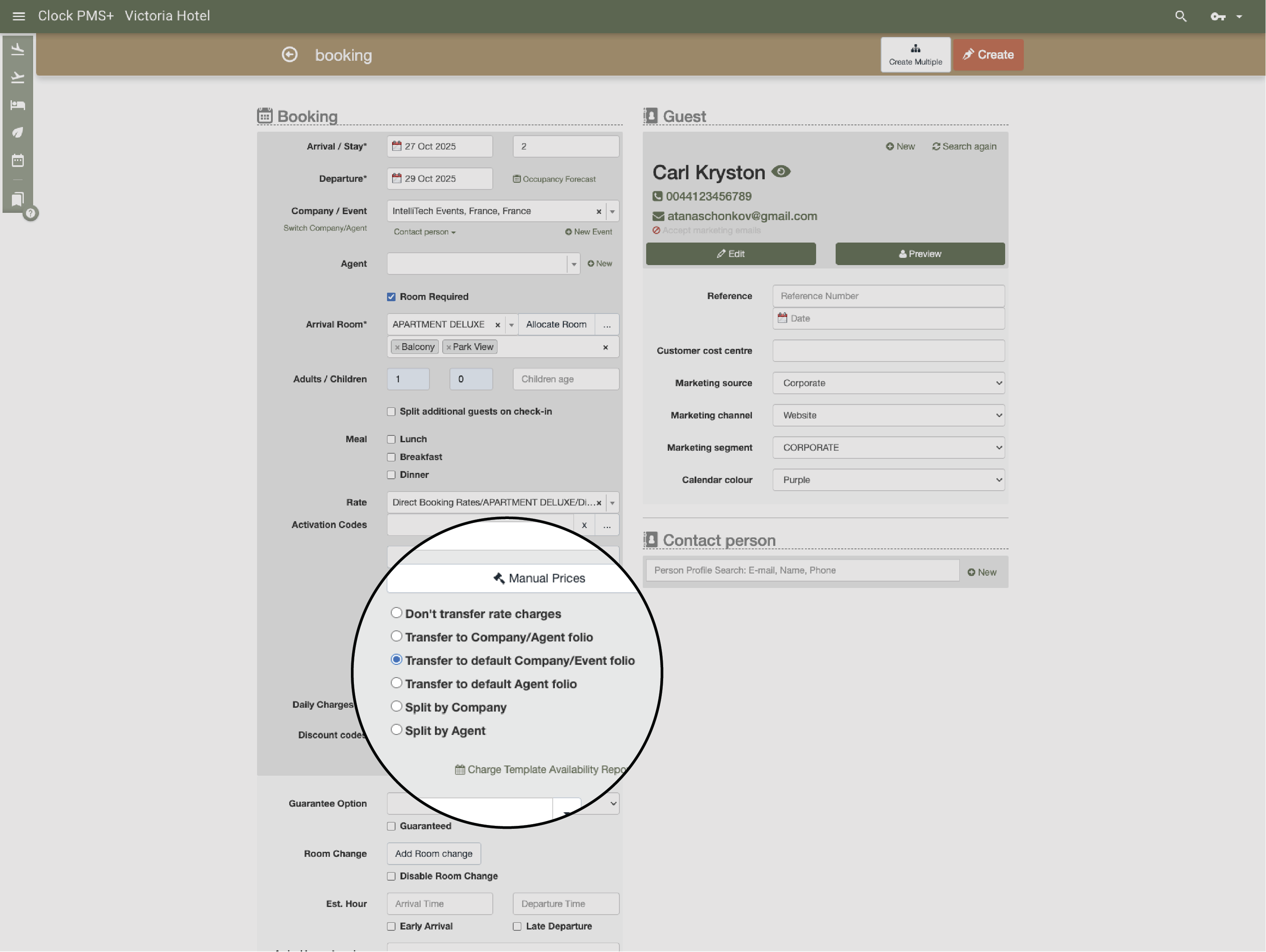
Set invoicing rules for who pays what—rooms to the organizer, extras to individual guests—or split and transfer charges later. Multiple folios per event keep billing clear for all parties.
Different countries. Different teams. Different ways of working. One place to keep the day from getting away from them.


