Event hotels

Keep your event hotel organised — from the first enquiry to the final bill

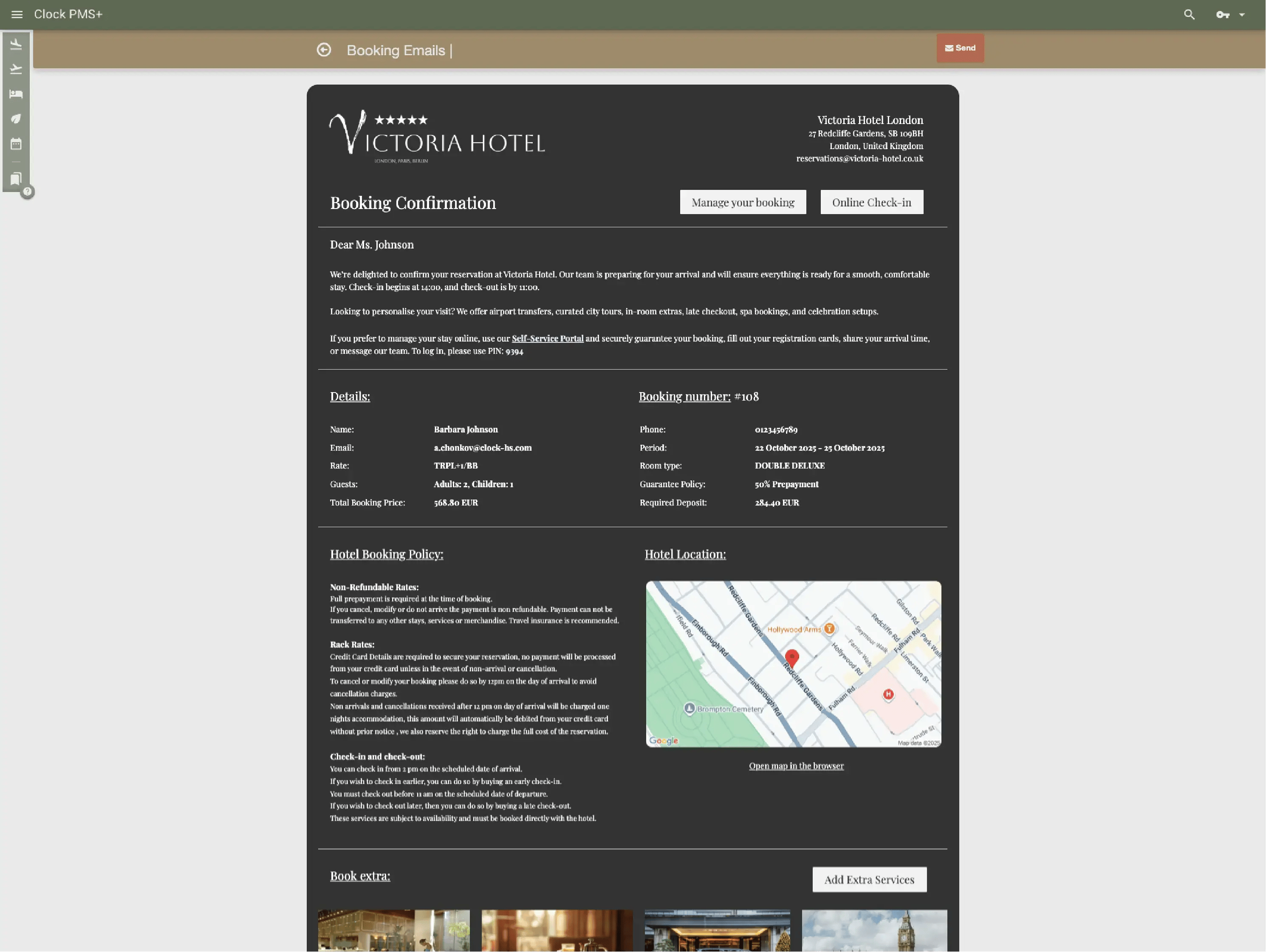
Independent event hotels run weddings, corporate meetings and social gatherings with small teams and busy calendars. Clock connects enquiries, room blocks, event planning, F&B, guest stays and billing in one system, so your team stays coordinated and nothing needs to be tracked twice.

Event sales & enquiry management

Track enquiries without spreadsheets

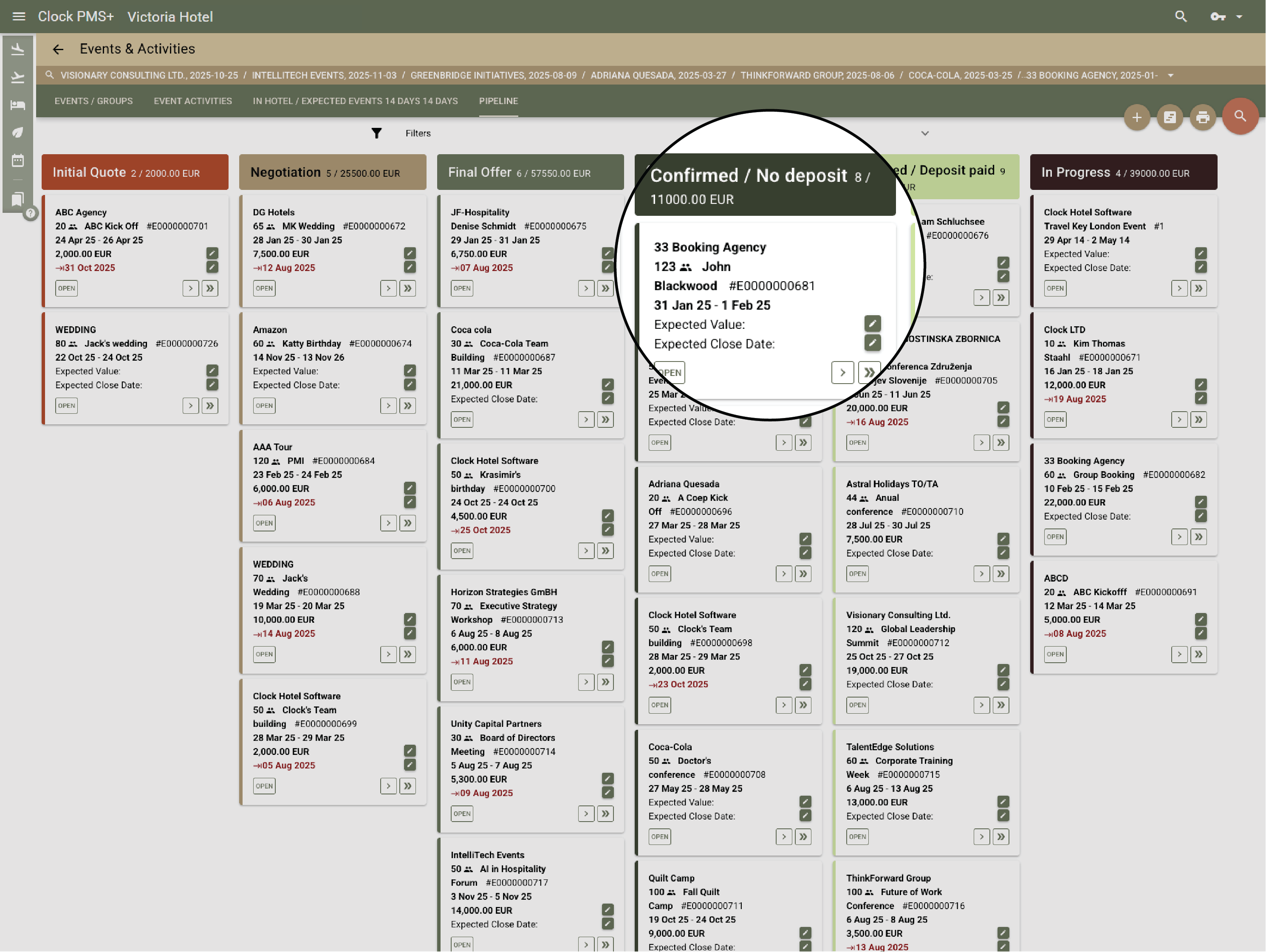
Capture wedding, corporate and social enquiries directly and follow each one through clear stages.

Example:
A wedding enquiry arrives from your website and appears immediately in your pipeline with all details.
Frame 161 (1)

Keep your sales pipeline clear

Move leads through stages, see what needs follow‑up and monitor expected revenue.

Example:
A retreat request is marked as “proposal sent,” and Clock reminds you to follow up in two days.
Frame 161 (1)

Schedule and manage site visits

Record visit dates, preferences and outcomes in one place.

Example:
After a couple’s tour you add notes and their preferred dates directly to the enquiry.
Frame 161 (1)

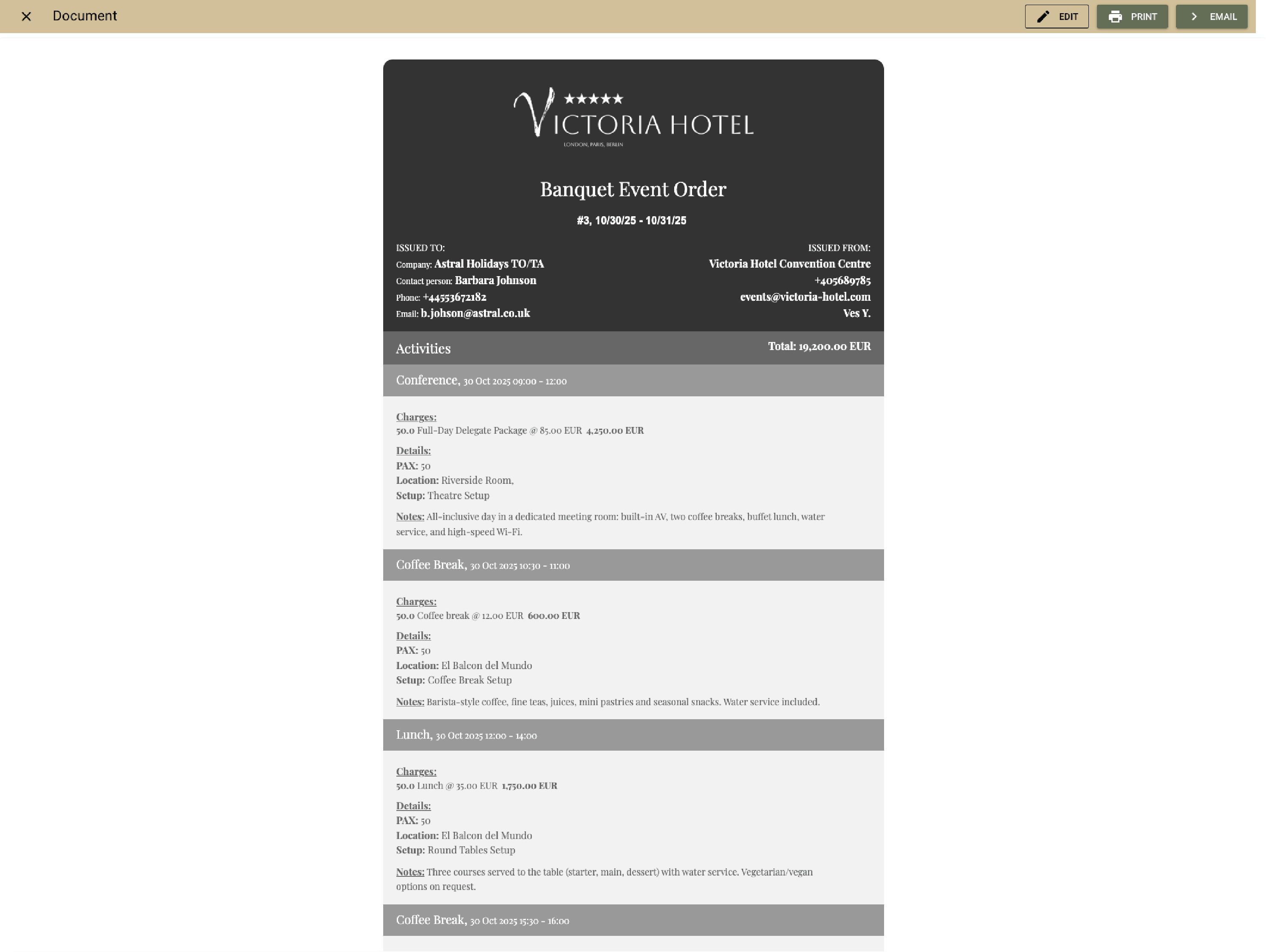
Prepare proposals quickly

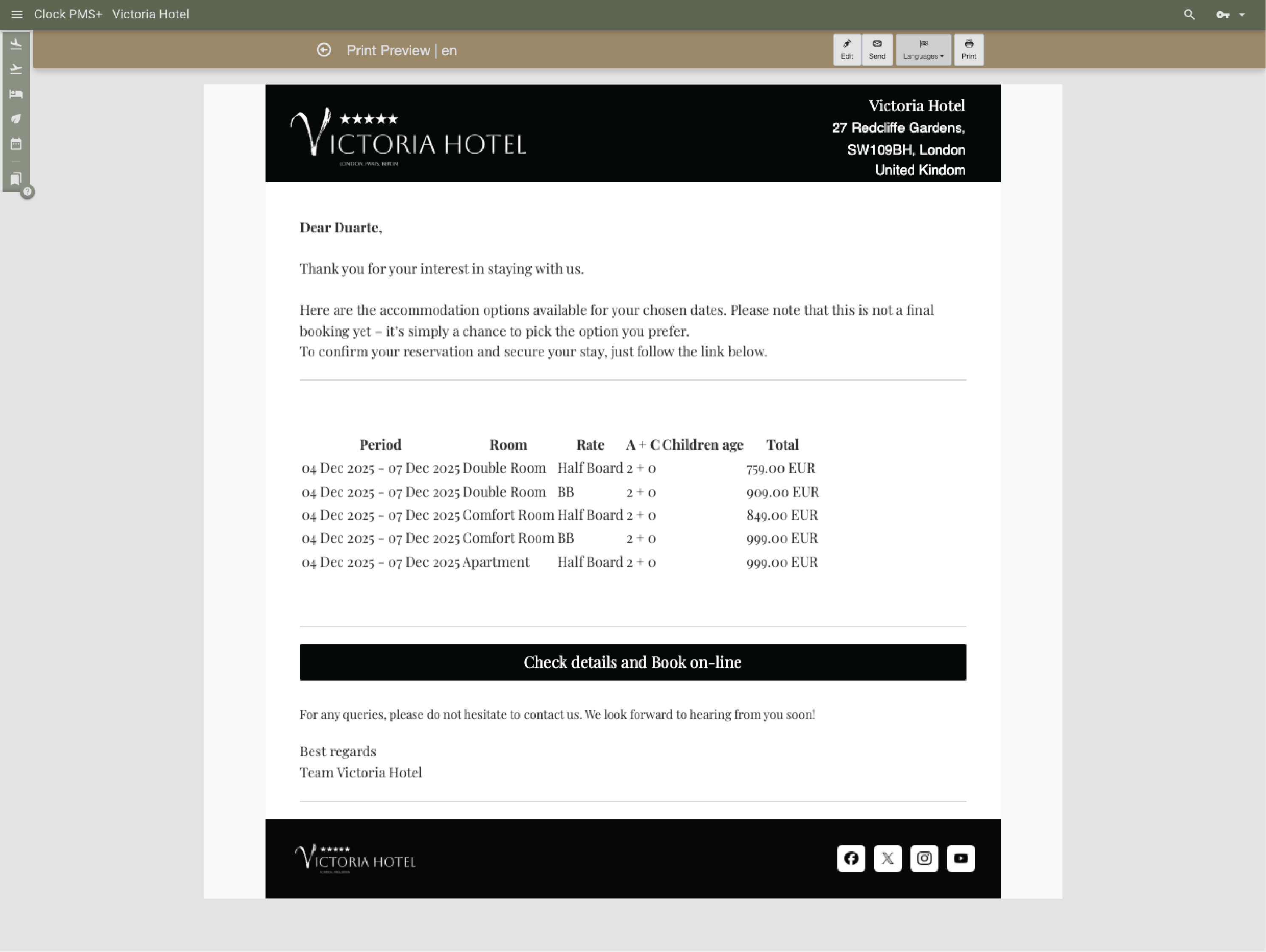
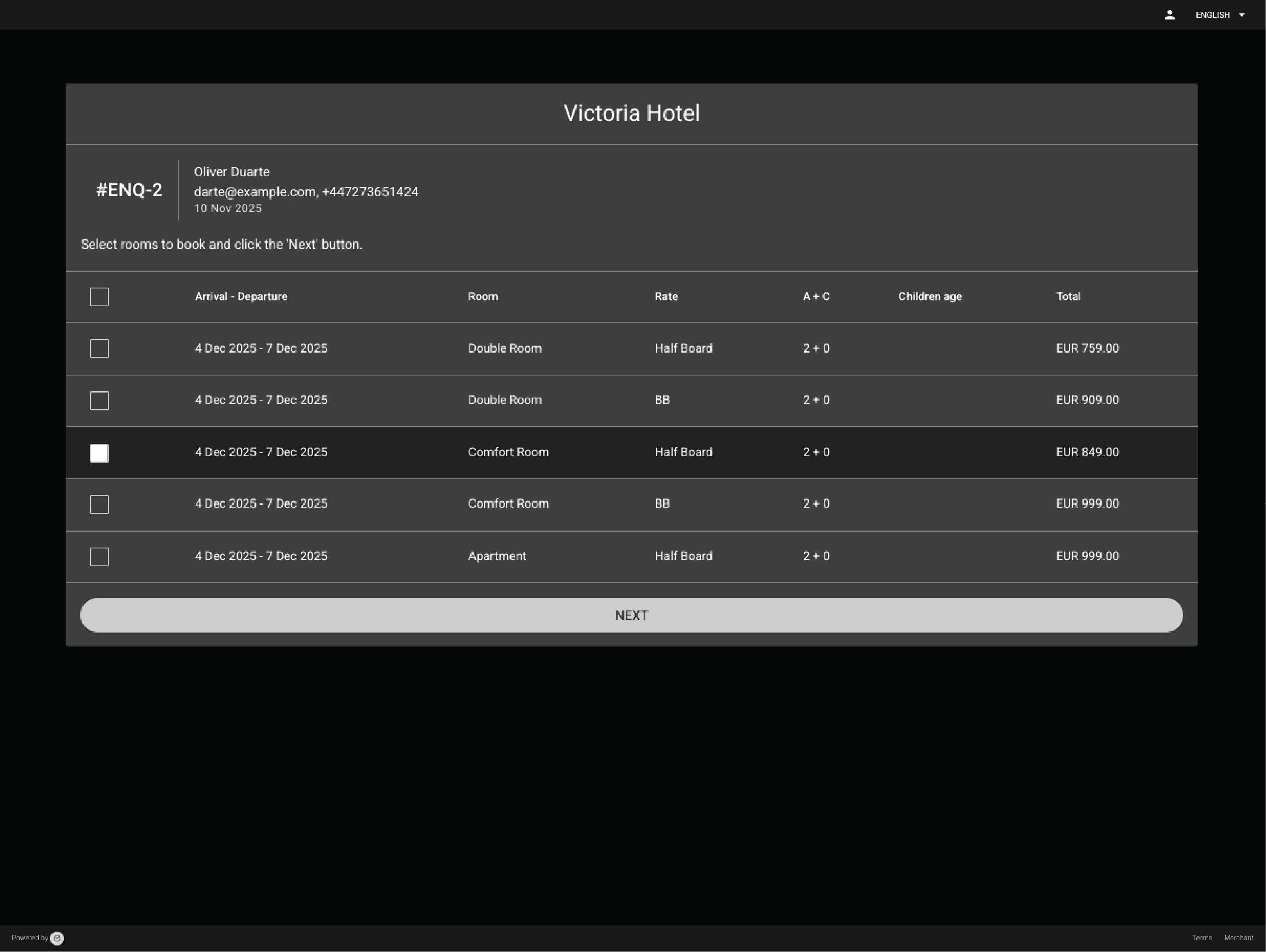
Use templates to send clear proposals or simple agreements without rebuilding them each time.

Example:
You send a customised wedding proposal with menu options and estimated costs in minutes.
Frame 161 (1)

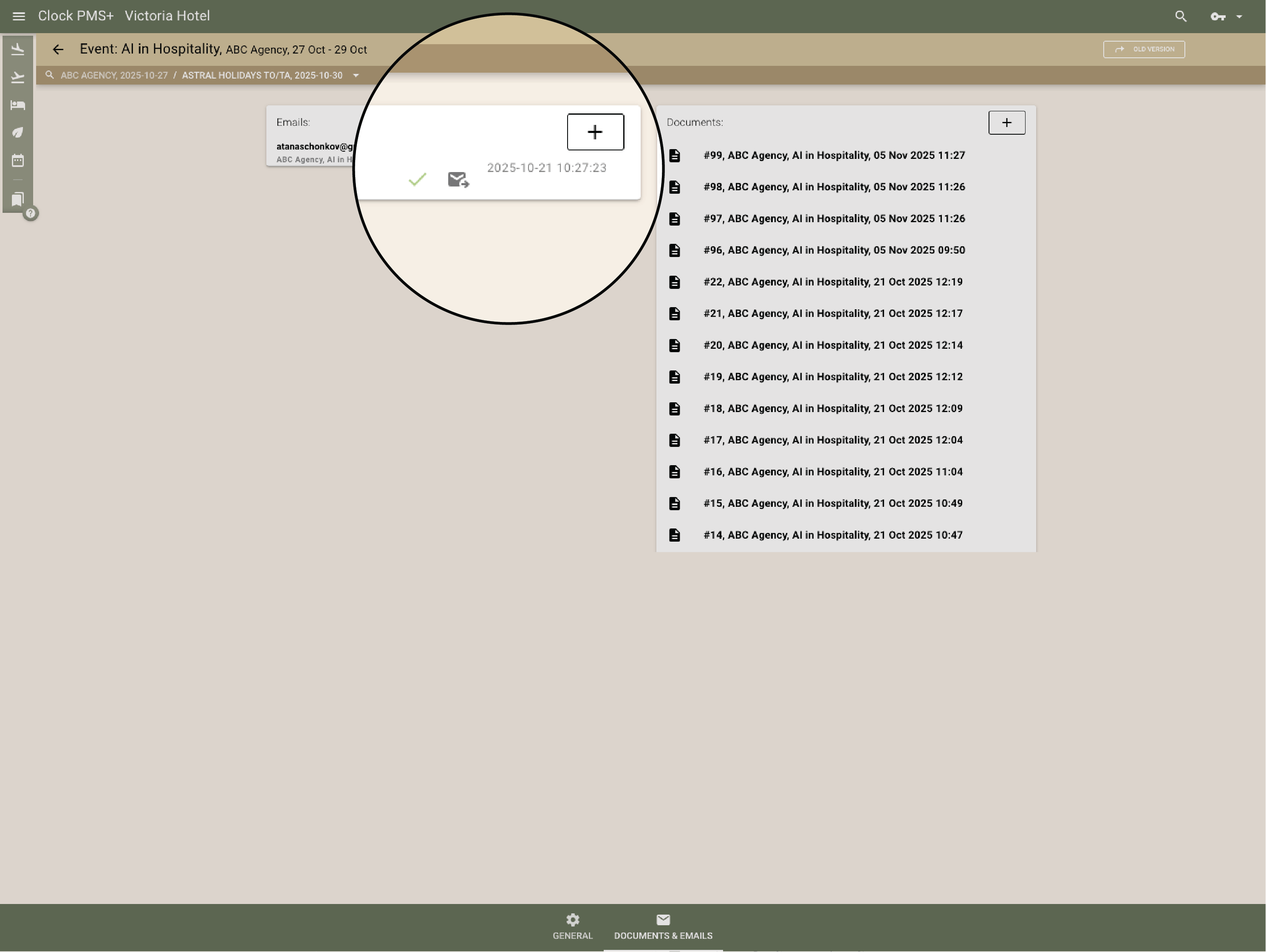
Keep communication in one place

Incoming and outgoing messages sit with the enquiry so nothing gets lost.

Example:
All replies from the couple appear alongside the proposal and notes.
Frame 161 (1)

Room blocks & group reservations

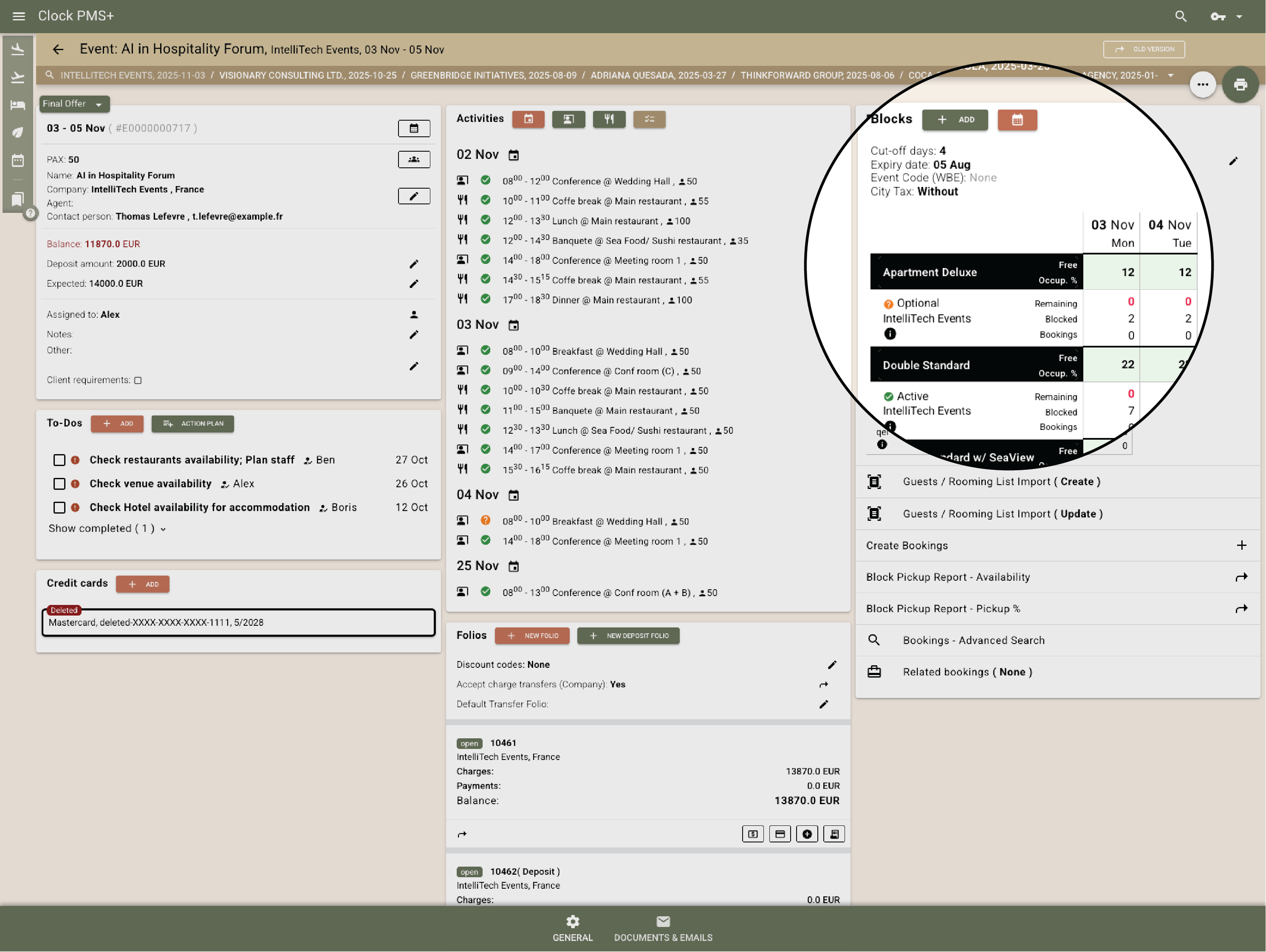
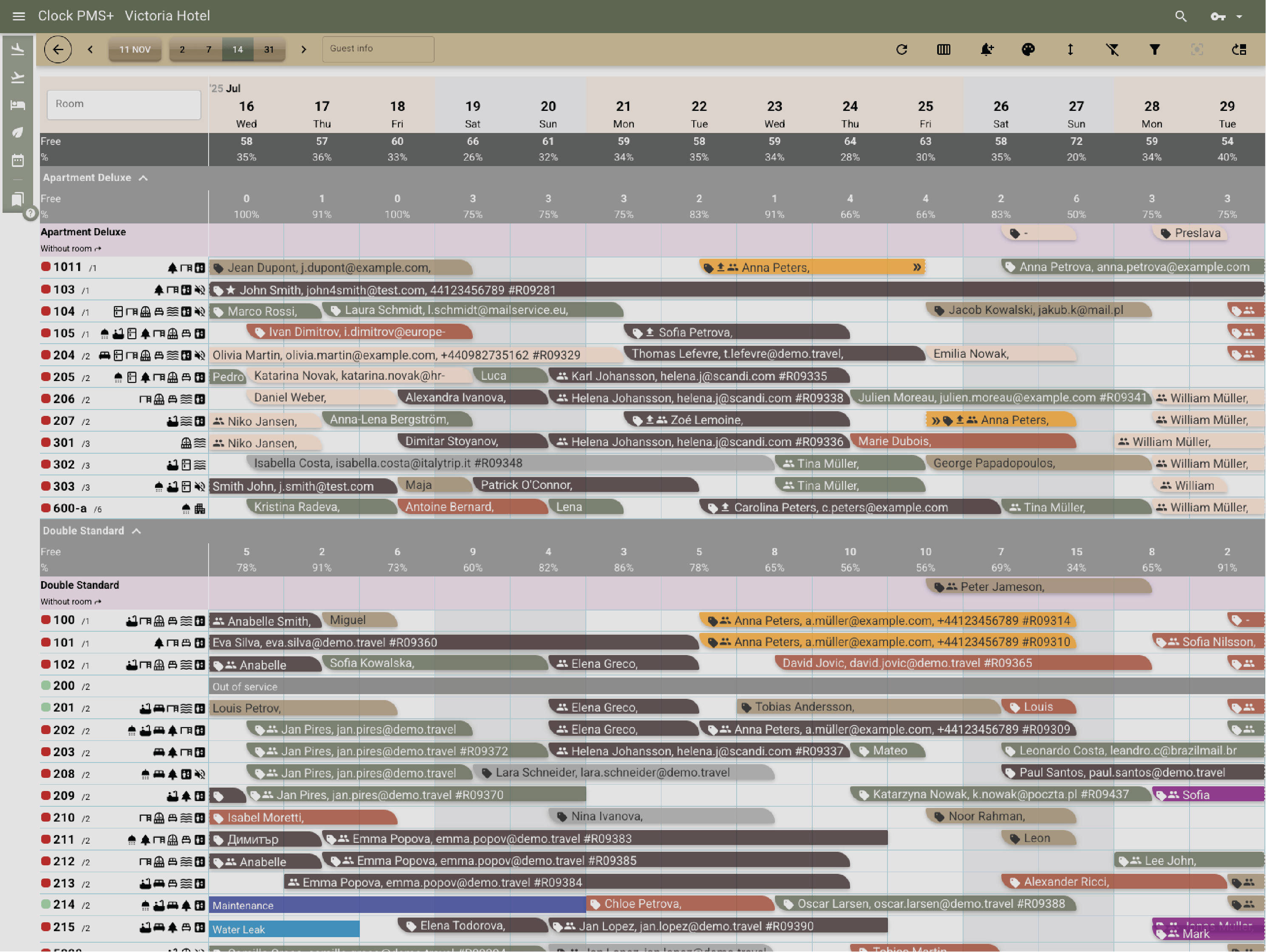
Create blocks easily

Reserve rooms for weddings, retreats or multi‑day events without manual tracking.

Example:
You create a 40‑room block for a wedding and assign a release date.
Frame 161 (1)

Track pickup and deadlines

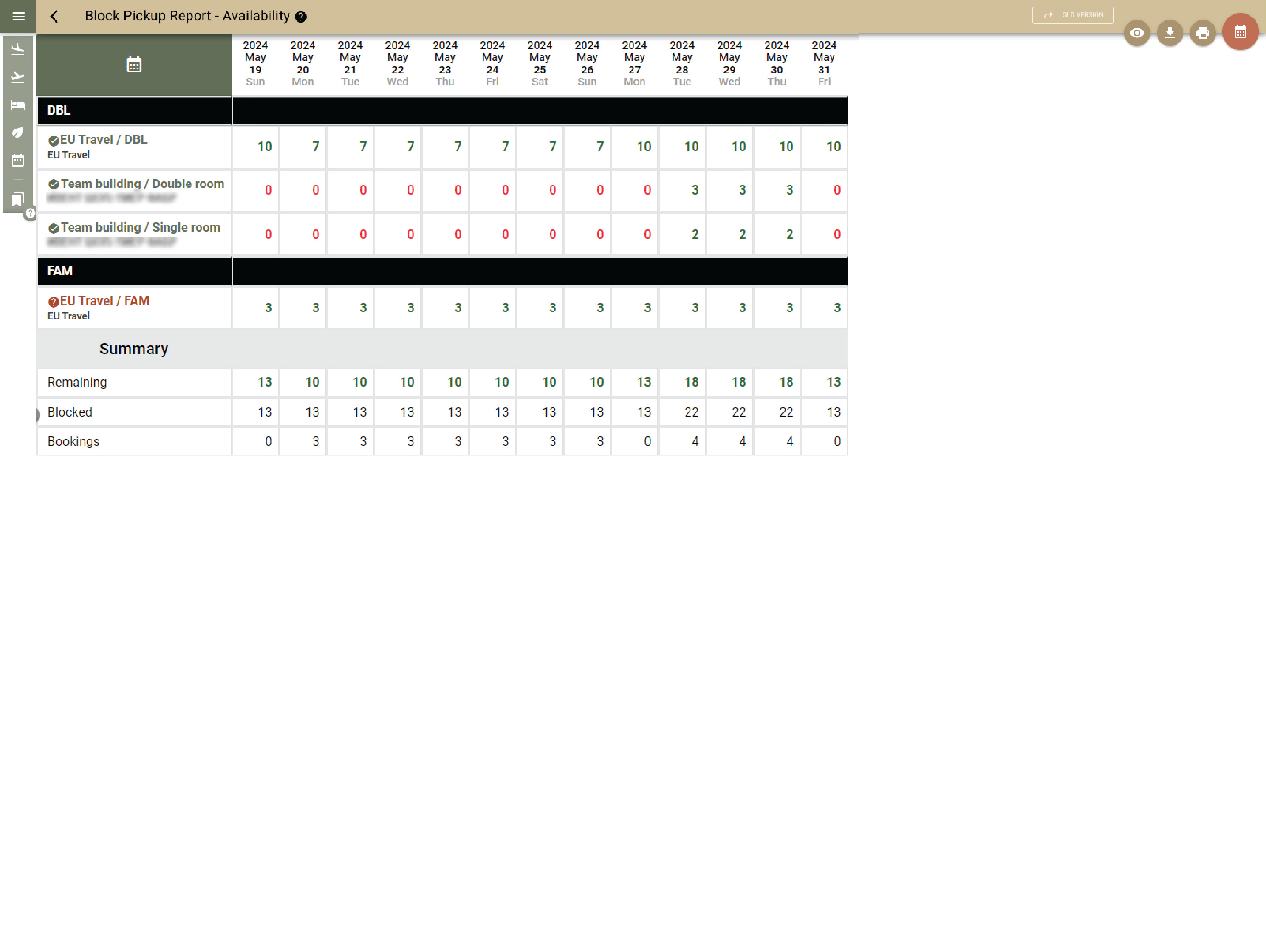
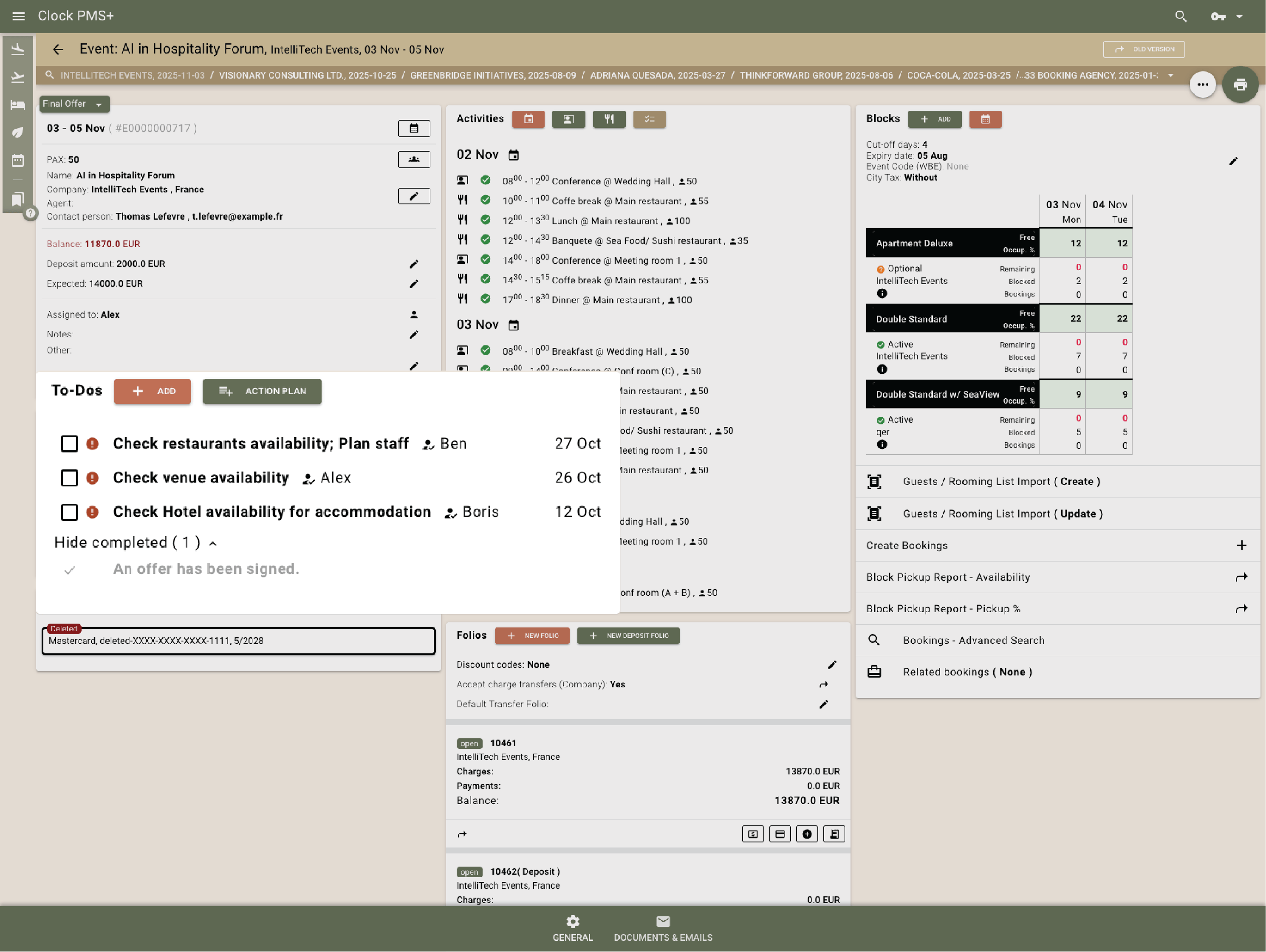
See confirmed guests, remaining rooms and upcoming release dates.

Example:
The block reaches 75% pickup, triggering a reminder to release unused rooms.
Frame 161 (1)

Manage rooming lists cleanly

Paste updated lists directly into Clock — names, dates and requests update instantly.

Example:
The corporate organiser sends an updated list; you upload it and all assignments adjust.
Frame 161 (1)

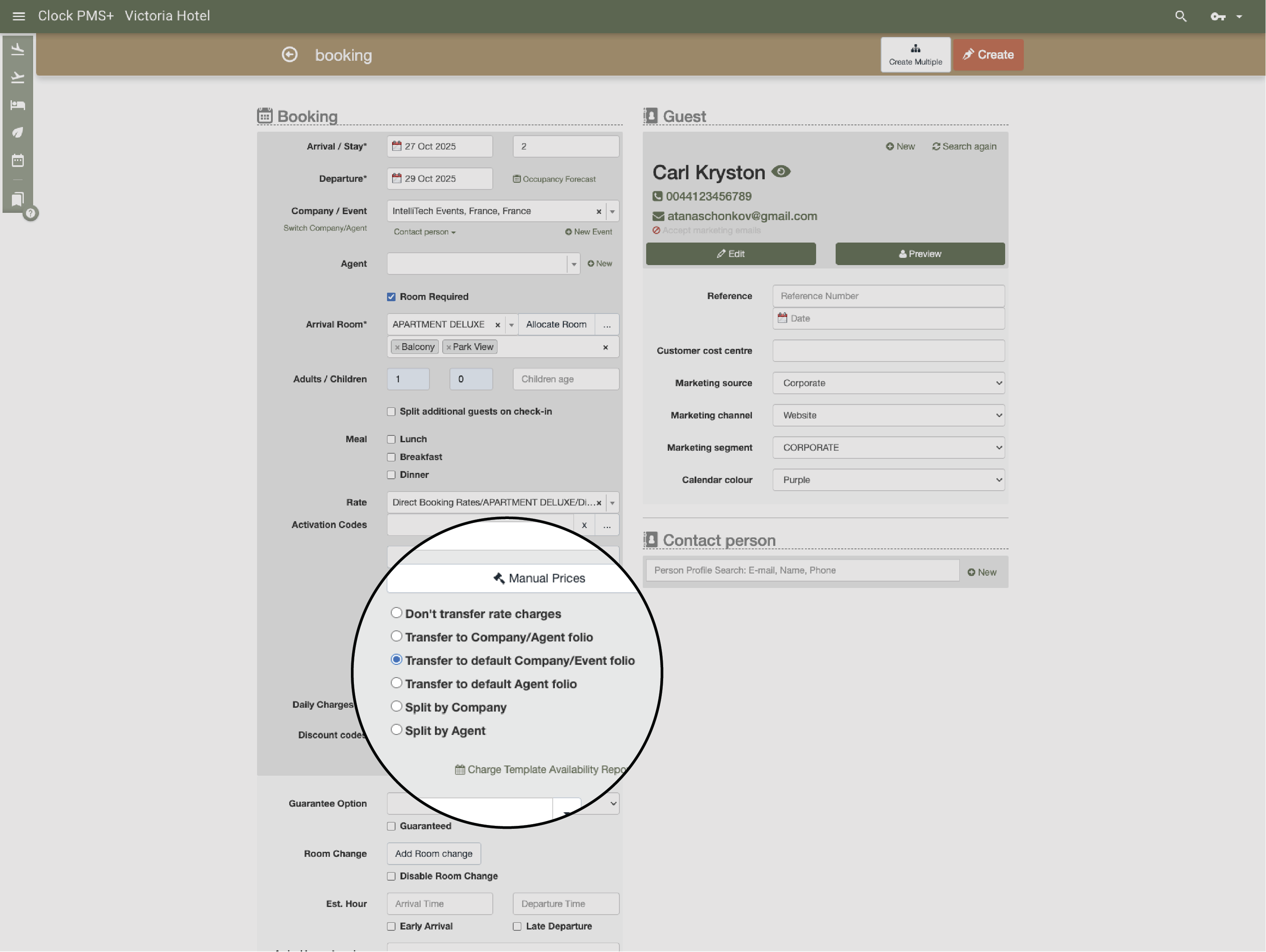
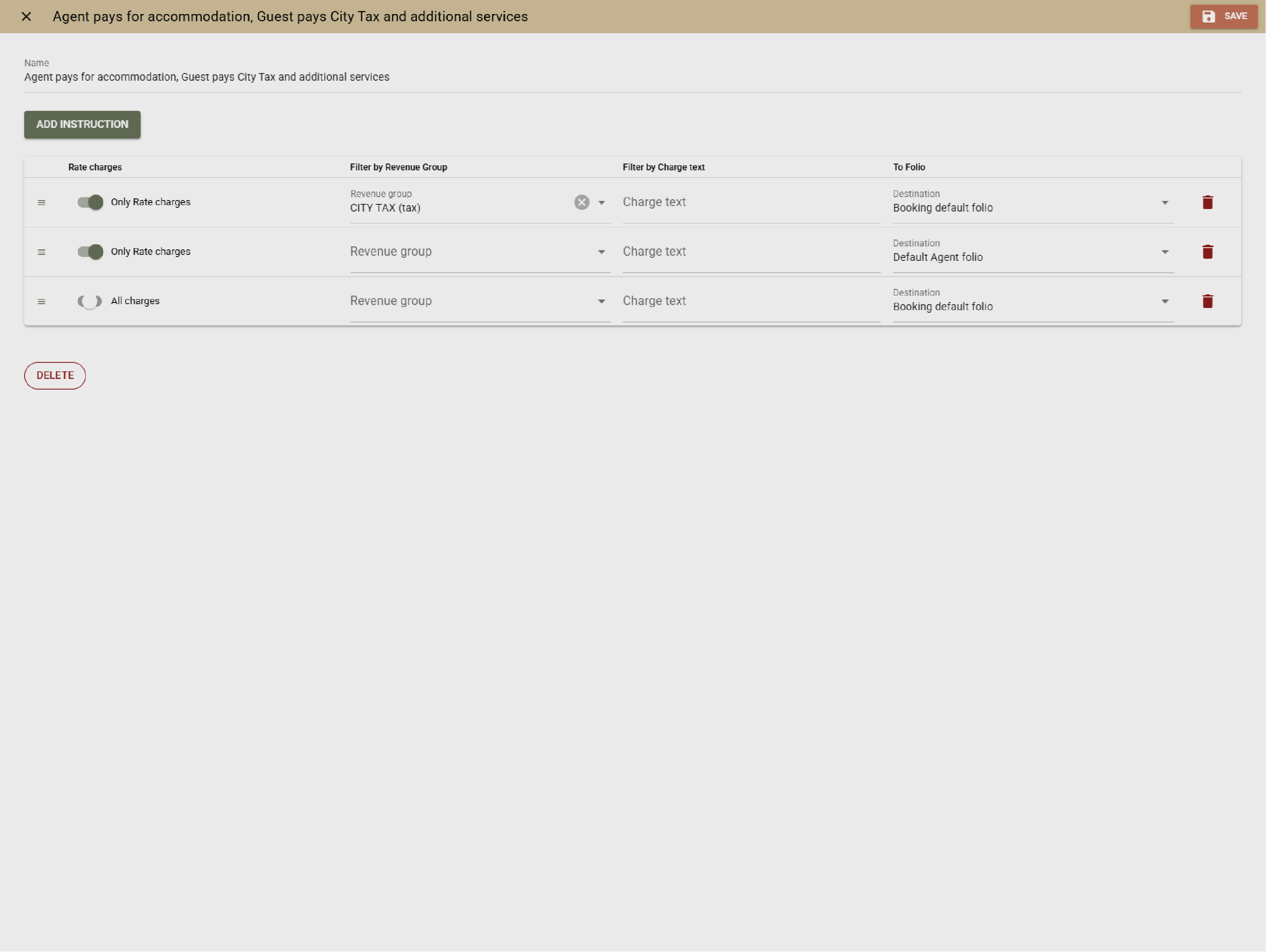
Group pricing and invoicing

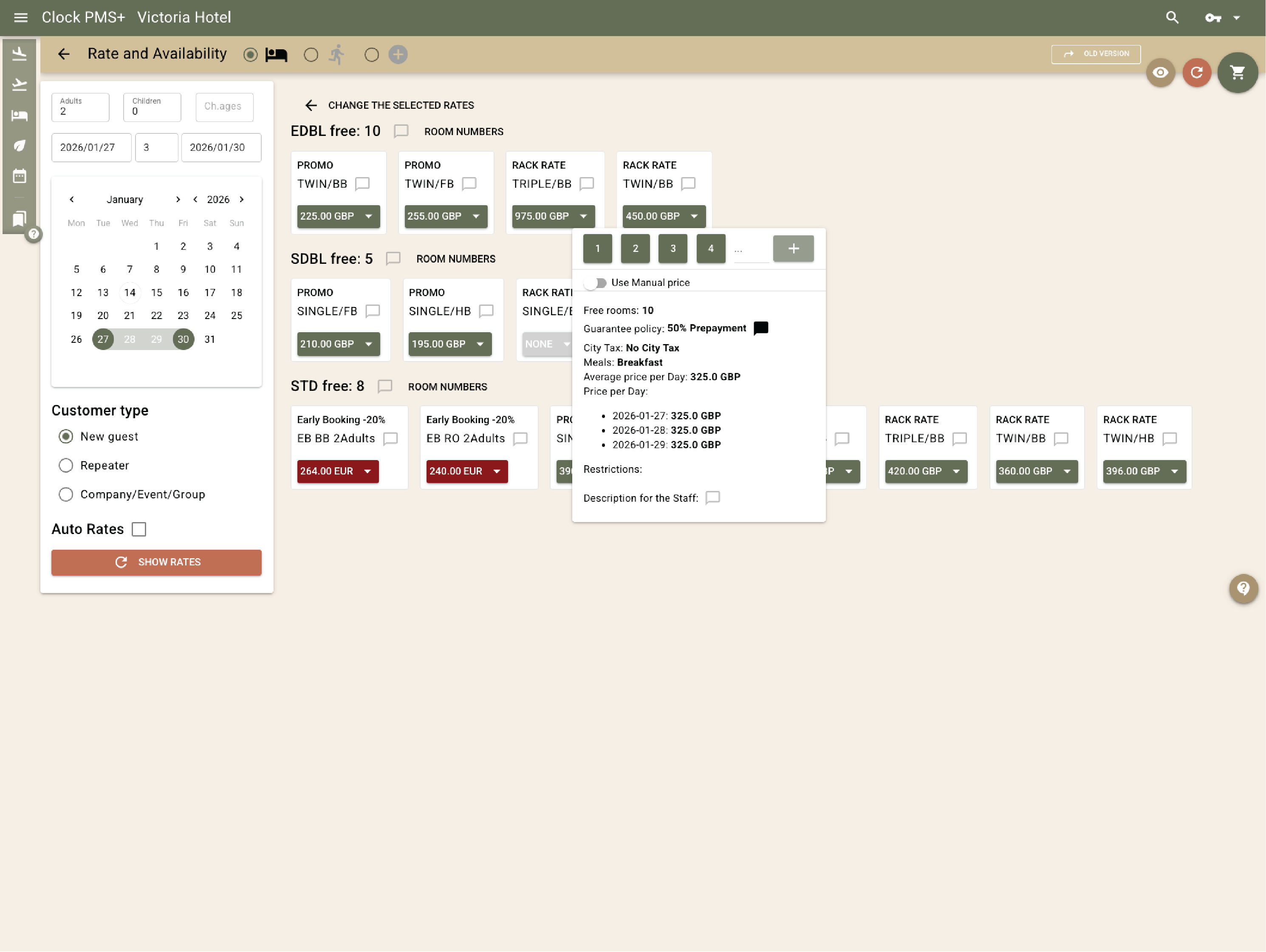
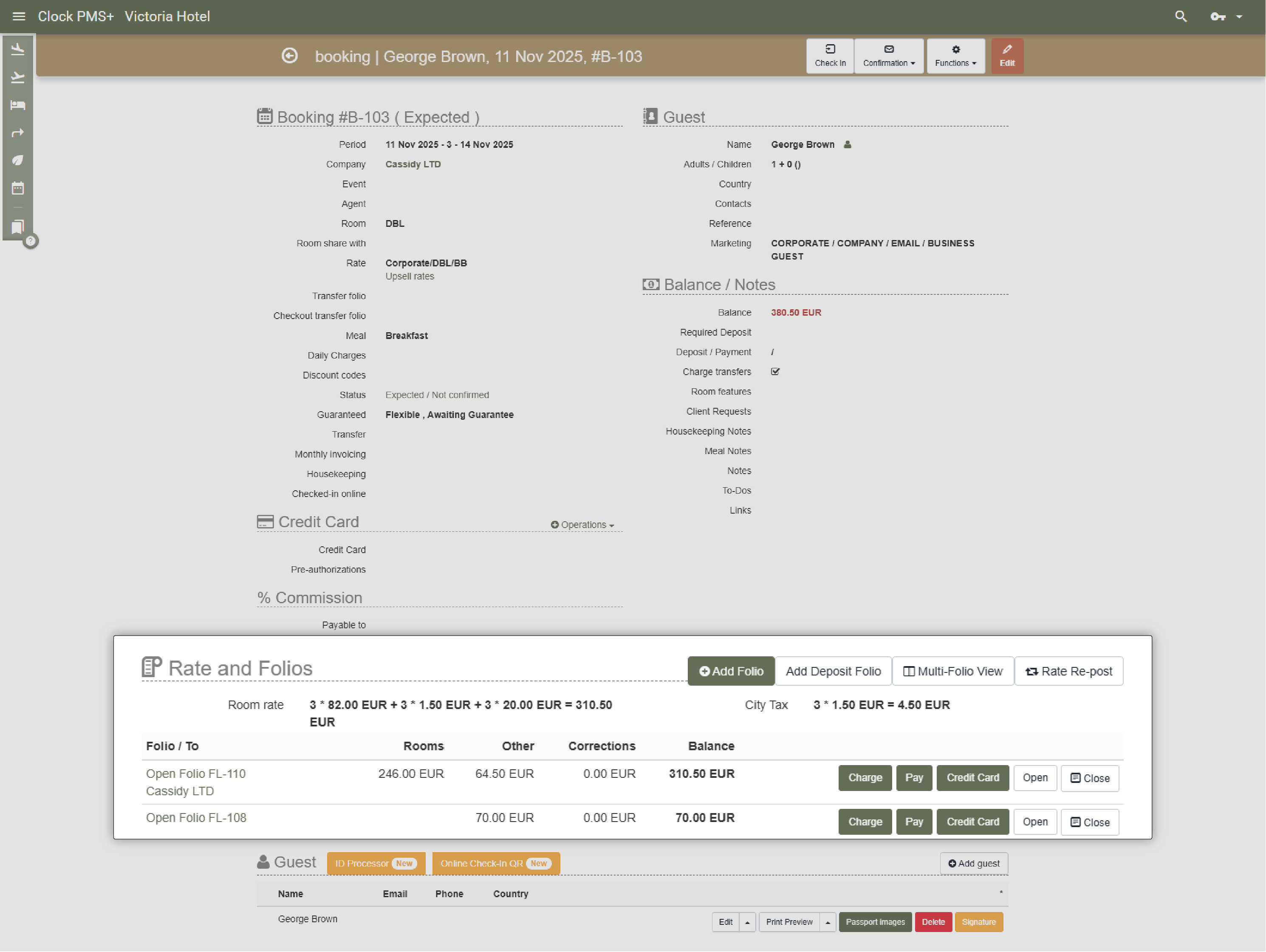
Apply group rates, assign payers and manage deposits, instalments and final balances.

Example:
The company pays the accommodation for some attendees while others pay individually.
Frame 161 (1)

Space, setup and resource management

Prevent space conflicts

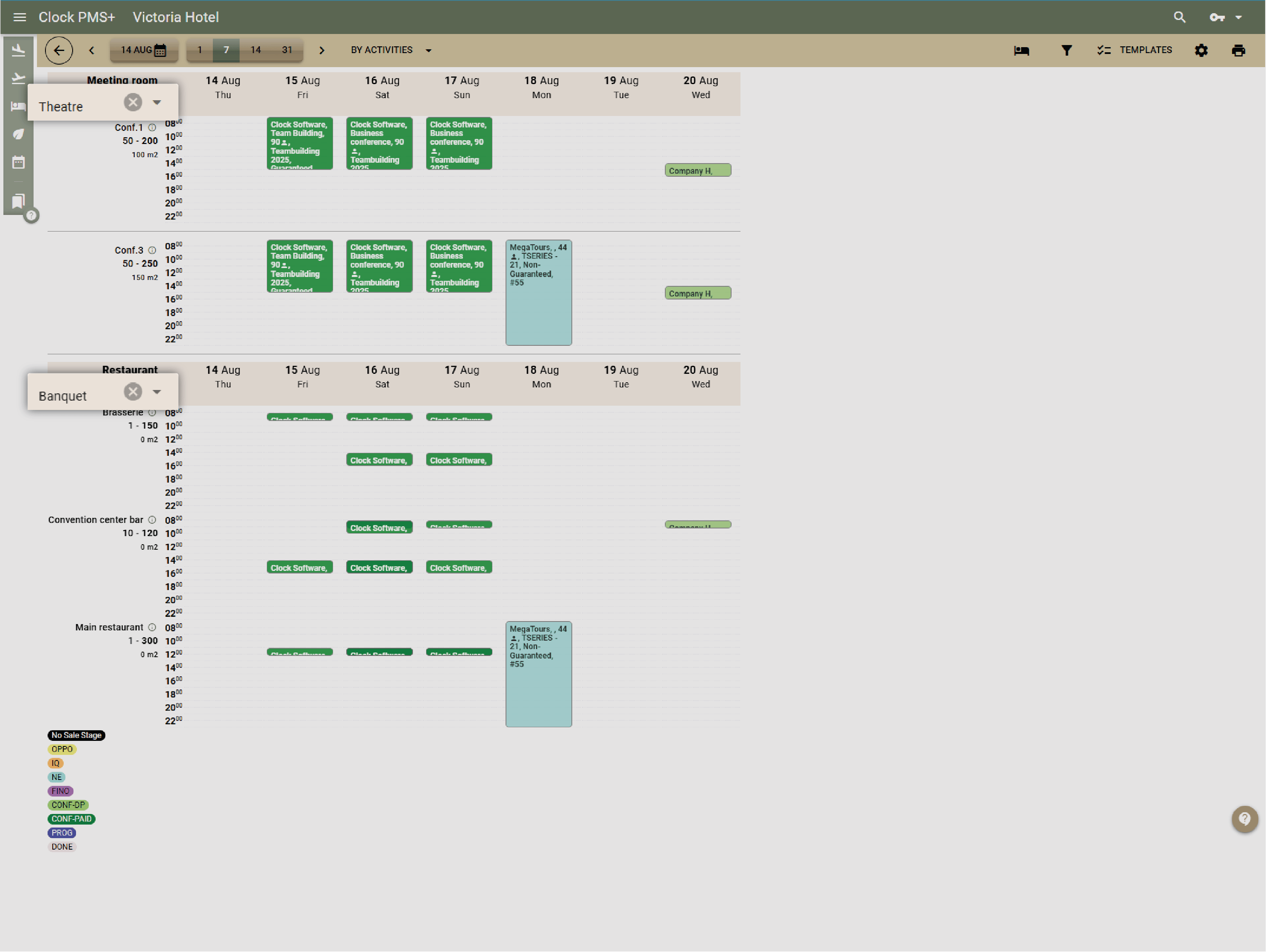
Use a simple calendar to see all spaces and avoid overlaps.

Example:
A meeting request conflicts with setup time for another event; the system shows it immediately.
Frame 161 (1)

Manage setup styles and capacities

Store configurations, layouts and capacity limits for each space.

Example:
You switch a ballroom from theatre to banquet setup with clear capacity guidelines.
Frame 161 (1)

Track equipment and resources

Keep tables, chairs, décor, AV items and outdoor equipment organised.

Example:
You assign 12 round tables and 80 chairs to a wedding and mark them as unavailable for other events.
Frame 161 (1)

Share event details with teams

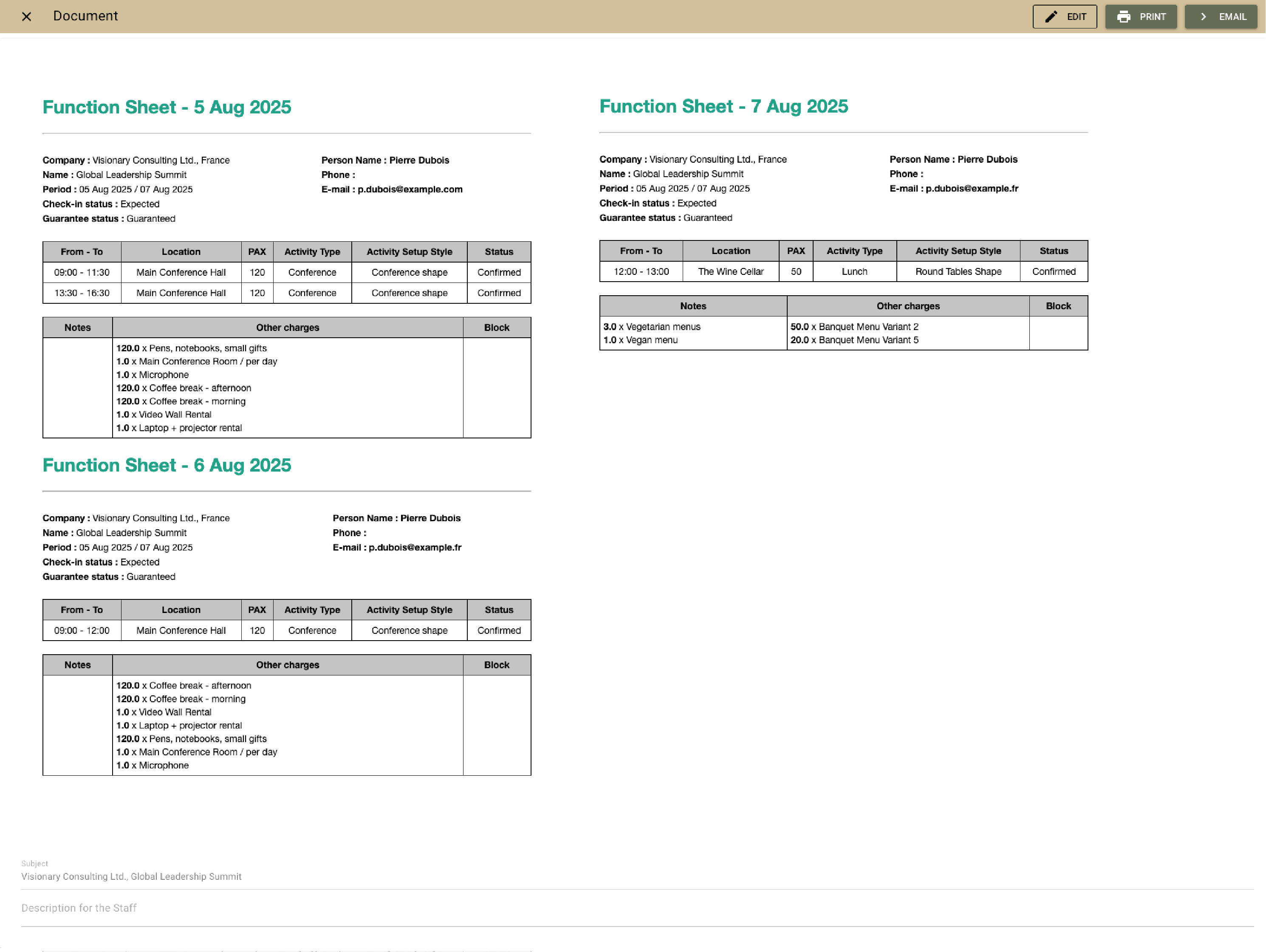
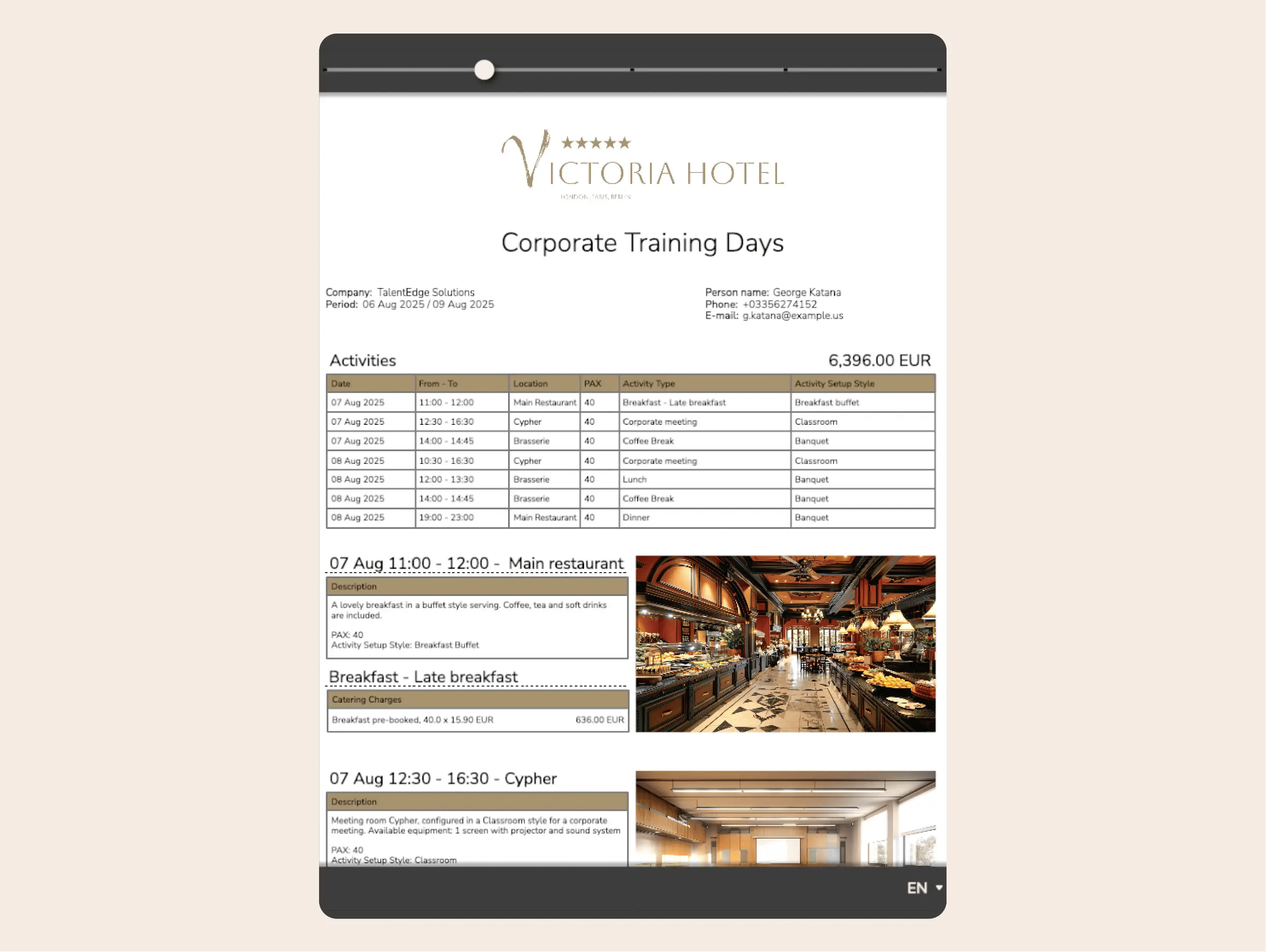
Export function sheets with schedules, setups, counts and vendor notes.

Example:
Kitchen, service and front office receive a clear sheet for tomorrow’s events.
Frame 161 (1)

Event planning & coordination

Keep timelines and schedules organised

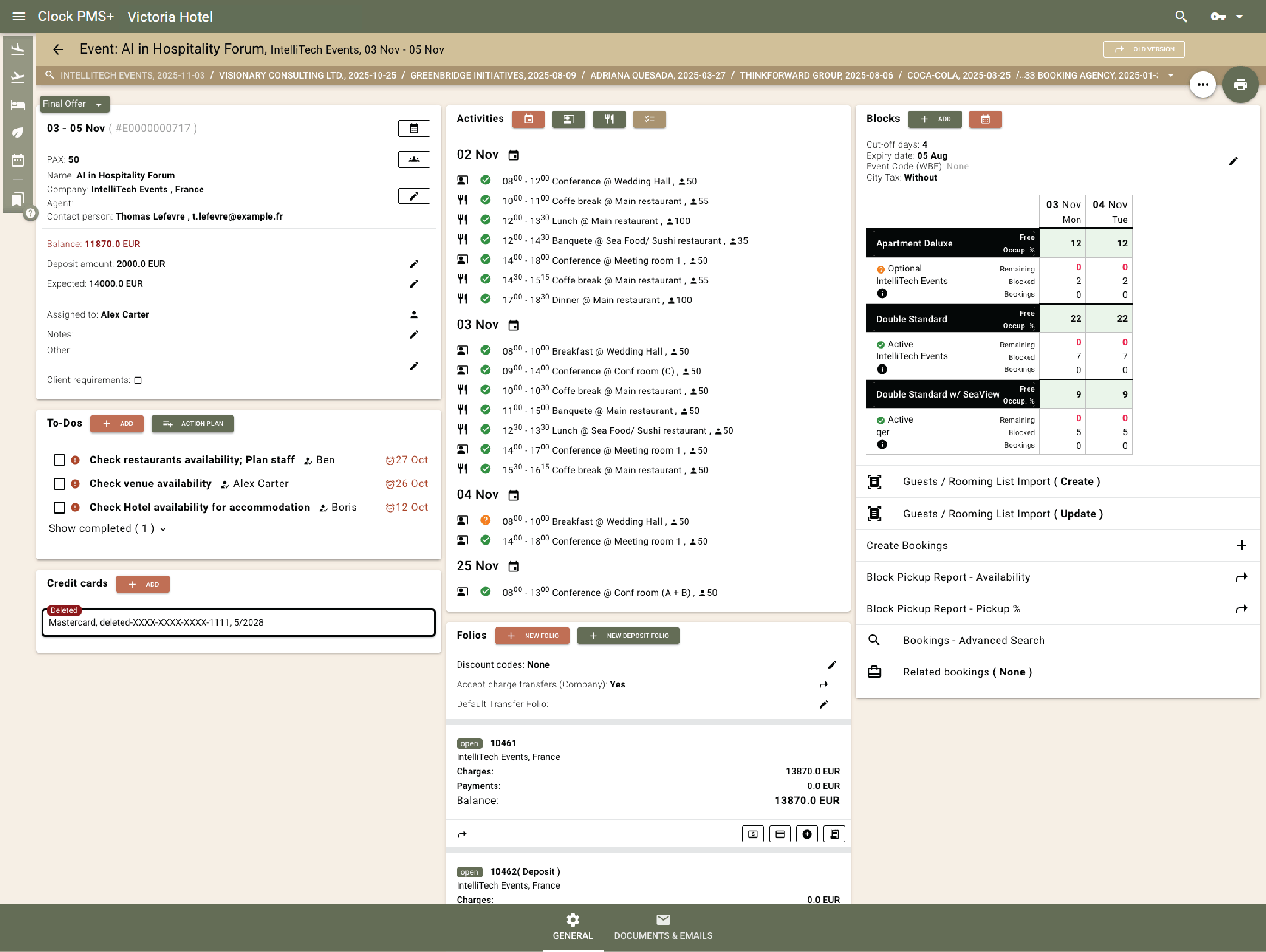
Plan ceremony, cocktail hour, dinner and breakdown in one timeline visible to all teams.

Example:
The day‑of timeline shows setup times, service points and transitions.
Frame 161 (1)

Assign tasks across teams

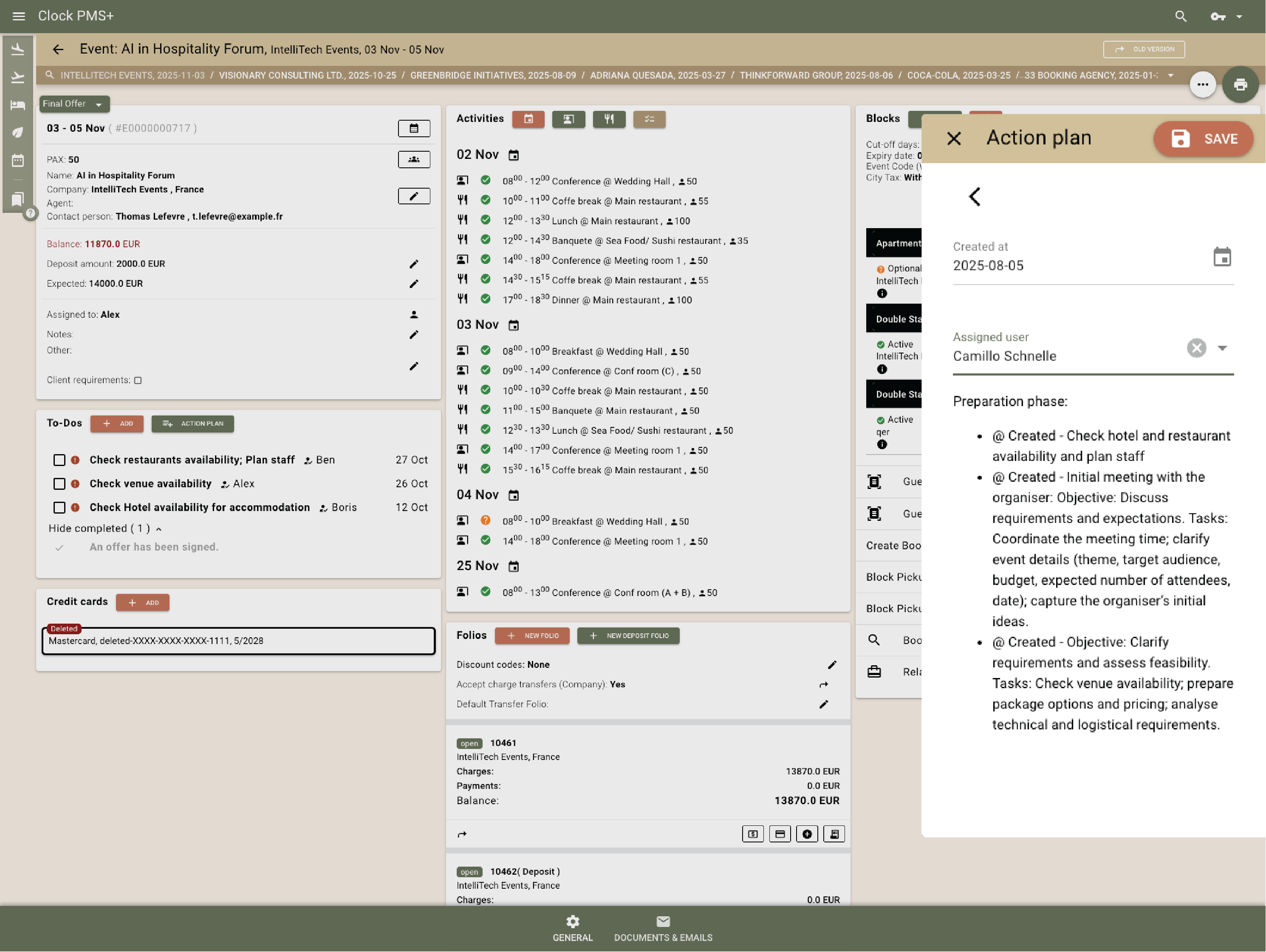
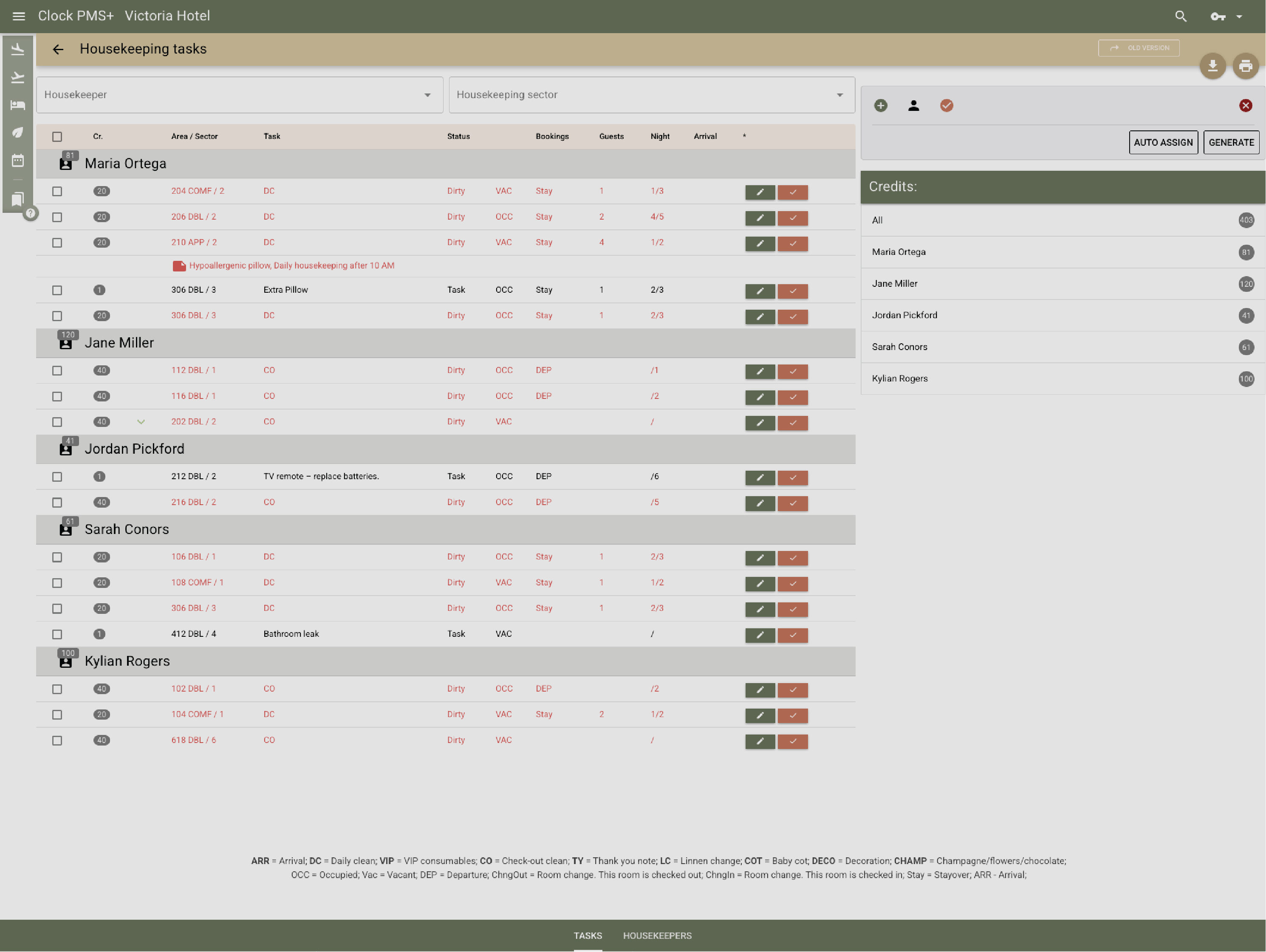
Front office, housekeeping, kitchen and service teams see their tasks without printed lists.

Example:
Housekeeping receives a task to prepare the bridal suite at a set time.
Frame 161 (1)

Manage vendor notes and logistics

Store delivery times, contacts and placement notes.

Example:
The florist’s delivery time and photo backdrop notes sit inside the event file.
Frame 161 (1)

F&B and POS integration

Plan menus and dietary needs

Record menu choices, variations and dietary restrictions.

Example:
Banquet staff see vegetarian counts and allergy notes in advance.
Frame 161 (1)

Track guarantees and consumption

Keep guaranteed numbers and actual counts aligned.

Example:
The final guest count updates and adjusts expected service totals.
Frame 161 (1)

Route food and bar charges correctly

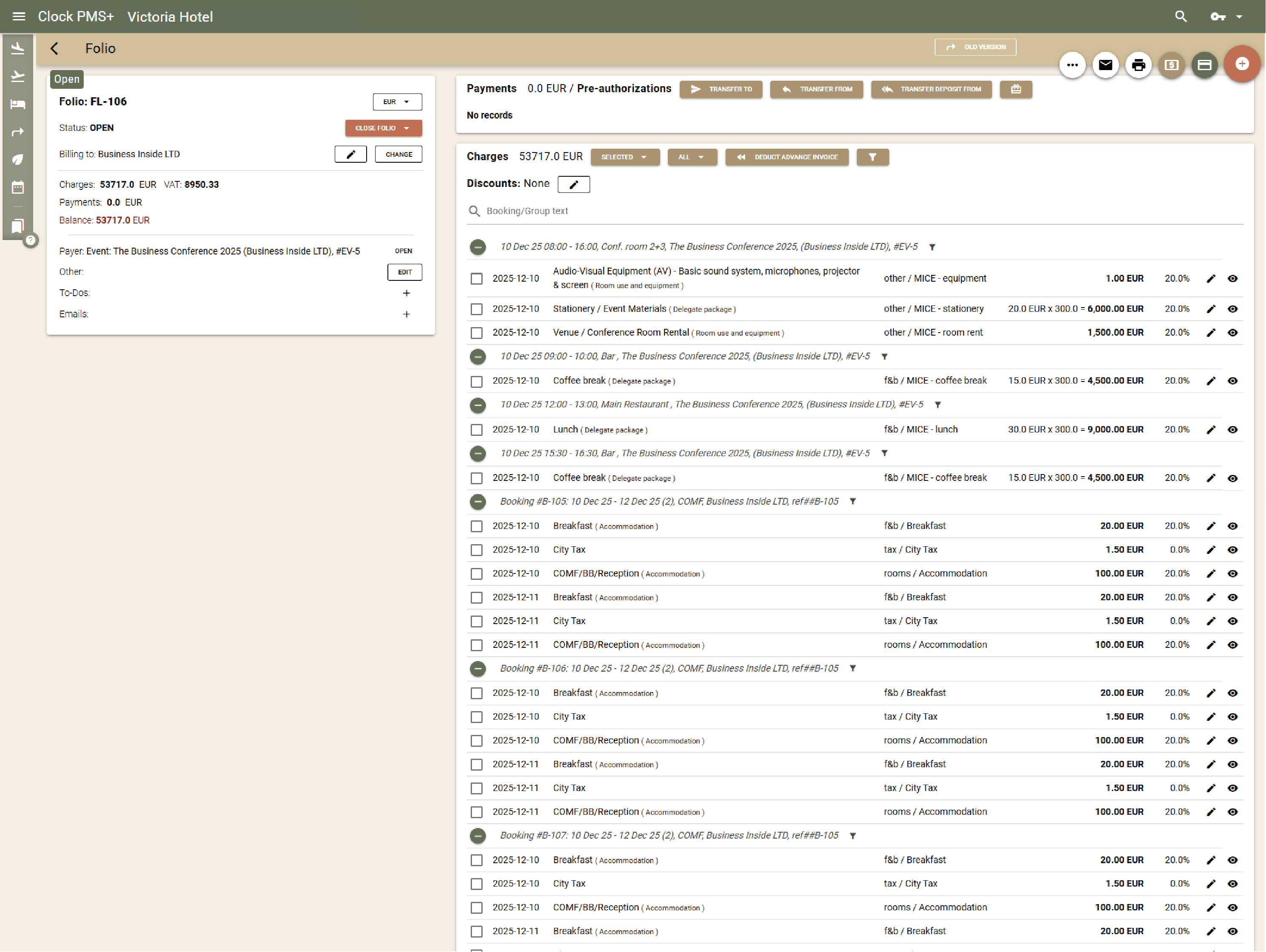
All F&B activity posts automatically to the correct folio.

Example:
Welcome drinks route to the wedding folio without manual work.
Frame 161 (1)

Progressive billing made simple

Manage deposits, instalments and final balances without spreadsheets.

Example:
A scheduled instalment posts automatically and updates the event balance.
Frame 161 (1)

Event execution across the property

Rooms sync with event plans

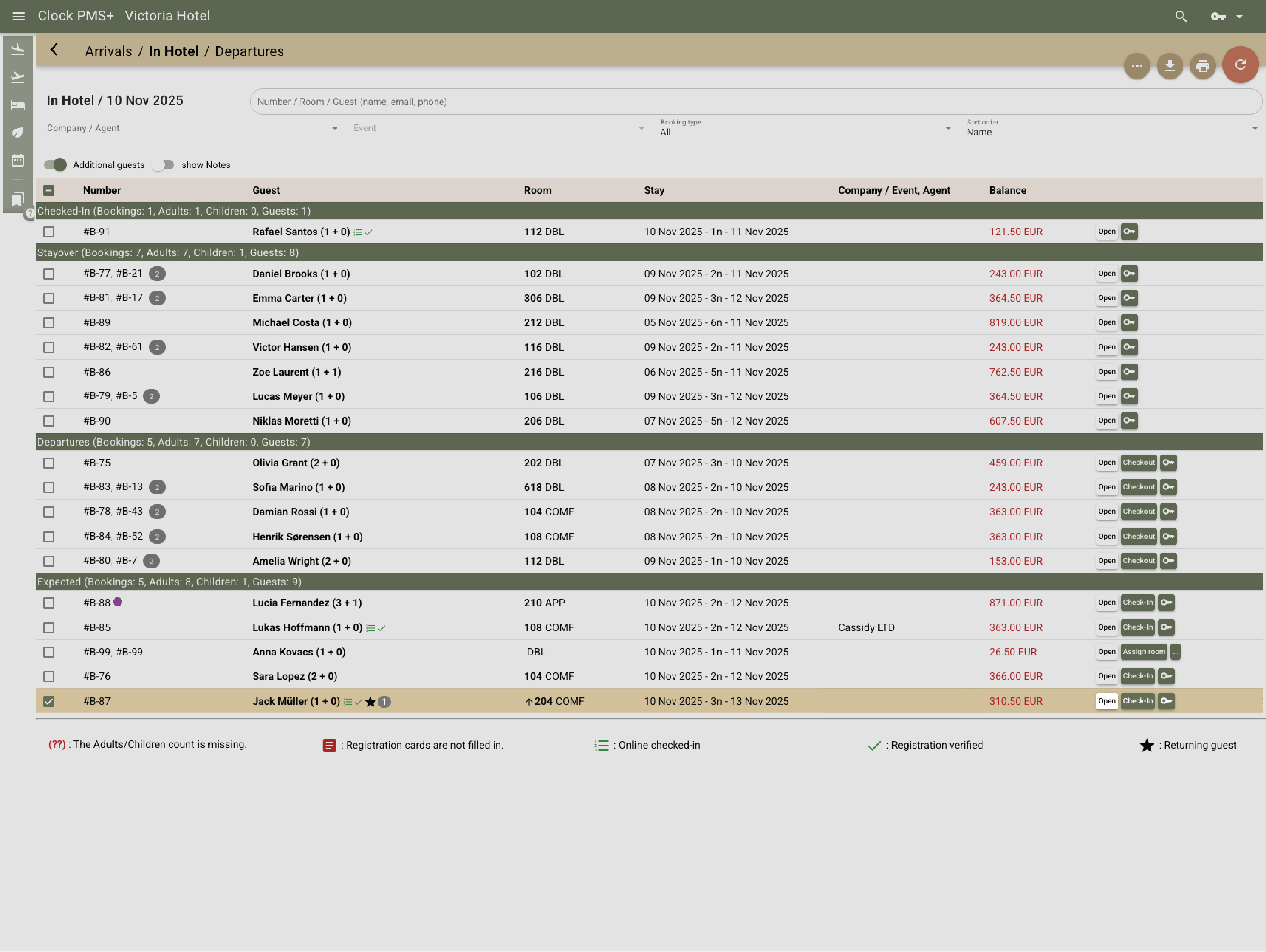
Front desk and housekeeping see the same information as the event team.

Example:
Early check‑in requests for the wedding party update for both teams instantly.
Frame 161 (1)

Dining and bar charges stay connected

All POS activity posts to event or room folios in real time.

Example:
The rehearsal dinner charges go straight to the event folio.
Frame 161 (1)

Final billing without chaos

Rooms, F&B, extras and event charges align in one place.

Example:
The couple receives one clean, accurate final invoice.
Frame 161 (1)

Reporting & insights

Monitor event pace and forecast revenue

See booked vs. expected business across months or seasons.

Example:
You compare this year’s wedding bookings to last year’s and adjust pricing.
Frame 161 (1)

Track event profitability

Compare estimated vs. actual revenue and costs.

Example:
You review food costs and margin for last weekend’s gala.
Frame 161 (1)

Understand lost business

Record lost reasons and improve proposal follow‑ups.

Example:
You see many declines due to unavailable dates and adjust your enquiry handling.
Frame 161 (1)

Operations for busy teams

Coordinate housekeeping and front office

Room status and special requests stay in sync.

Example:
A room marked ready triggers a notification for check‑in.
Frame 161 (1)

Automate payments

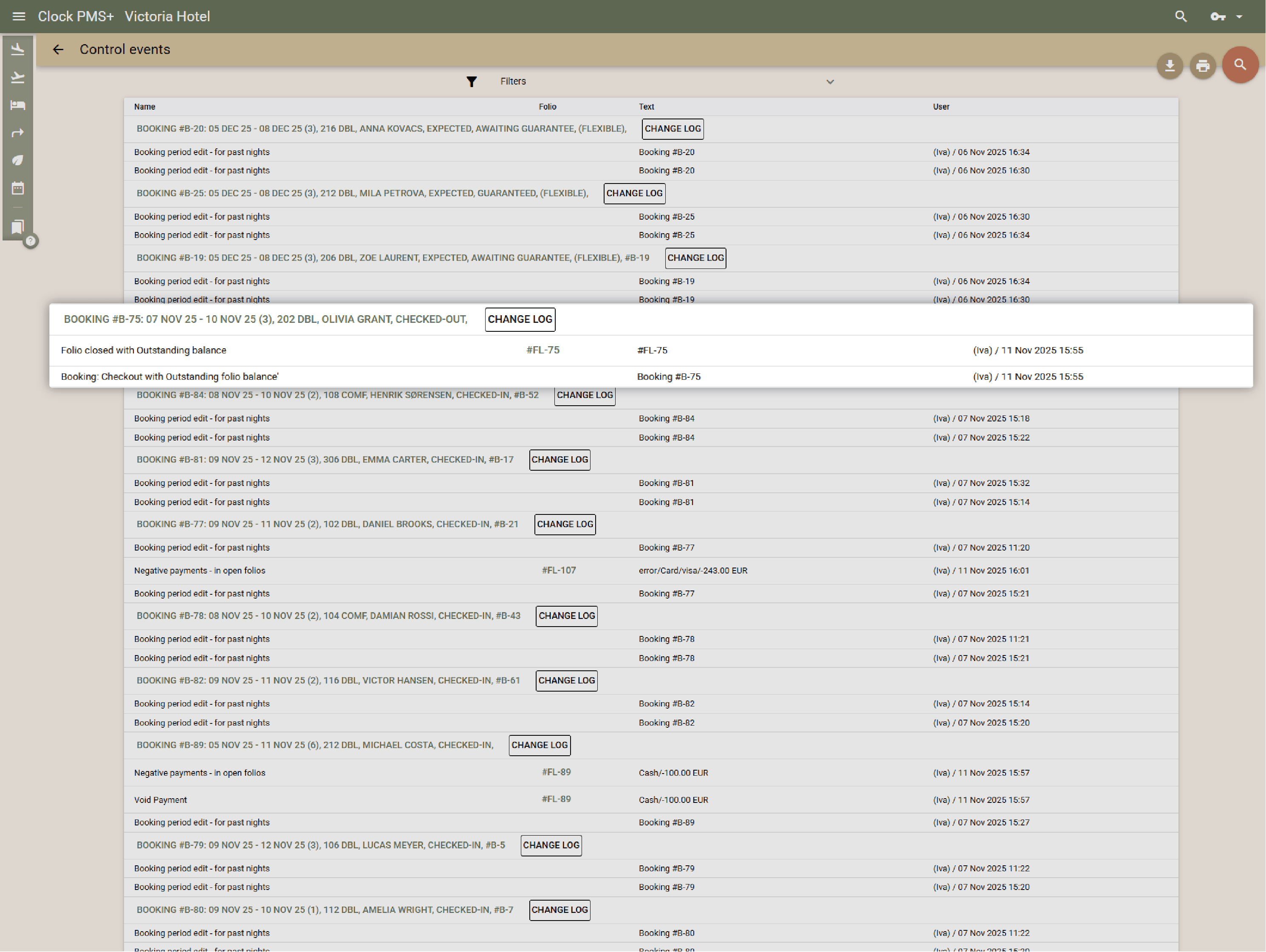
Deposits, balances and cancellation fees apply automatically.

Example:
A missed cancellation triggers the correct fee and charges the stored card.
Frame 161 (1)

Manage daily tasks simply

Assign and follow tasks for maintenance, setups and follow‑ups.

Example:
A terrace reset task appears automatically for the morning shift.
Frame 161 (1)

Guest tools (secondary but helpful)

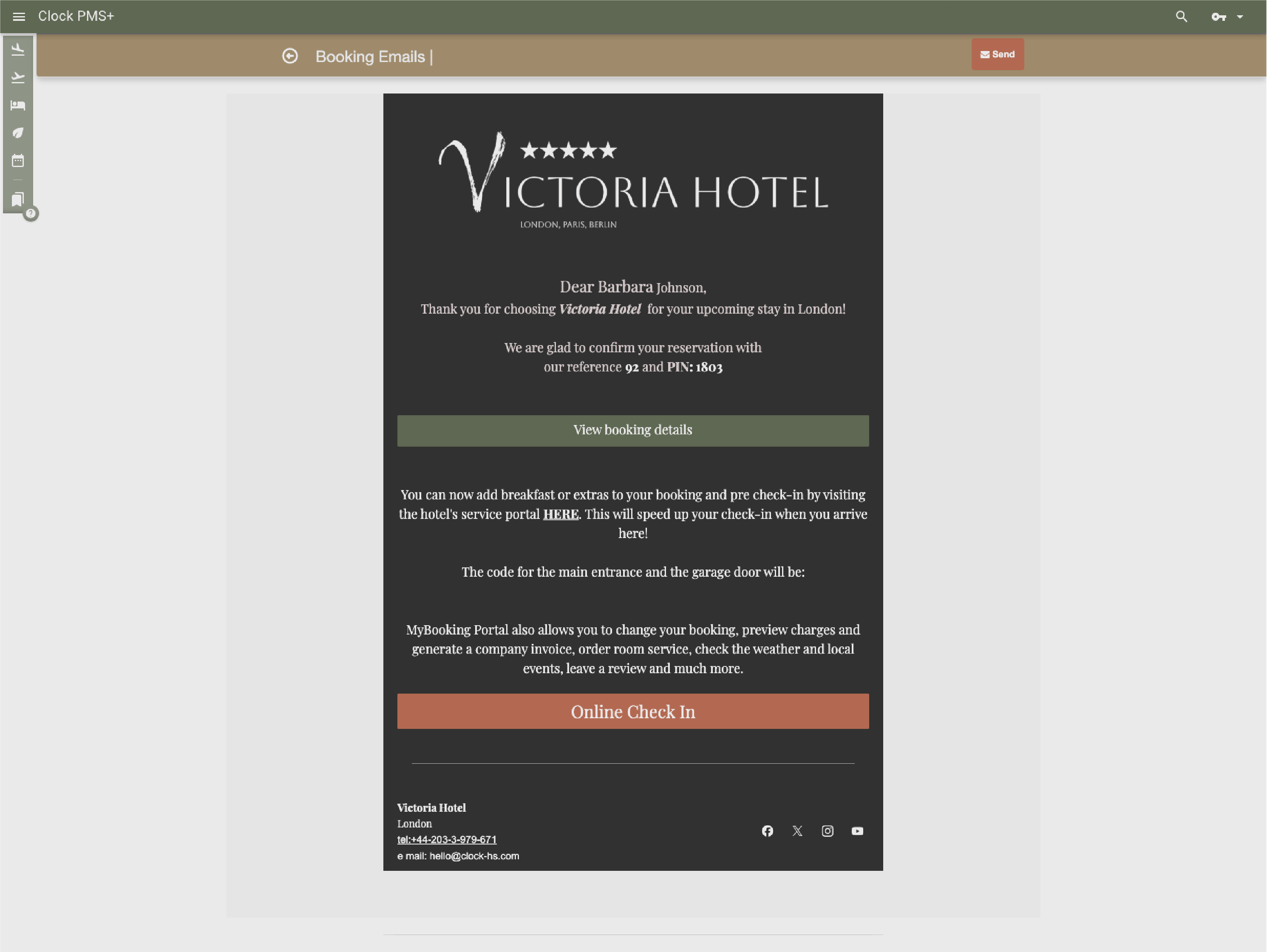
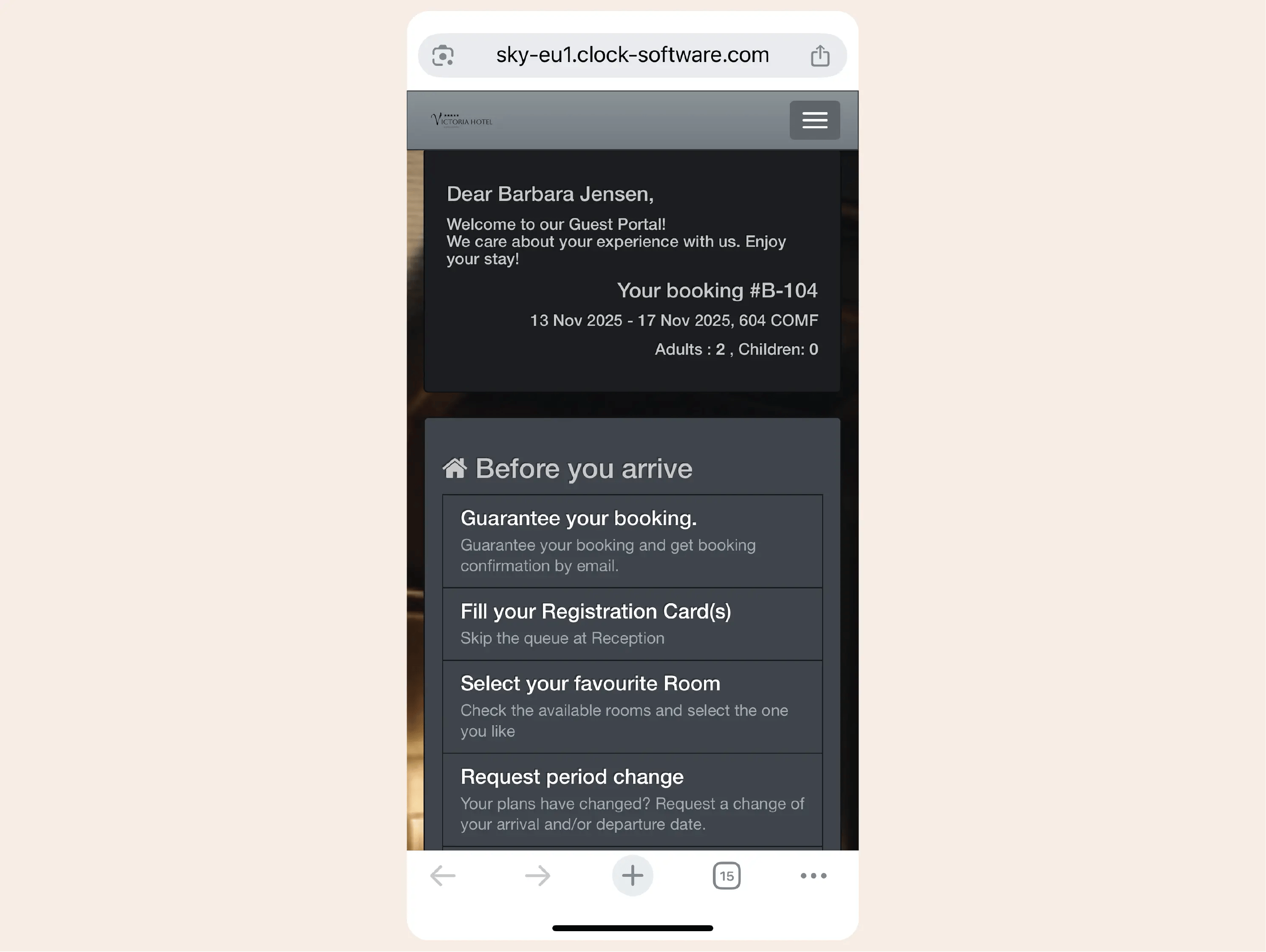
Let guests check in online

Reduce arrival bottlenecks during event weekends.

Example:
Half the wedding block completes online check‑in.
Frame 161 (1)

Send clear messages

Provide arrival info, directions or payment reminders.

Example:
Guests receive check‑in instructions and parking details the day before arrival.
Frame 161 (1)

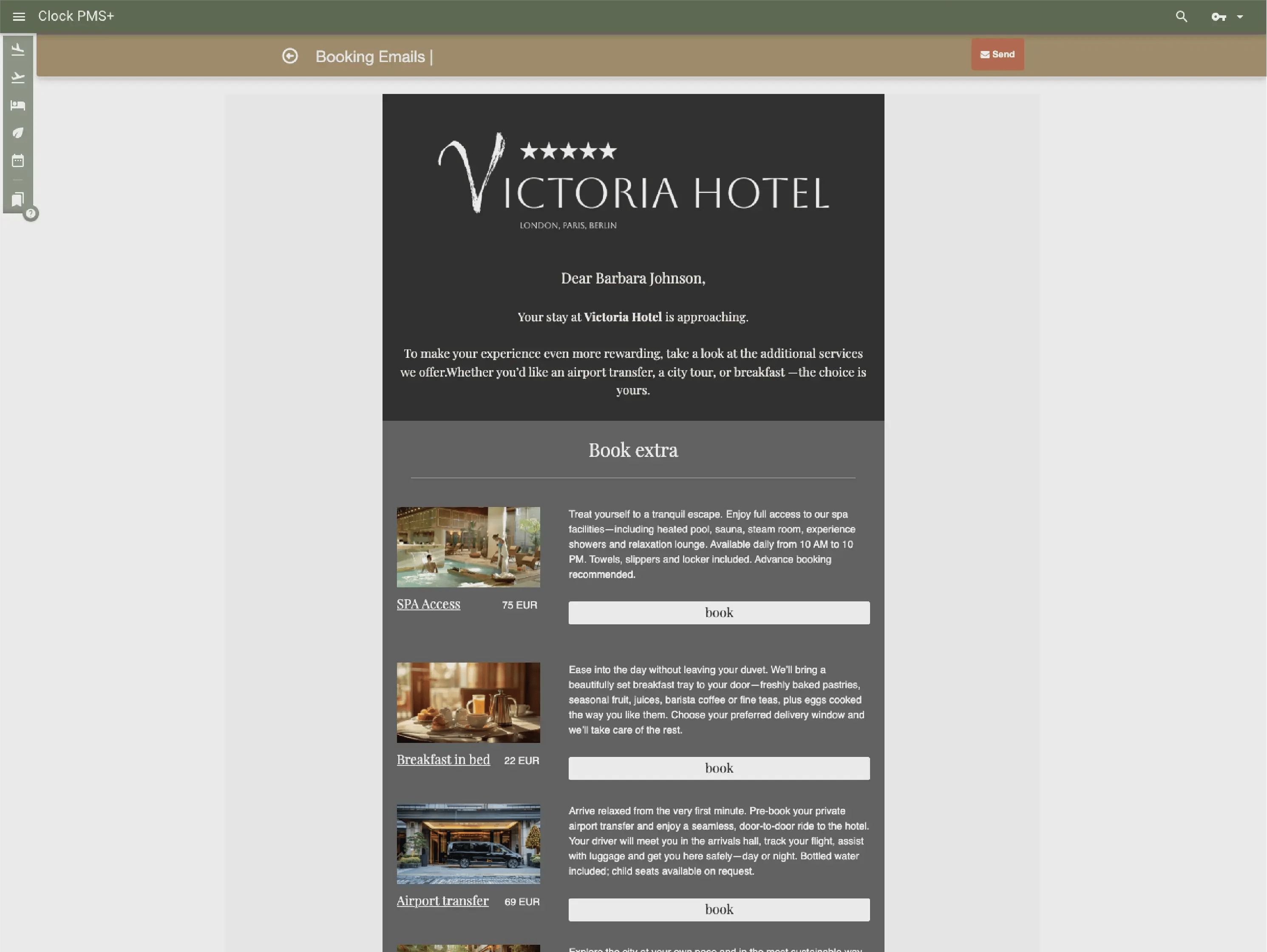
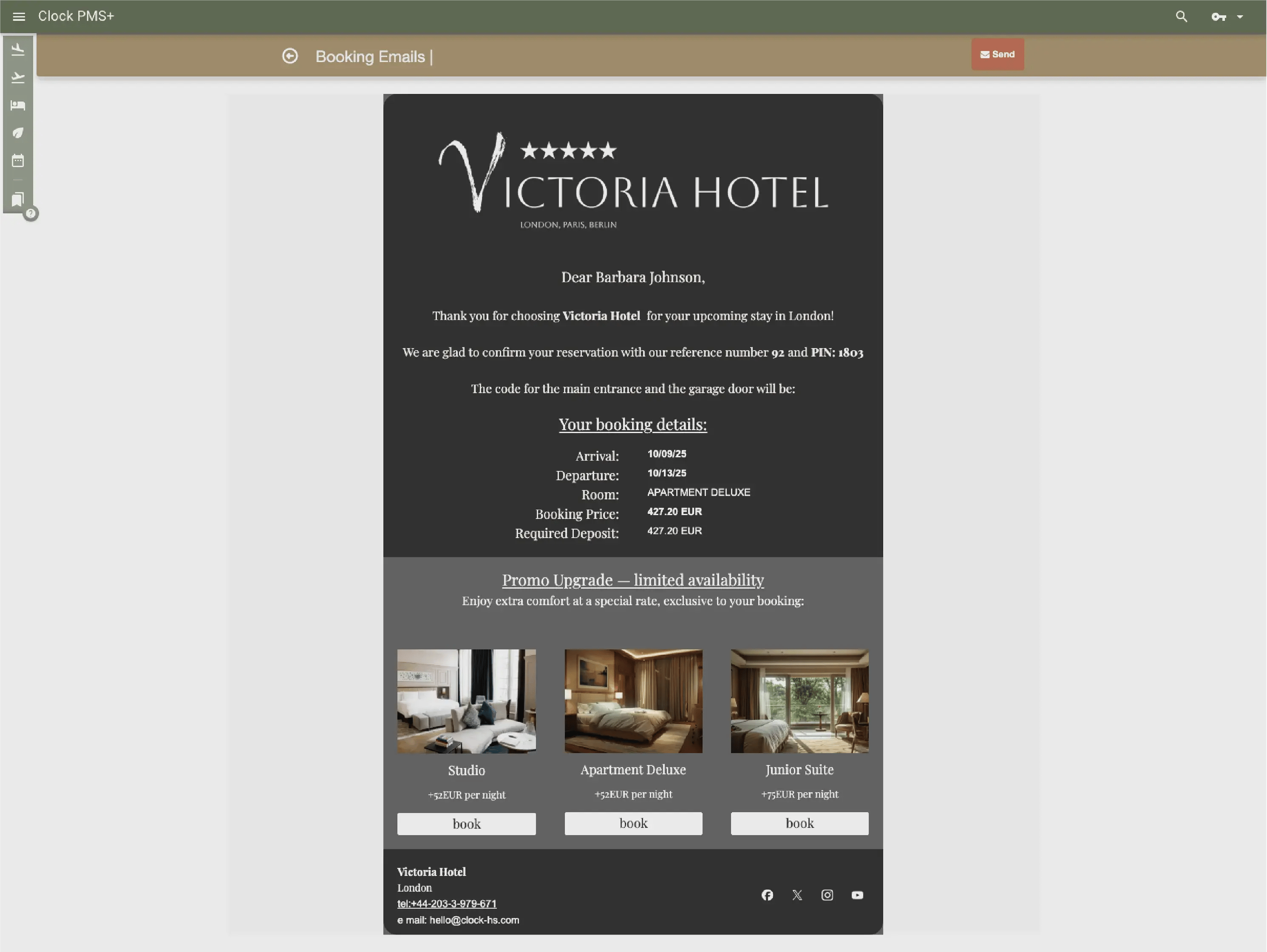
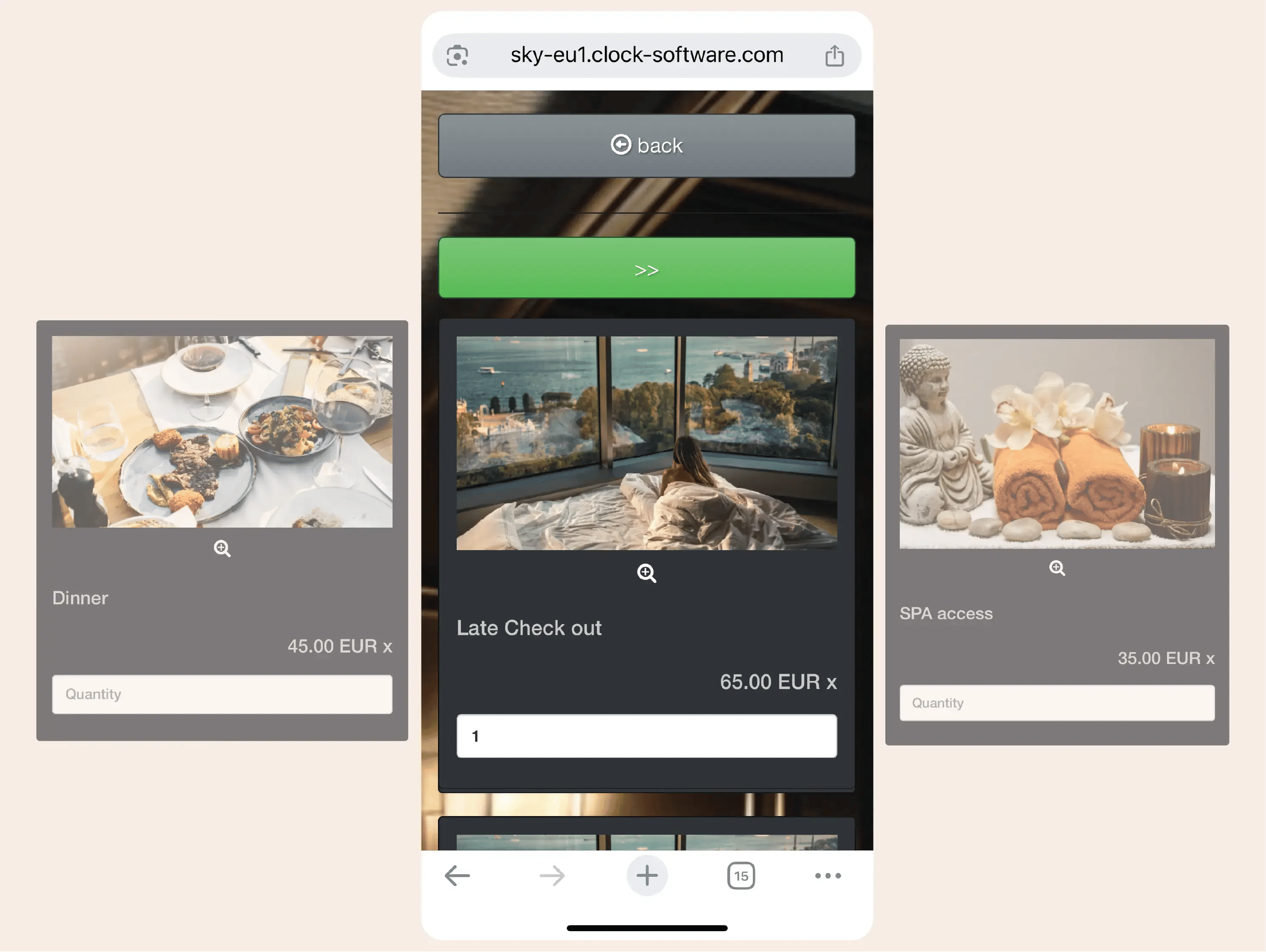
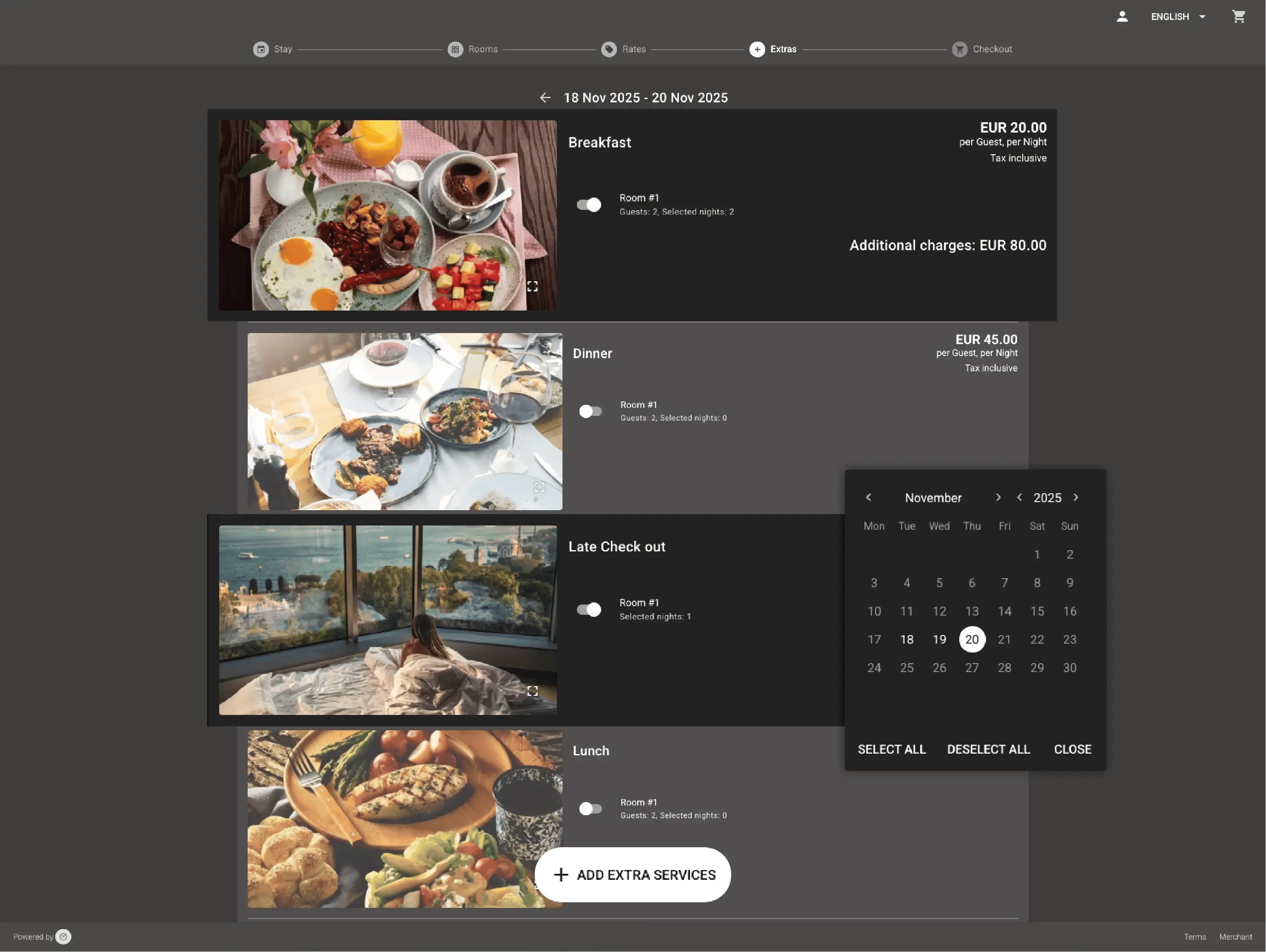
Offer simple upsells

Guests can add breakfast, parking or late checkout easily.

Example:
A guest adds parking during online check‑in.
Frame 161 (1)

Have questions?

Just ask